
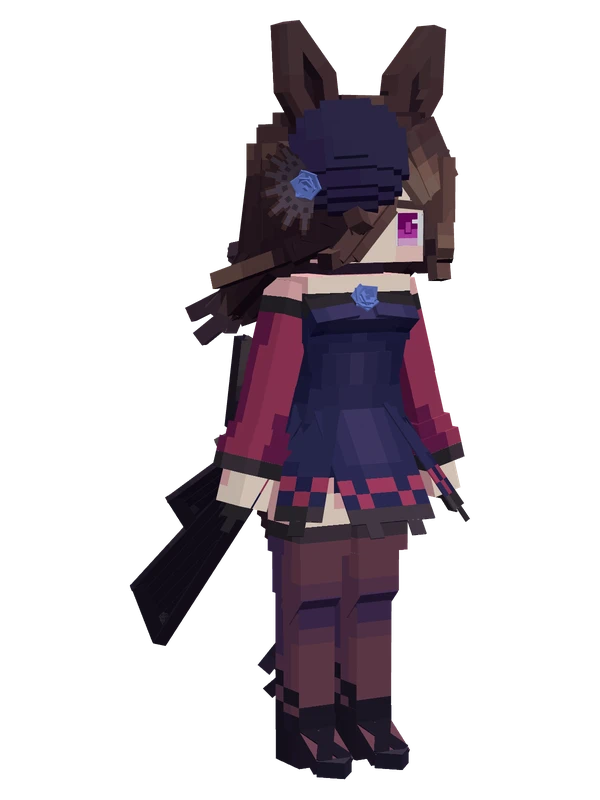
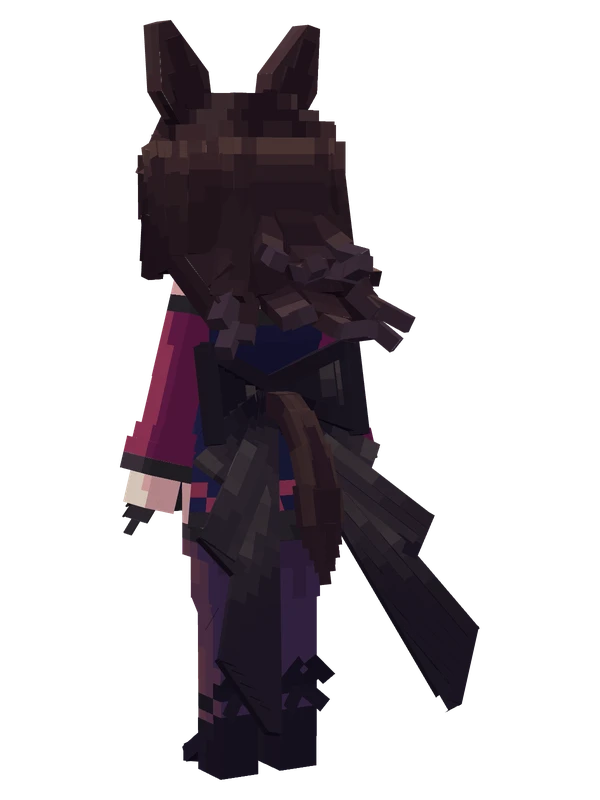
Agnes Digital (Casual) YSM model
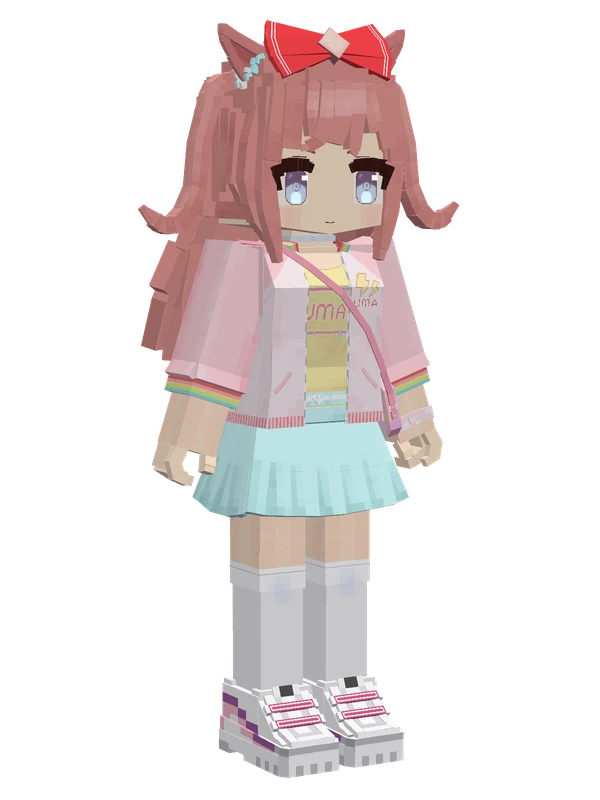
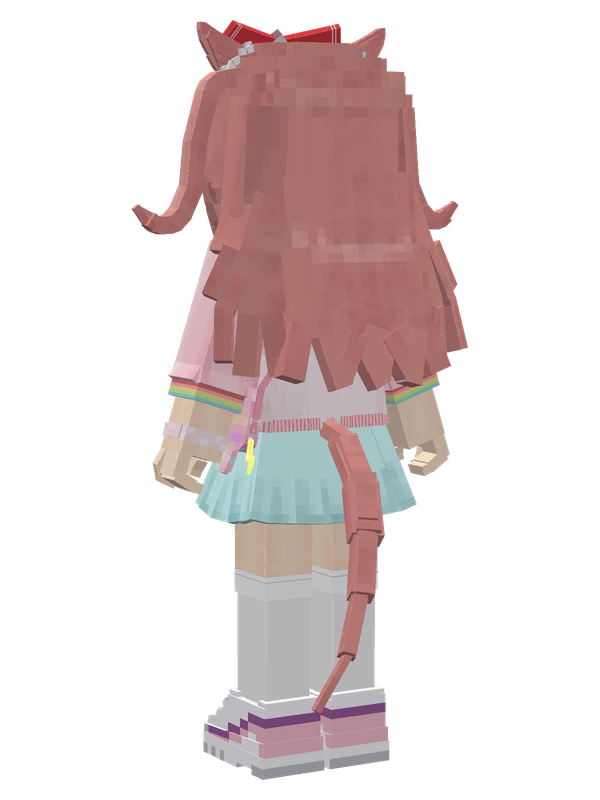
Horse-eared girl with pink twin-tails and a red bow, wearing a pink jacket over a yellow shirt and a light-blue pleated skirt.
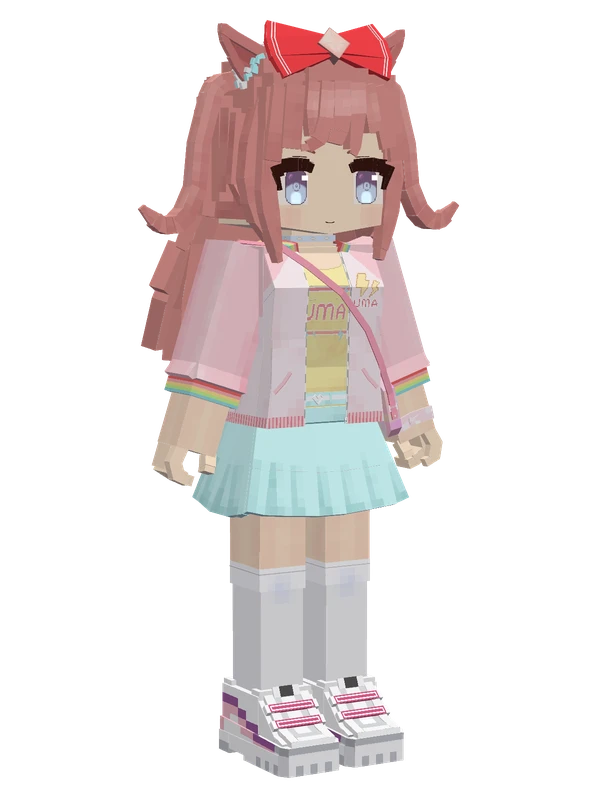
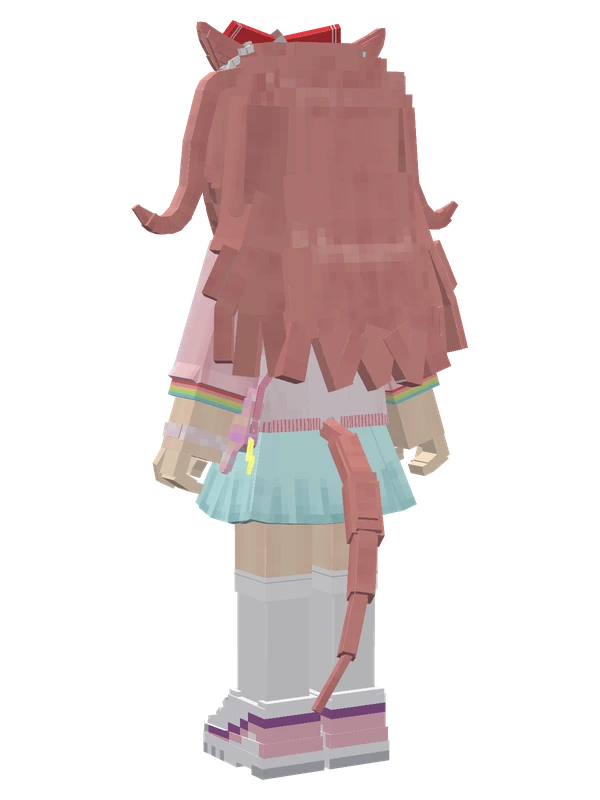
Horse-eared girl with pink twin-tails and a red bow, wearing a pink jacket over a yellow shirt and a light-blue pleated skirt.
Note from the author: Hard work! Digi-tan here, cheering on the shining horse girls every day as a happy otaku!
Emote animations
Play these from the animation wheel in game.
- extra1Greet
- extra2Applaud
- extra3Agree
- extra4Dame (No)
- extra5Sit Down
- extra6W-Sit
- extra7Celebrate
- extra8Happy
- extra9Startled
- extra10Sleep Deprived
- extra11Act Cute
- extra20Read Book
- extra21Creepy Smile
- extra22Spin with Respect
- extra23Please
- extra24Die of Cuteness
- extra25Salute
- extra26Rummage Merch
- extra27Glowstick Cheer
- extra28Excited
- extra29Stop!
- extra30Secretly Observing
- extra31Sit Down
- extra32Awkward
- extra33Just Like That
- extra90Switch Eyelashes
- extra91Switch Blush
- extra92Switch Cheek Blush
- extra93Switch Creepy Smile
- extra94Switch Smile
- extra95Switch Star Eyes
- extra96Switch Heart Eyes
Movement animations
- Hurt
- Boat
- Climb
- Climbing (still)
- Death
- Elytra flight
- Creative flight
- Idle
- Jump
- Ride
- Ride pig
- Run
- Sit
- Sleep
- Sneak (moving)
- Sneak (still)
- Swim
- Tread water
- Swing hand
- Use main hand
- Use off hand
- Walk
Works with other mods
This model has its own animations for Carry On, ParCool, SWEM horses, SlashBlade, TaCZ guns, so they look right when those mods are installed.
How to use this model
- Install Yes Steve Model for your Minecraft version and loader (see Download YSM).
- Start the game once so YSM creates
config/yes_steve_model/. - Put the downloaded
.ysmor.zipfile intoconfig/yes_steve_model/custom/(do not unzip it). - In game press Y (default key) to open the model menu, or run
/ysm model reloadif the menu is already open. - Pick the model, then use the animation wheel (default key Z) to play its emote animations.
This model is an encrypted .ysm file: it plays in game but cannot be opened or edited in Blockbench.
More from Uma Musume Pretty Derby
5 emotes
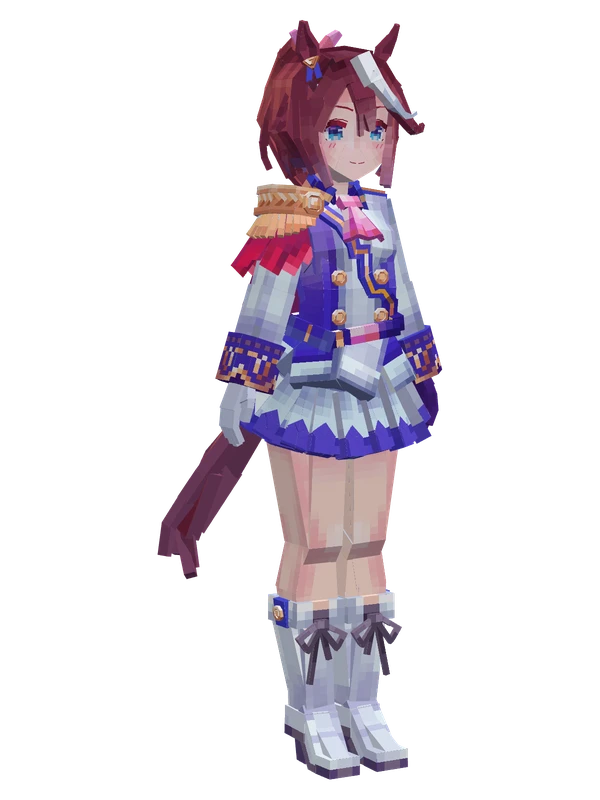
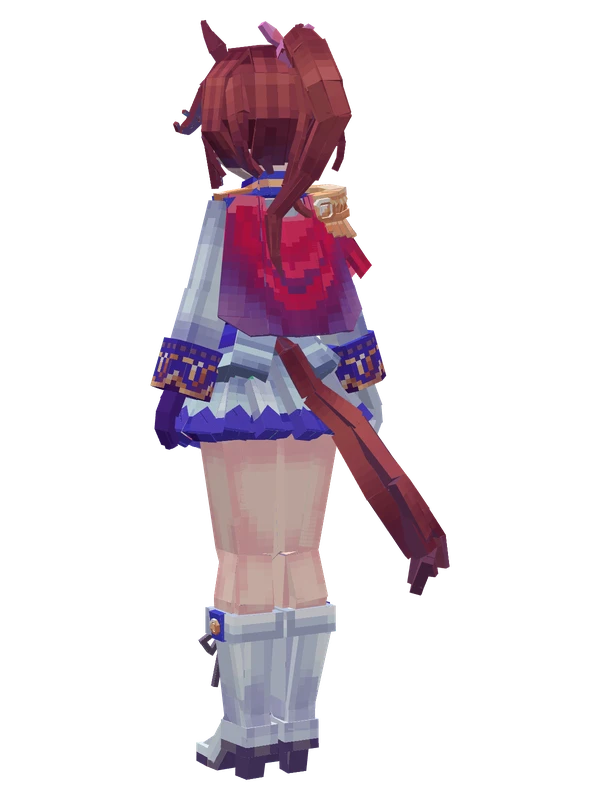
Tokai TeioUma Musume Pretty Derby
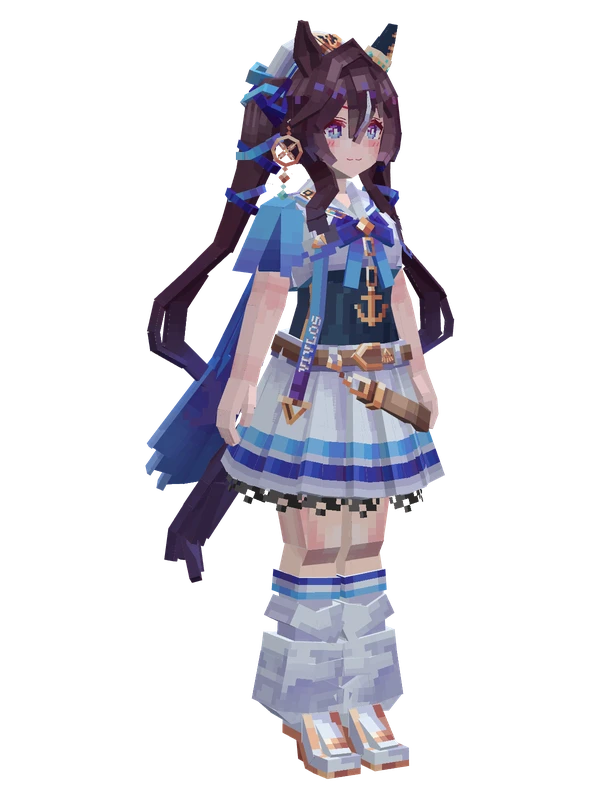
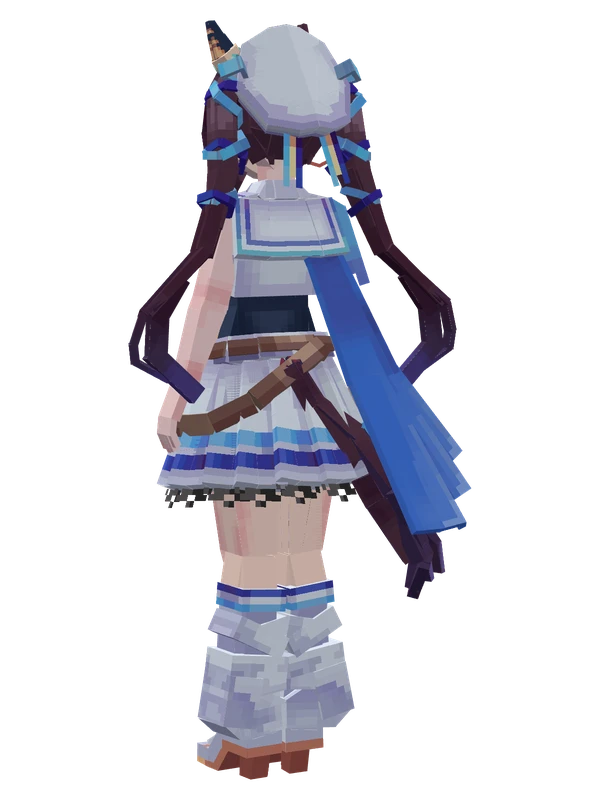
3 emotes
VivlosUma Musume Pretty Derby
32 emotes
Agnes Digital (Casual)Uma Musume Pretty Derby
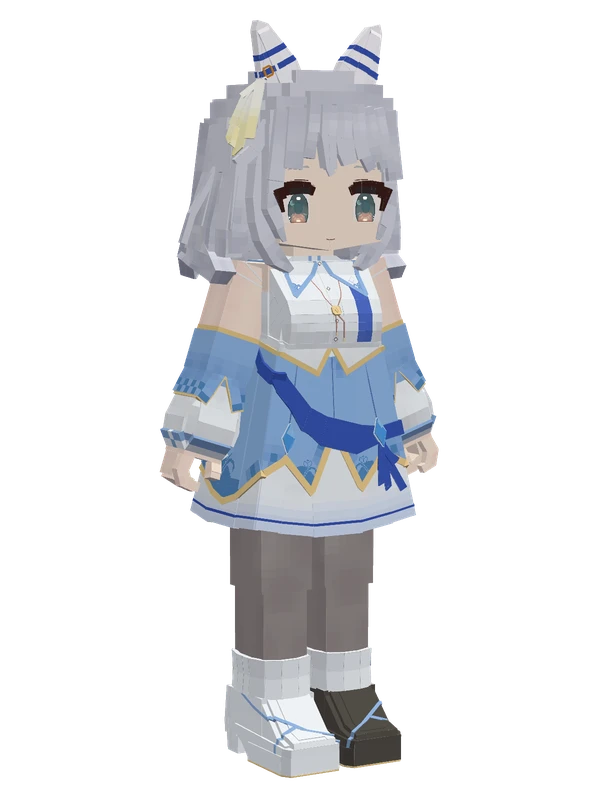
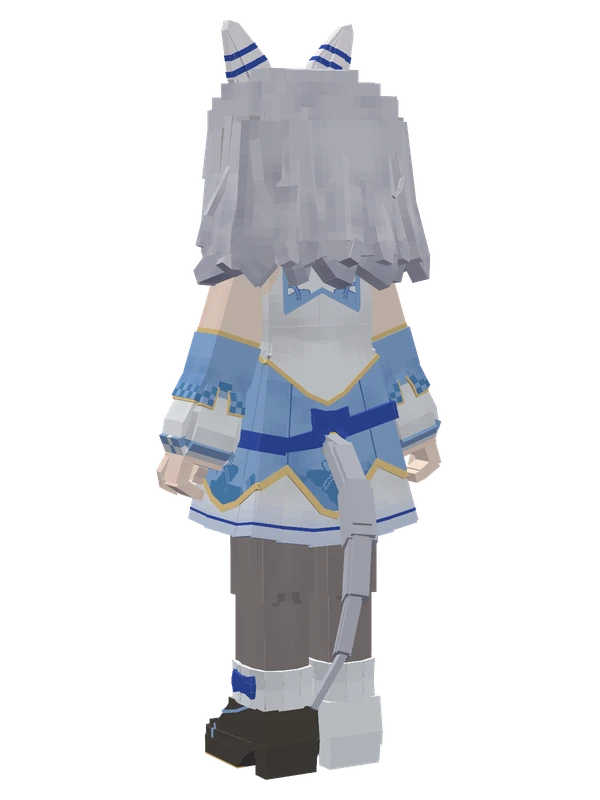
24 emotes
Hishi MiracleUma Musume Pretty Derby
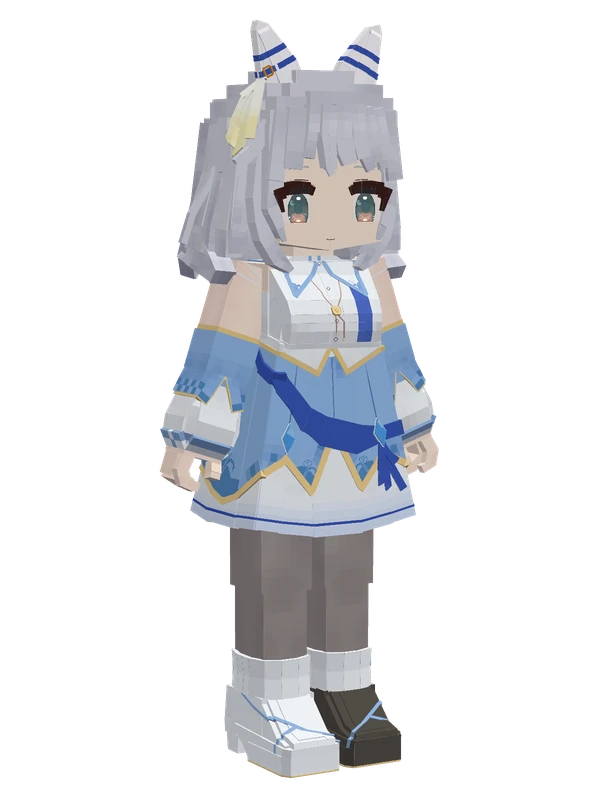
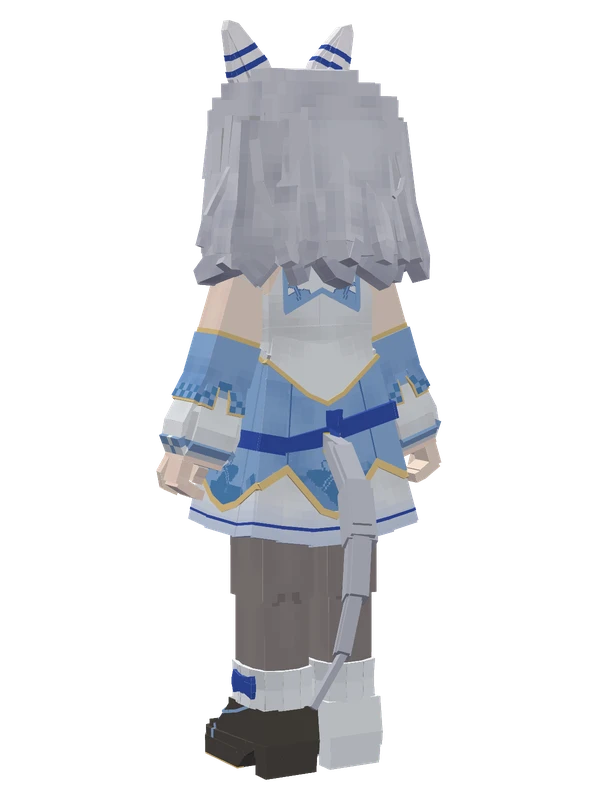
24 emotes
Hishi MiracleUma Musume Pretty Derby
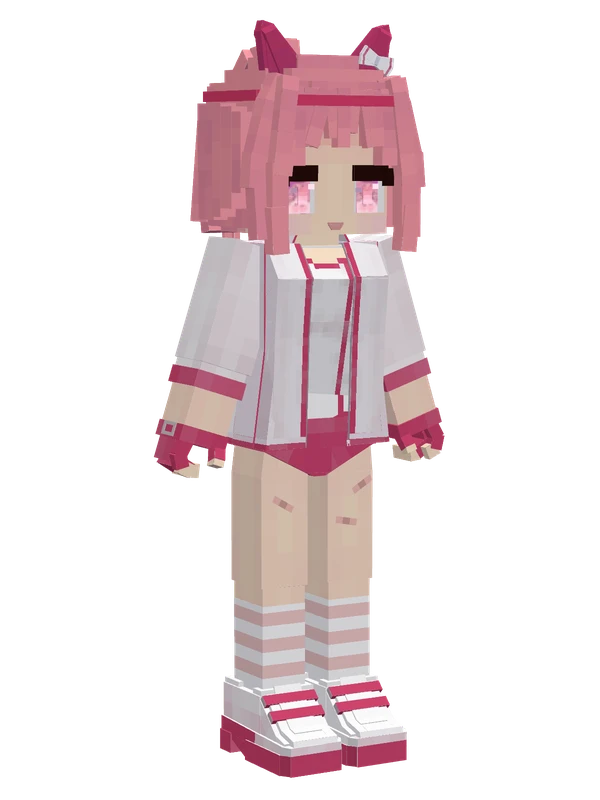
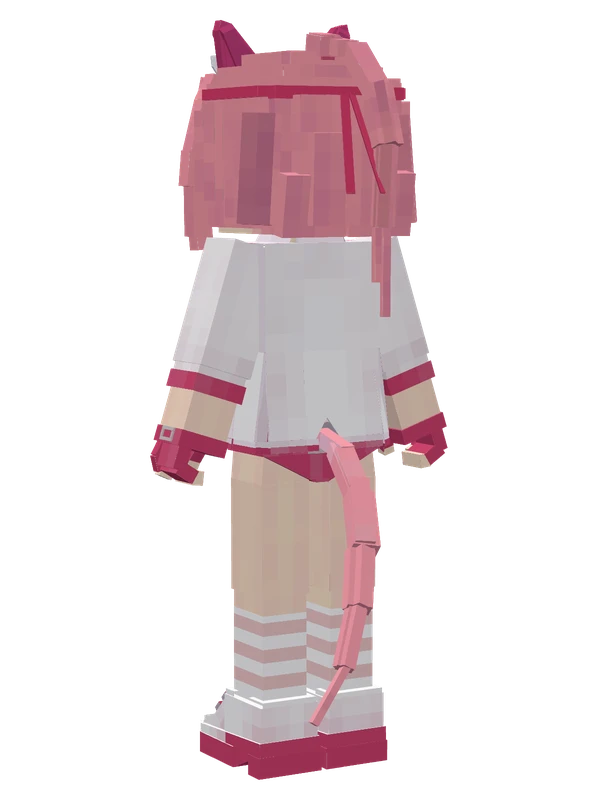
21 emotes
Haru Urara (Racewear)Uma Musume Pretty Derby
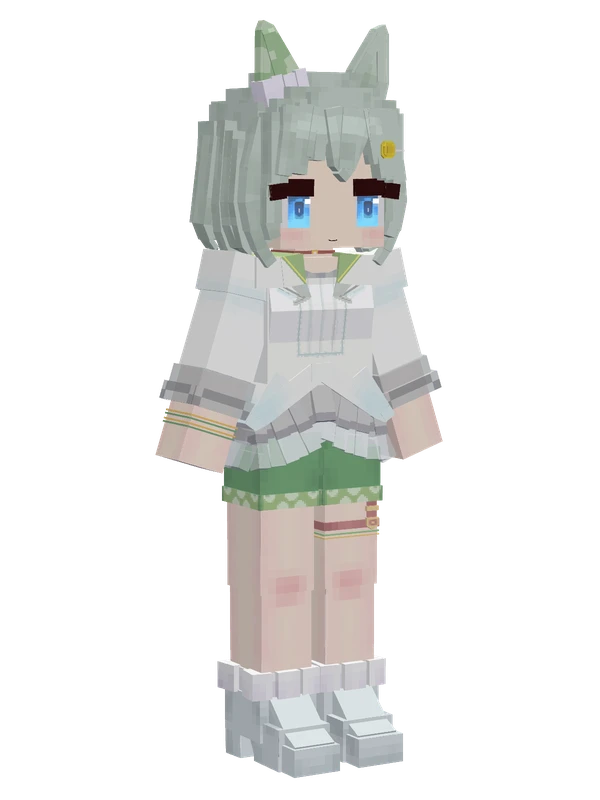
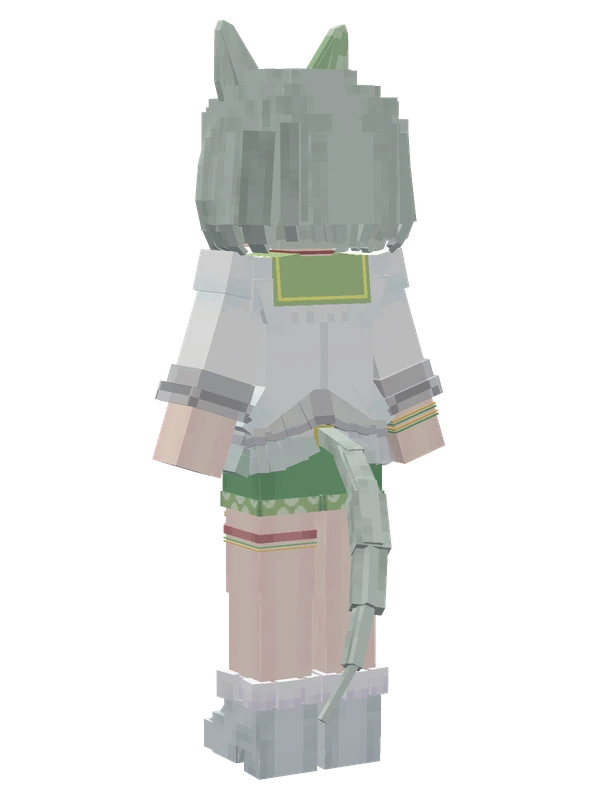
21 emotes
Seiun SkyUma Musume Pretty Derby
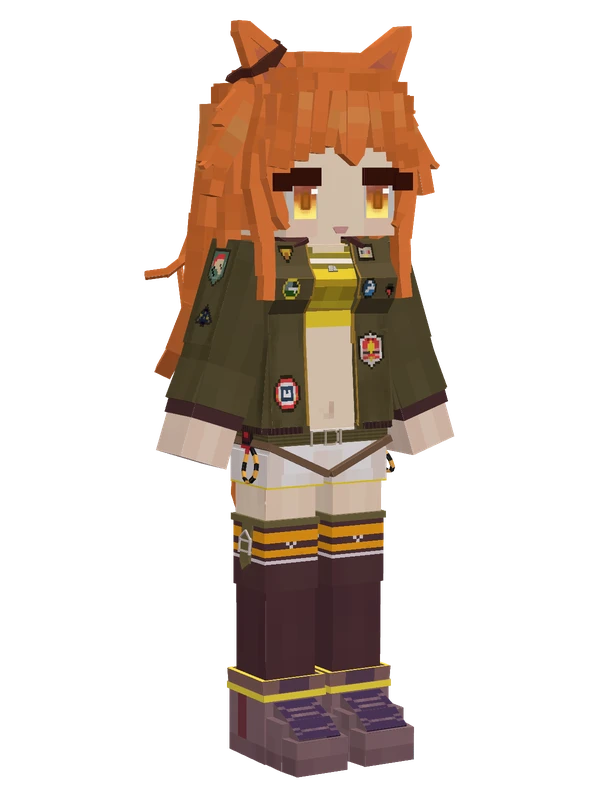
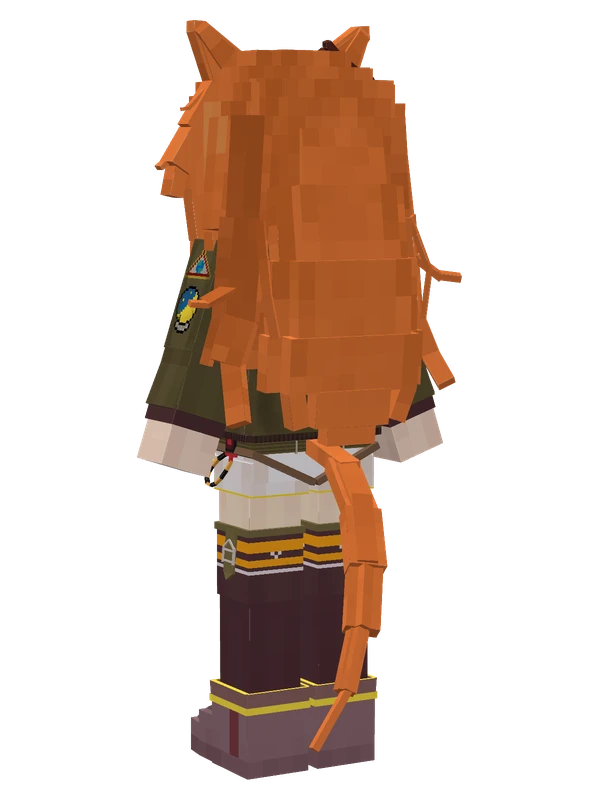
11 emotes
Mayano Top GunUma Musume Pretty Derby
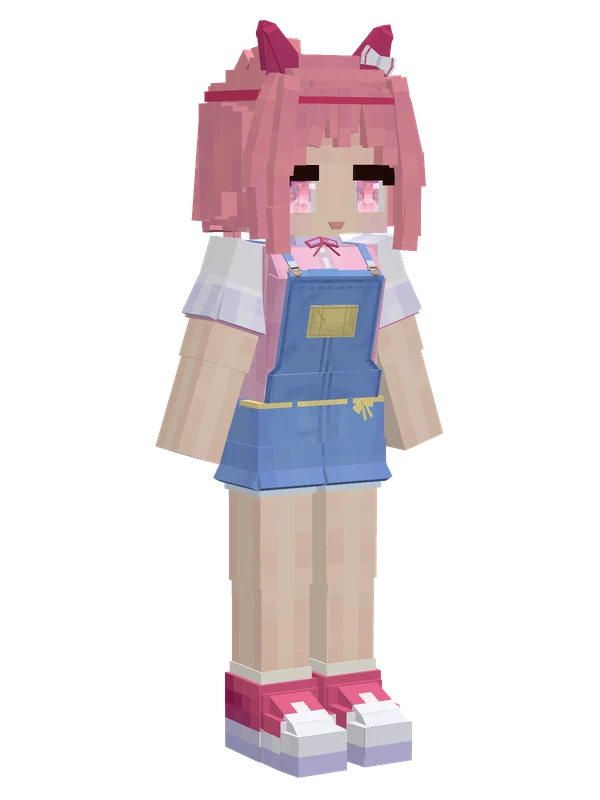
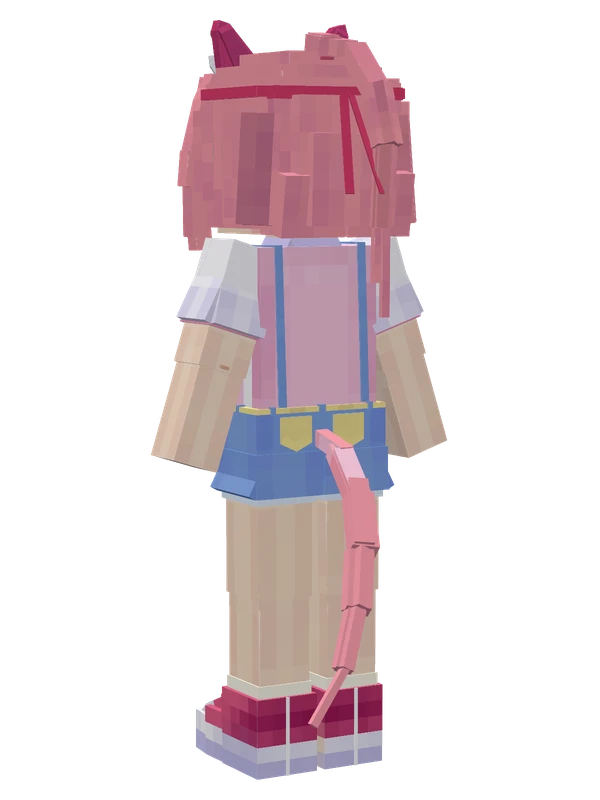
8 emotes
Haru UraraUma Musume Pretty Derby
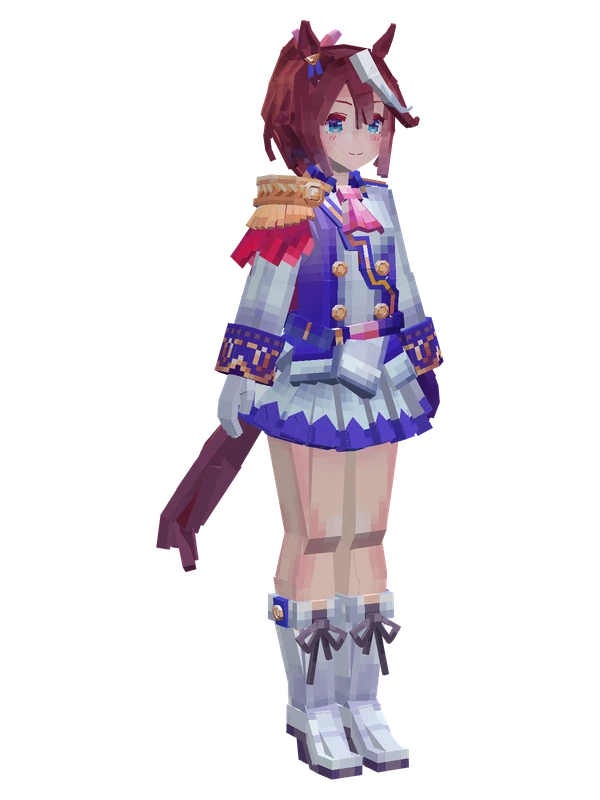
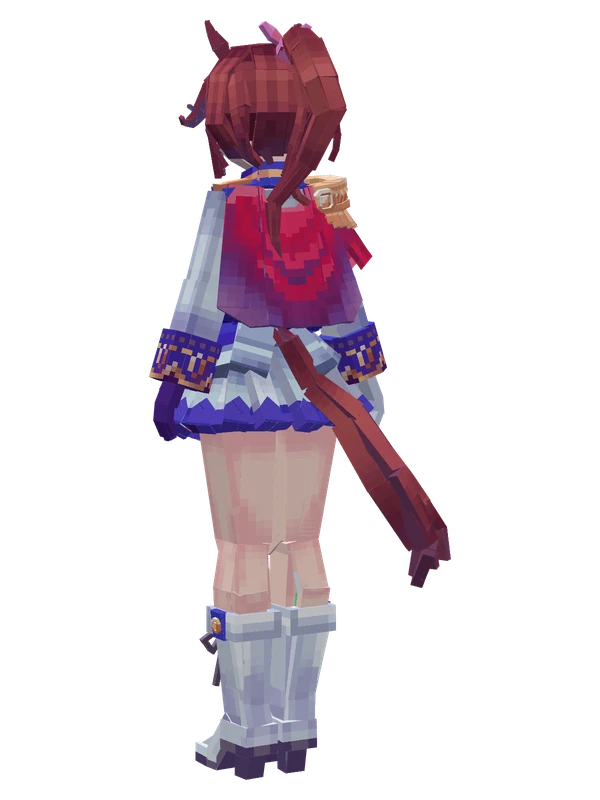
8 emotes
Tokai TeioUma Musume Pretty Derby
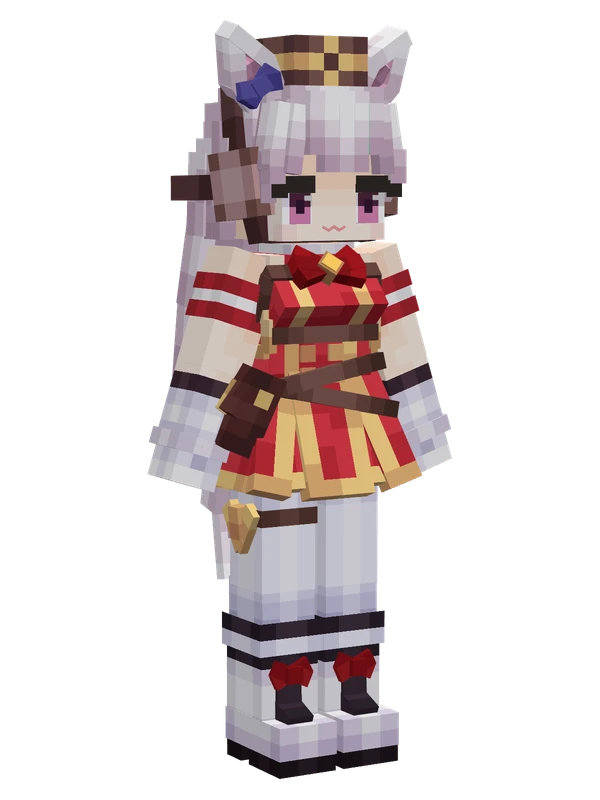
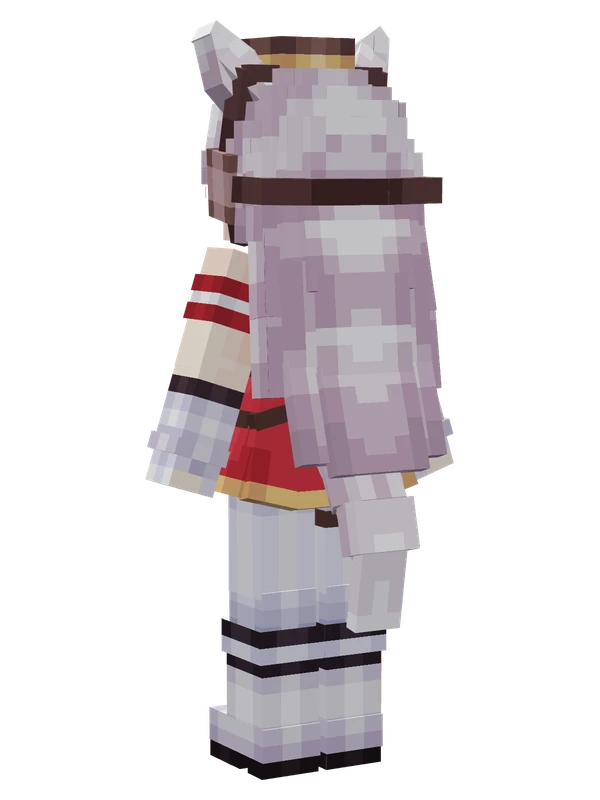
Editable
Gold ShipUma Musume Pretty Derby
Rice ShowerUma Musume Pretty Derby