
Explore
Popular YSM models
See all →
24 emotes
Shuangyue Xitongby AnluoSakura
22 emotes
Trissyby Almeta_owx
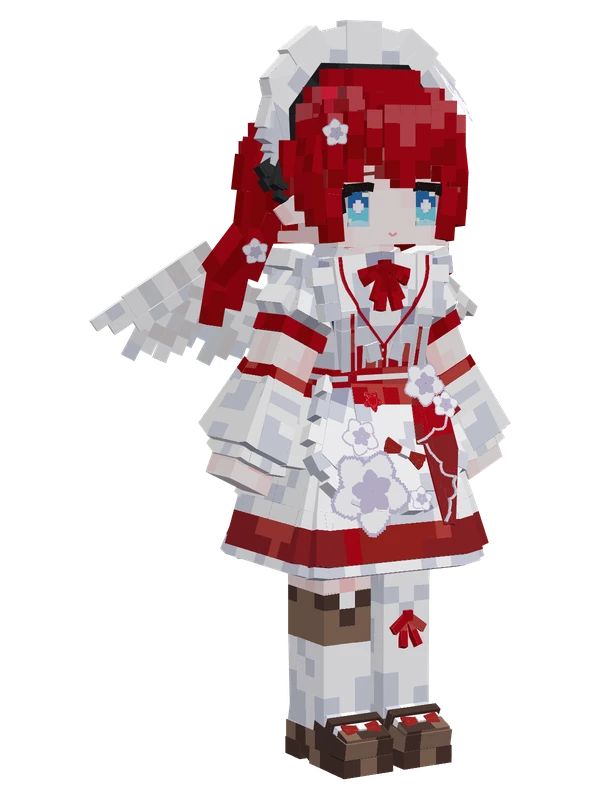
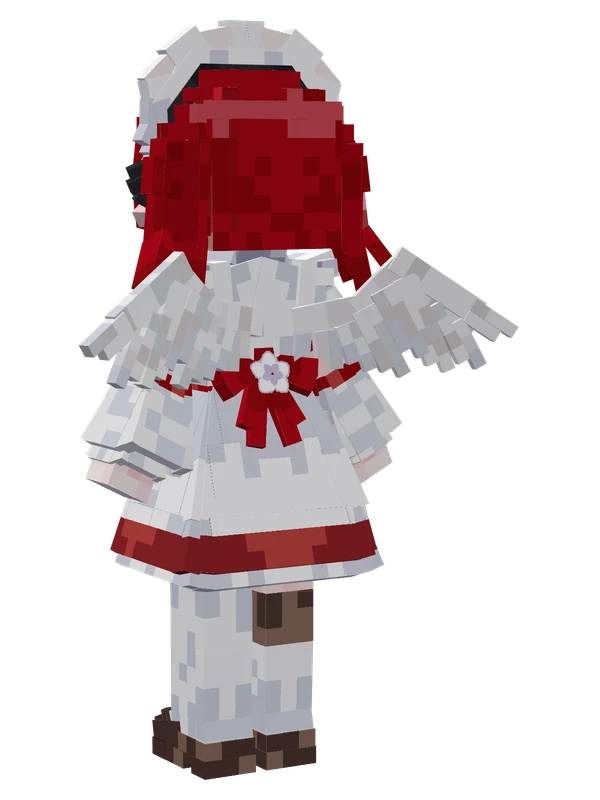
21 emotes
Tribbie (Maid)Honkai: Star Rail
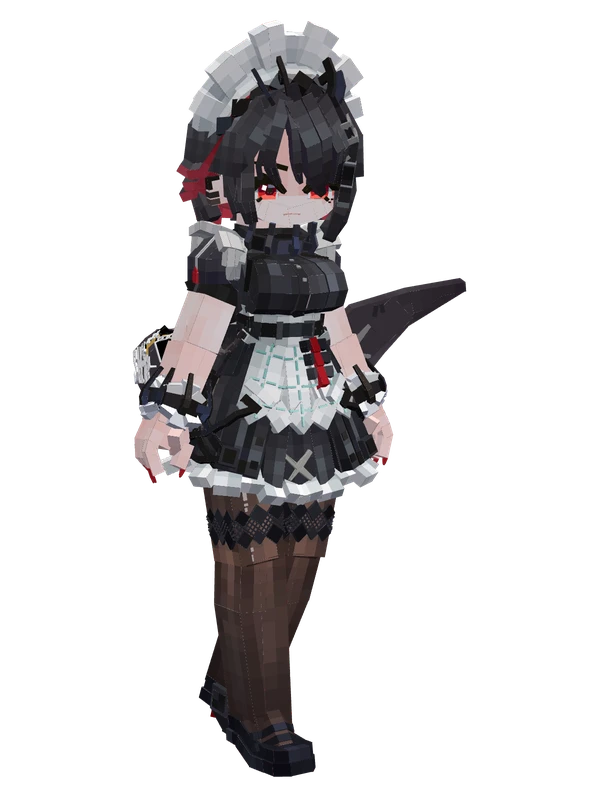
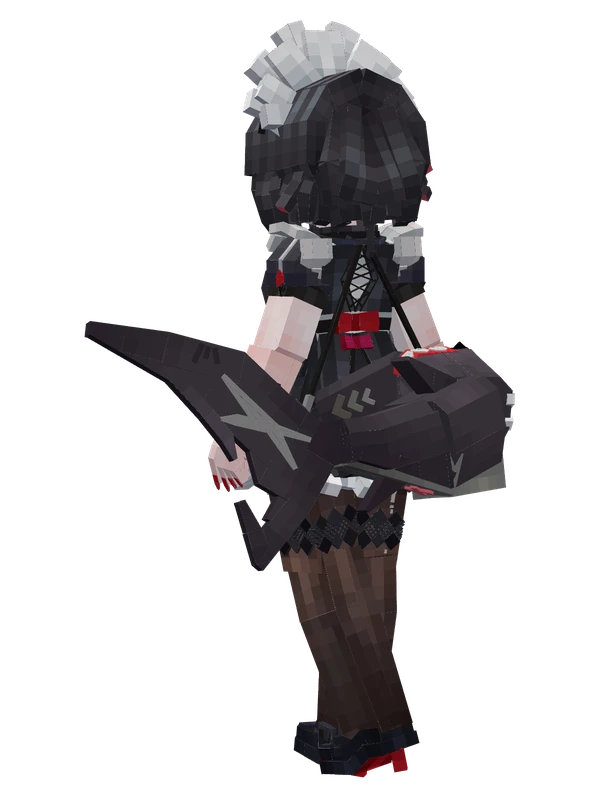
20 emotes
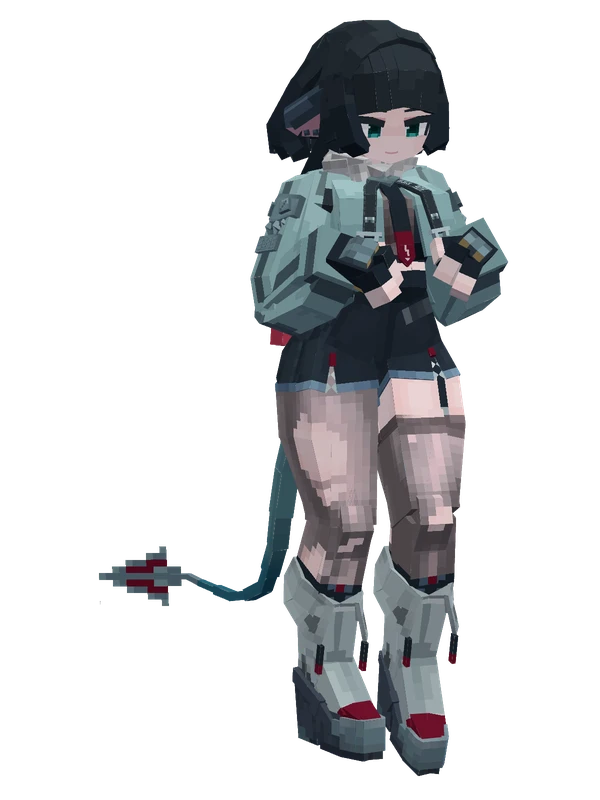
Ellen JoeZenless Zone Zero
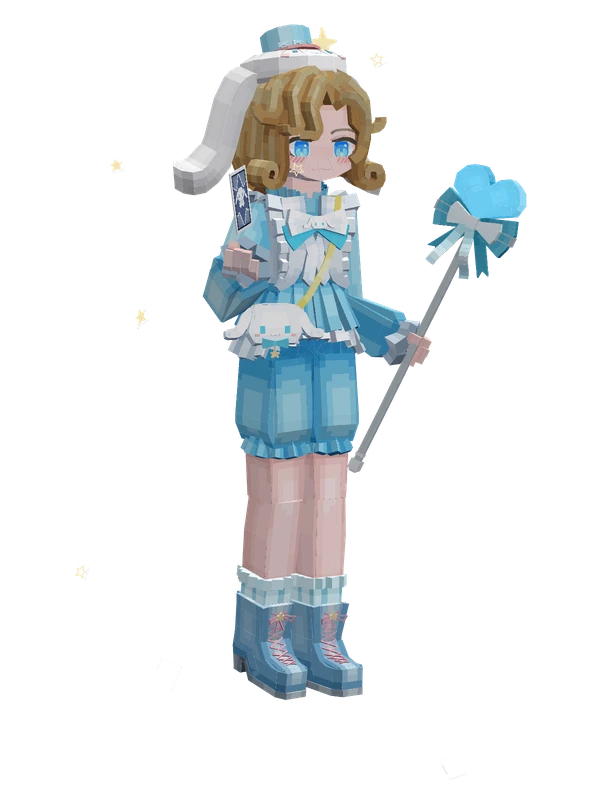
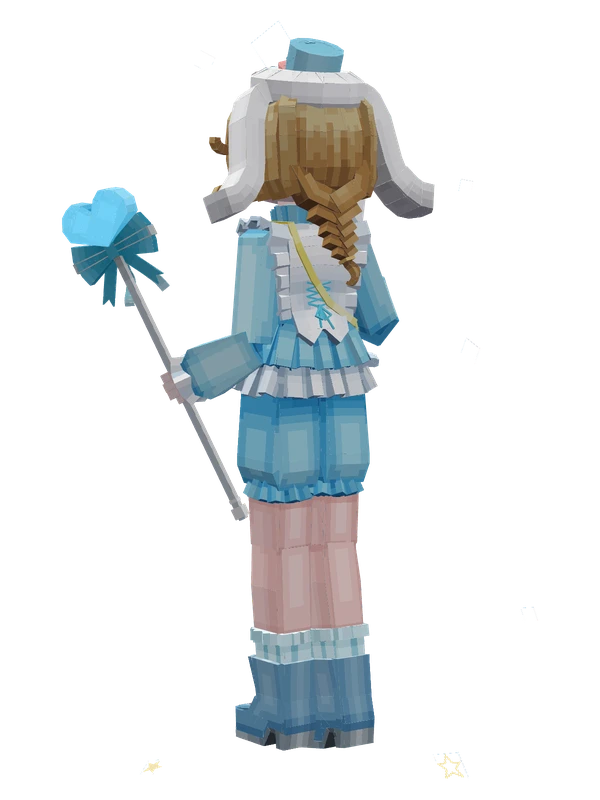
20 emotes
Photographer (Sanrio Cinnamoroll)Identity V
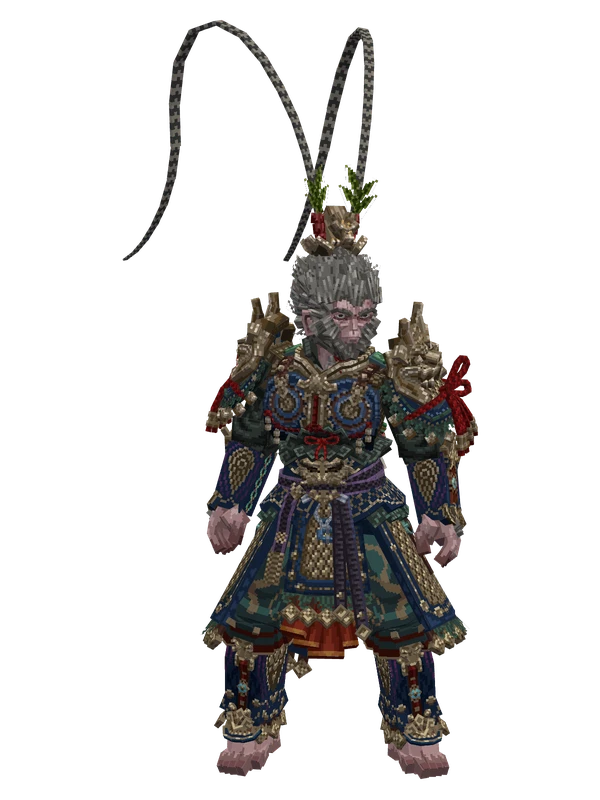
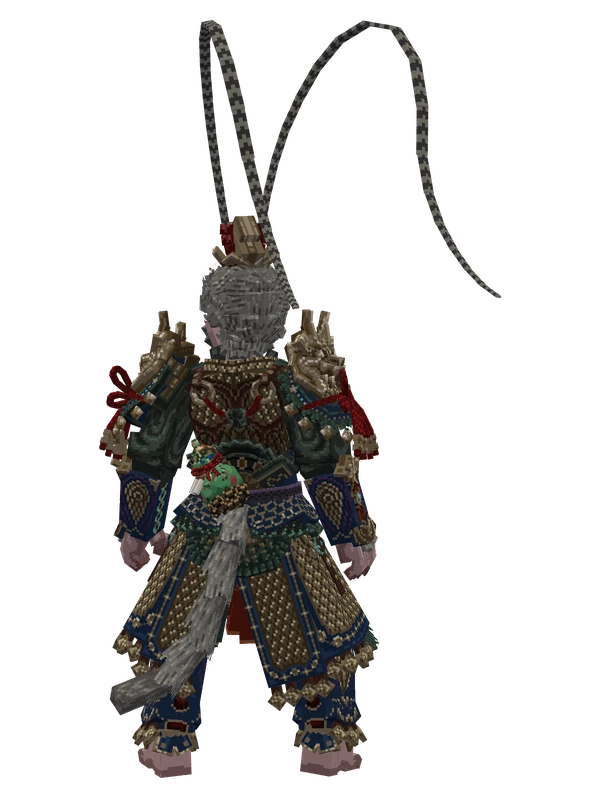
20 emotes
Sun WukongBlack Myth: Wukong
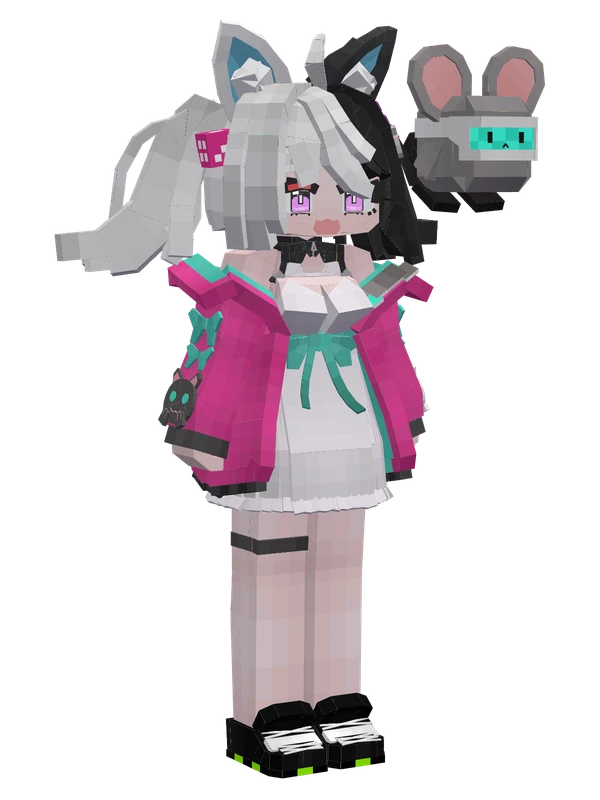
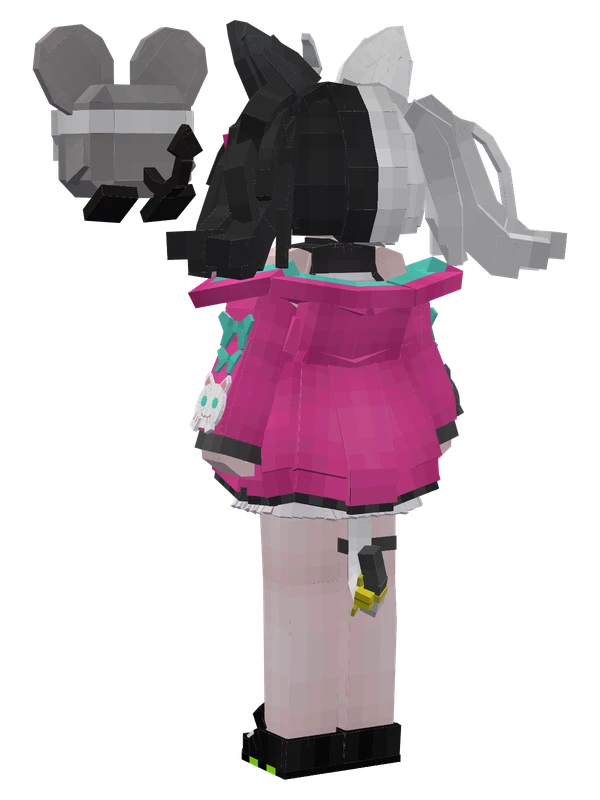
18 emotes
Nancy LuAstral Party
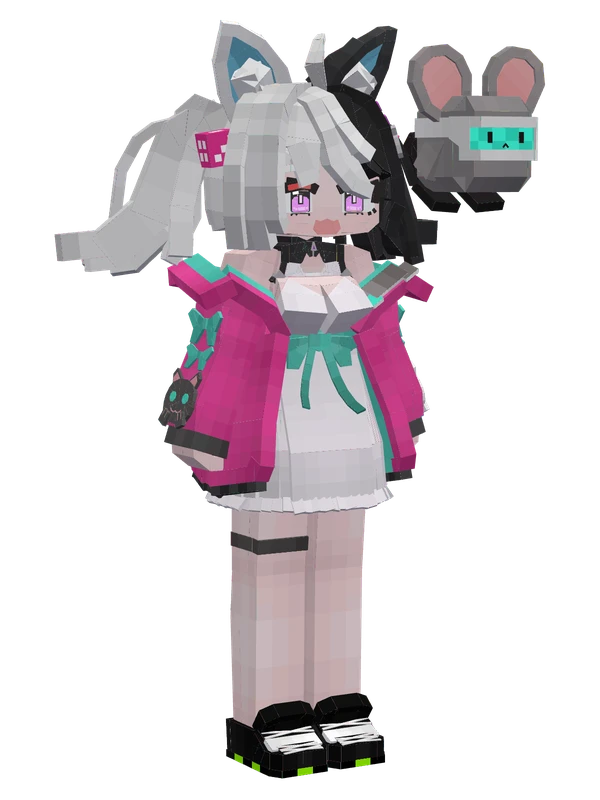
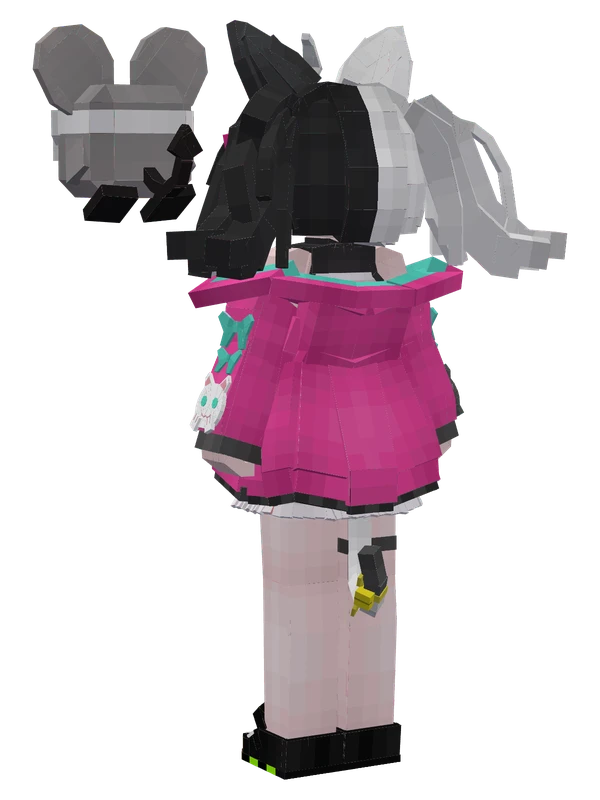
18 emotes
Nancy LuAstral Party
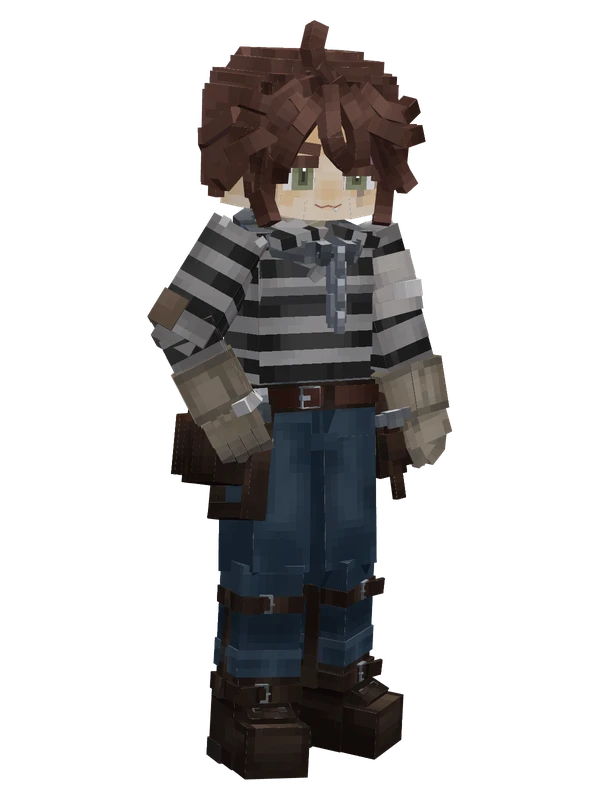
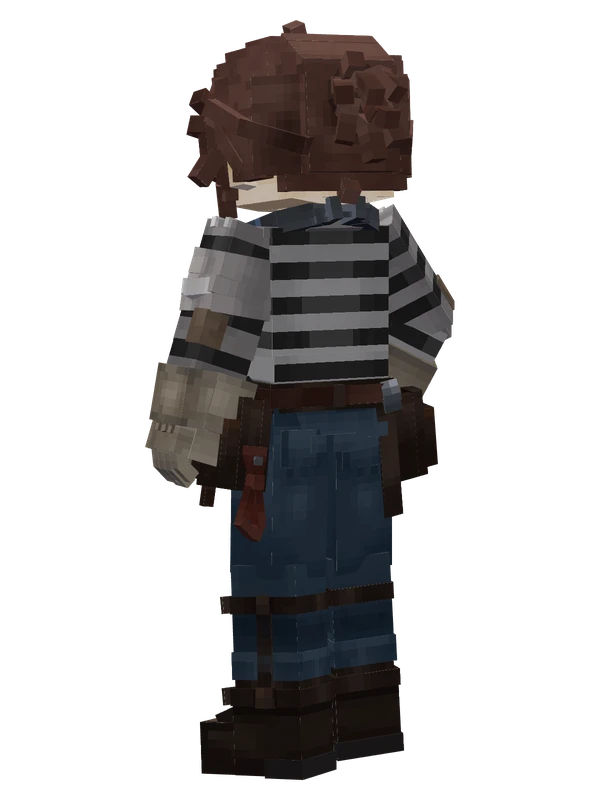
17 emotes
Luca Balsa (Prisoner)Identity V
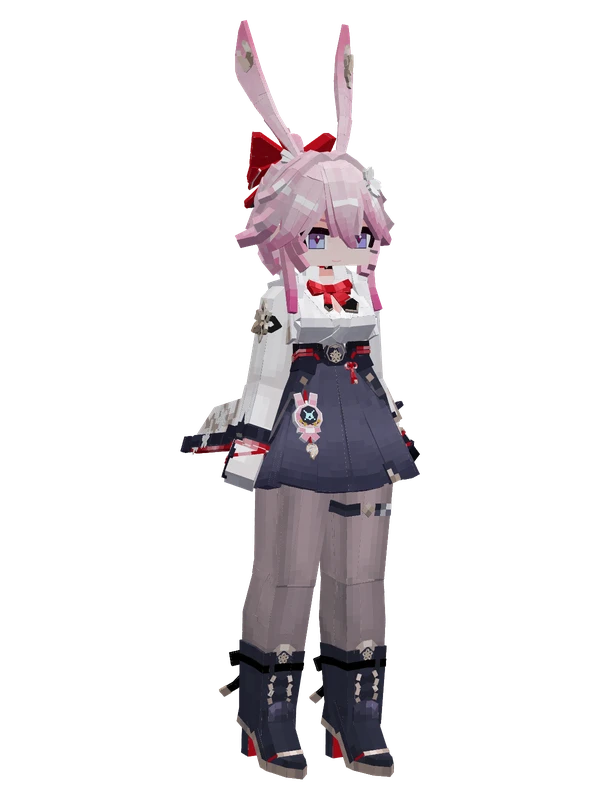
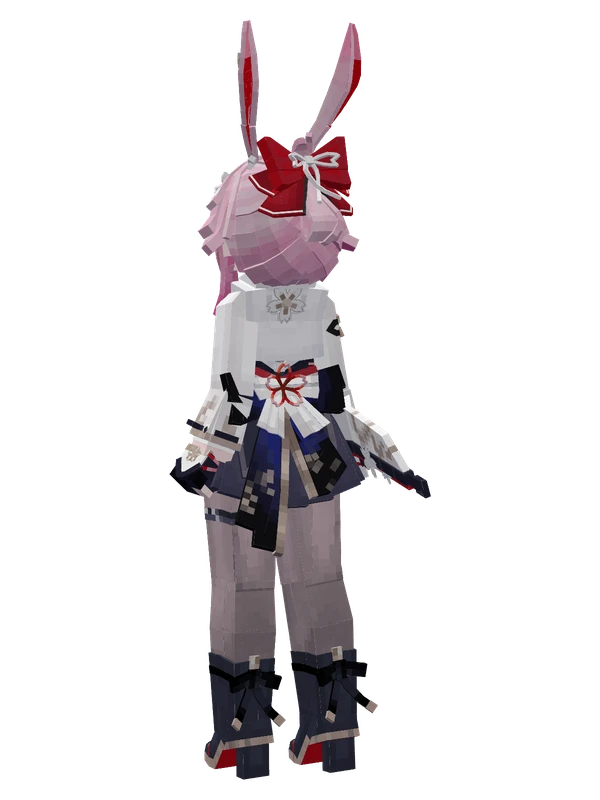
16 emotes
Fei YingHonkai Impact 3rd
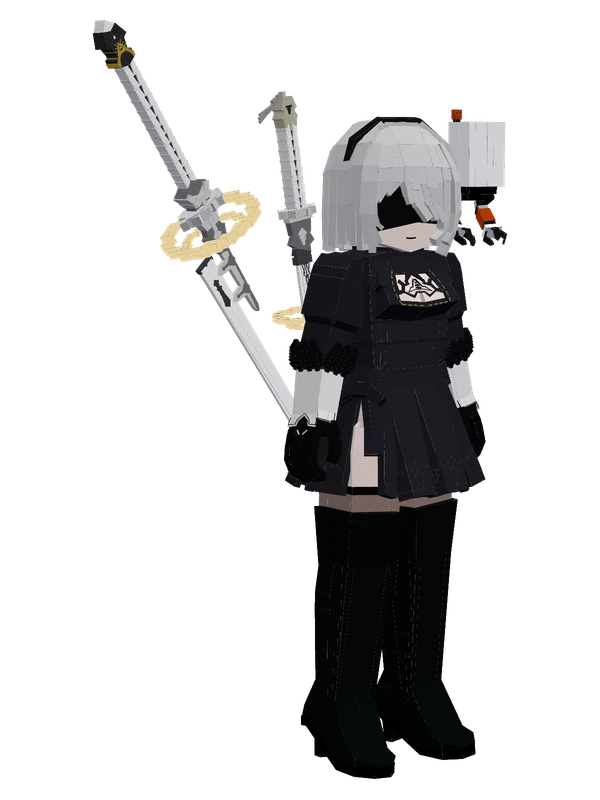
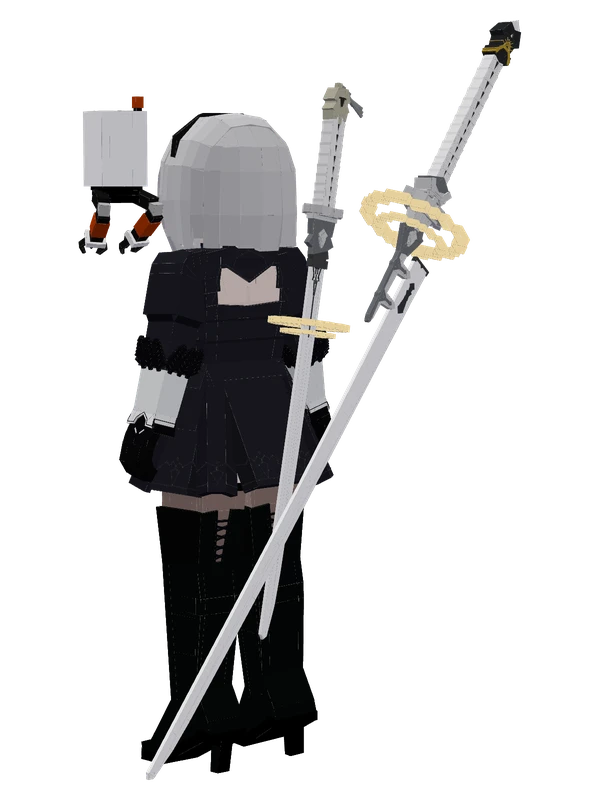
Editable15 emotes
2BNieR:Automata
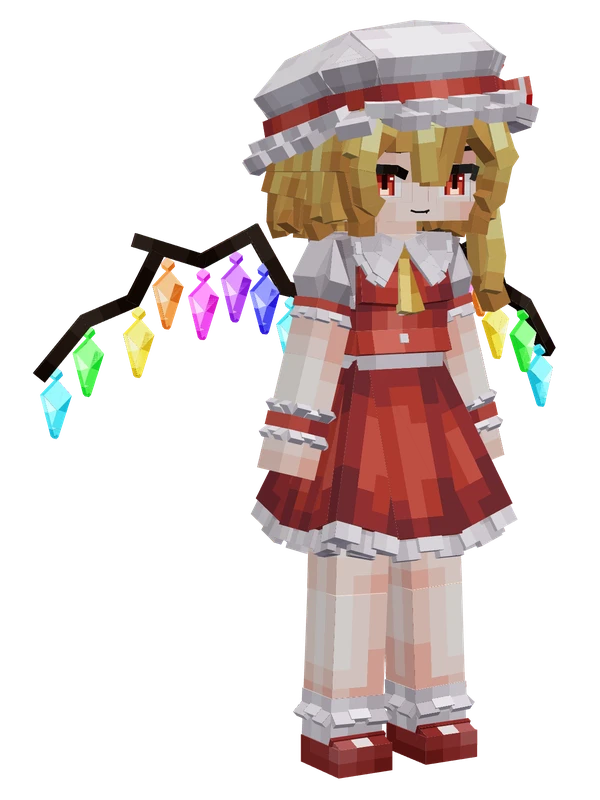
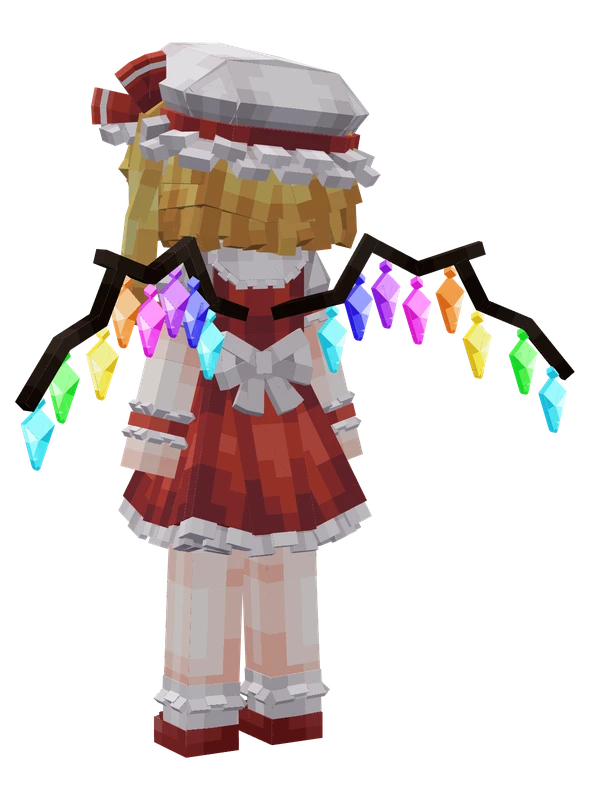
Editable14 emotes
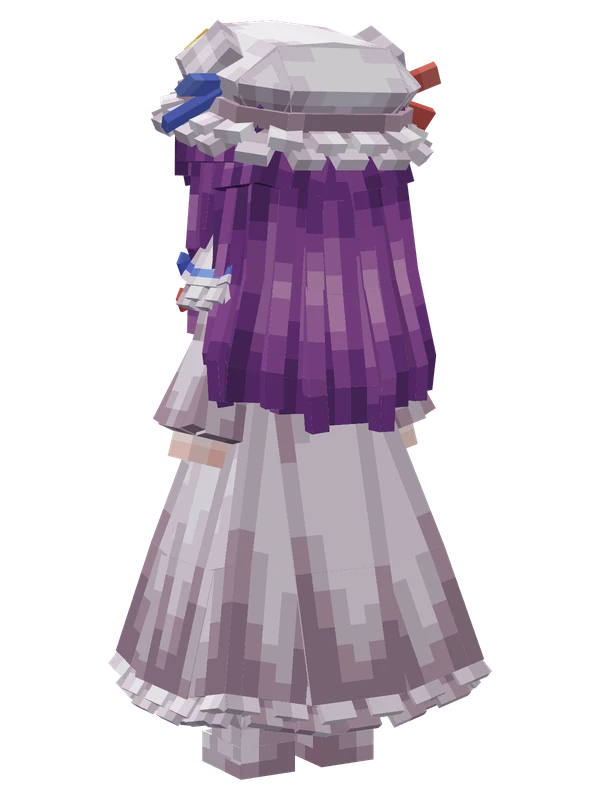
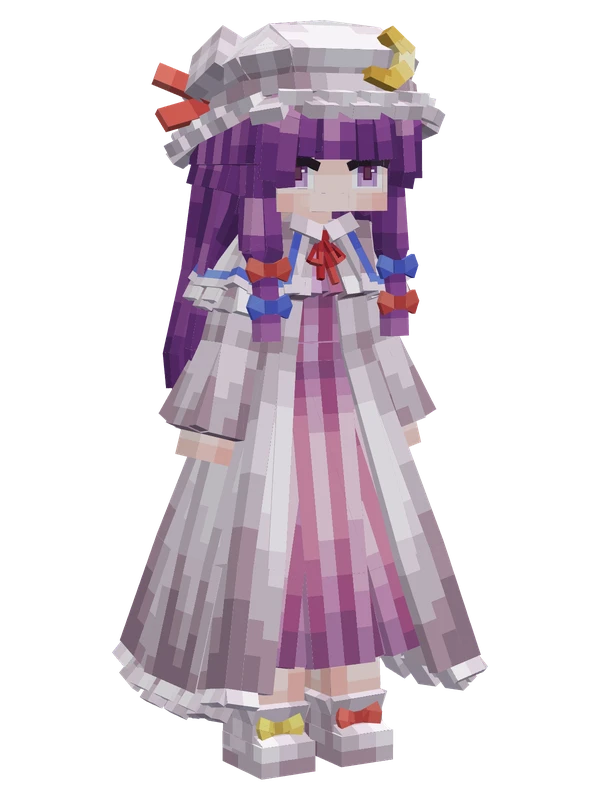
Flandre ScarletTouhou Project
Browse by series
See all →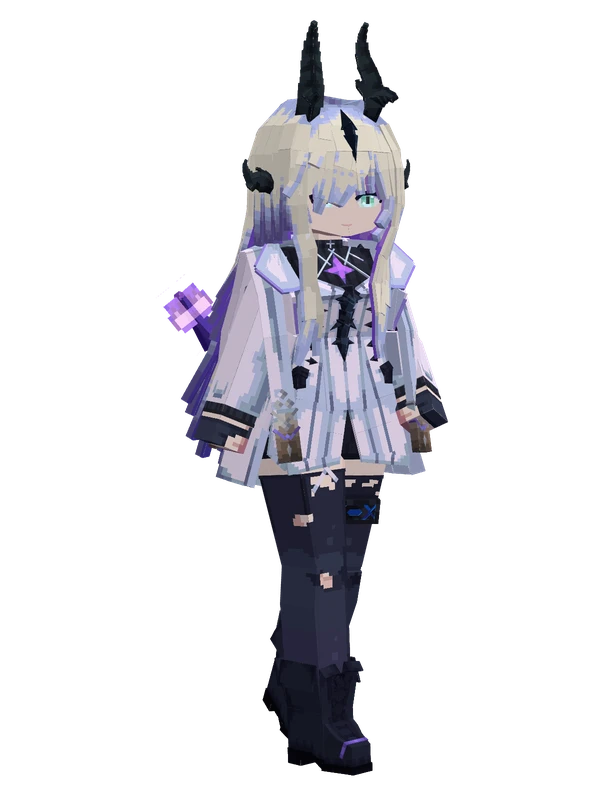
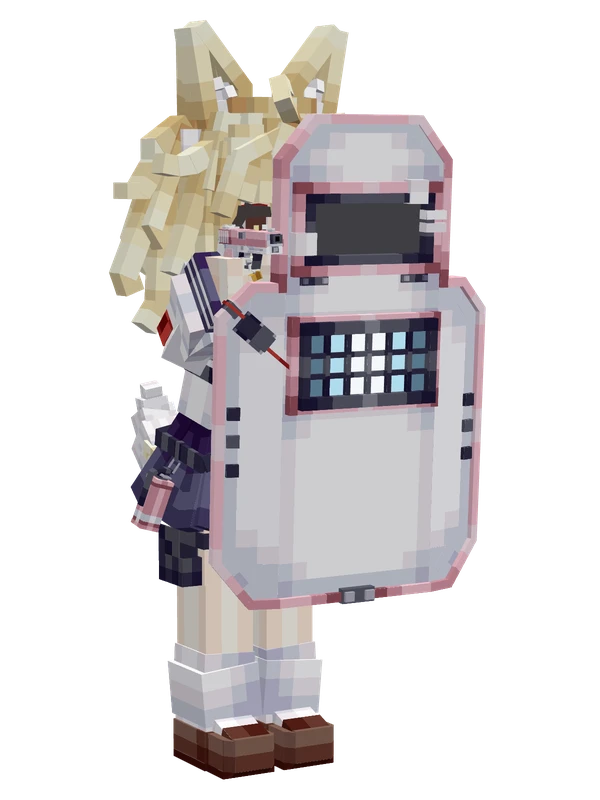
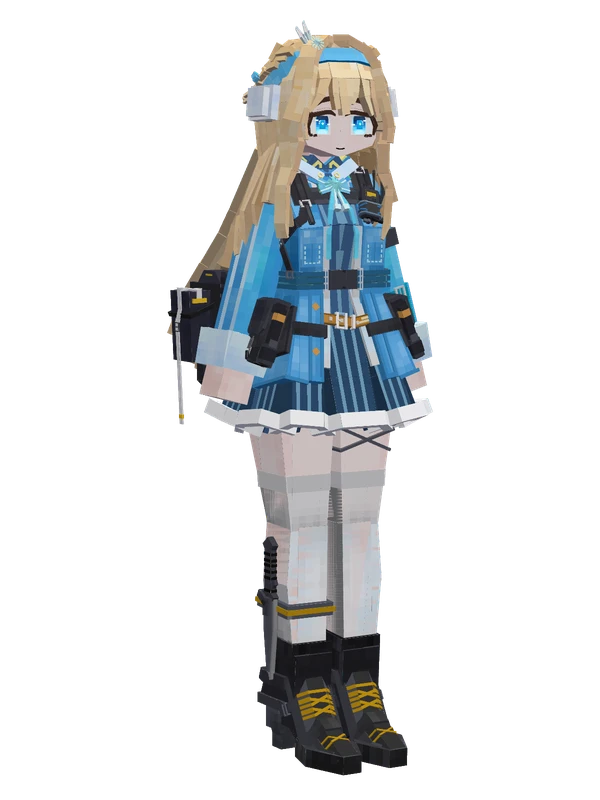
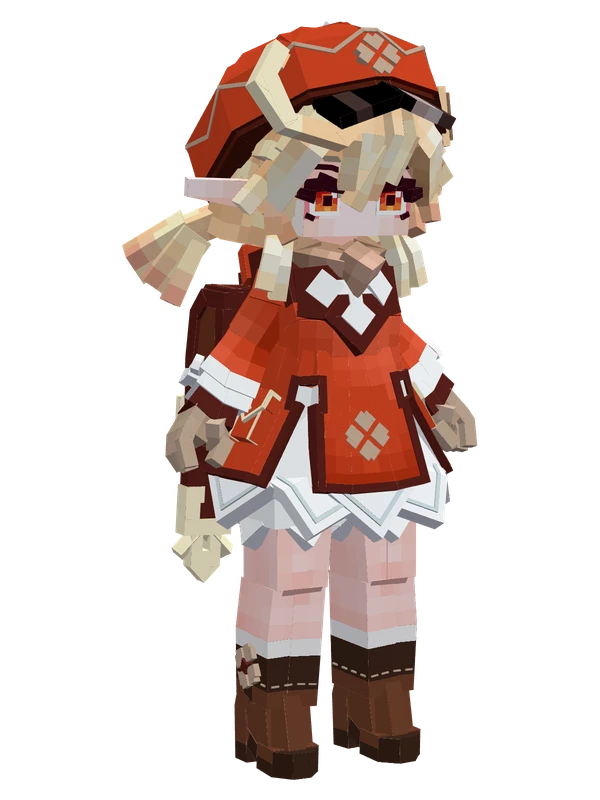
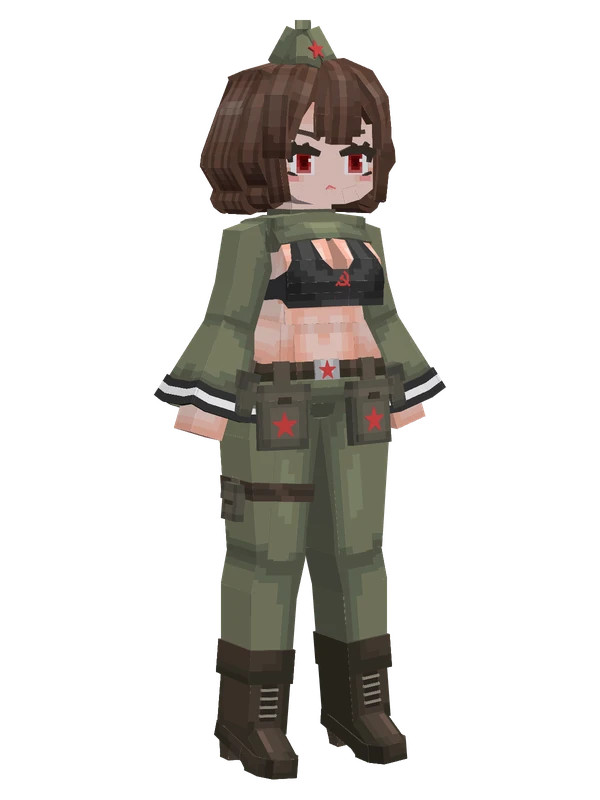
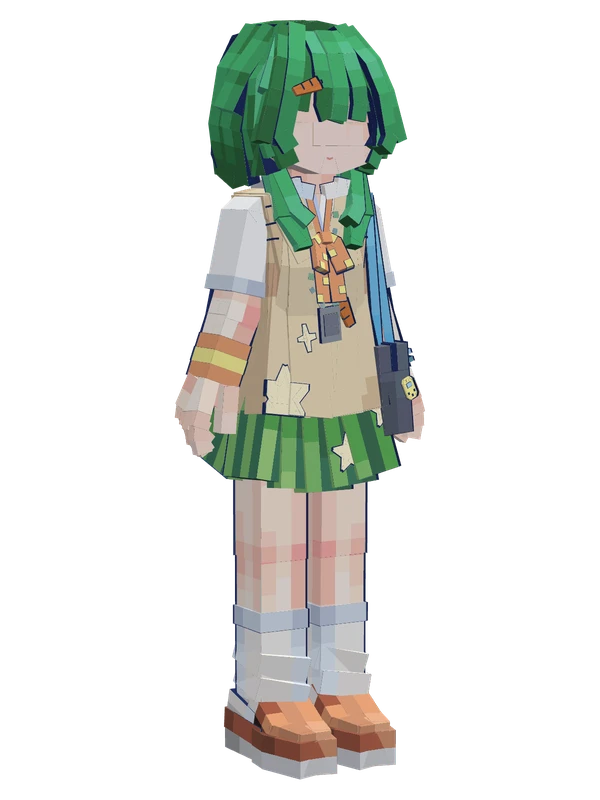
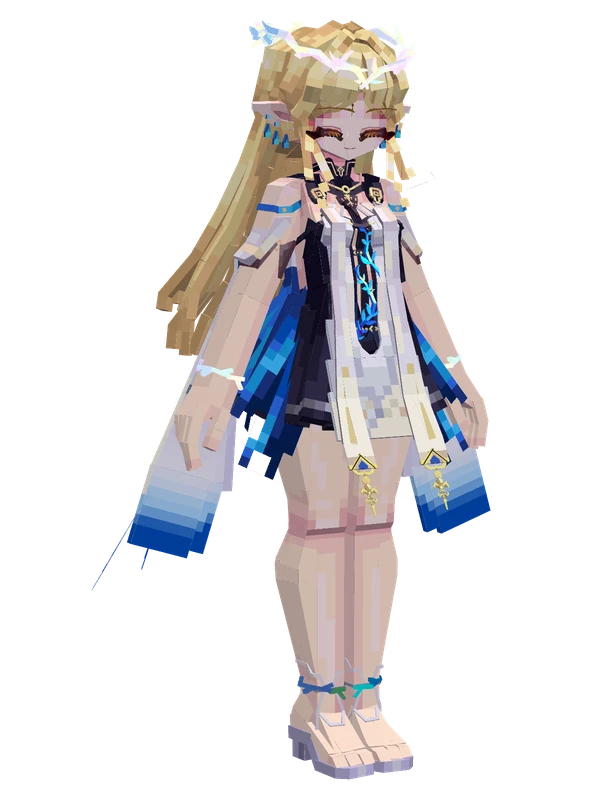
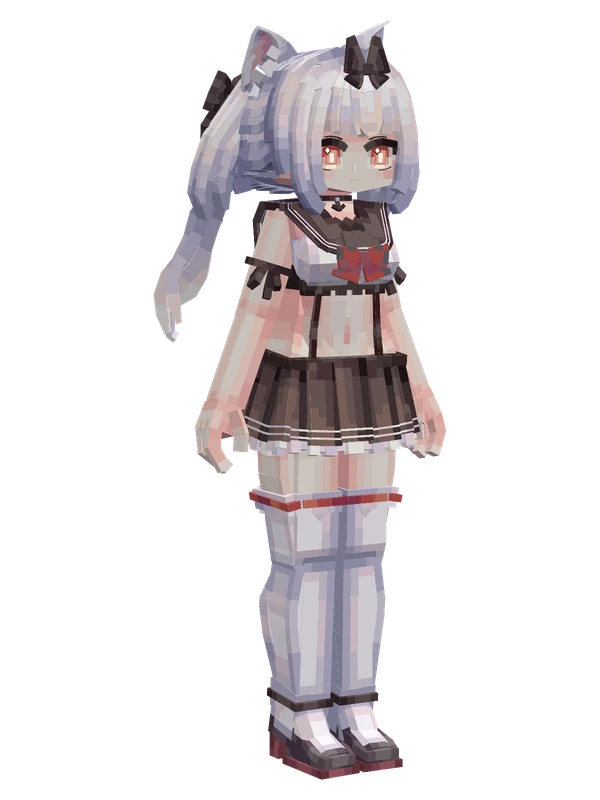
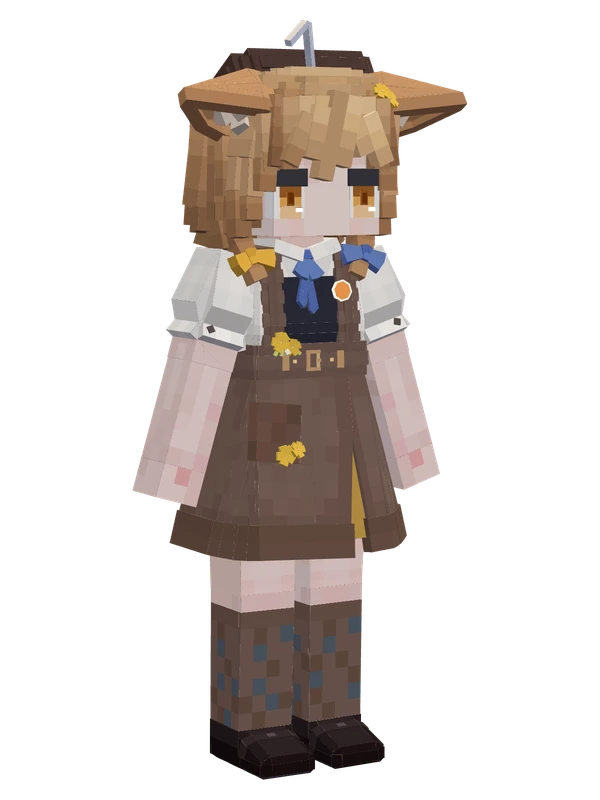
Editable models (open .zip)
See all →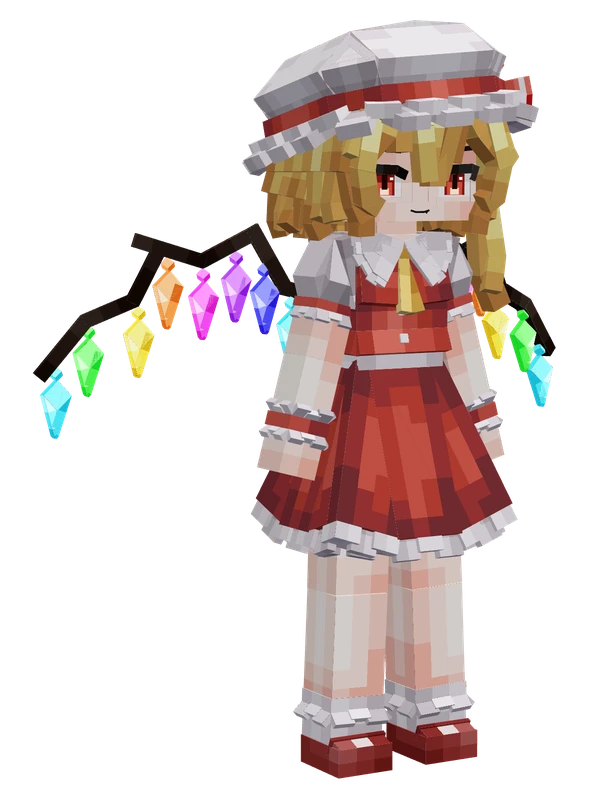
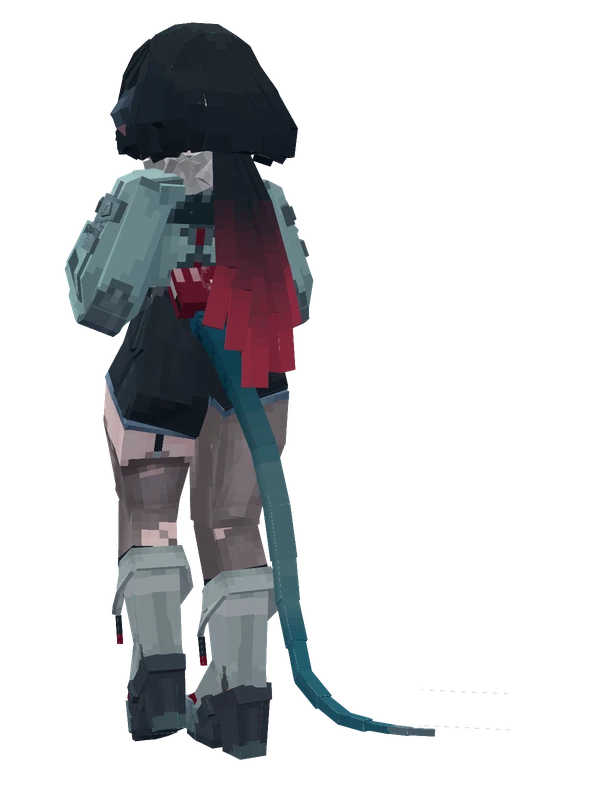
Most emote animations
See all →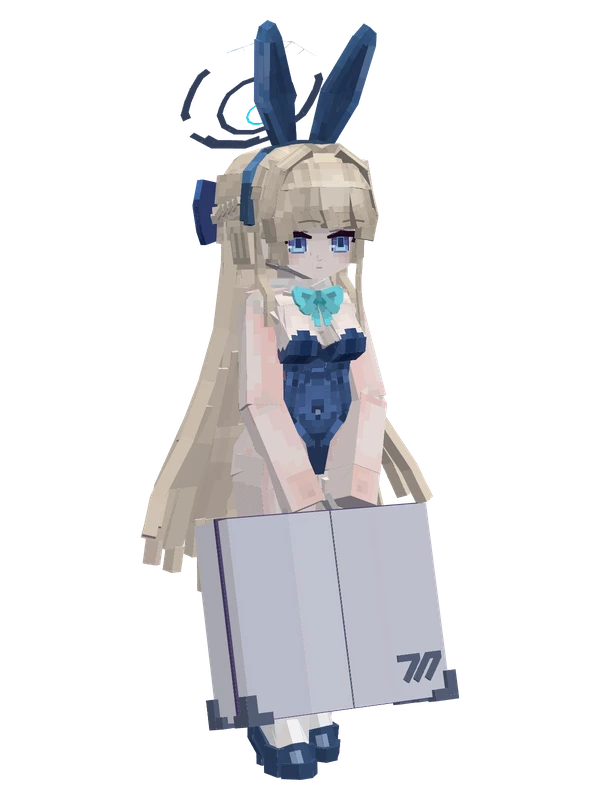
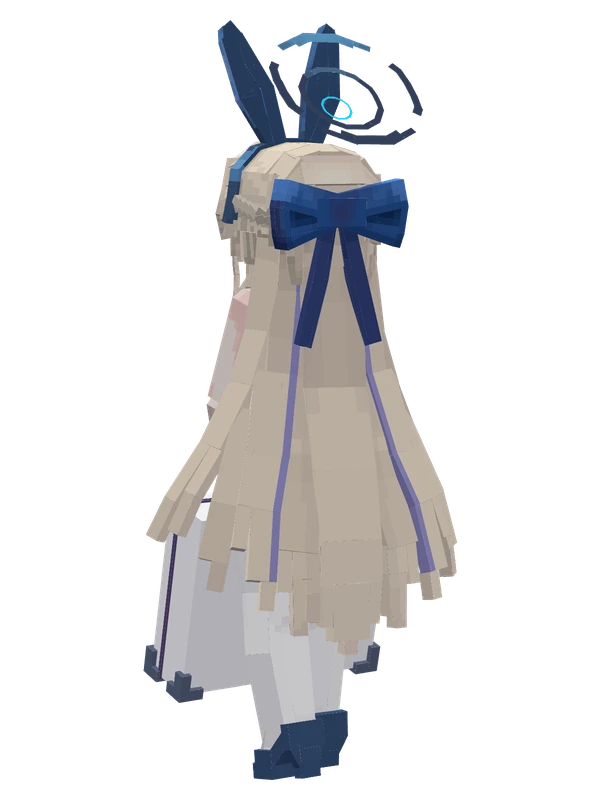
Editable81 emotes
Asuma Toki (Bunny Girl)Blue Archive
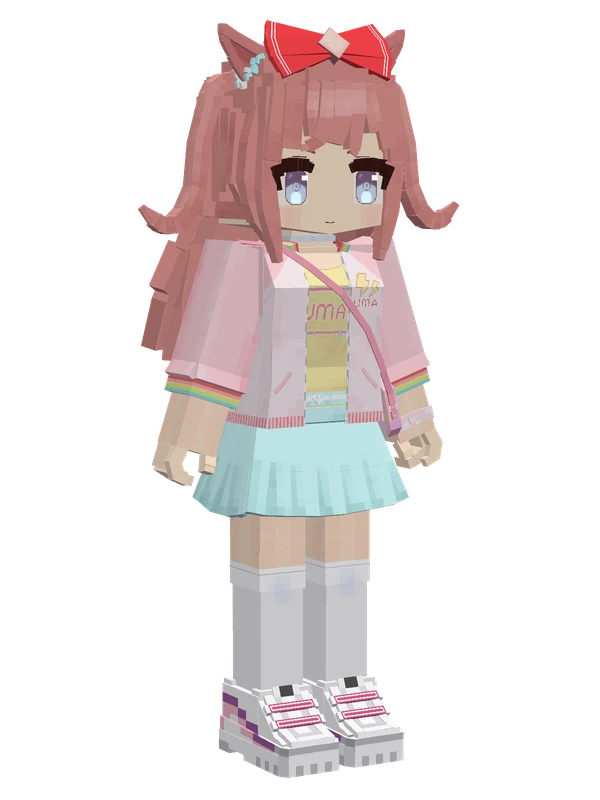
32 emotes
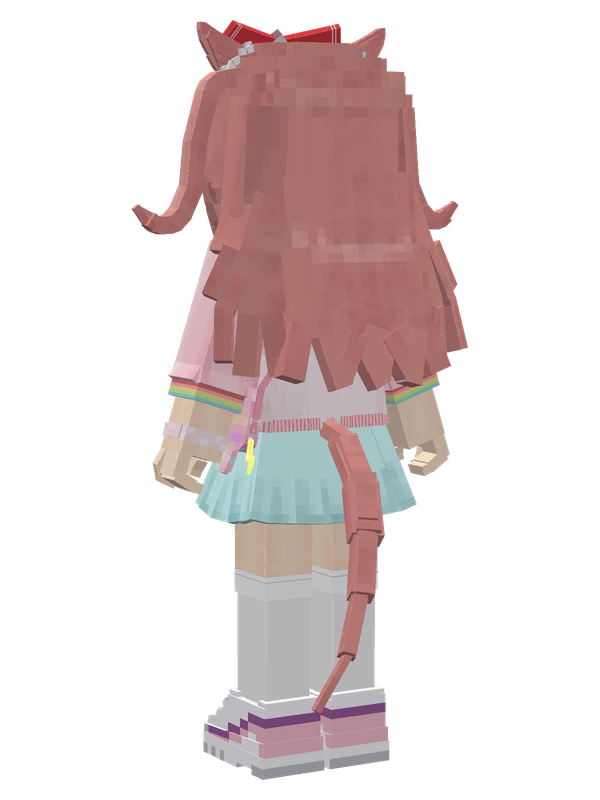
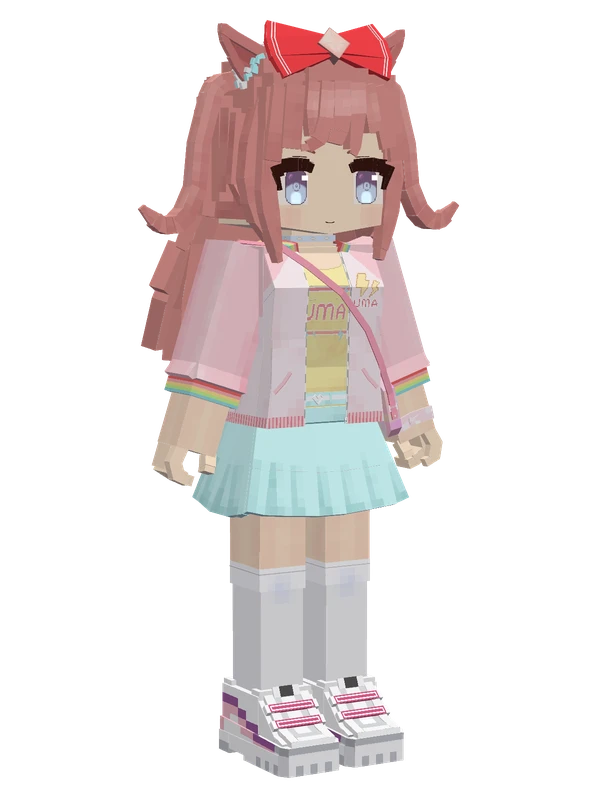
Agnes Digital (Casual)Uma Musume Pretty Derby
32 emotes
Agnes Digital (Casual)Uma Musume Pretty Derby
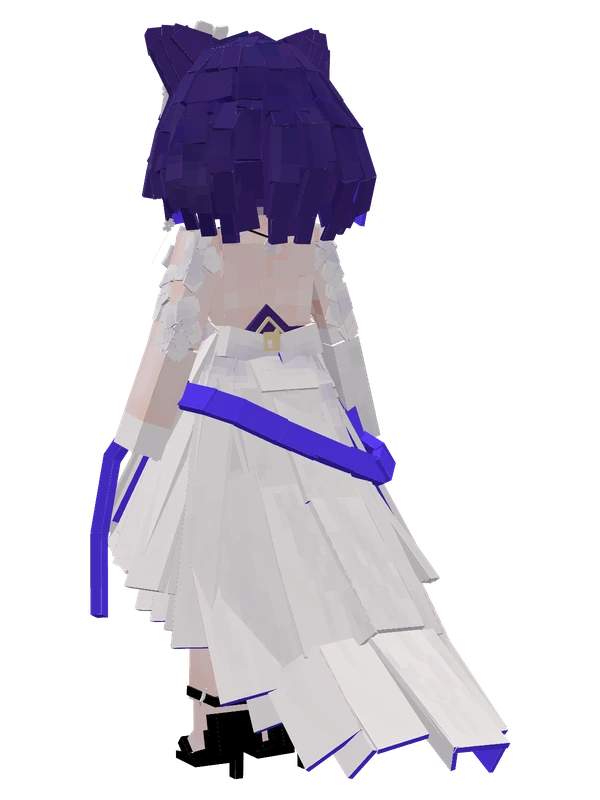
29 emotes
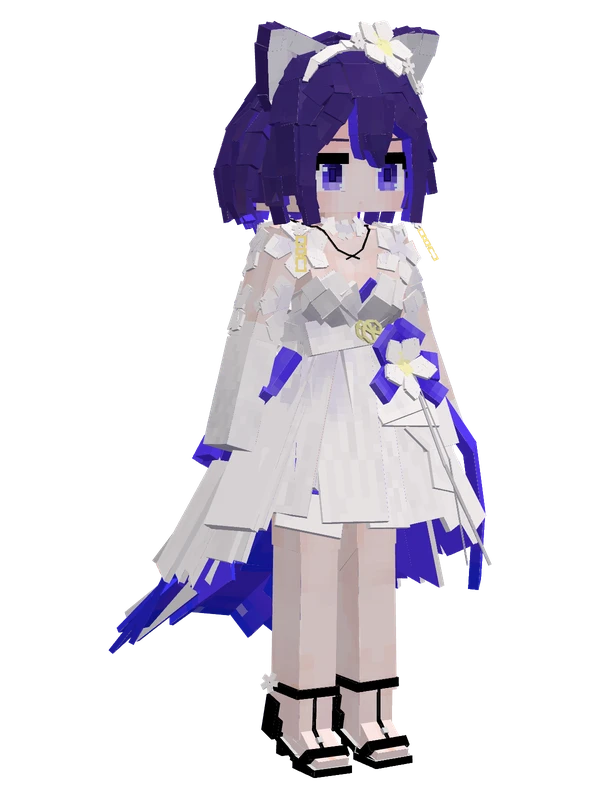
Seele Vollerei (Autumn Frost Lily)Honkai Impact 3rd
24 emotes
Shuangyue Xitongby AnluoSakura
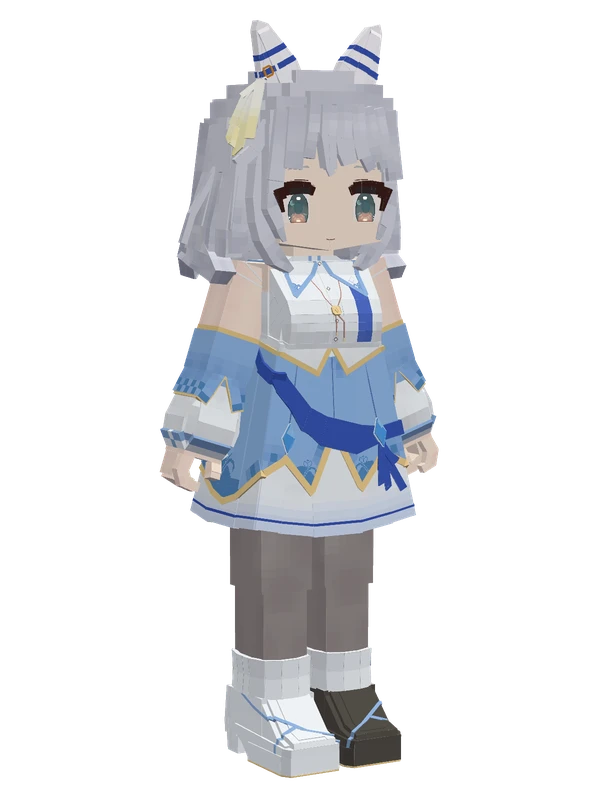
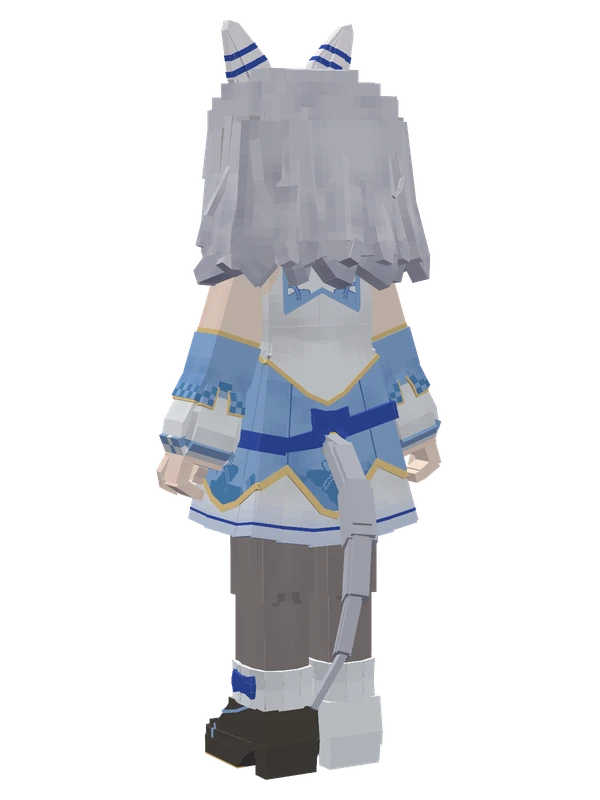
24 emotes
Hishi MiracleUma Musume Pretty Derby
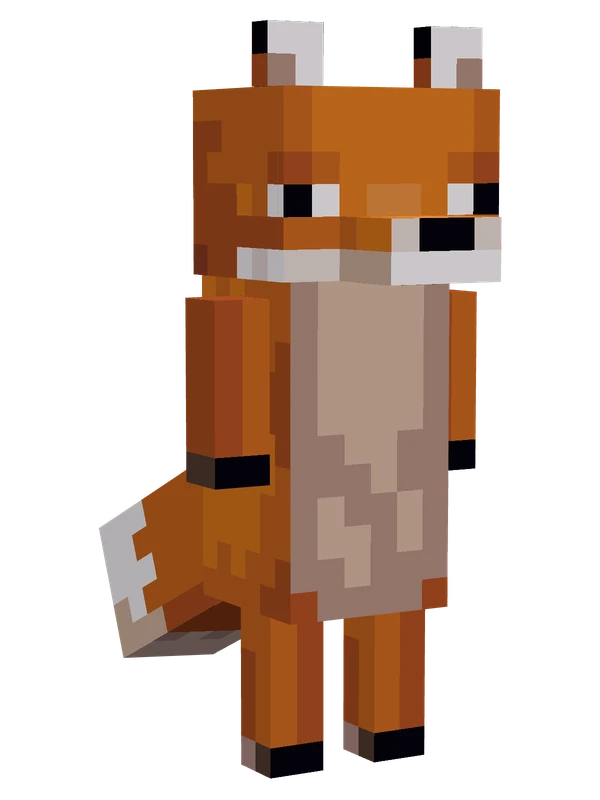
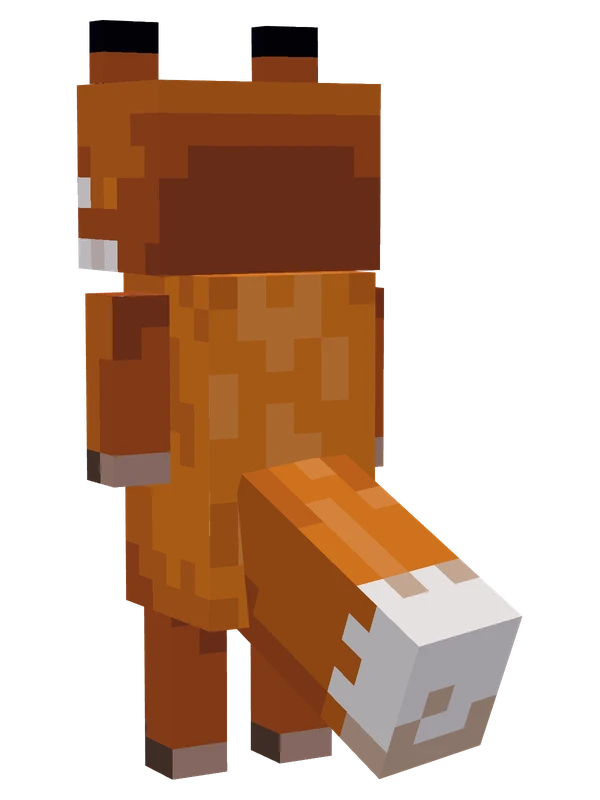
Minecraft mobs and blocks
See all →
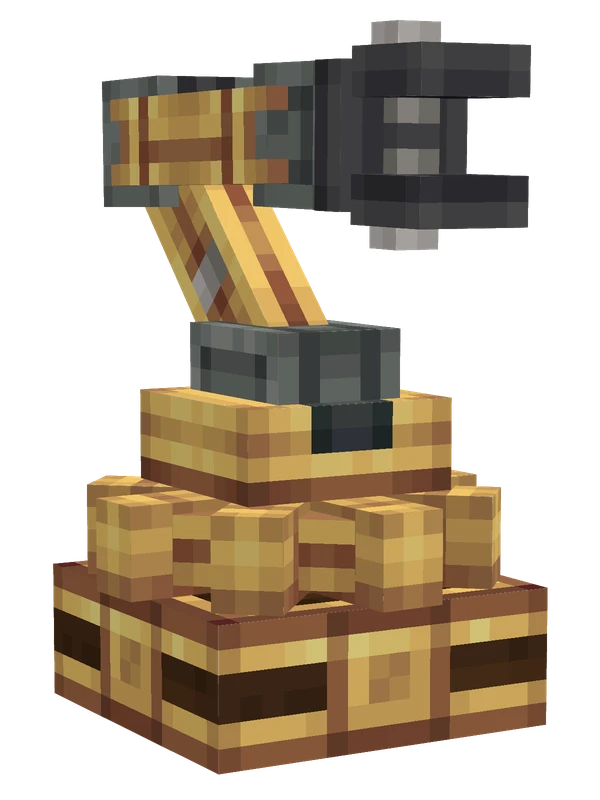
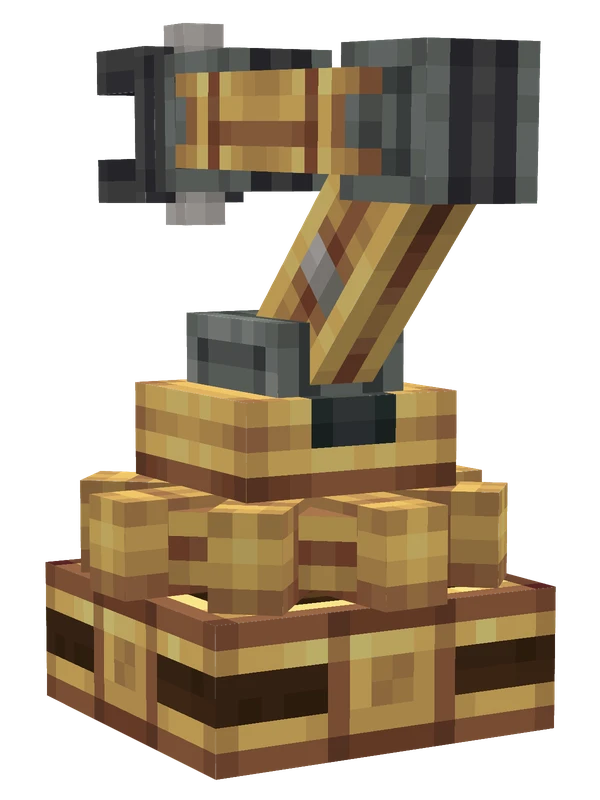
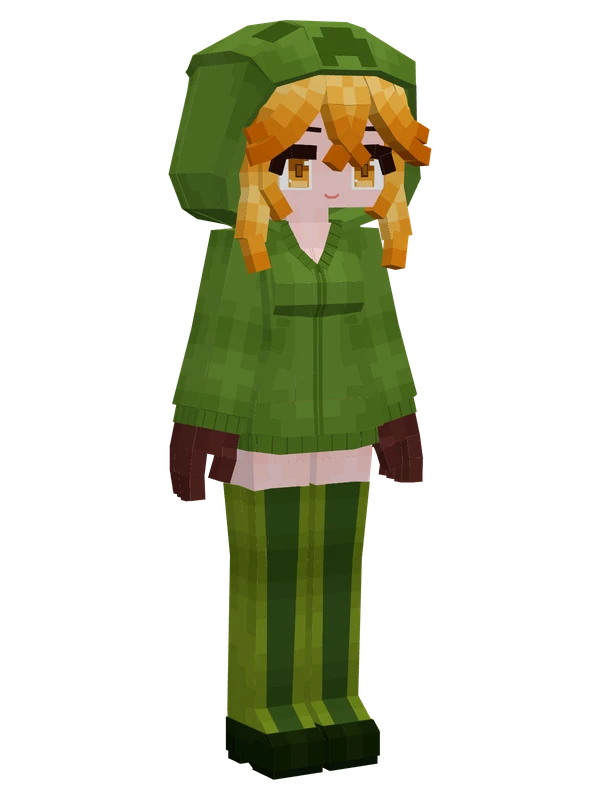
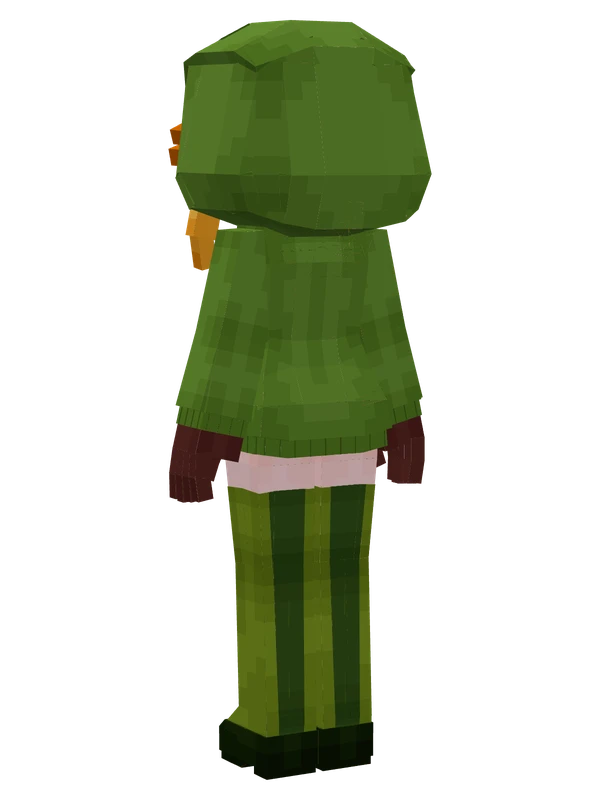
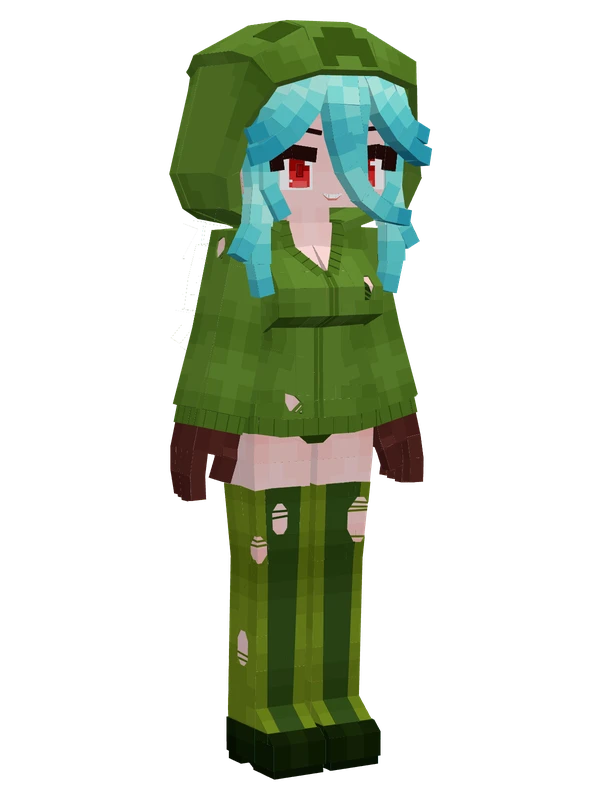
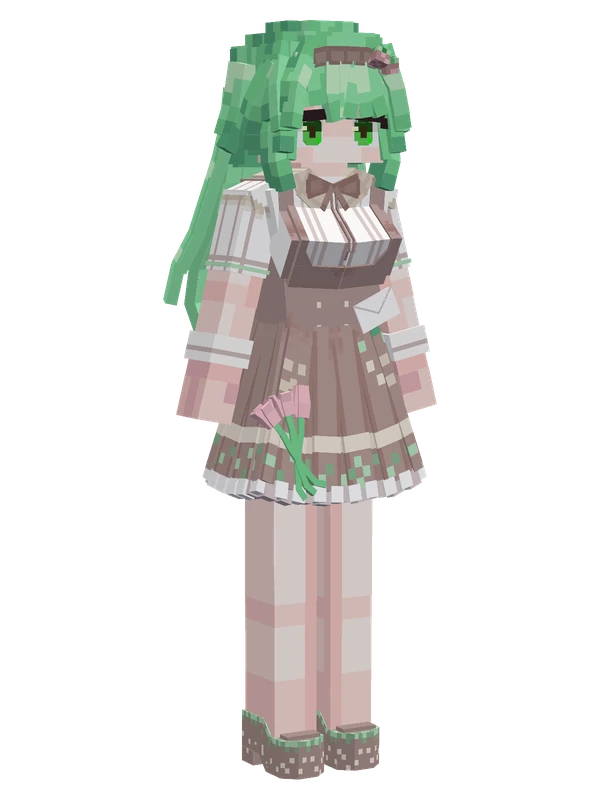
Start here: make your own model
See all →S
All Yes Steve Model Commands (/ysm and /ysmclient)Yes Steve Model includes built-in commands for managing player models, handling server permissions, and debugging animations. Most server commands start with /ysm and require OP permission level 2, while client-side creator tools use /ysmclient. Every command supports in-game auto-completion for player names and model IDs.
SHow to Install Yes Steve Model and Use Custom ModelsYes Steve Model (YSM) replaces the default Minecraft player avatar with custom models and animations. To unlock its full feature set, you must install the mod on both the client and the server, though a client-only workaround exists for vanilla servers.
SUsing YSM models on a server (Freesia plugin)Freesia is an open-source proxy plugin that enables plugin-based Minecraft servers (such as Paper or Spigot networks) to support the Yes Steve Model (YSM) mod. Because YSM normally requires a modded server to handle model synchronization and data generation, Freesia bridges the gap by routing YSM network traffic through a Velocity proxy and a lightweight background Fabric server. Please note that Freesia is a community project licensed under the Mozilla Public License 2.0, not an official YSM release.
SWhat is Yes Steve Model? Features and how it worksYes Steve Model (YSM) is a Minecraft mod that replaces the vanilla player avatar with custom Minecraft Bedrock Edition models and animations. Designed with multiplayer servers in mind, it combines high-performance rendering with built-in model synchronization and file encryption. Whether you want expressive emotes, custom character designs, or third-party combat animations, YSM provides a complete framework for players and creators.
SYSM model formats: folder, zip and encrypted .ysmYes Steve Model (YSM) loads custom player models in three different container formats: unpacked folders, compressed archives, and encrypted .ysm files. Understanding how each format works and where to place your files inside the game directory is the essential first step for both players installing models and creators distributing them.
SYes Steve Model Config File ExplainedYes Steve Model (YSM) provides both an in-game settings menu and TOML configuration files so players can tweak visual settings and administrators can manage server performance. Understanding where these files live and what each setting does helps you fix rendering glitches, hide default models, and control server bandwidth.