
Photographer (Sanrio Cinnamoroll) YSM model
A blonde character in a light blue Cinnamoroll-themed outfit with floppy bunny ears hat, holding a card and heart staff.
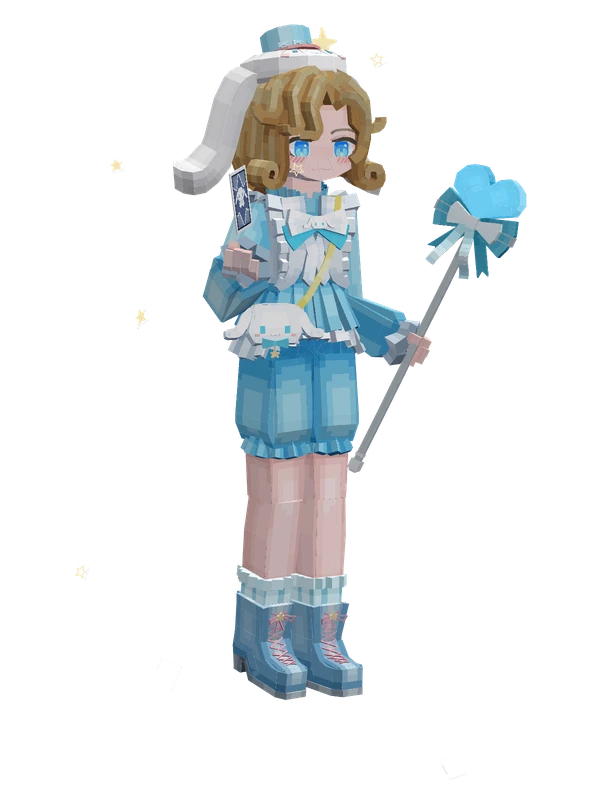
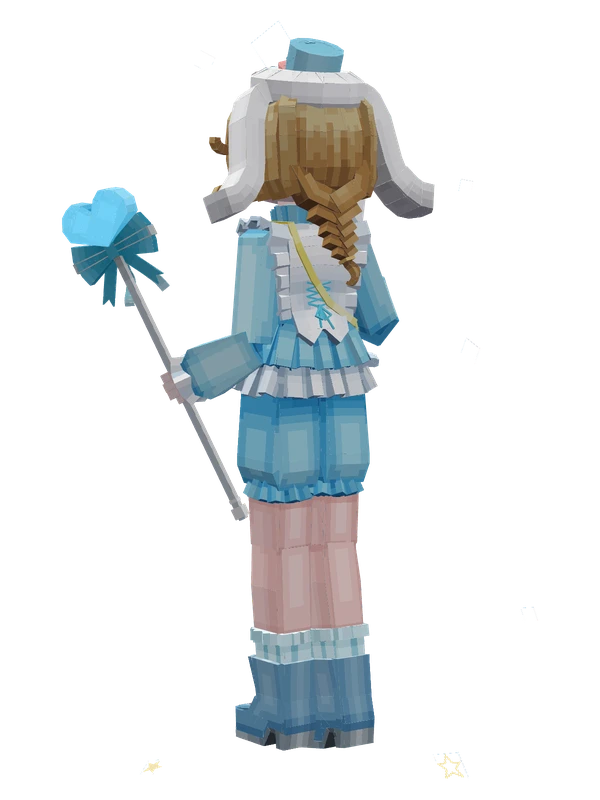
A blonde character in a light blue Cinnamoroll-themed outfit with floppy bunny ears hat, holding a card and heart staff.
Note from the author: Dreamland Cinnamoroll.
Emote animations
Play these from the animation wheel in game.
- Rave Dance
- Burnt Toast (By Gaoxiao)
- everybody do the flop!Do The Flop!
- outlookAccessories
- show_camShow Camera
- photoTake Photo
- shuaipaiToss Cards
- yeahYay~
- napDoze Off
- lay_downLay Down
- sitSit (Default)
- sit4Sit (Wait)
- extra2Applaud
- extra3Nod
- extra4Shake Head
- extra5Cheer
- extra6Sway Dance
- extra7Street Dance
- extra0Mystery Dance
- extra1Greet
Movement animations
- Hurt
- Boat
- Climb
- Climbing (still)
- Death
- Elytra flight
- Creative flight
- Menu pose
- Idle
- Jump
- Ride
- Ride pig
- Run
- Sit
- Sleep
- Sneak (moving)
- Sneak (still)
- Swim
- Tread water
- Swing hand
- Use main hand
- Use off hand
- Walk
Works with other mods
This model has its own animations for Carry On, ParCool, SWEM horses, SlashBlade, TaCZ guns, Touhou Little Maid, so they look right when those mods are installed.
How to use this model
- Install Yes Steve Model for your Minecraft version and loader (see Download YSM).
- Start the game once so YSM creates
config/yes_steve_model/. - Put the downloaded
.ysmor.zipfile intoconfig/yes_steve_model/custom/(do not unzip it). - In game press Y (default key) to open the model menu, or run
/ysm model reloadif the menu is already open. - Pick the model, then use the animation wheel (default key Z) to play its emote animations.
This model is an encrypted .ysm file: it plays in game but cannot be opened or edited in Blockbench.
More from Identity V
17 emotes
Luca Balsa (Prisoner)Identity V
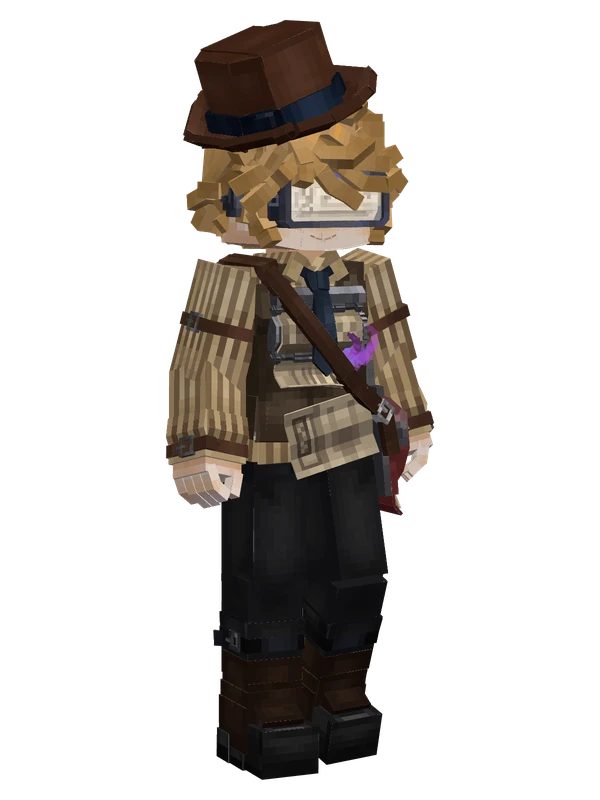
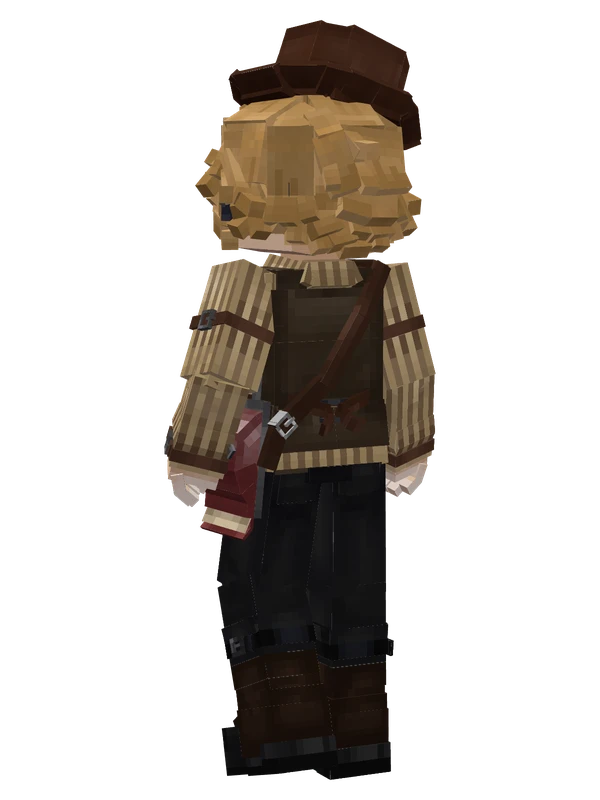
14 emotes
Victor Grantz (Paperboy)Identity V
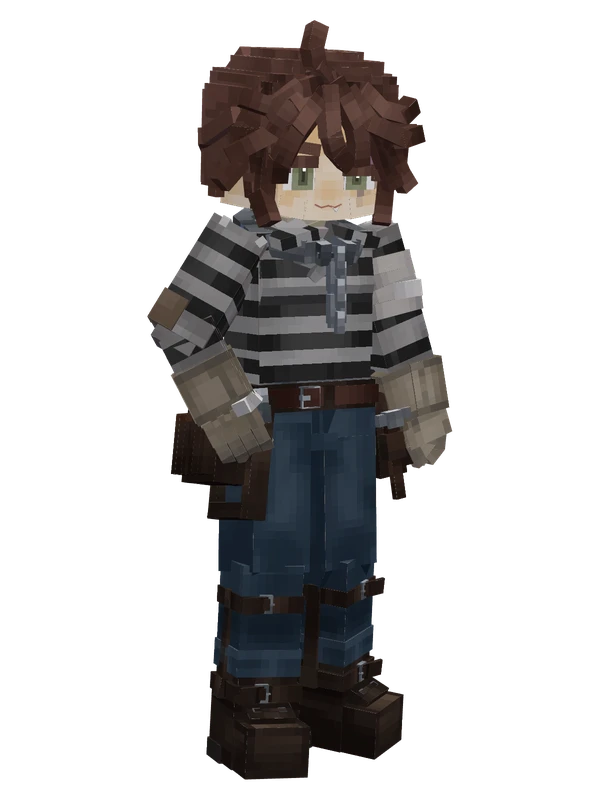
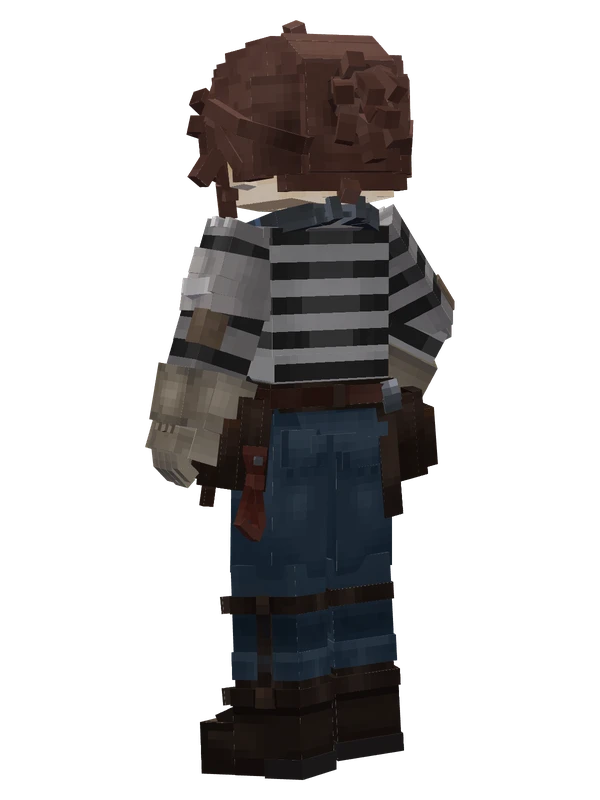
17 emotes
Luca BalsaIdentity V
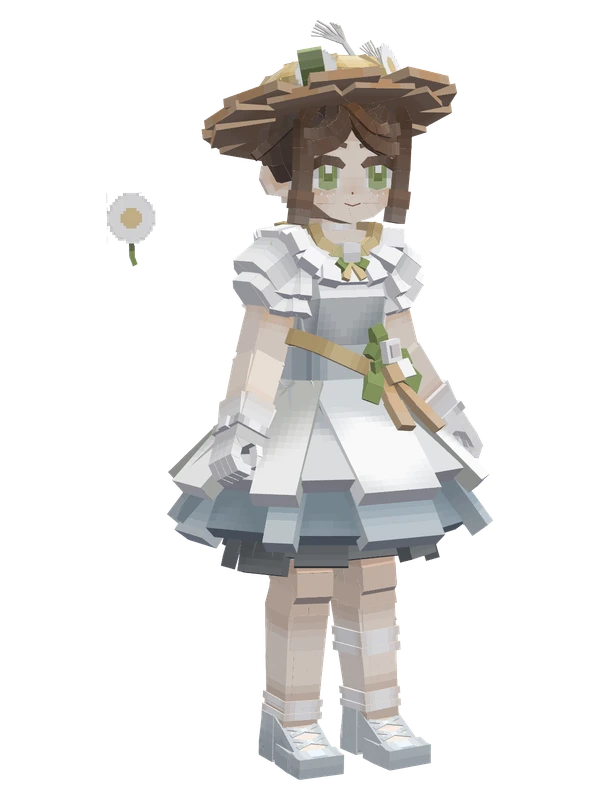
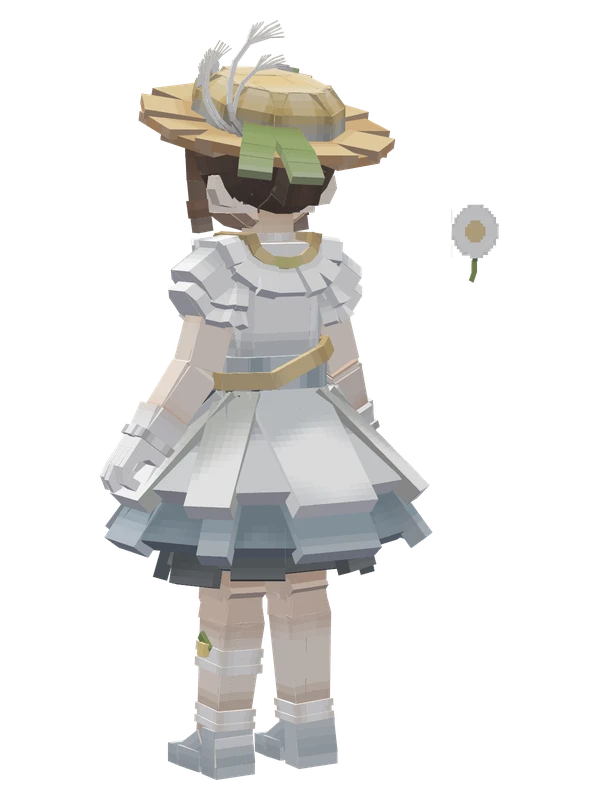
16 emotes
Gardener (Waiting for the Wind)Identity V
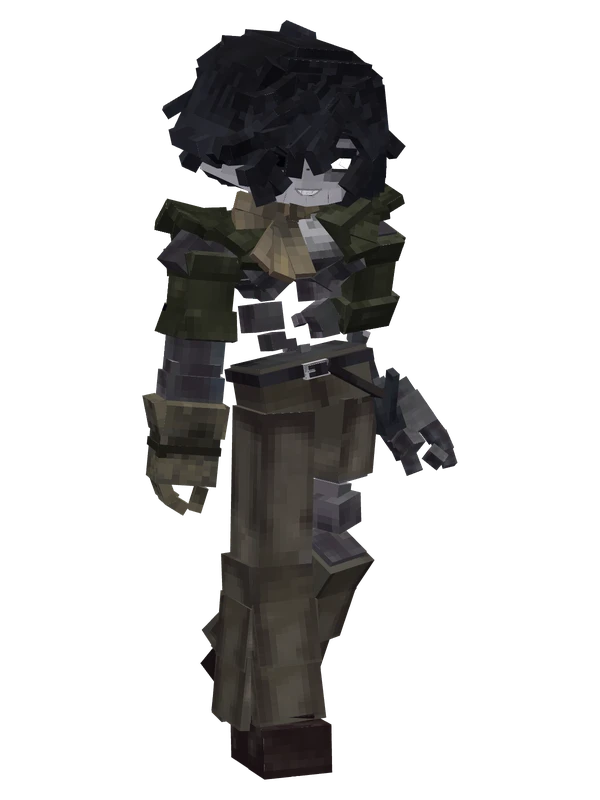
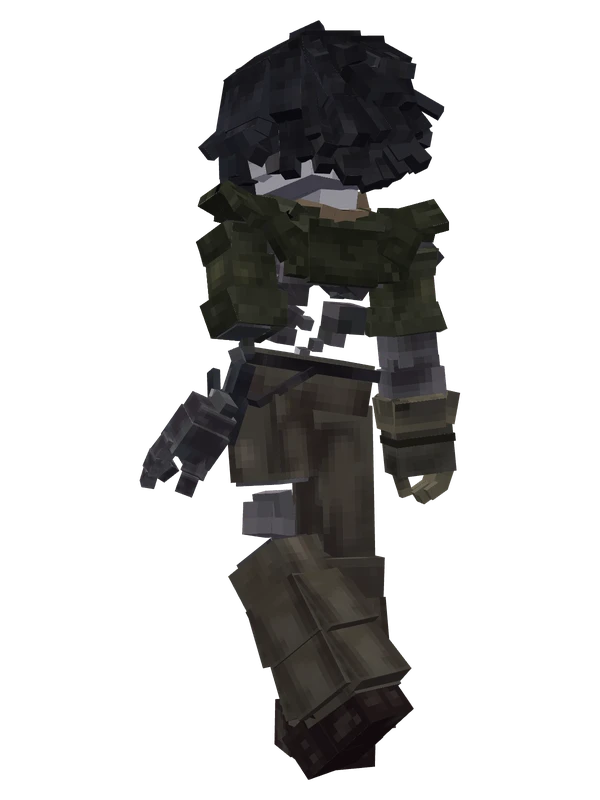
15 emotes
Fool's GoldIdentity V
15 emotes
Fool's GoldIdentity V
15 emotes
Meteorologist (Wendy Foote)Identity V
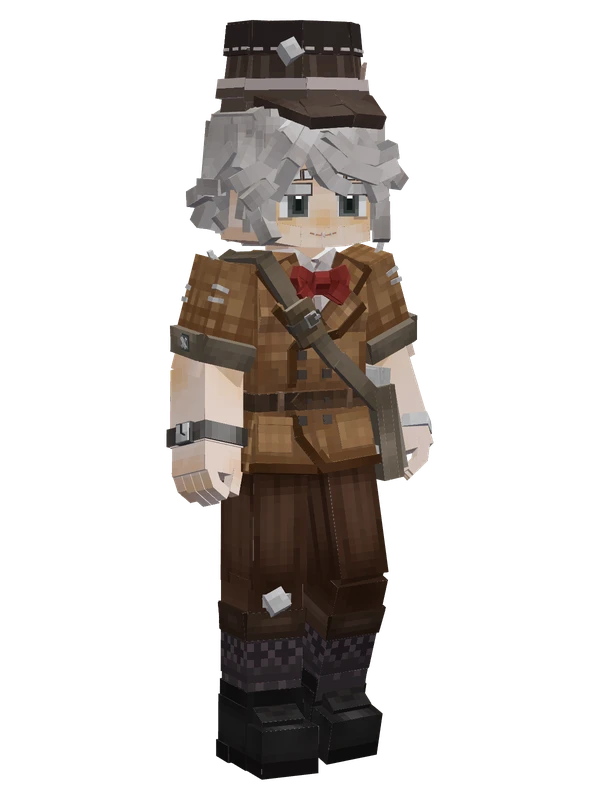
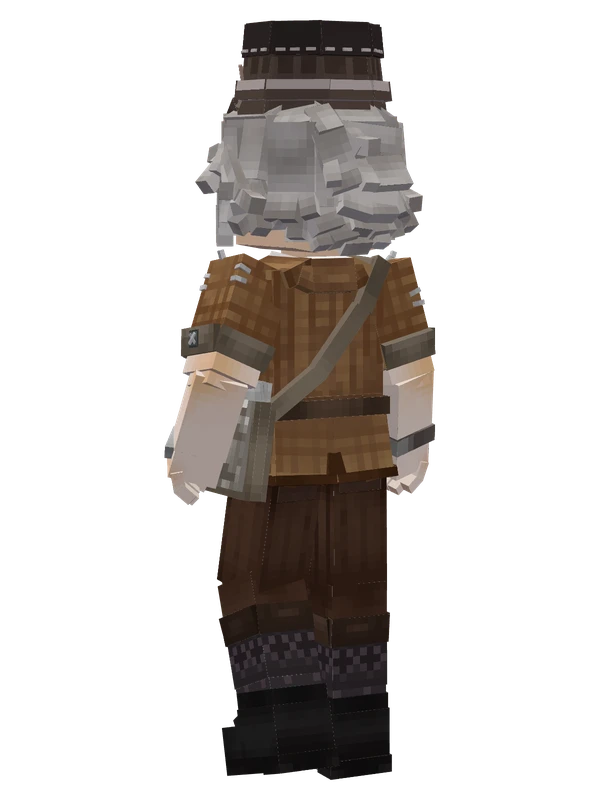
15 emotes
Victor Grantz (Paperboy)Identity V
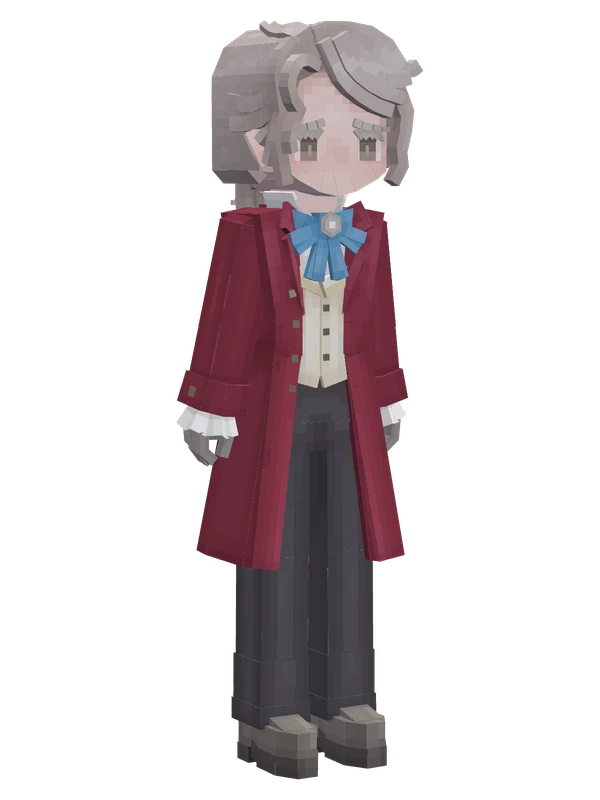
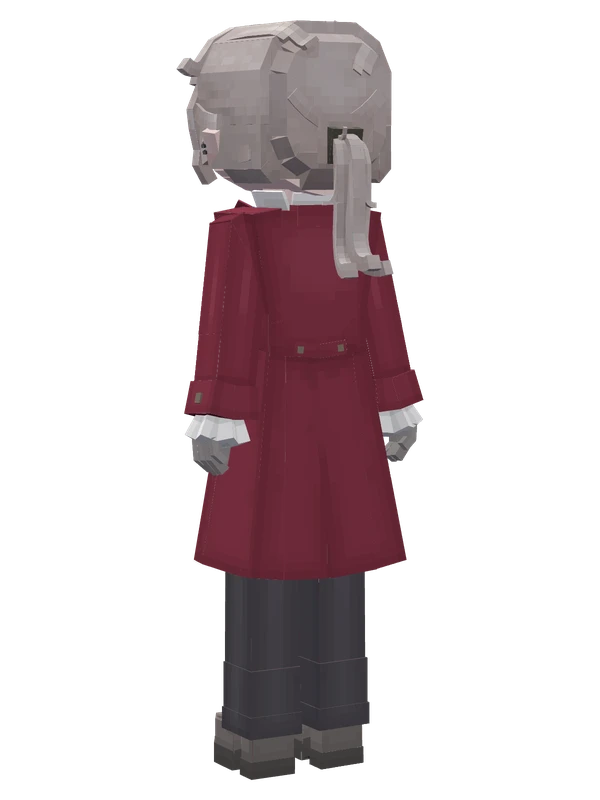
13 emotes
Frederick Kreiburg (Composer)Identity V
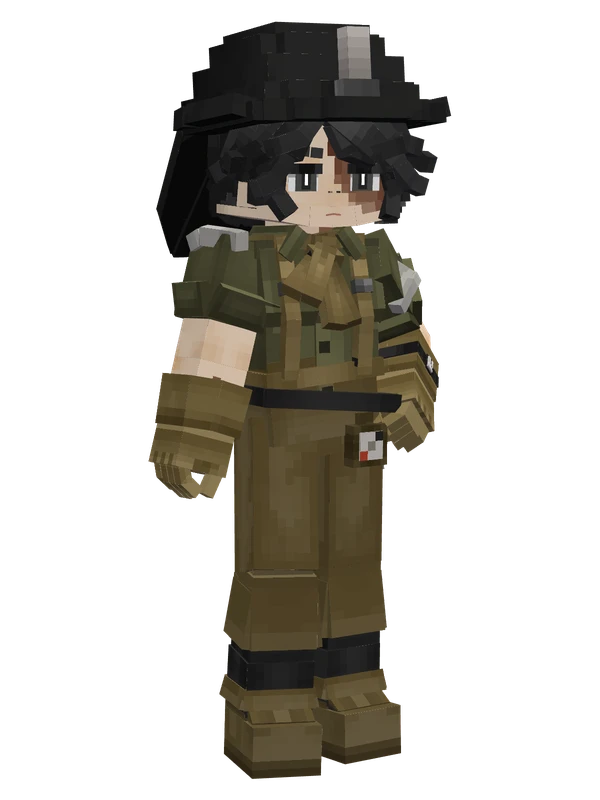
13 emotes
Norton Campbell (Prospector)Identity V
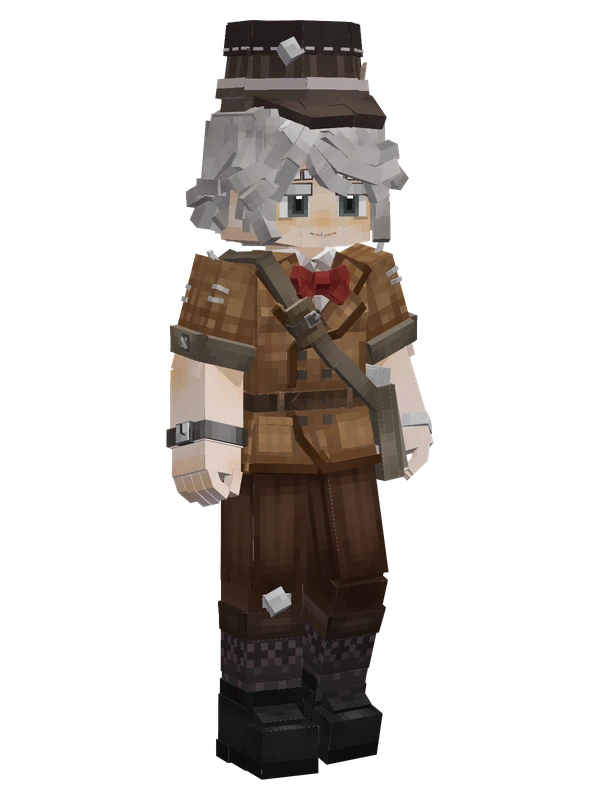
13 emotes
Victor Grantz (Paperboy)Identity V
12 emotes
Mr. InferenceIdentity V