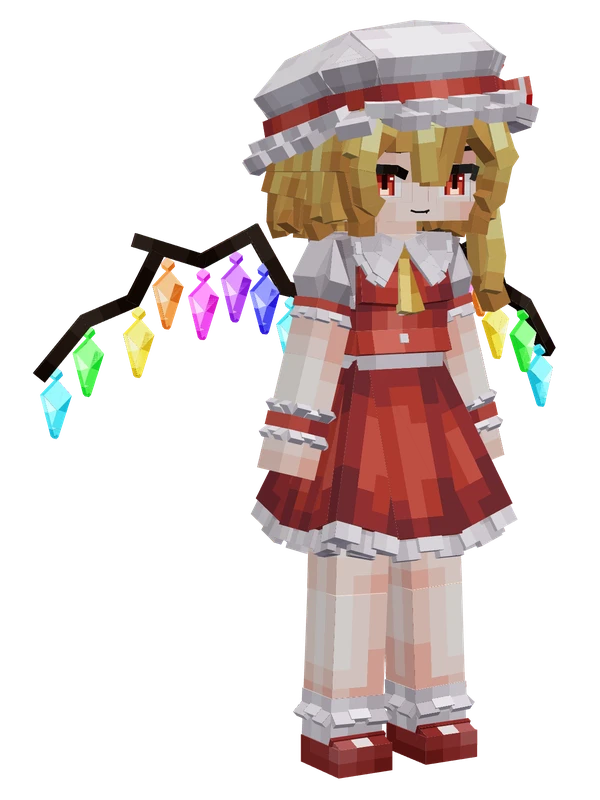
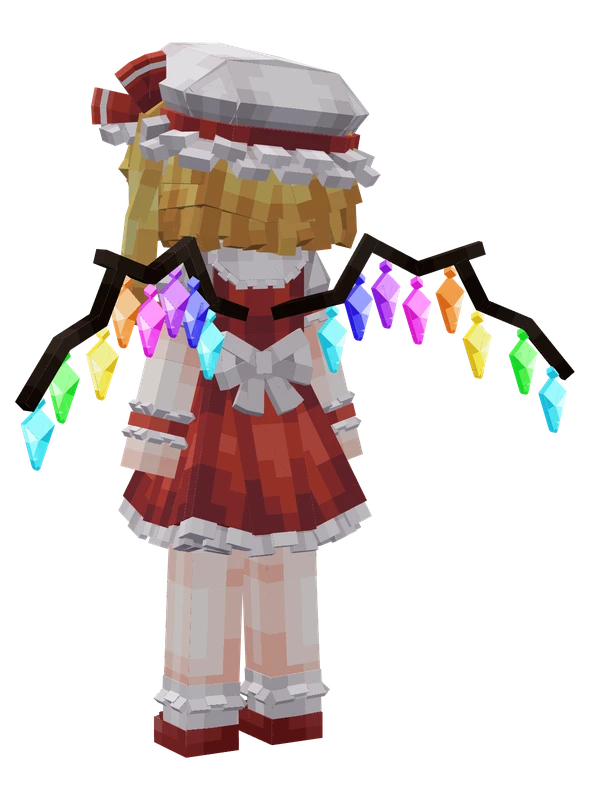
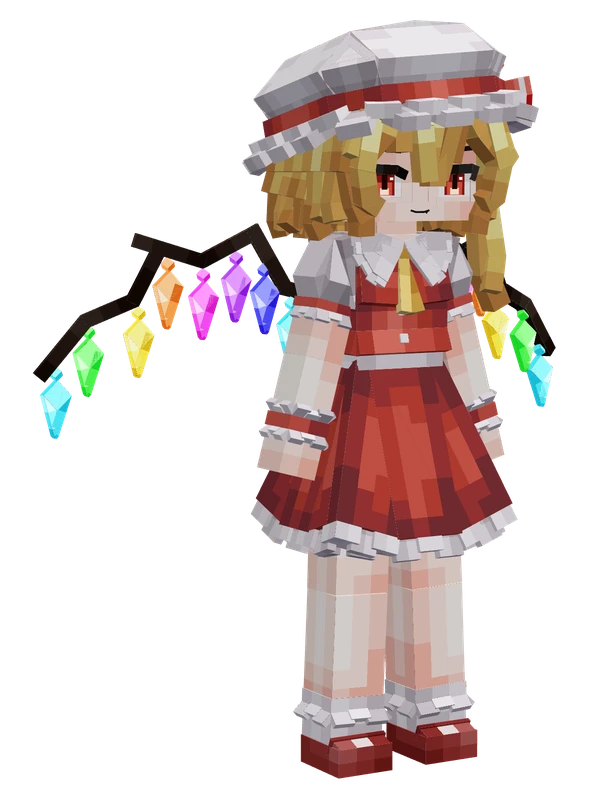
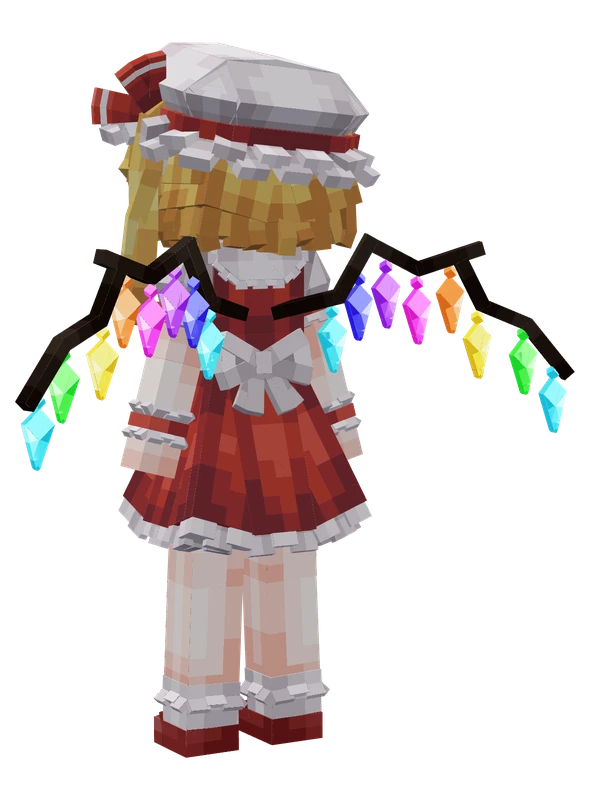
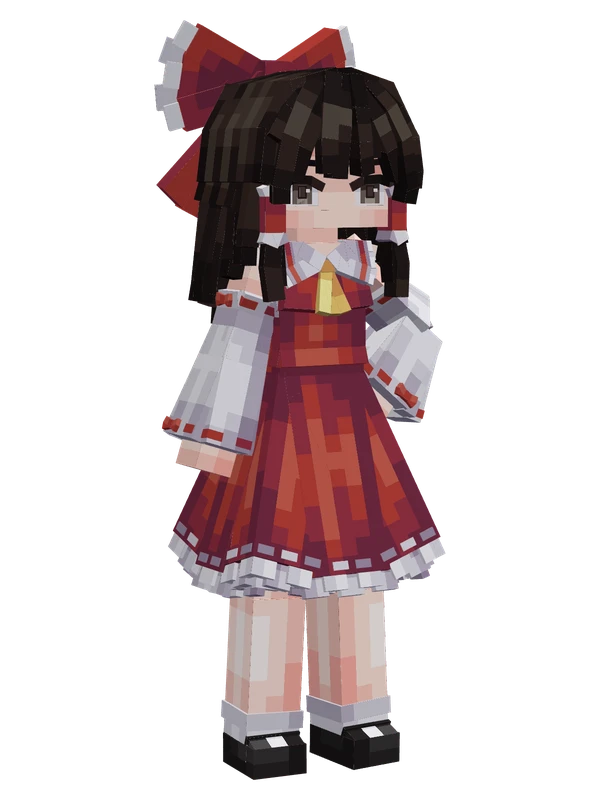
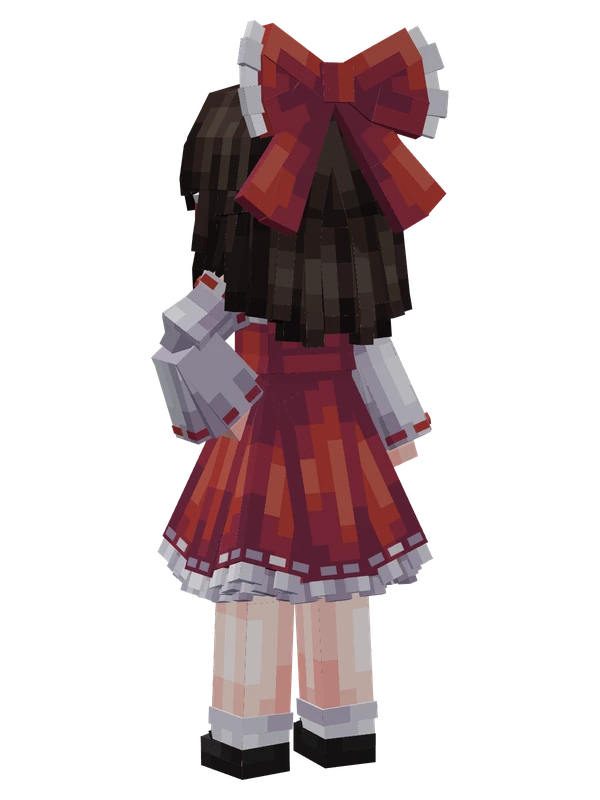
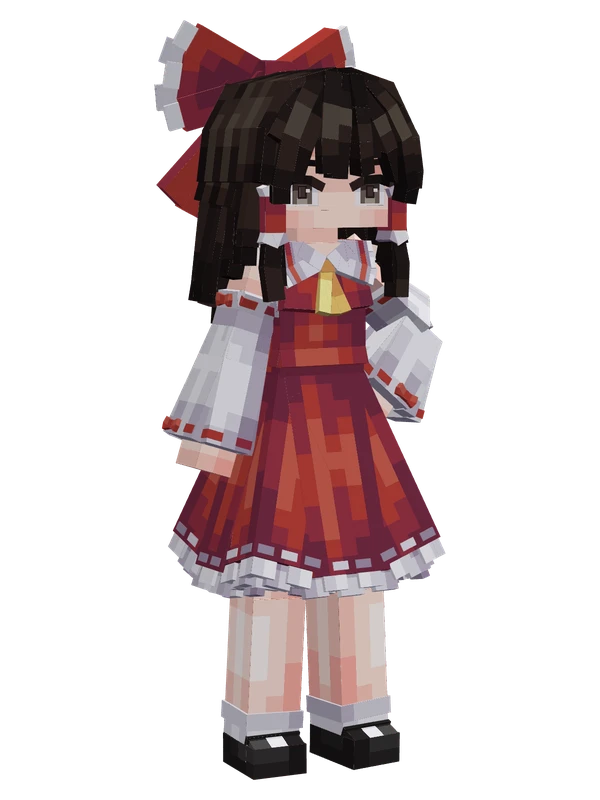
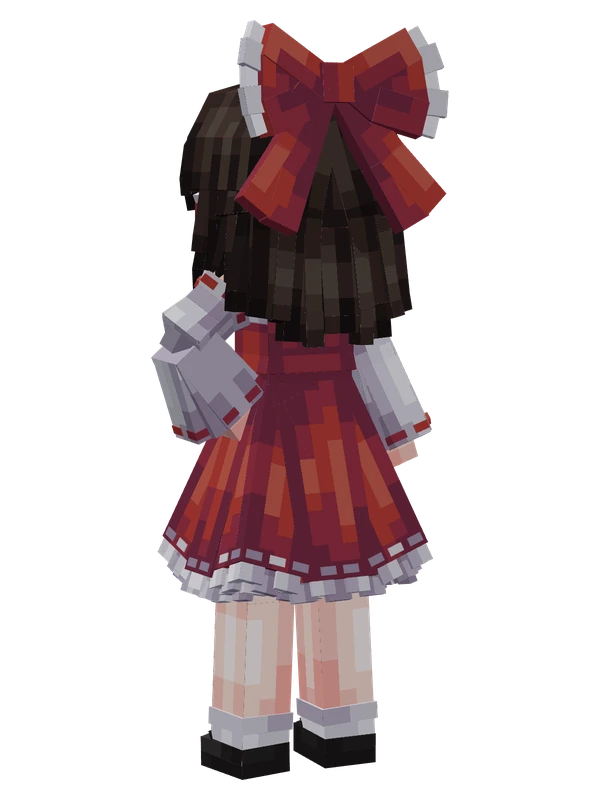
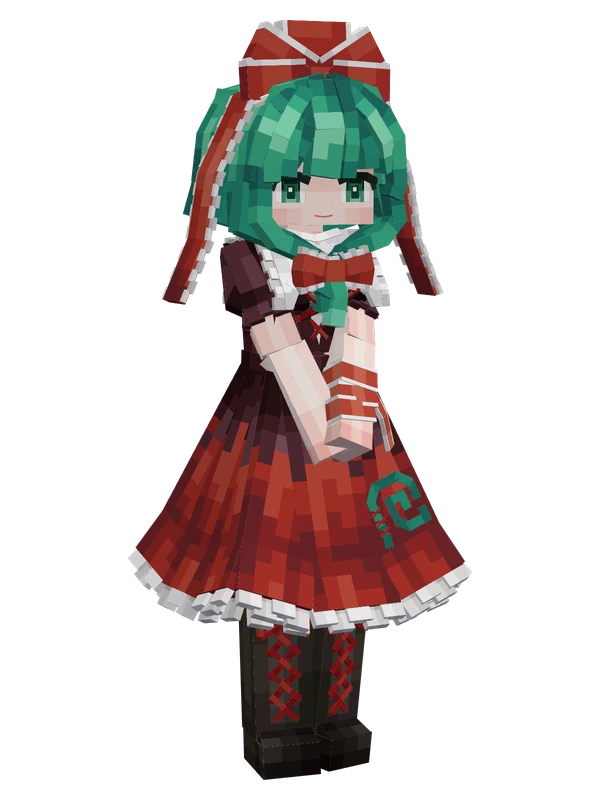
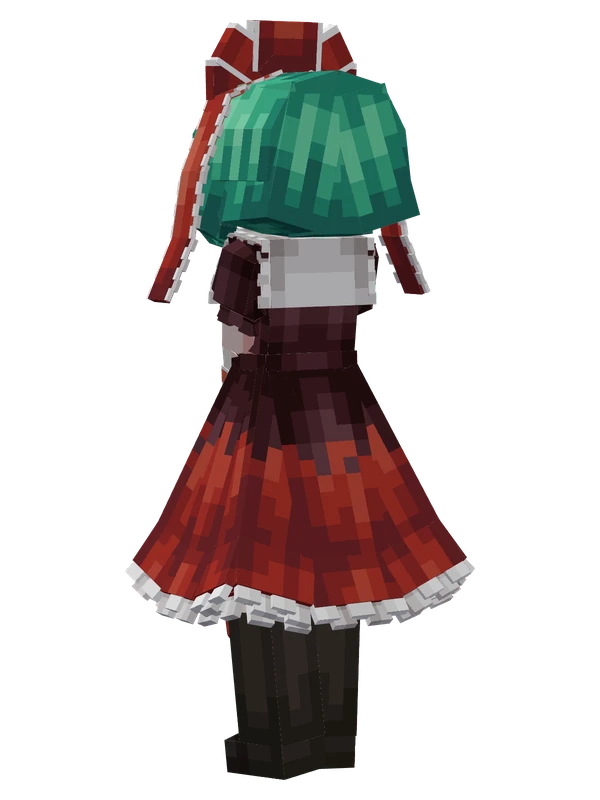
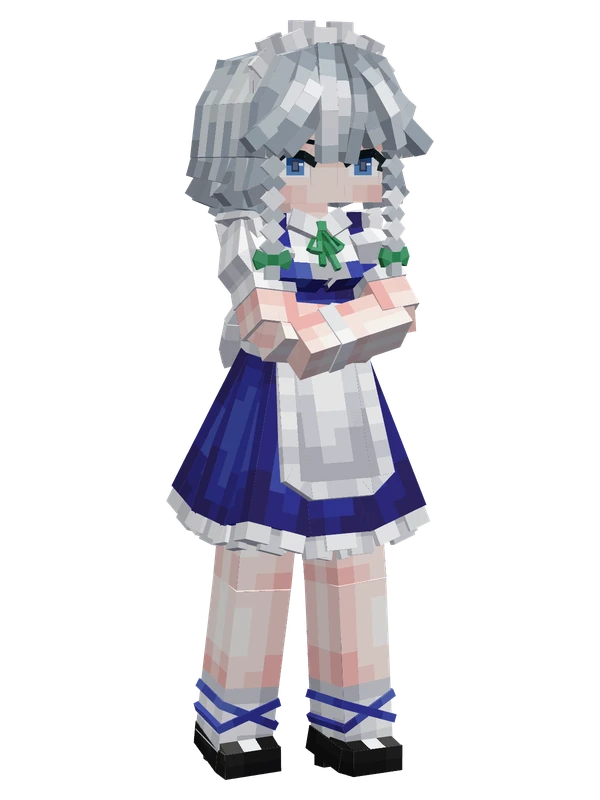
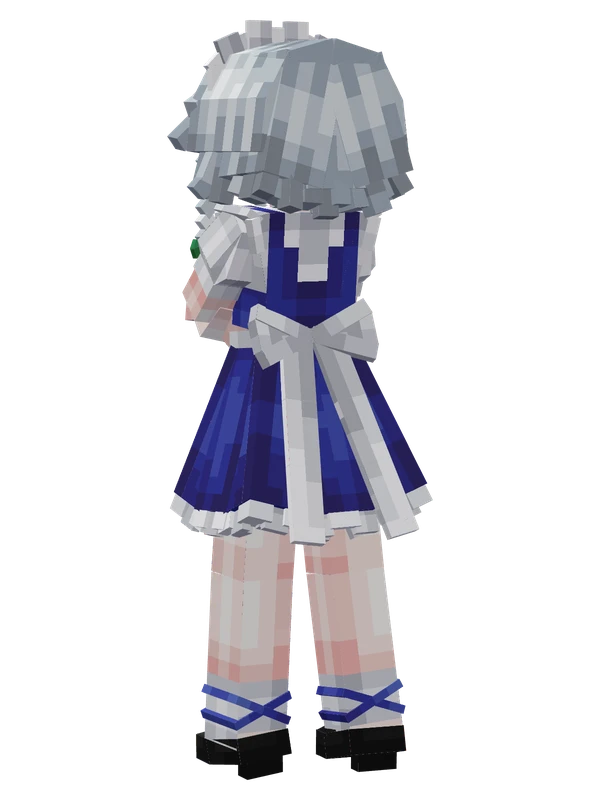
Patchouli Knowledge YSM model
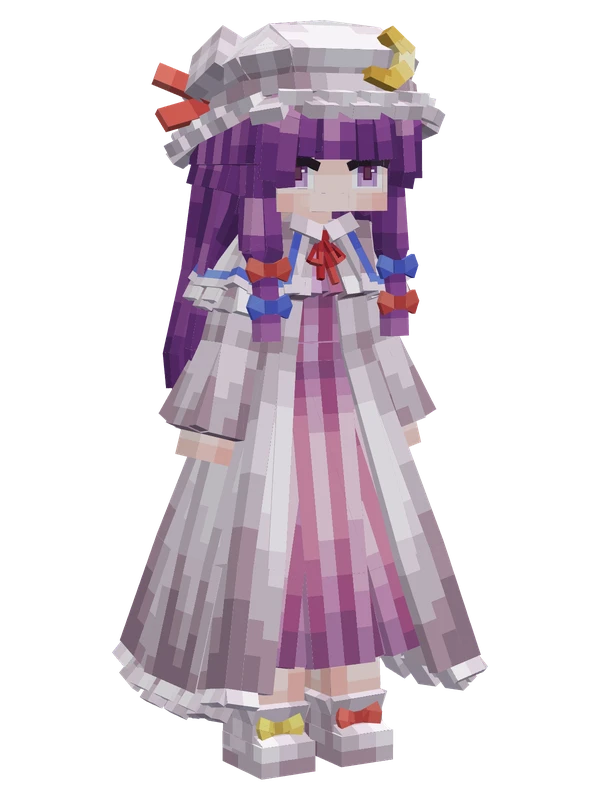
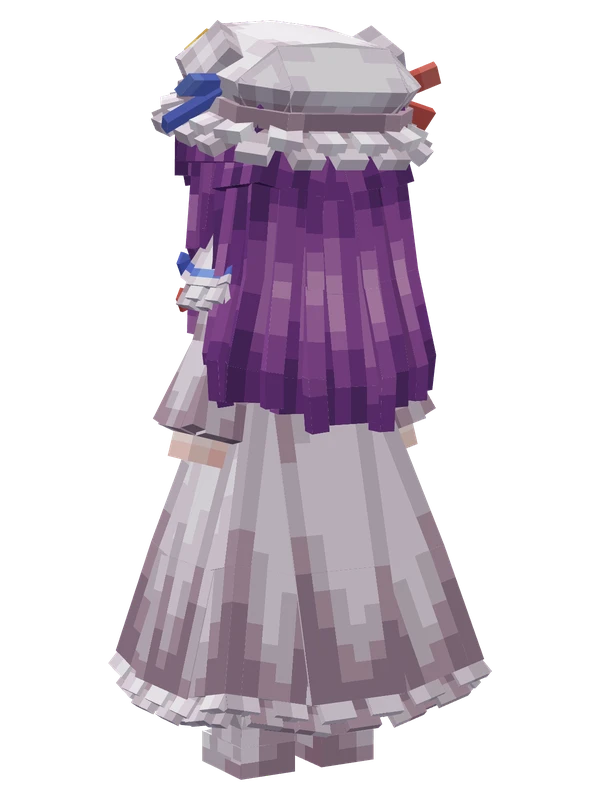
A purple-haired mage girl wearing a striped pink and white long gown, colorful hair ribbons, and a frilly mob cap with a golden crescent moon.
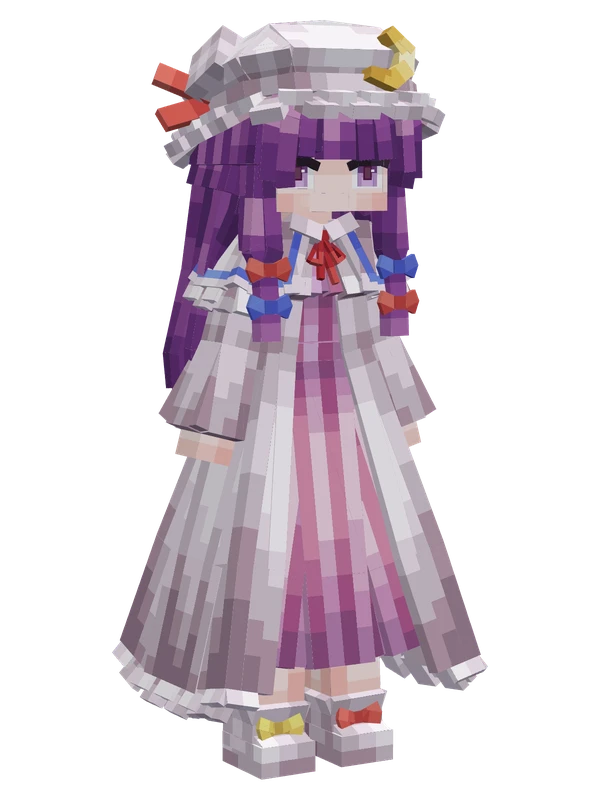
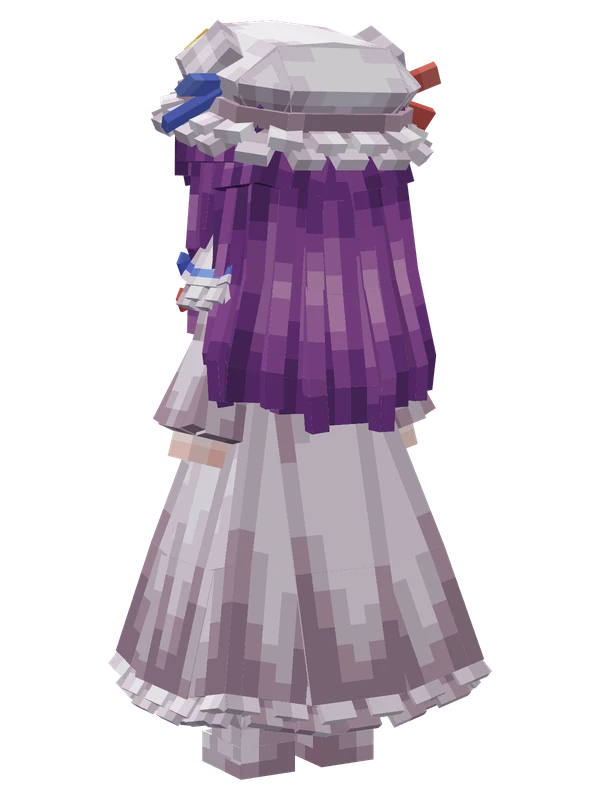
A purple-haired mage girl wearing a striped pink and white long gown, colorful hair ribbons, and a frilly mob cap with a golden crescent moon.
Note from the author: The Unmoving Great Library. Includes physics, idle animations, shooting effects, custom emotes, and TaCZ mod support.
Emote animations
Play these from the animation wheel in game.
- extra0Config
- #extra1Emote Wheel Config
- extra2Greet
- extra3Applaud
- extra4Nod
- extra5Shake Head
- extra6Custom Expression 1
- extra7Custom Expression 2
- extra8Anemia
- extra9Coming Soon
- extra10Chant
- extra11Hisoutensoku Idle
- extra12Oracle Stand
- extra13Coming Soon
Movement animations
- Hurt
- Boat
- Climb
- Climbing (still)
- Death
- Elytra flight
- Creative flight
- Menu pose
- Idle
- Jump
- Ride
- Ride pig
- Run
- Sit
- Sleep
- Sneak (moving)
- Sneak (still)
- Swim
- Tread water
- Swing hand
- Use main hand
- Use off hand
- Walk
Works with other mods
This model has its own animations for Carry On, ParCool, SWEM horses, SlashBlade, TaCZ guns, Touhou Little Maid, so they look right when those mods are installed.
How to use this model
- Install Yes Steve Model for your Minecraft version and loader (see Download YSM).
- Start the game once so YSM creates
config/yes_steve_model/. - Put the downloaded
.ysmor.zipfile intoconfig/yes_steve_model/custom/(do not unzip it). - In game press Y (default key) to open the model menu, or run
/ysm model reloadif the menu is already open. - Pick the model, then use the animation wheel (default key Z) to play its emote animations.
This is an open pack: you can open it in the YSM model editor to change the texture or animations, or preview it in the 3D viewer.
More from Touhou Project