
Dancing Iron Golem Blocks YSM model
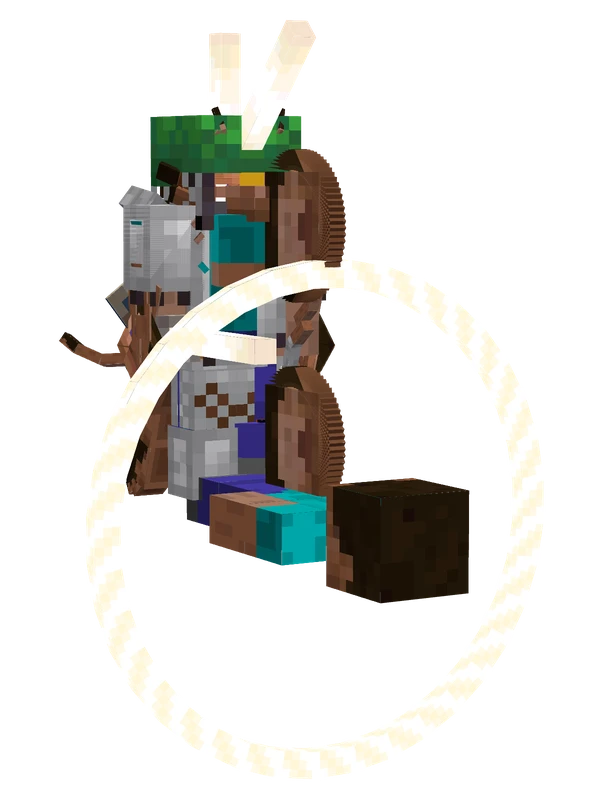
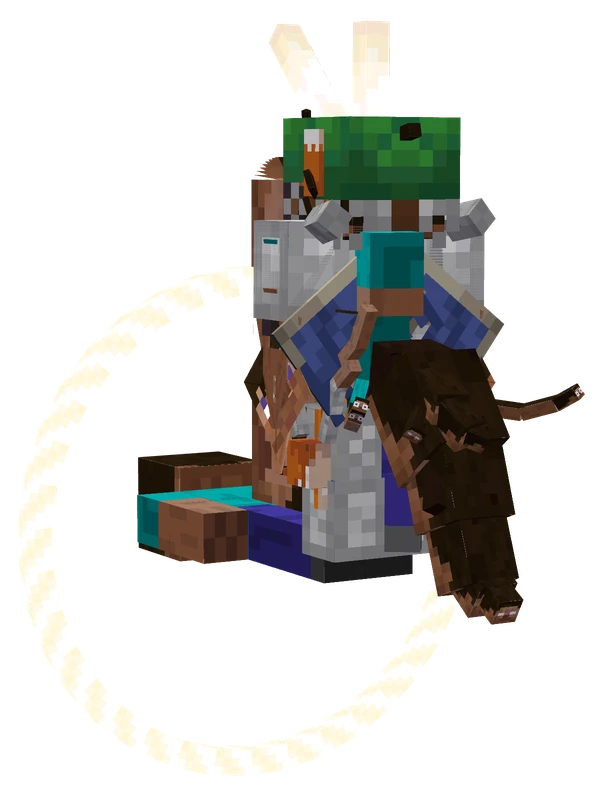
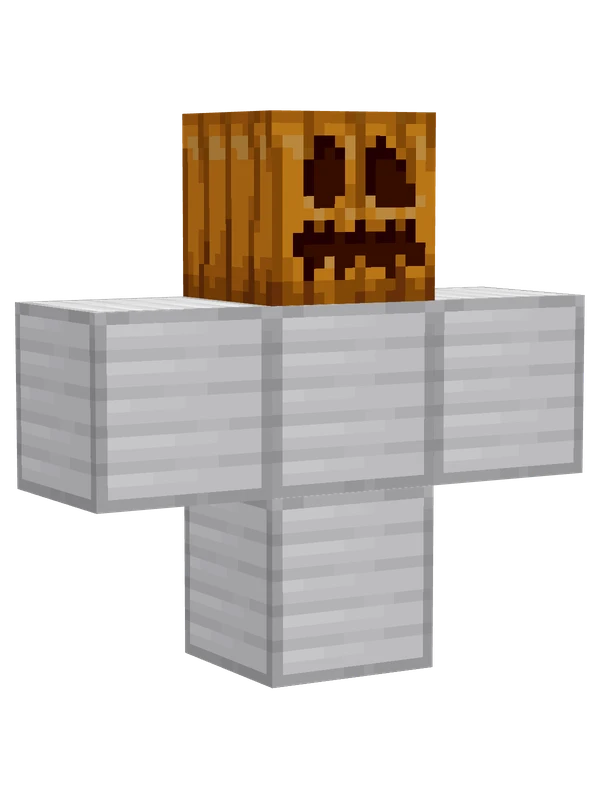
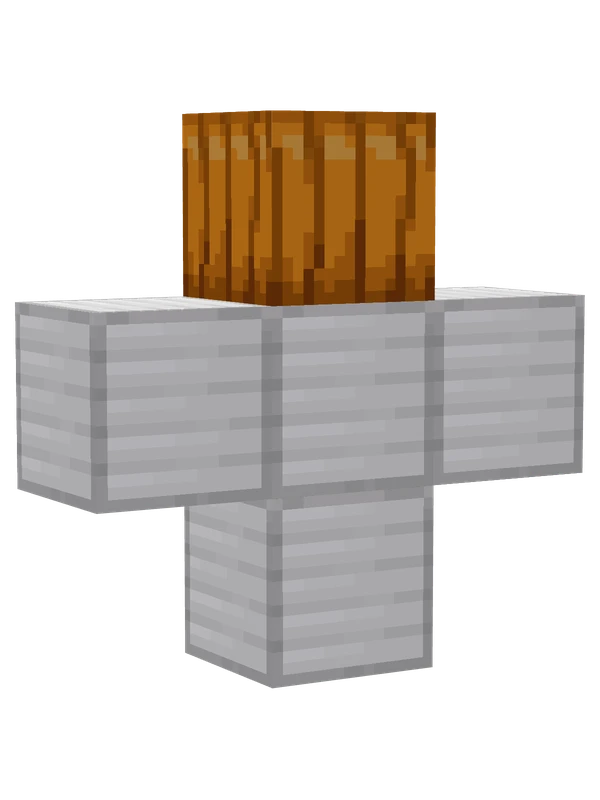
Four iron blocks arranged in a T-shape topped with a carved pumpkin, representing an unbuilt Minecraft iron golem.
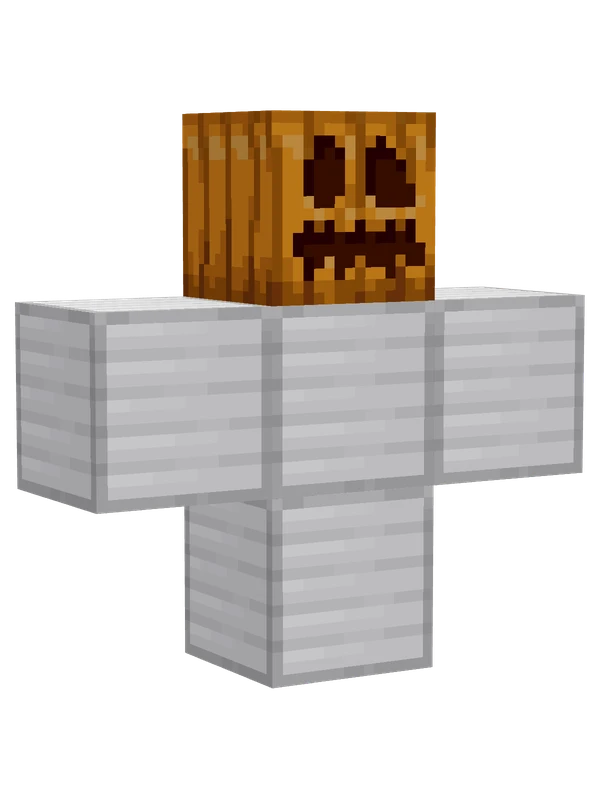
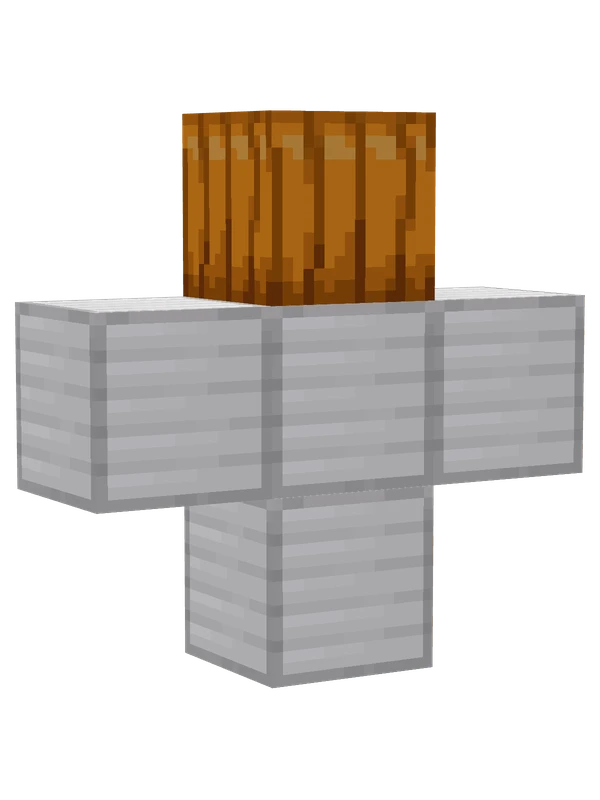
Four iron blocks arranged in a T-shape topped with a carved pumpkin, representing an unbuilt Minecraft iron golem.
Note from the author: A joke meme model.
Emote animations
Play these from the animation wheel in game.
- settings1Config Items
- extra0Dance!
- extra1Dance (No BGM)
- extra2Grace!
- extra3Grace (No BGM)
- extra4High!
- extra5High (No BGM)
Movement animations
- Hurt
- Boat
- Climbing (still)
- Death
- Elytra flight
- Creative flight
- Idle
- Jump
- Ride
- Ride pig
- Run
- Sit
- Sleep
- Sneak (moving)
- Sneak (still)
- Swim
- Tread water
- Swing hand
- Use main hand
- Use off hand
- Walk
How to use this model
- Install Yes Steve Model for your Minecraft version and loader (see Download YSM).
- Start the game once so YSM creates
config/yes_steve_model/. - Put the downloaded
.ysmor.zipfile intoconfig/yes_steve_model/custom/(do not unzip it). - In game press Y (default key) to open the model menu, or run
/ysm model reloadif the menu is already open. - Pick the model, then use the animation wheel (default key Z) to play its emote animations.
This model is an encrypted .ysm file: it plays in game but cannot be opened or edited in Blockbench.
More from Minecraft
Editable8 emotes
Cat (Moefied Milk Tea)Minecraft
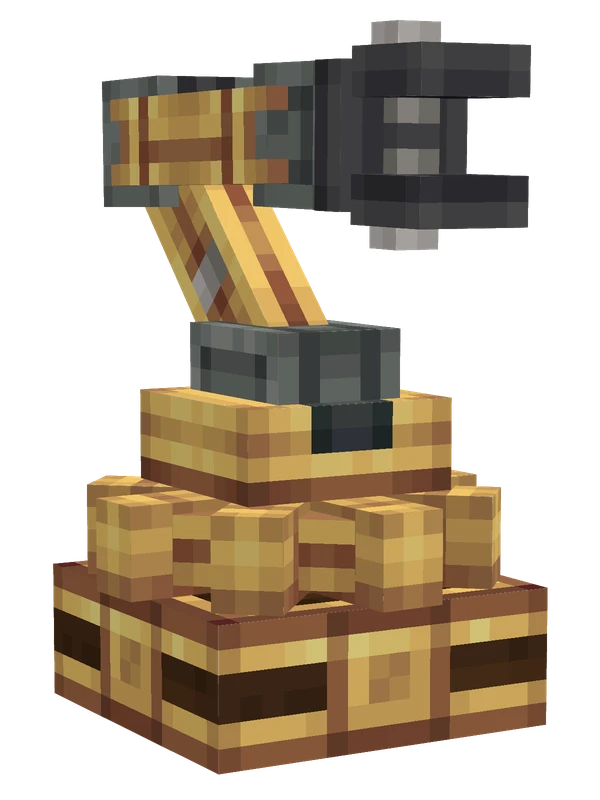
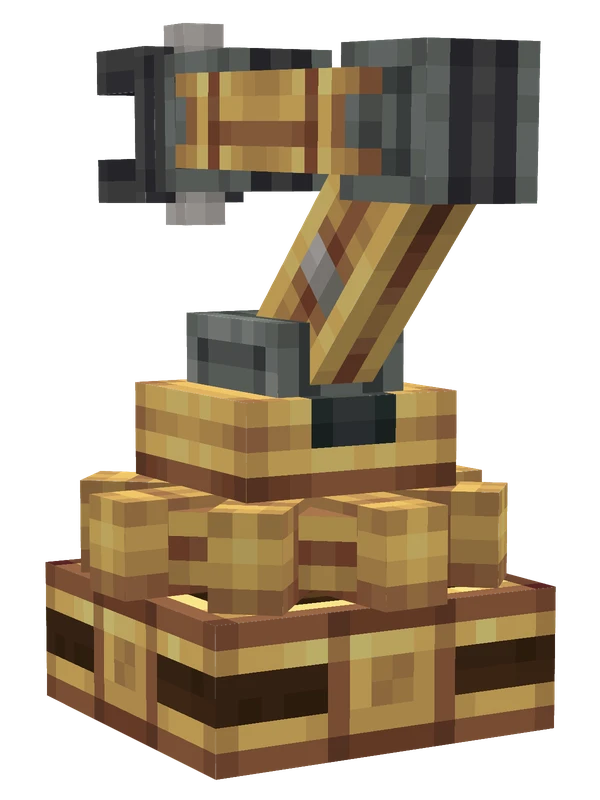
8 emotes
Mechanical ArmMinecraft
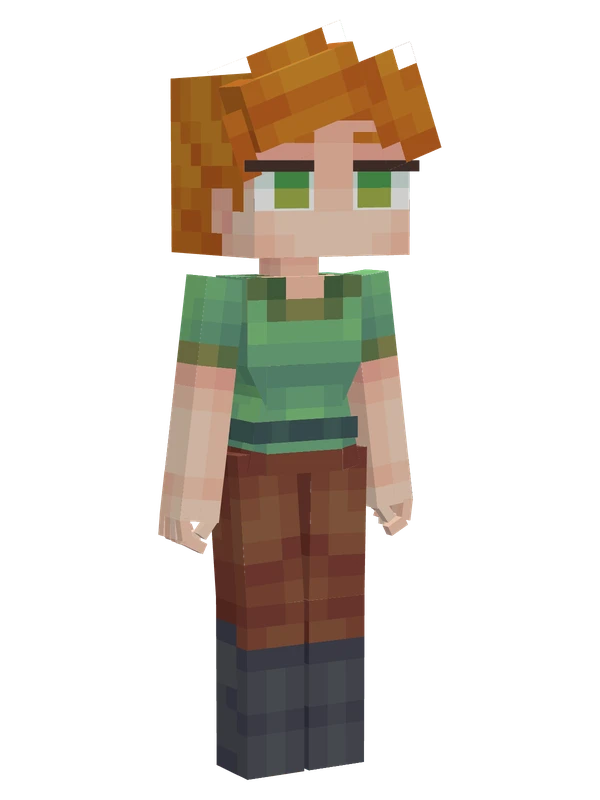
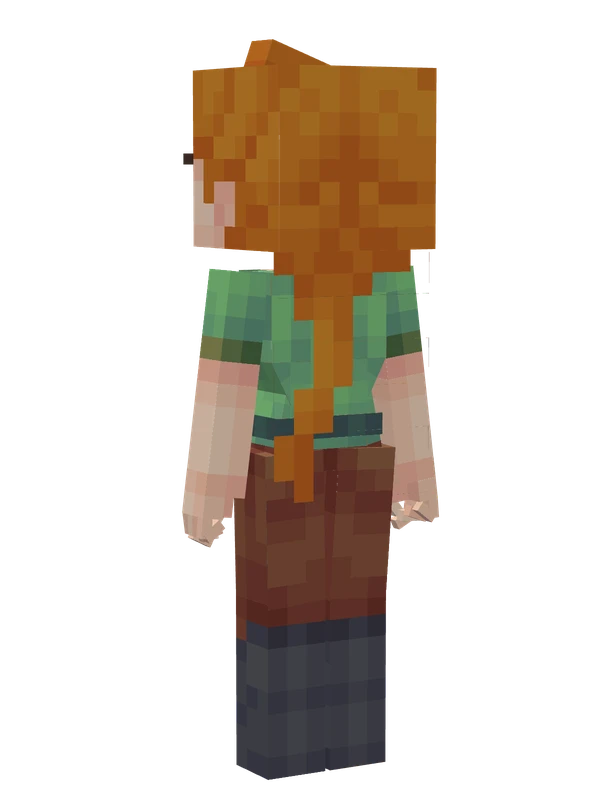
Editable
Alex (Type II)Minecraft
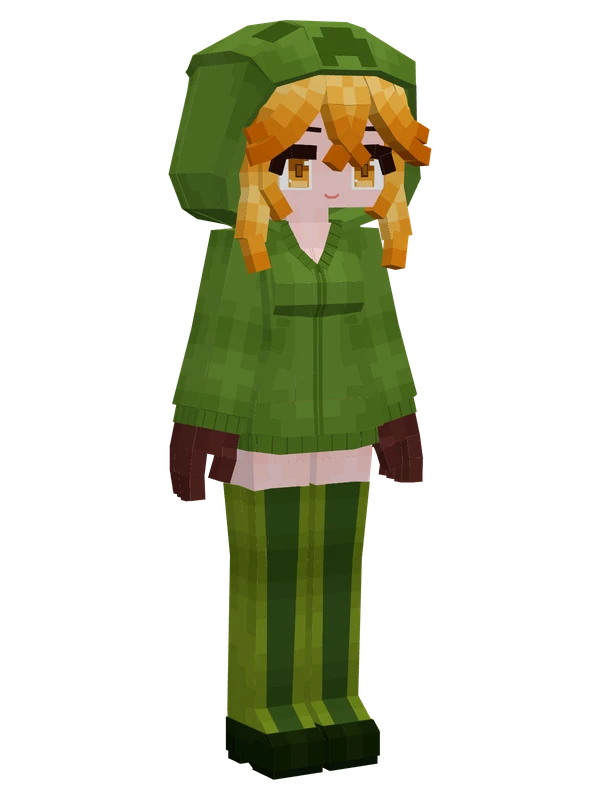
Creeper GirlMinecraft
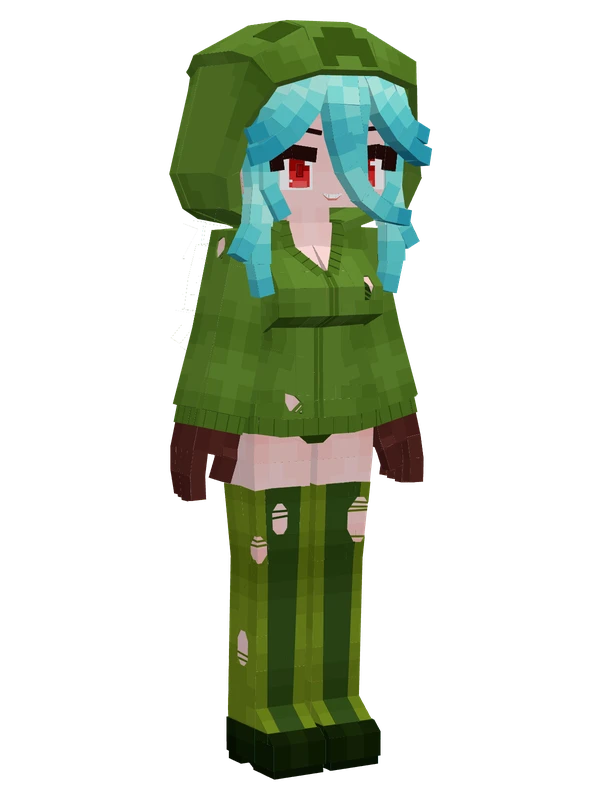
Creeper Girl (Charged)Minecraft
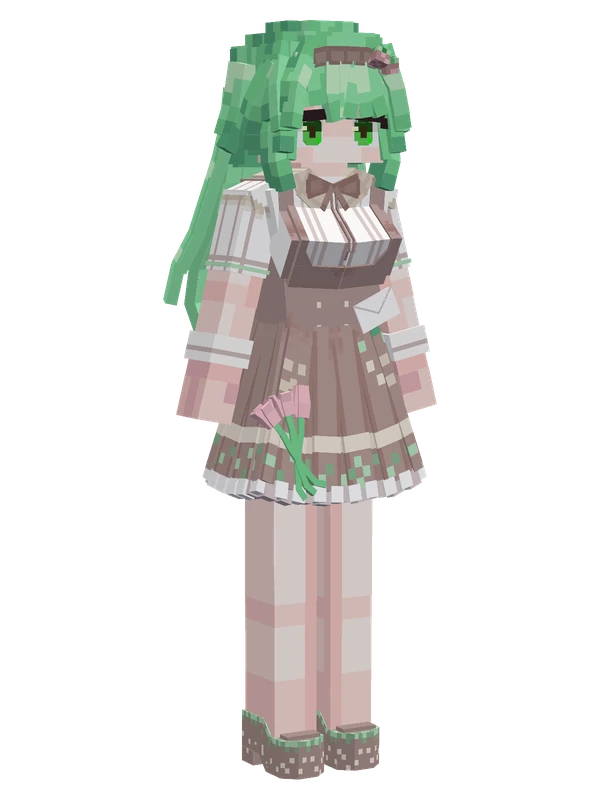
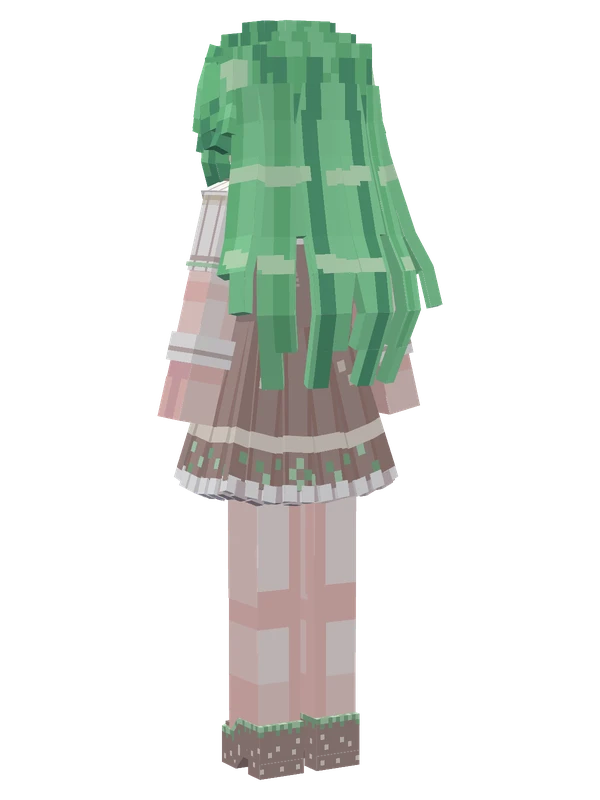
Grass Block (Moefied)Minecraft
12 emotes
Cursed SteveMinecraft
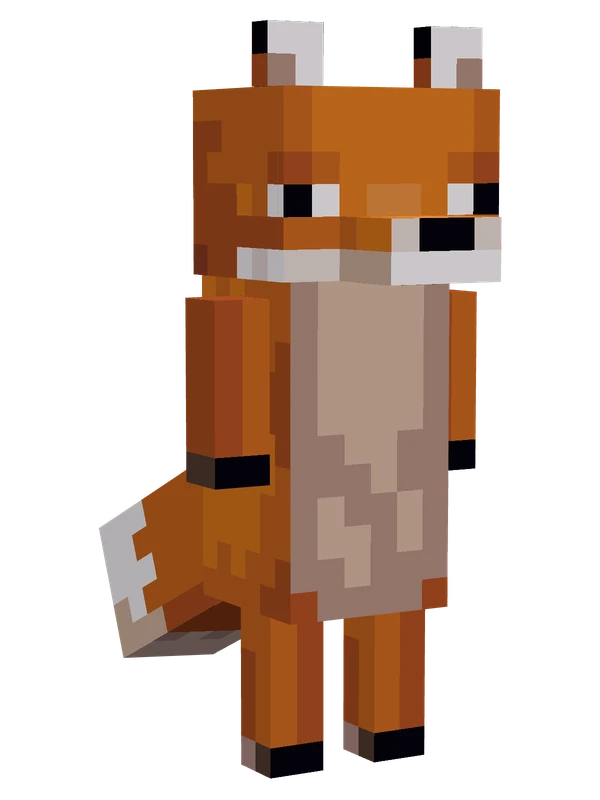
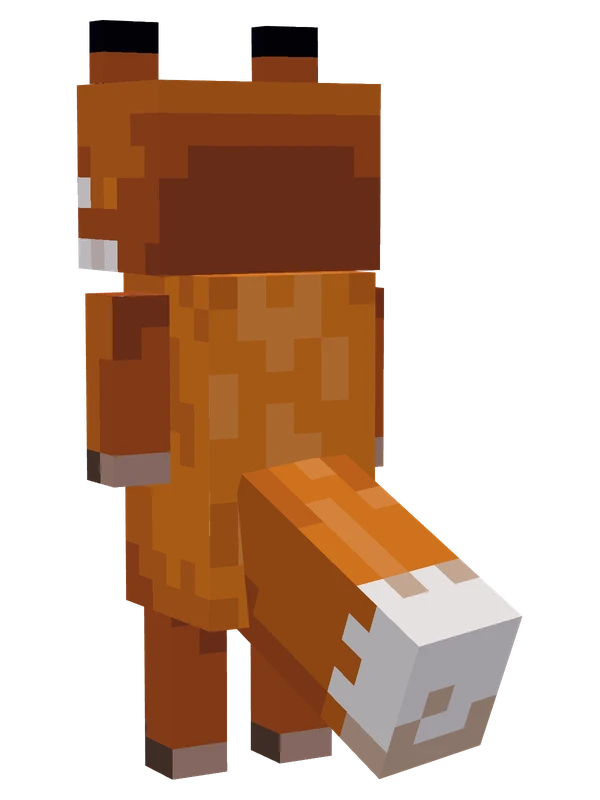
9 emotes
FoxMinecraft
9 emotes
Iron Golem (Block Structure)Minecraft
8 emotes
Birch Tree GirlMinecraft
Editable1 emotes
Bee (Beeper)Minecraft
Editable
BeeMinecraft