
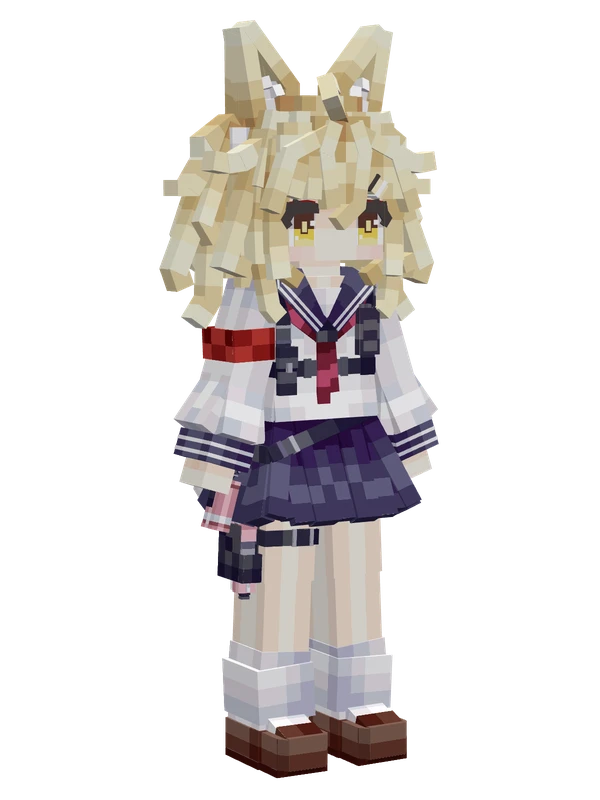
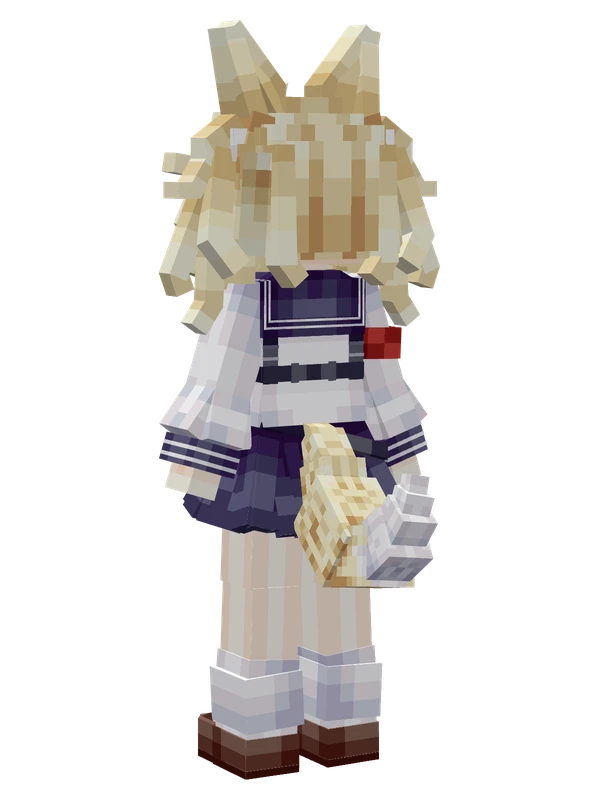
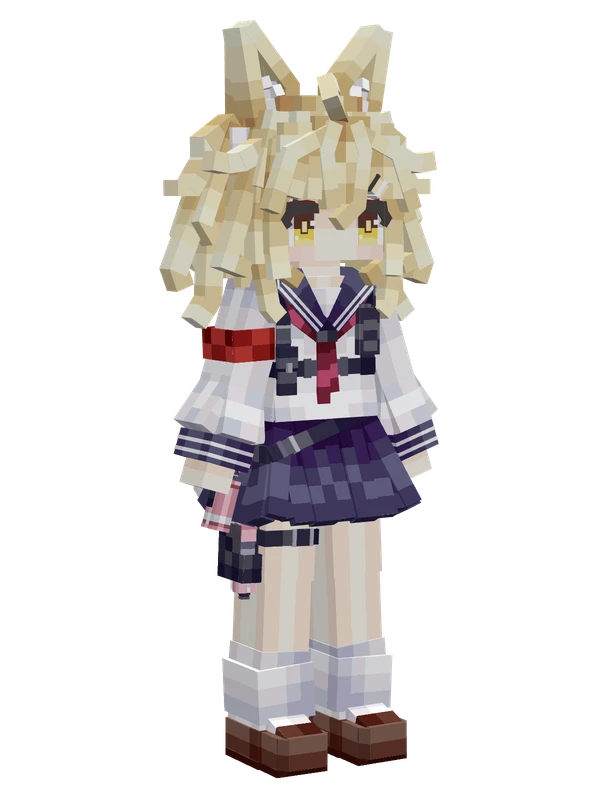
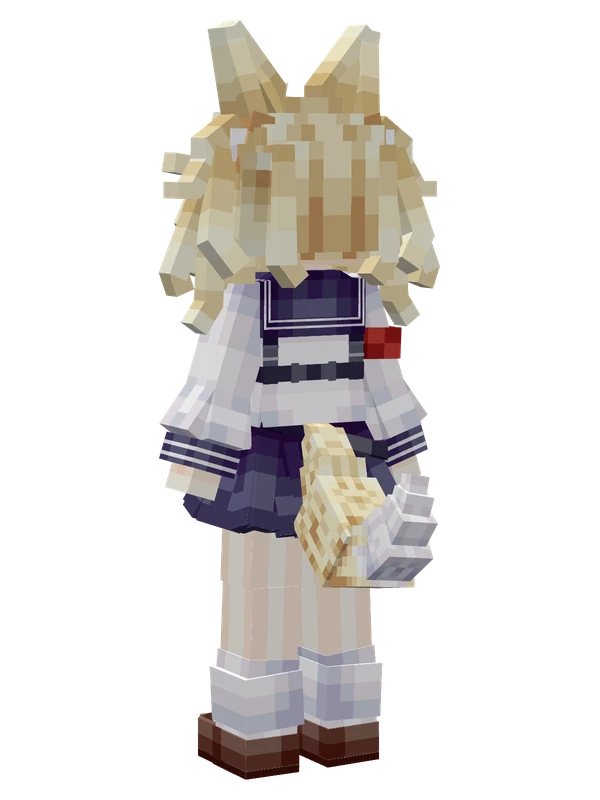
Eanes (Shield) YSM model
A blonde dog-eared girl in a sailor school uniform crouching behind a large white and pink tactical flash shield while aiming a pistol.
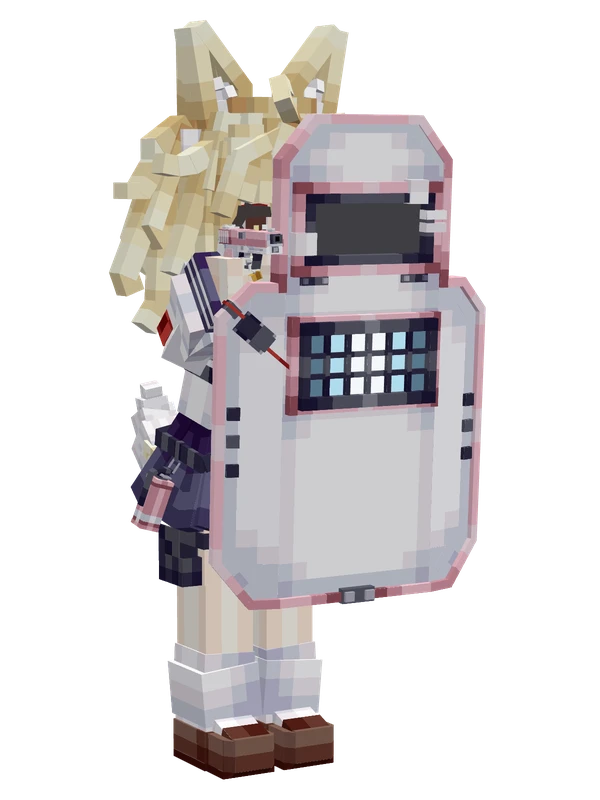
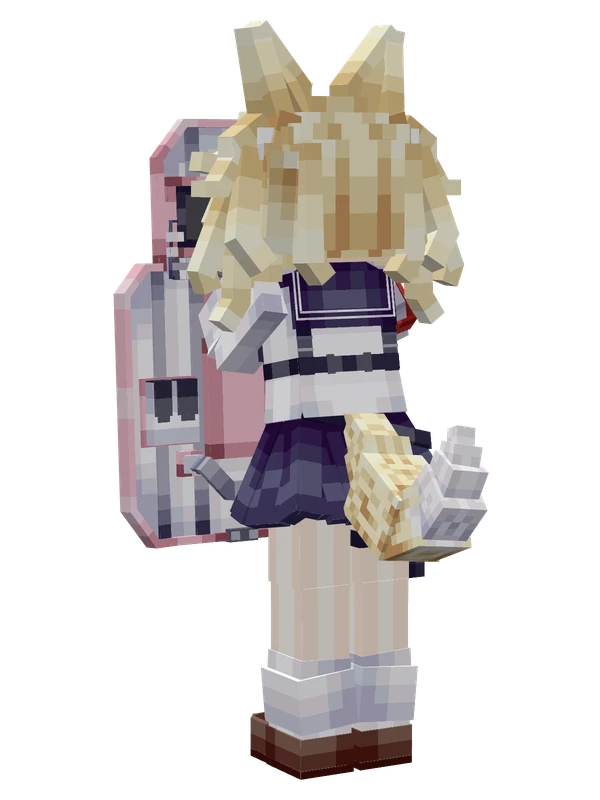
A blonde dog-eared girl in a sailor school uniform crouching behind a large white and pink tactical flash shield while aiming a pistol.
Note from the author: Eanes (Rainbow Six x Blue Archive original fan character) from Bartlett Academy. Normal shield-holding state.
Emote animations
Play these from the animation wheel in game.
- extra0Flash Shield
- extra1P12 Hip Fire
- extra2Crouch Tilt Left
- extra3Crouch Tilt Right
- extra4Crouch Check Phone
- extra5Stance (No VFX)
- extra6Stand Checking Phone
- extra7Loli Kami
- extra8Stand to Crouch
- extra9Stand Tilt Right
- extra10Stand Tilt Left
- extra11Stance (With VFX)
- extra12Selfie
Movement animations
- Hurt
- Boat
- Climb
- Climbing (still)
- Death
- Elytra flight
- Creative flight
- Menu focus
- Menu pose
- Menu hover
- Menu hover fade
- Idle
- Jump
- Ride
- Ride pig
- Run
- Sit
- Sleep
- Sneak (moving)
- Sneak (still)
- Swim
- Tread water
- Swing hand
- Use main hand
- Use off hand
- Walk
Works with other mods
This model has its own animations for Carry On, TaCZ guns, so they look right when those mods are installed.
How to use this model
- Install Yes Steve Model for your Minecraft version and loader (see Download YSM).
- Start the game once so YSM creates
config/yes_steve_model/. - Put the downloaded
.ysmor.zipfile intoconfig/yes_steve_model/custom/(do not unzip it). - In game press Y (default key) to open the model menu, or run
/ysm model reloadif the menu is already open. - Pick the model, then use the animation wheel (default key Z) to play its emote animations.
This model is an encrypted .ysm file: it plays in game but cannot be opened or edited in Blockbench.
More from Blue Archive
9 emotes
Professor NiyaniyaBlue Archive
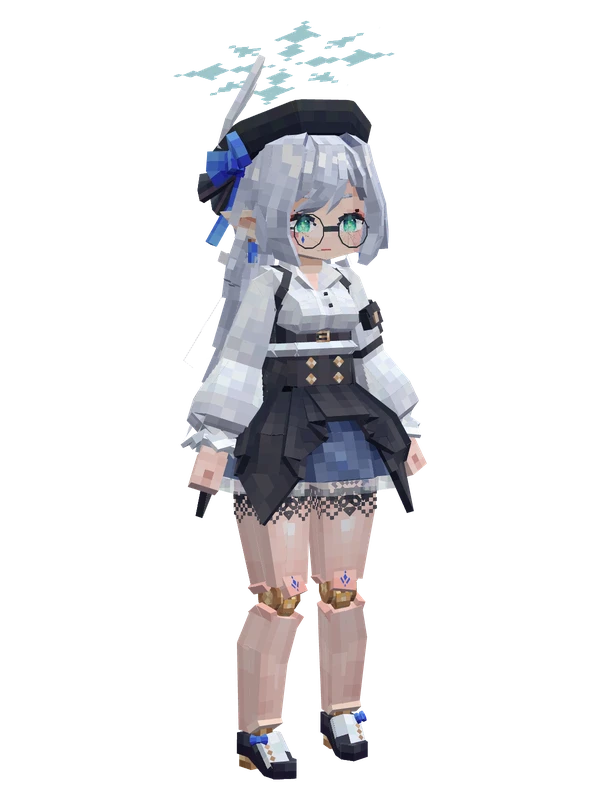
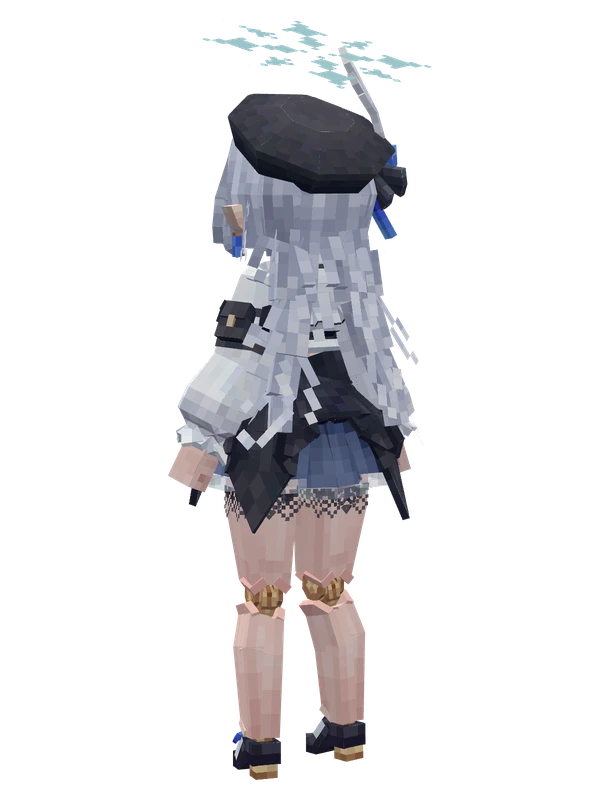
8 emotes
Mitsu RenjuBlue Archive
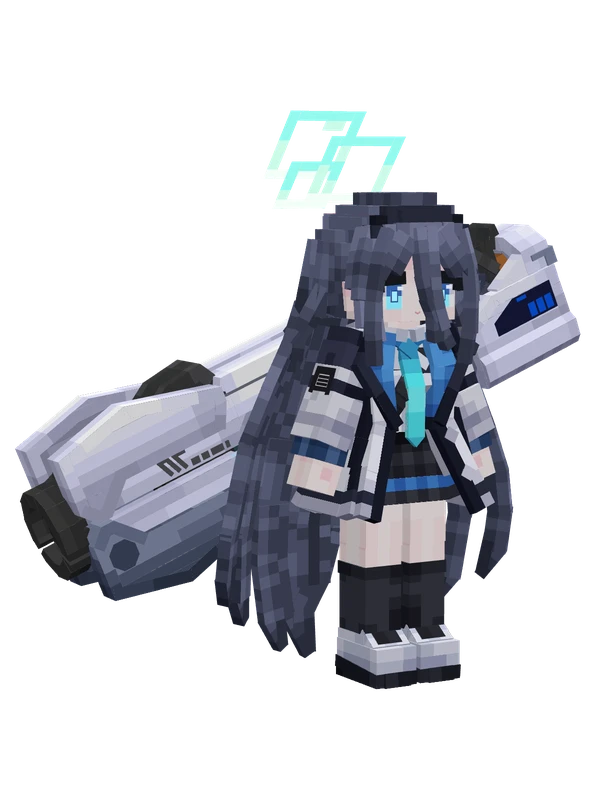
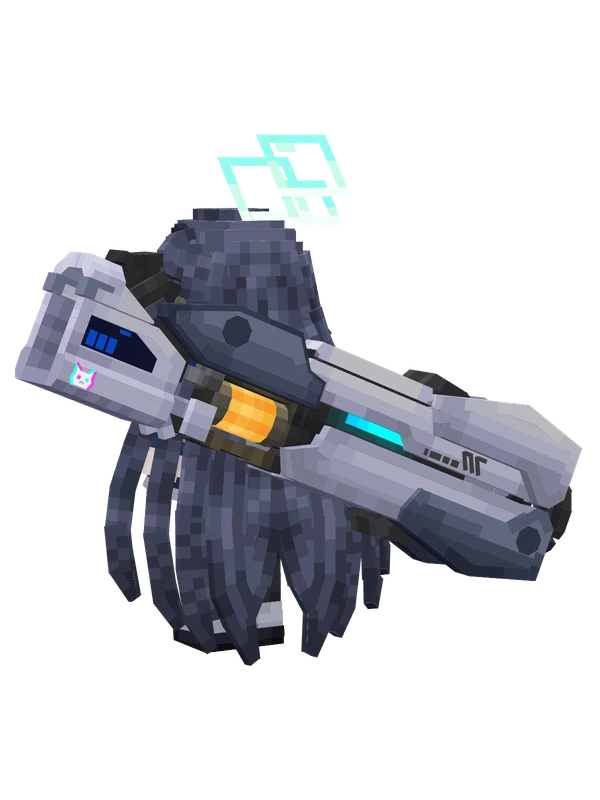
8 emotes
Tendou ArisBlue Archive
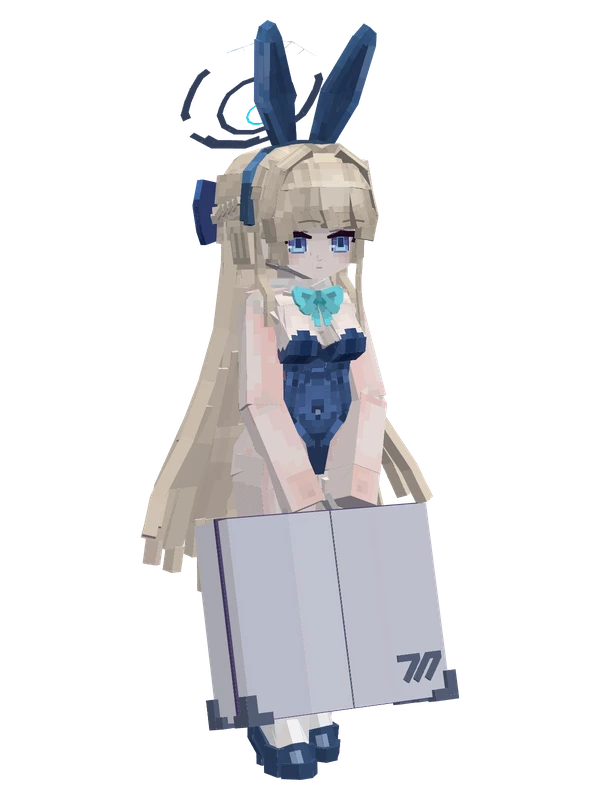
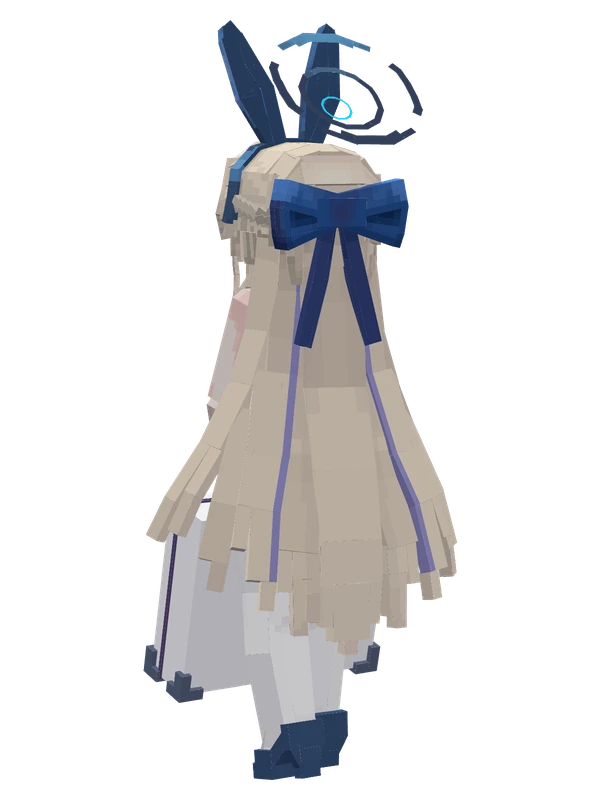
Editable81 emotes
Asuma Toki (Bunny Girl)Blue Archive
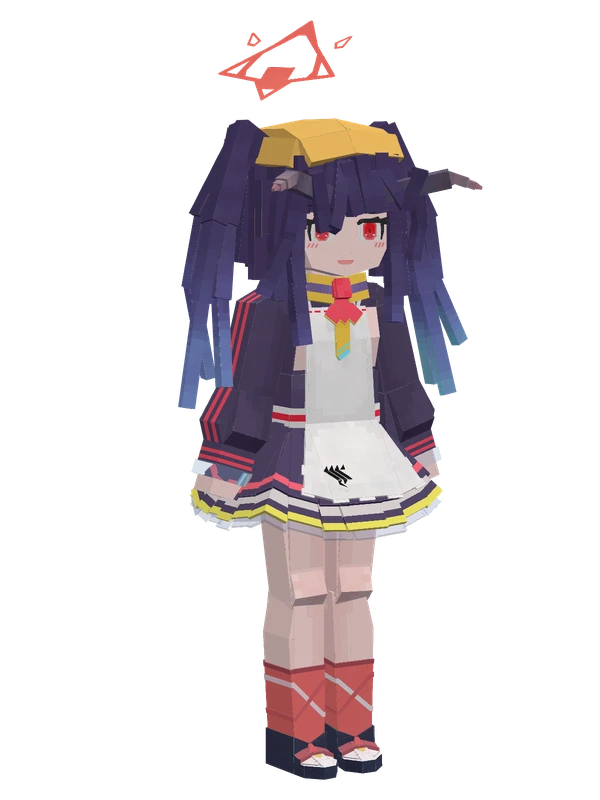
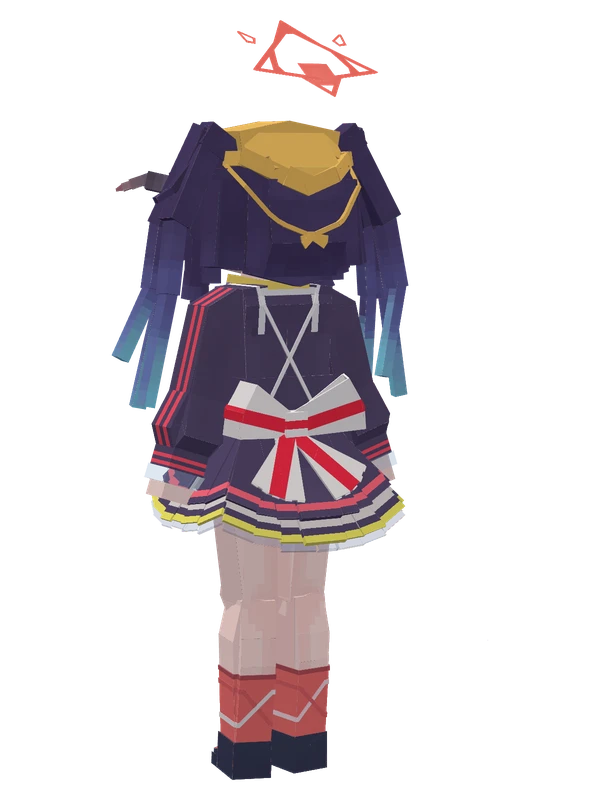
13 emotes
Aikiyo FuukaBlue Archive
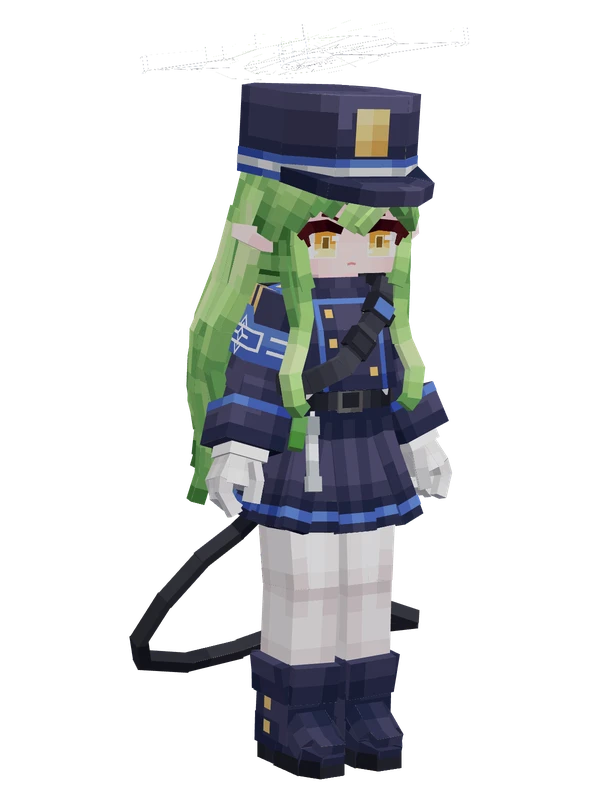
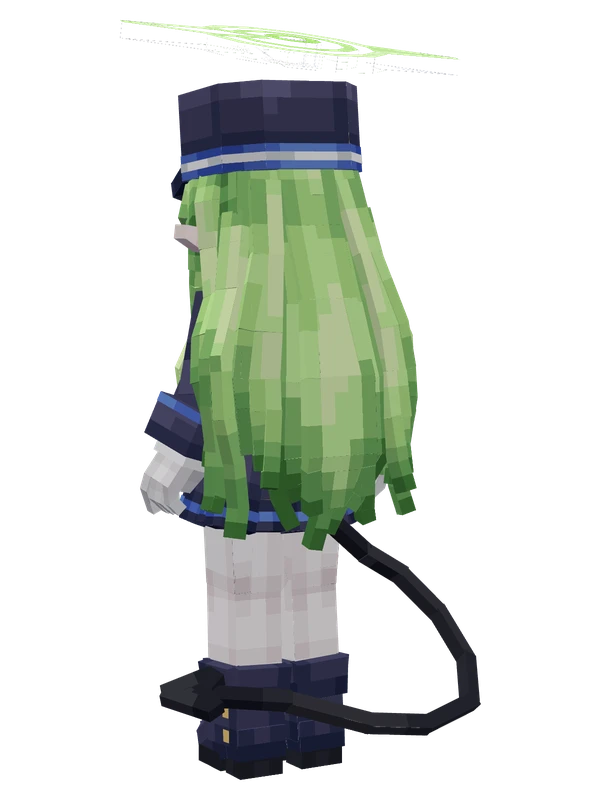
13 emotes
HikariBlue Archive
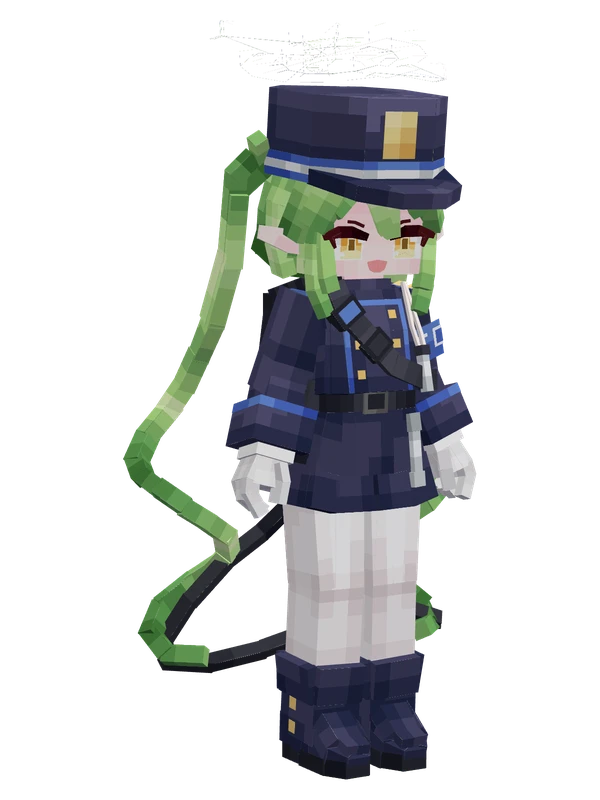
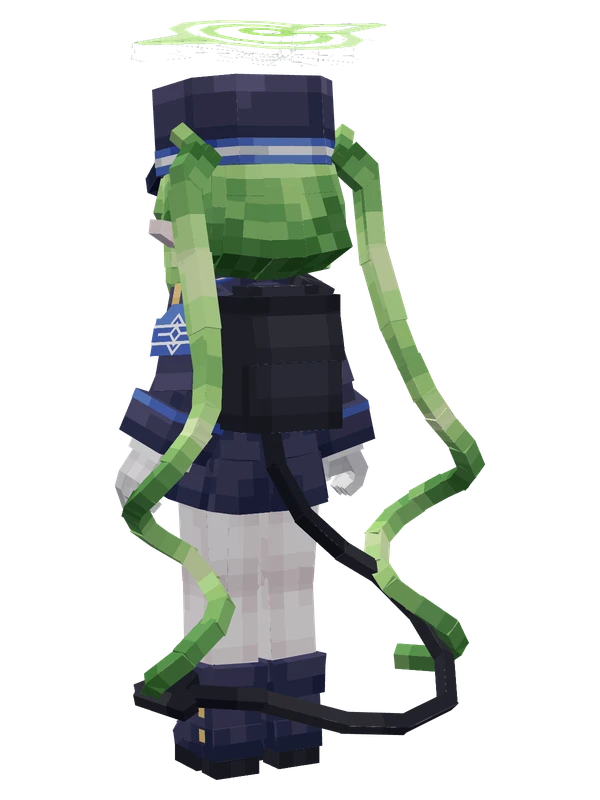
13 emotes
Nozomi (Highlander)Blue Archive
11 emotes
EanesBlue Archive
11 emotes
EanesBlue Archive
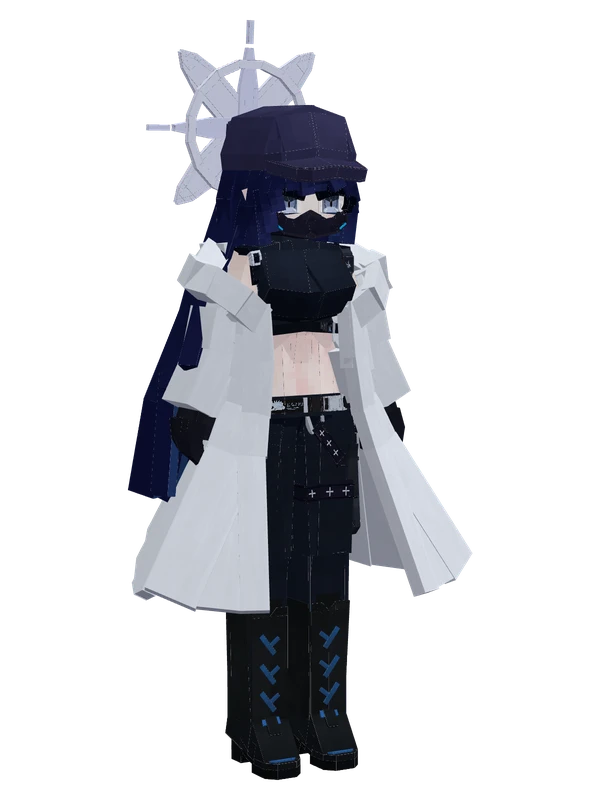
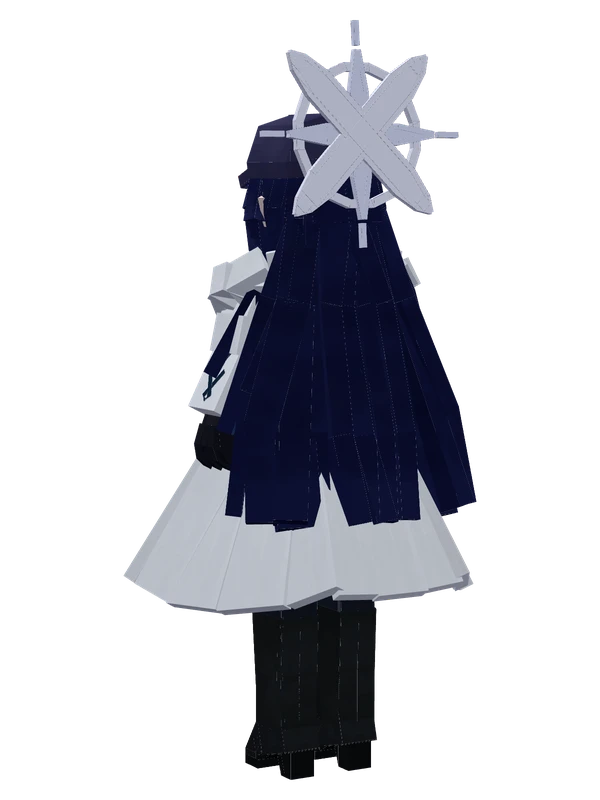
11 emotes
Joumae SaoriBlue Archive
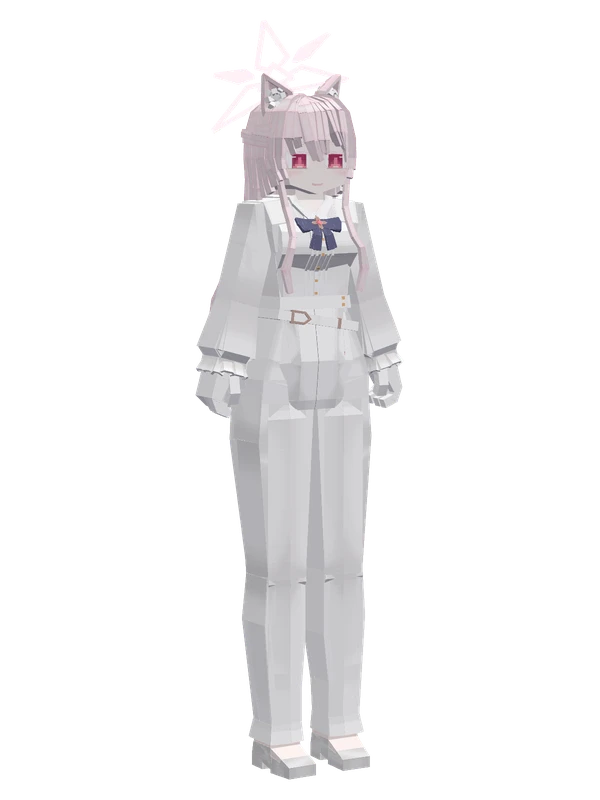
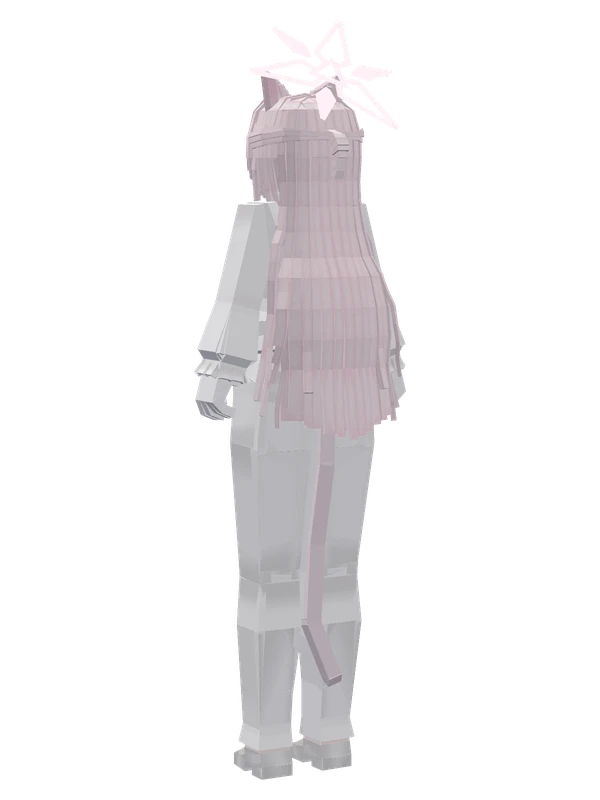
10 emotes
Kiyosumi AkiraBlue Archive
10 emotes
MinoriBlue Archive