
Furina (Ousia) YSM model
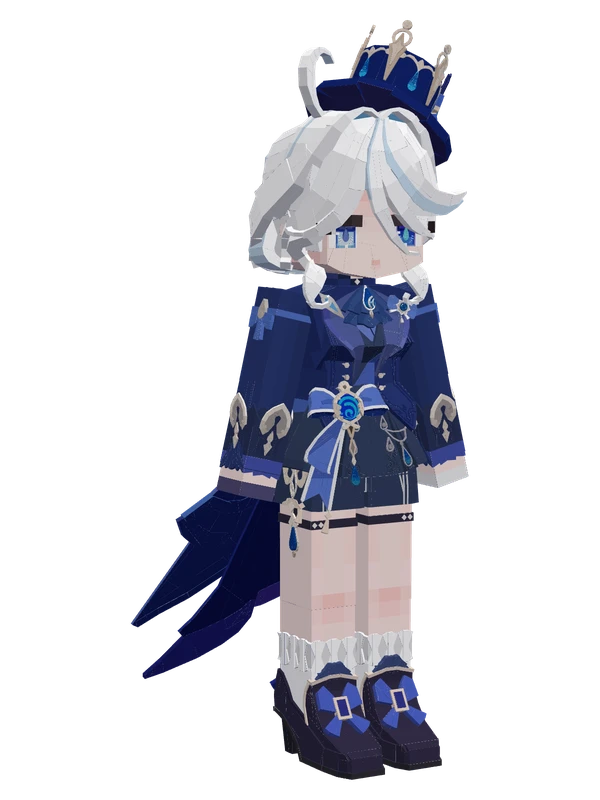
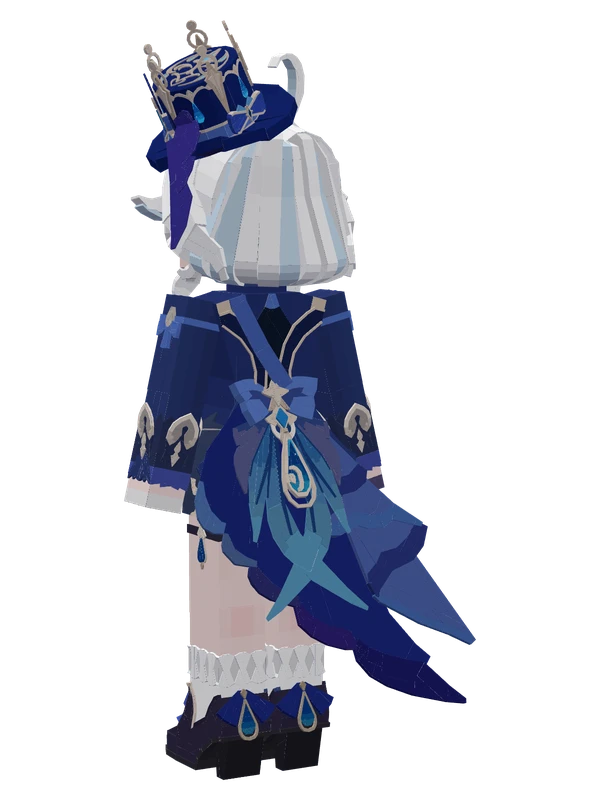
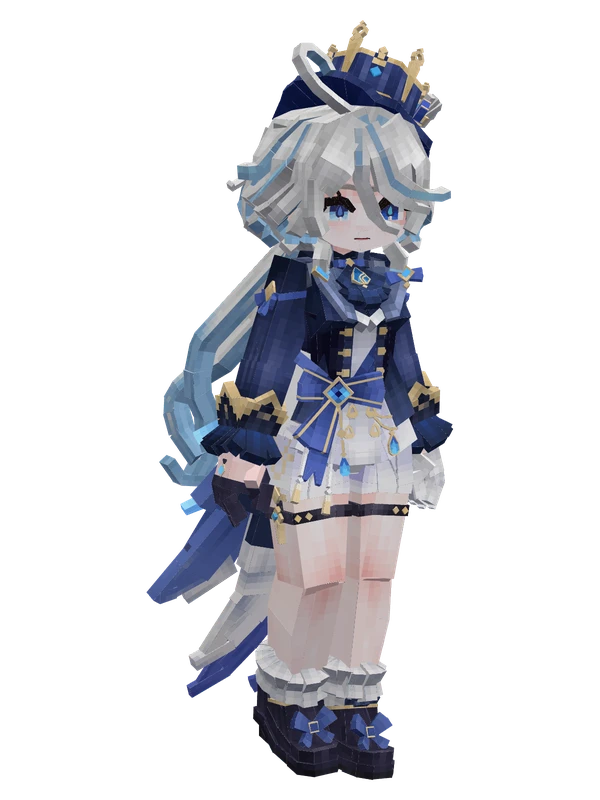
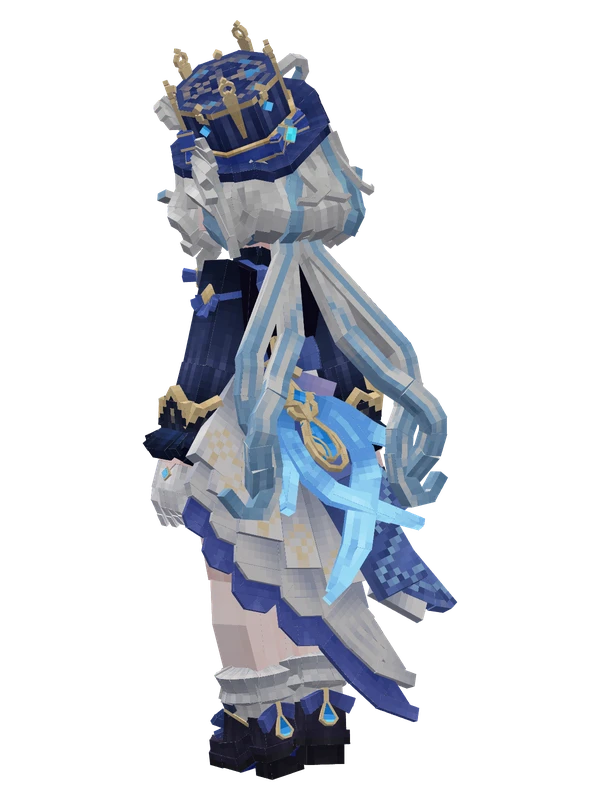
A white-haired girl in a blue and white formal tailcoat suit, white shorts, and a decorated blue top hat.
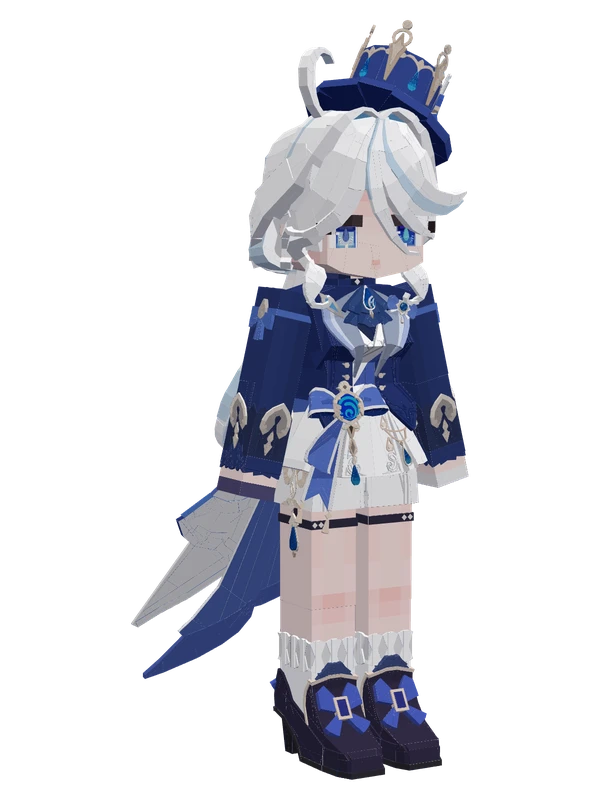
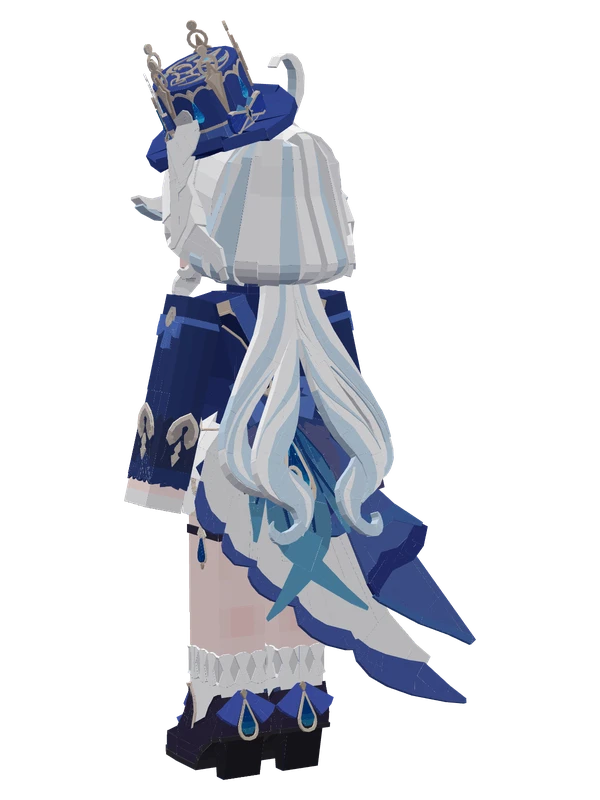
A white-haired girl in a blue and white formal tailcoat suit, white shorts, and a decorated blue top hat.
Note from the author: She is not perfect or strong, but on stage she is the most trusted presence, an unfading memory of youth in Fontaine.
Emote animations
Play these from the animation wheel in game.
- #original ani.Vanilla Animation
- Config
- guanzhu1Meow
- guanzhu2Nuansheng Silly Pig
- guanzhu3Follow
- #orginal2 ani.Custom Animation
- #orginal3 ani.Other Animations
Movement animations
- Hurt
- Boat
- Climb
- Climbing (still)
- Death
- Elytra flight
- Creative flight
- Idle
- Jump
- Ride
- Ride pig
- Run
- Sit
- Sleep
- Sneak (moving)
- Sneak (still)
- Swim
- Tread water
- Swing hand
- Use main hand
- Use off hand
- Walk
How to use this model
- Install Yes Steve Model for your Minecraft version and loader (see Download YSM).
- Start the game once so YSM creates
config/yes_steve_model/. - Put the downloaded
.ysmor.zipfile intoconfig/yes_steve_model/custom/(do not unzip it). - In game press Y (default key) to open the model menu, or run
/ysm model reloadif the menu is already open. - Pick the model, then use the animation wheel (default key Z) to play its emote animations.
This model is an encrypted .ysm file: it plays in game but cannot be opened or edited in Blockbench.
More from Genshin Impact
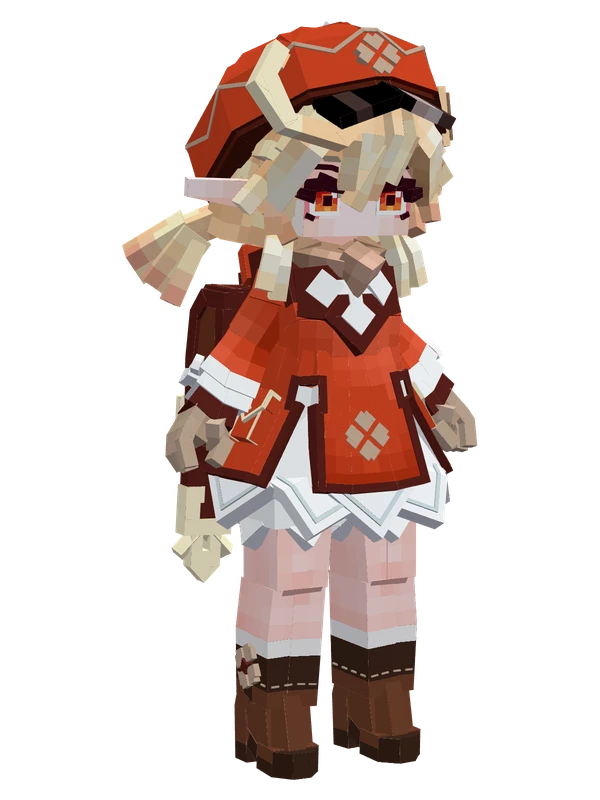
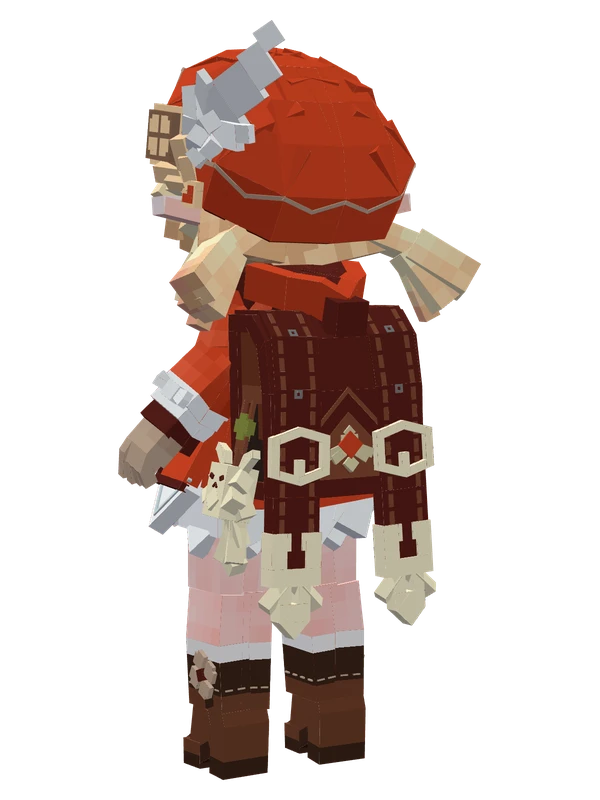
8 emotes
KleeGenshin Impact
7 emotes
Furina (Ousia)Genshin Impact
4 emotes
KeqingGenshin Impact
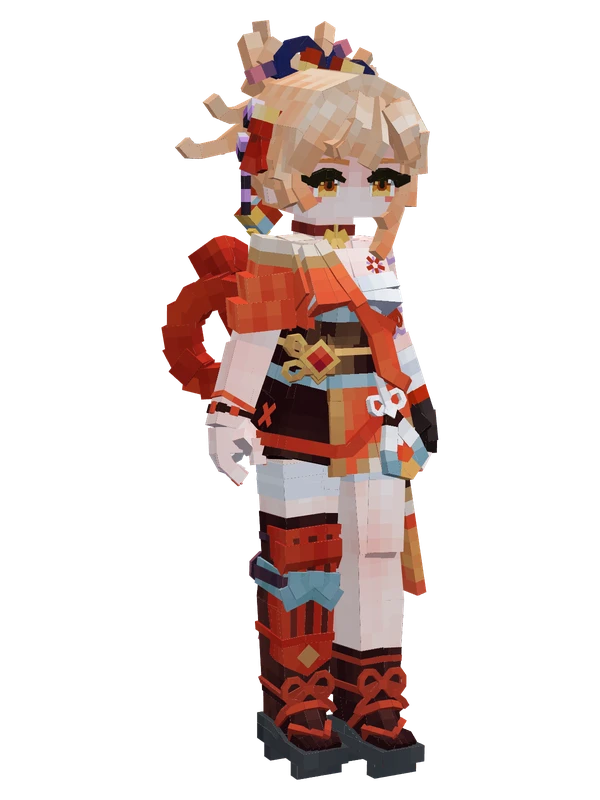
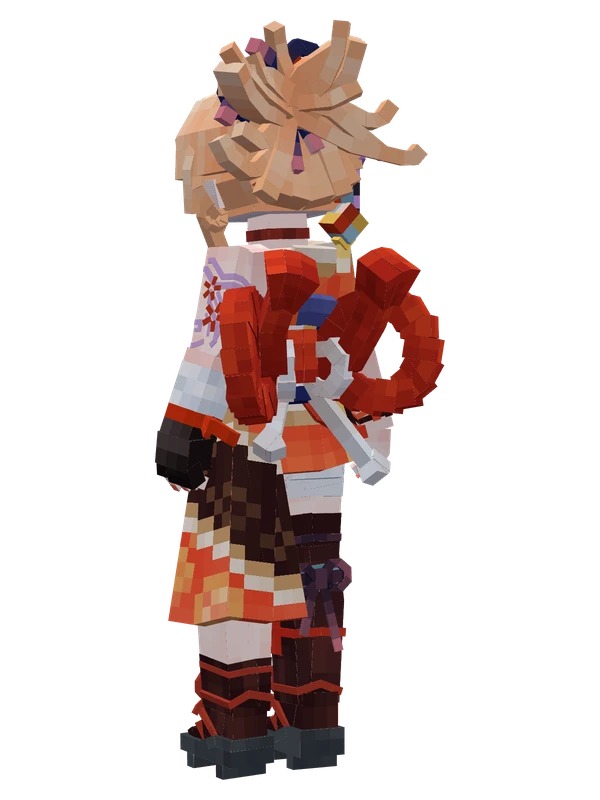
3 emotes
YoimiyaGenshin Impact
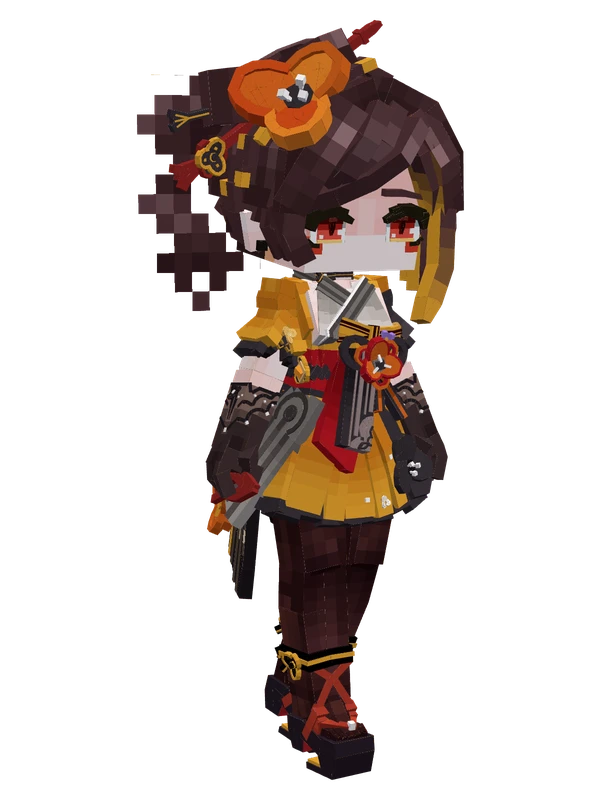
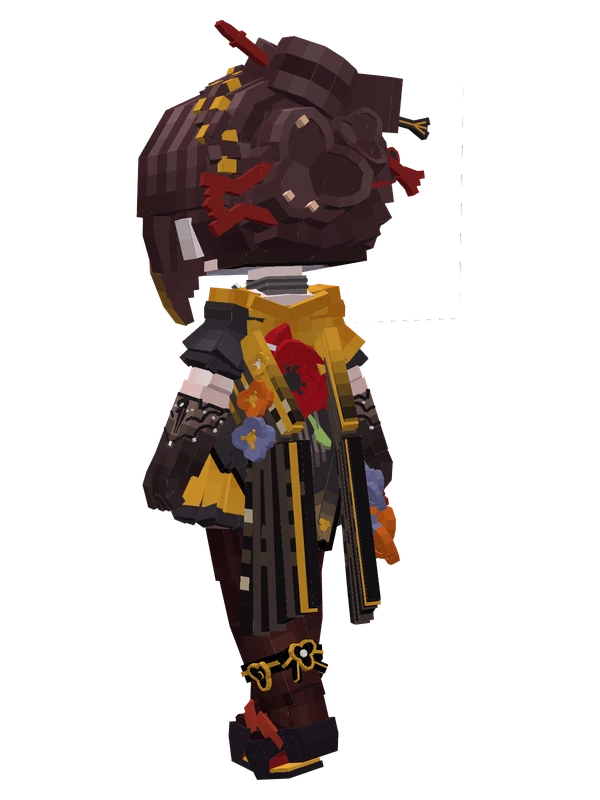
2 emotes
ChioriGenshin Impact
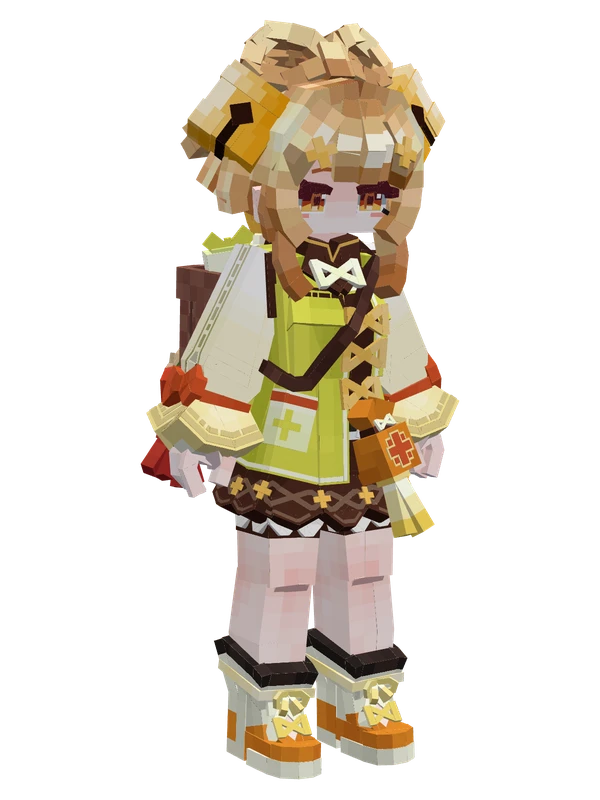
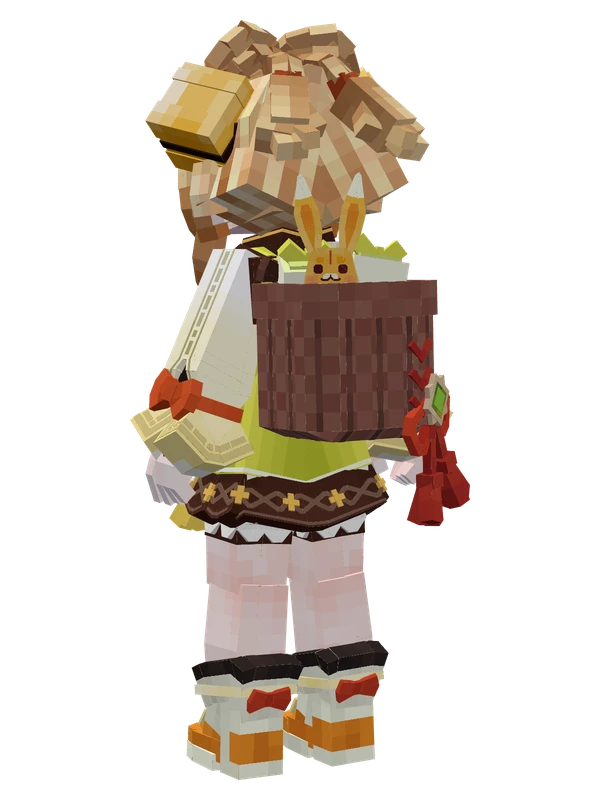
2 emotes
YaoyaoGenshin Impact
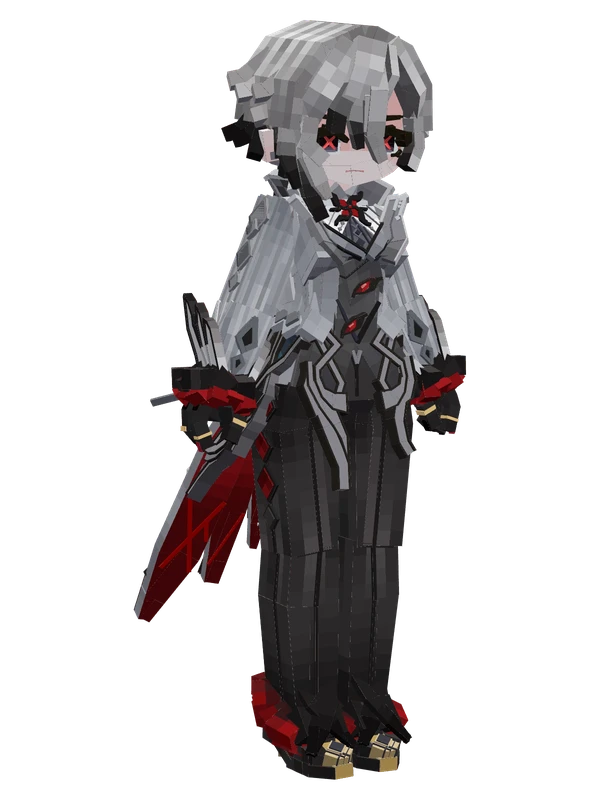
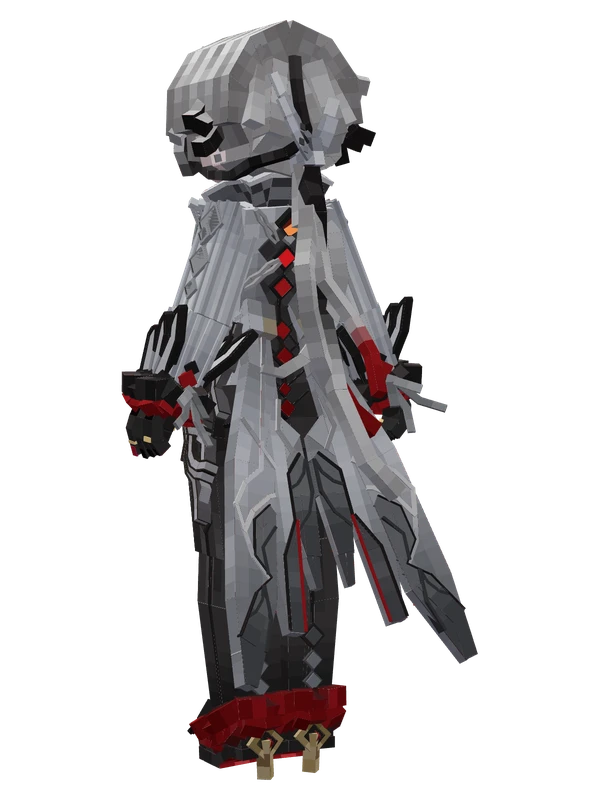
1 emotes
ArlecchinoGenshin Impact
1 emotes
FurinaGenshin Impact
1 emotes
KeqingGenshin Impact
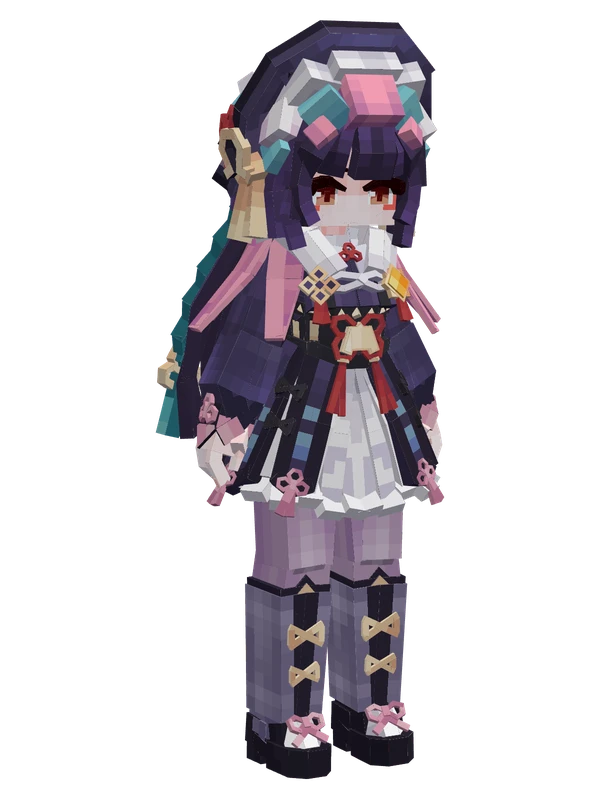
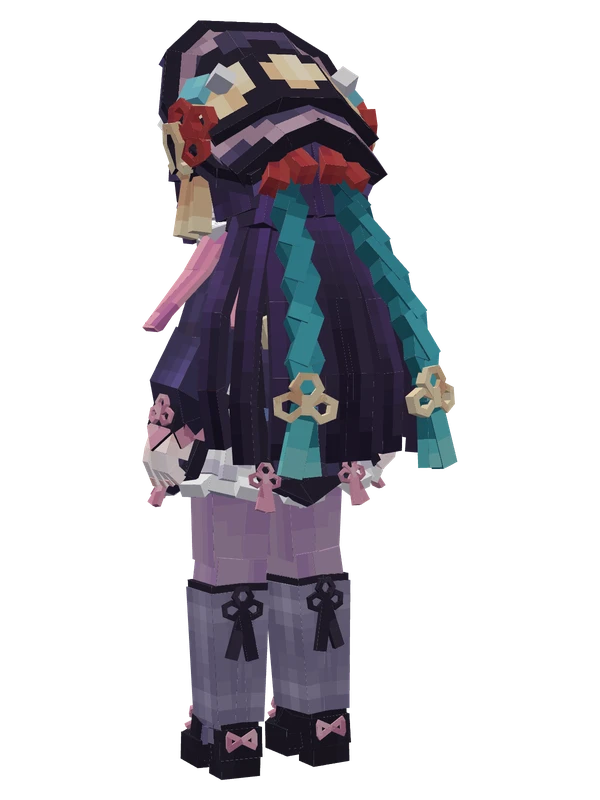
1 emotes
Yun JinGenshin Impact
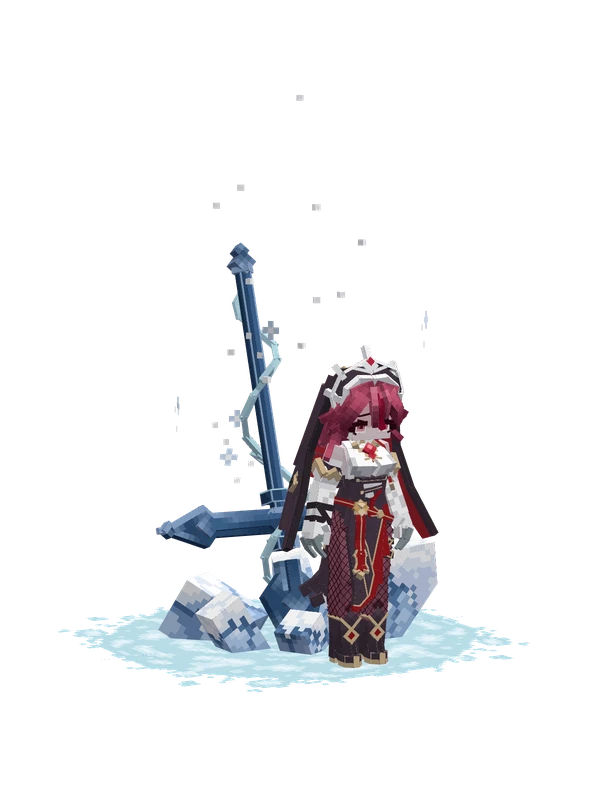
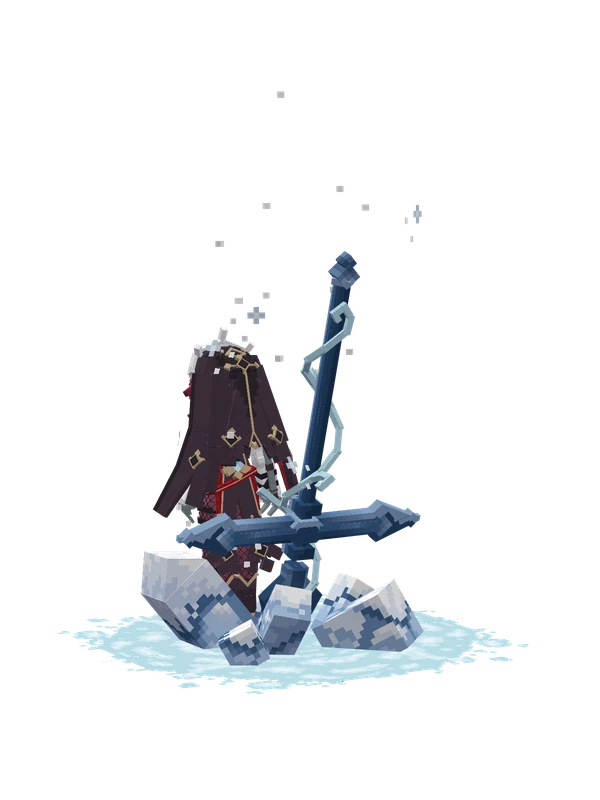
Editable
RosariaGenshin Impact
XianglingGenshin Impact