
Hoshimi Tokiri YSM model
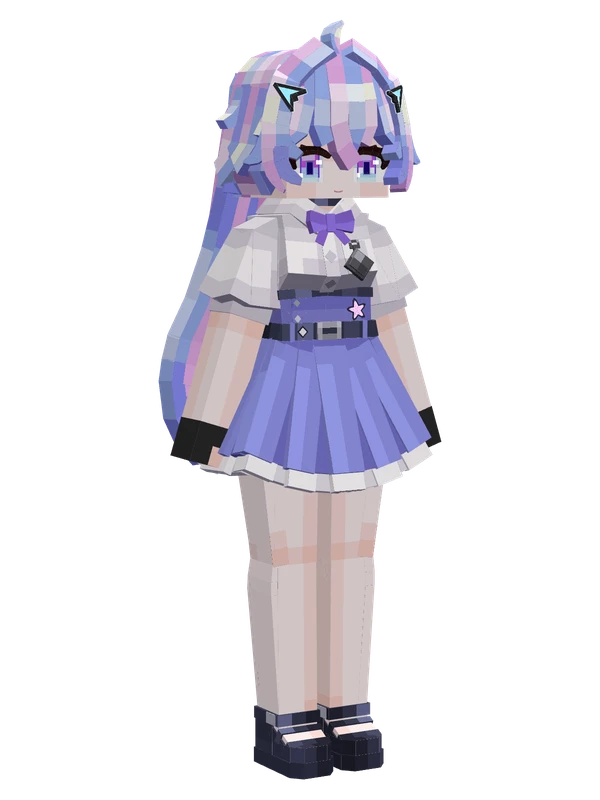
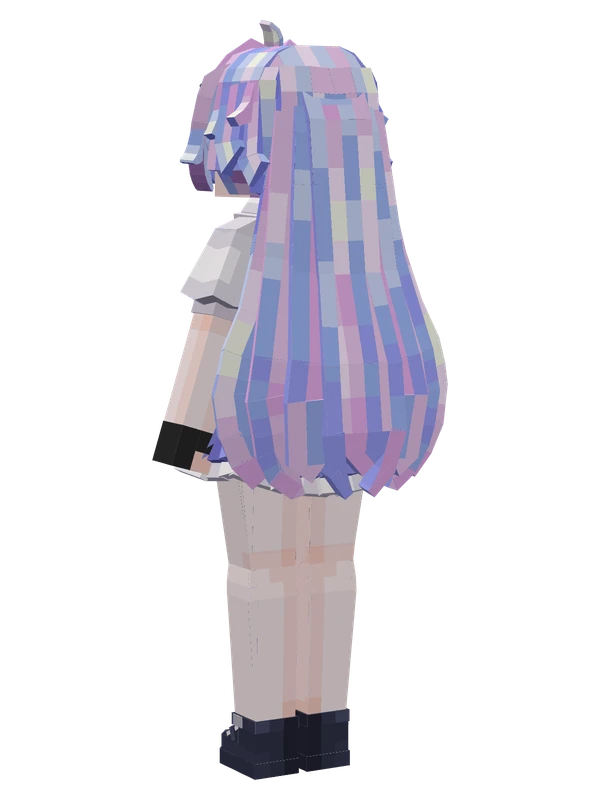
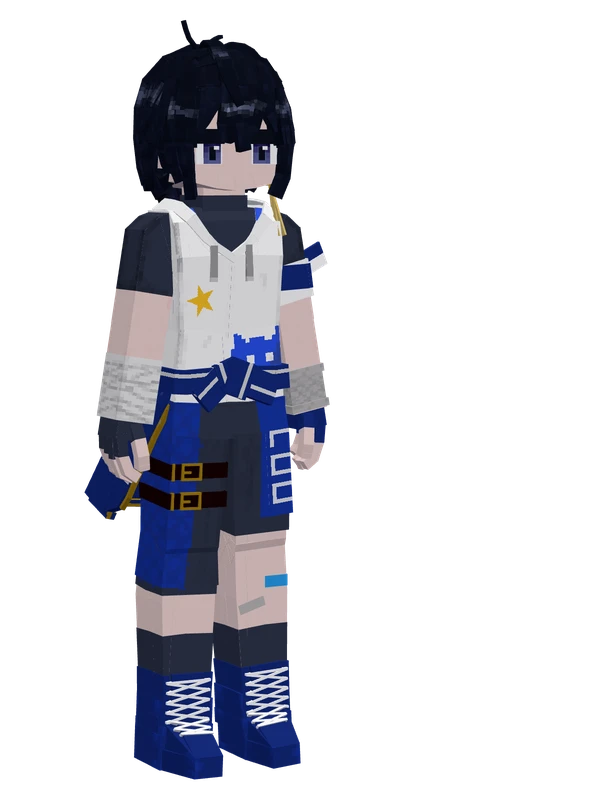
A female character with pastel blue and pink hair, wearing a white short-sleeved shirt, purple bow, and a blue pleated skirt.
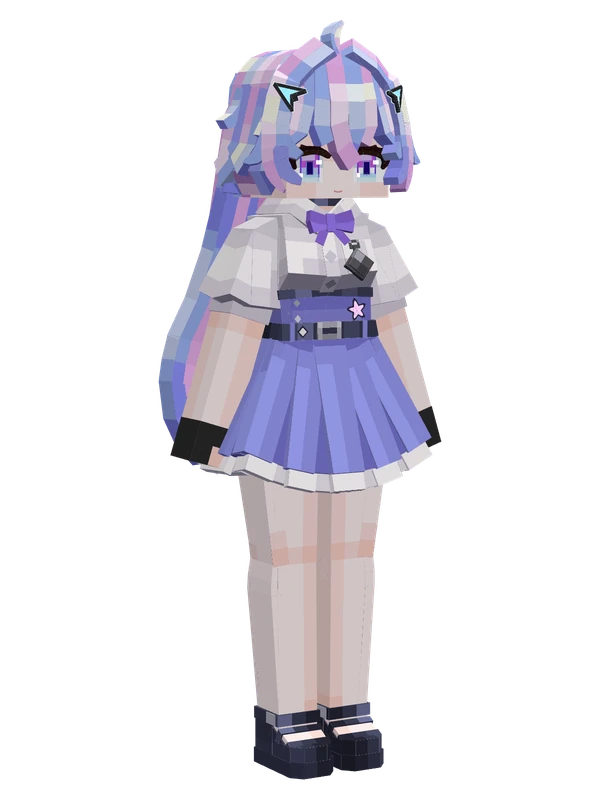
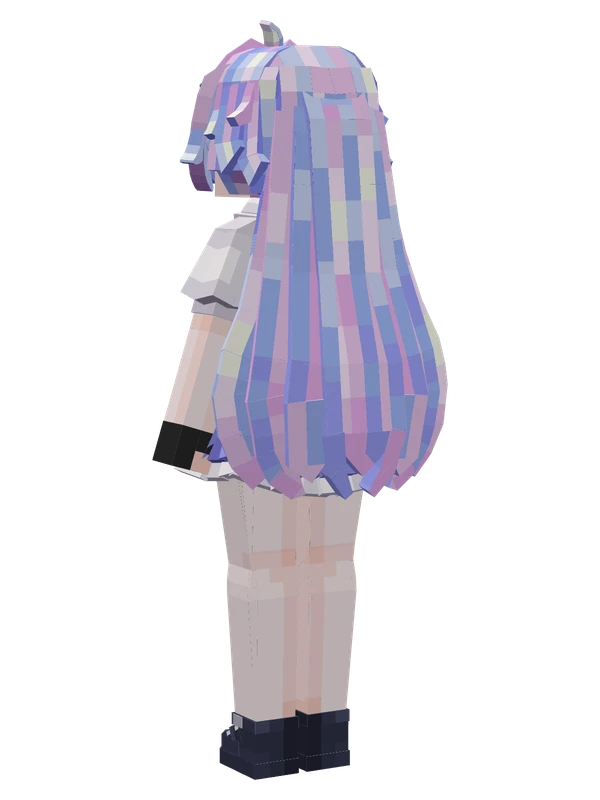
A female character with pastel blue and pink hair, wearing a white short-sleeved shirt, purple bow, and a blue pleated skirt.
Note from the author: A girl traveling through countless spacetimes, crossing time and space just to come to your side. Original character, do not steal.
Emote animations
Play these from the animation wheel in game.
- Config Menu
- extra1Hello!
- extra2Applaud
- extra3Okay
- extra4Not Allowed
- extra5Stretch
- extra6Happy Shake
- extra7Doodle
- extra8Theme: Star Promise (Inst.)
- extra9Theme: Star Promise
- extra10Music Conductor
- extra11Sing
Movement animations
- Hurt
- Boat
- Climb
- Climbing (still)
- Death
- Elytra flight
- Creative flight
- Menu focus
- Menu pose
- Menu hover
- Menu hover fade
- Idle
- Jump
- Ride
- Ride pig
- Run
- Sit
- Sleep
- Sneak (moving)
- Sneak (still)
- Swim
- Tread water
- Swing hand
- Use main hand
- Use off hand
- Walk
Works with other mods
This model has its own animations for Carry On, ParCool, SWEM horses, SlashBlade, TaCZ guns, Touhou Little Maid, so they look right when those mods are installed.
How to use this model
- Install Yes Steve Model for your Minecraft version and loader (see Download YSM).
- Start the game once so YSM creates
config/yes_steve_model/. - Put the downloaded
.ysmor.zipfile intoconfig/yes_steve_model/custom/(do not unzip it). - In game press Y (default key) to open the model menu, or run
/ysm model reloadif the menu is already open. - Pick the model, then use the animation wheel (default key Z) to play its emote animations.
This model is an encrypted .ysm file: it plays in game but cannot be opened or edited in Blockbench.
Similar models
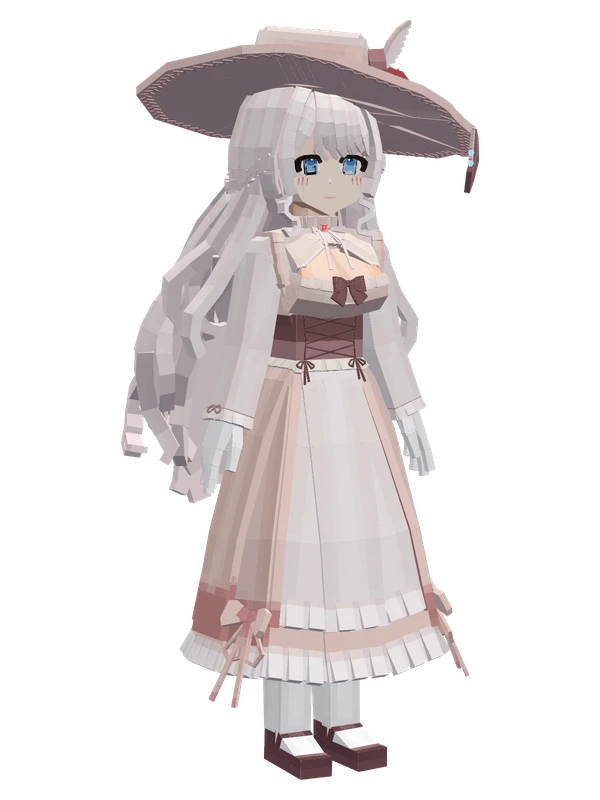
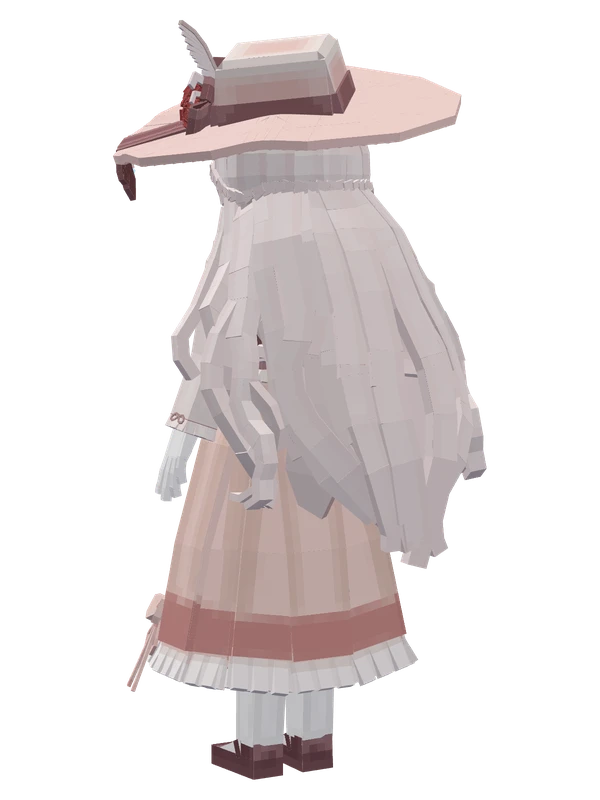
7 emotes
Mengyin ChanuoBilibili VTuber
12 emotes
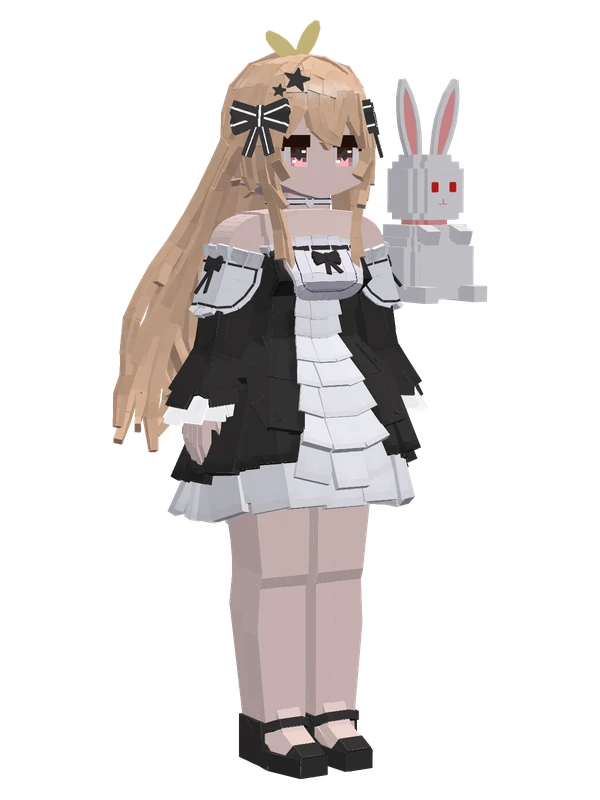
Hoshimi Tokiriby XingJianShiLi _Tokiri
11 emotes
Fengming Jiongjunby FengMingJiongJun
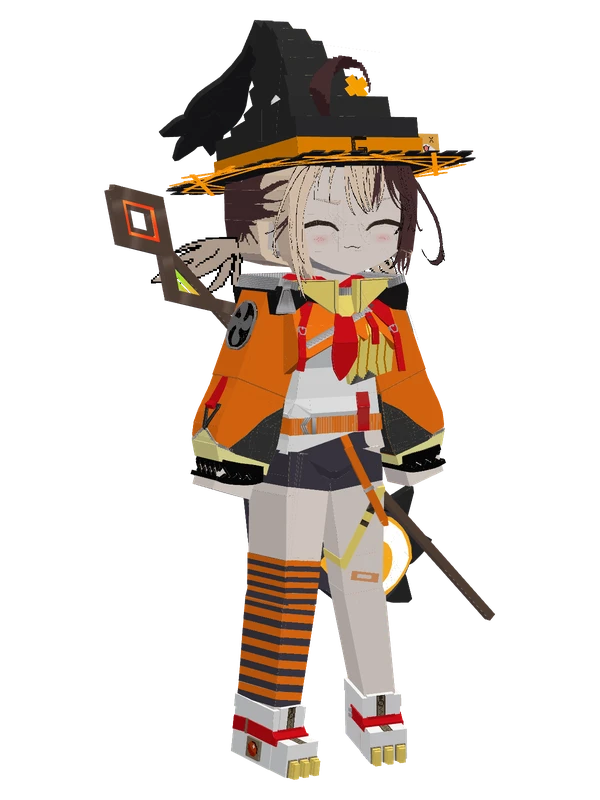
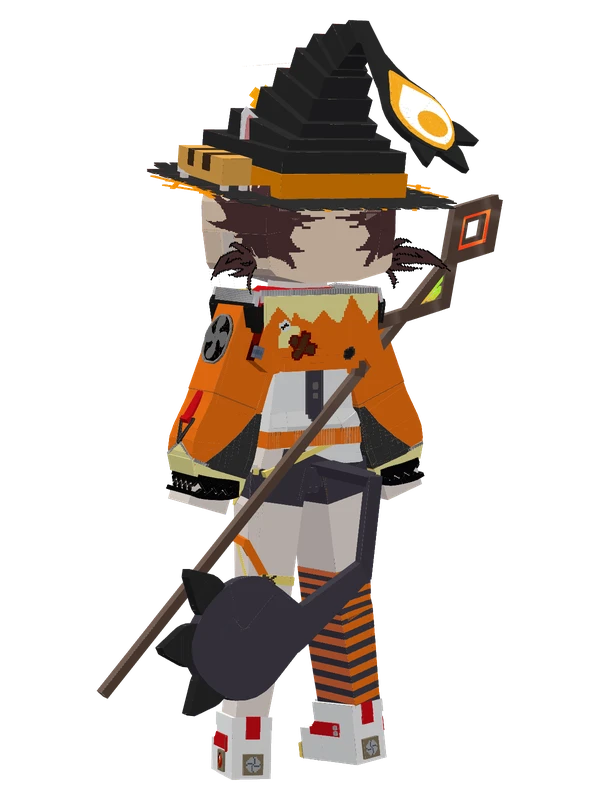
10 emotes
Gigi MurinHololive
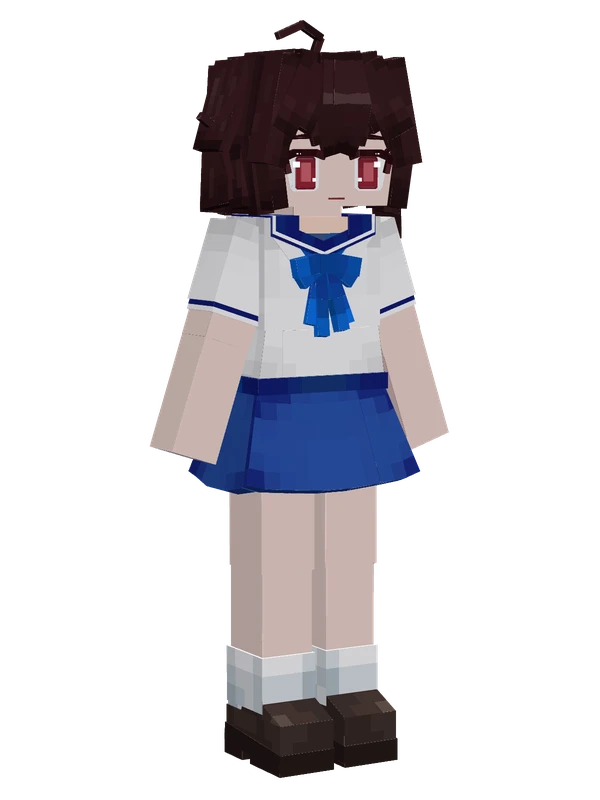
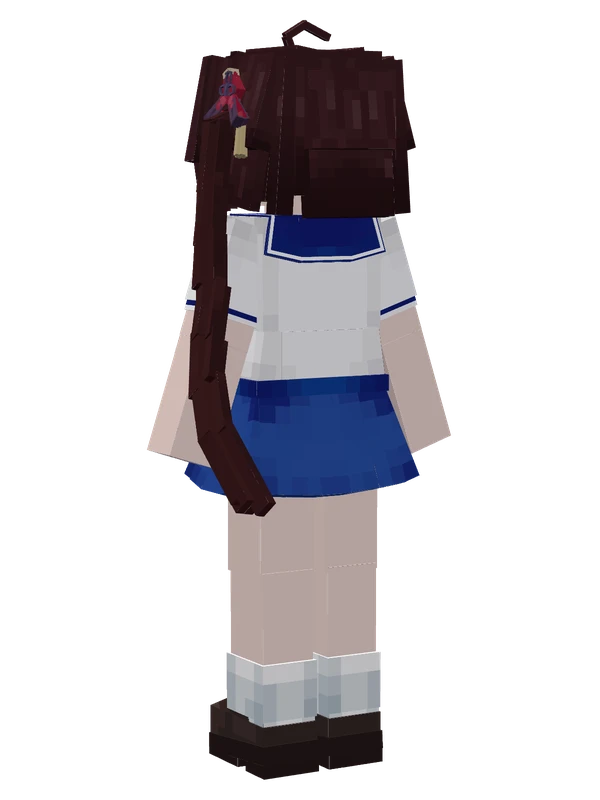
8 emotes
Ling Yuan Yousa (JK)Ling Yuan Yousa
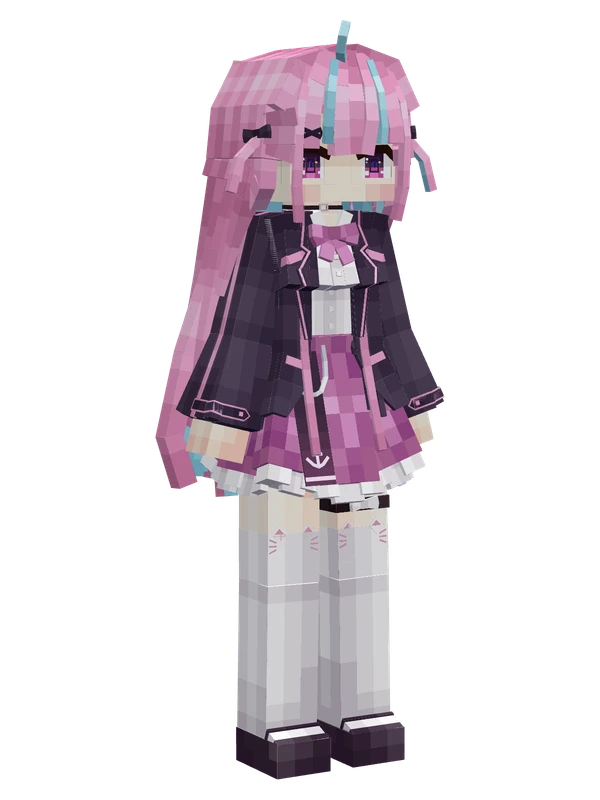
8 emotes
Minato AquaHololive
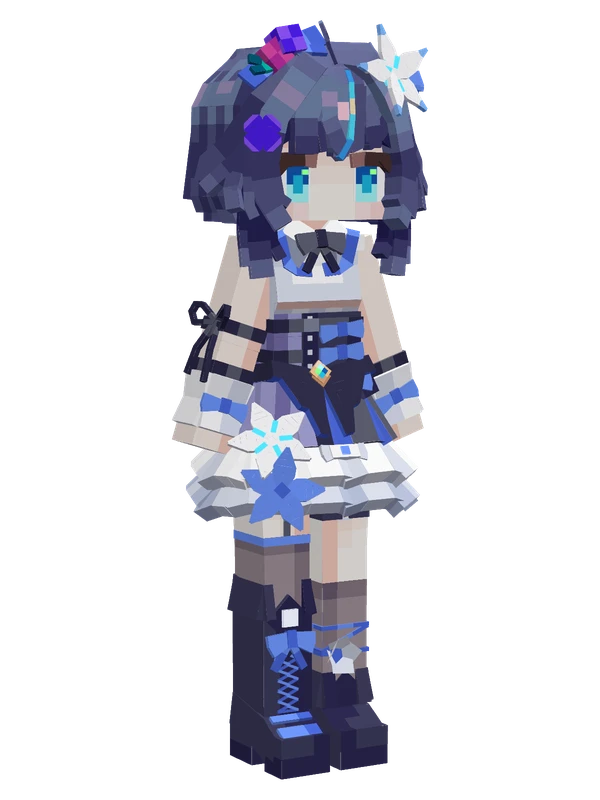
8 emotes
MomoVTuber
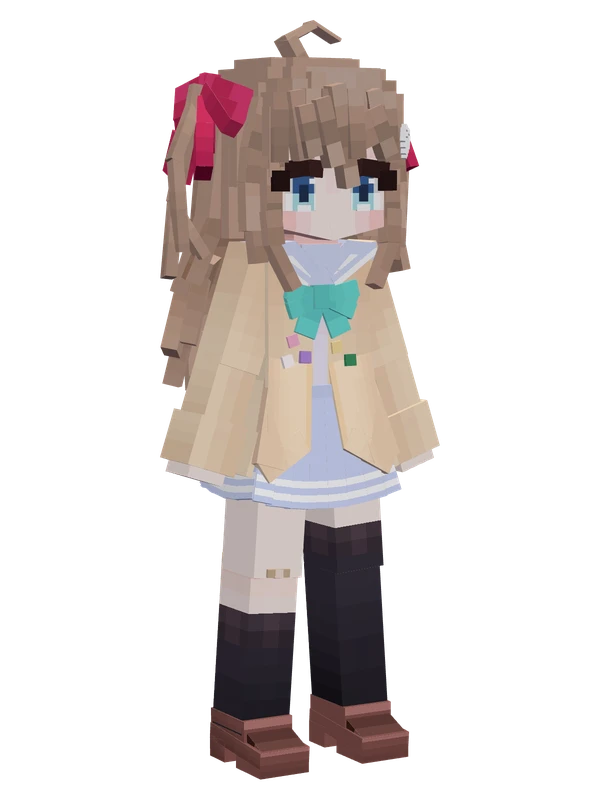
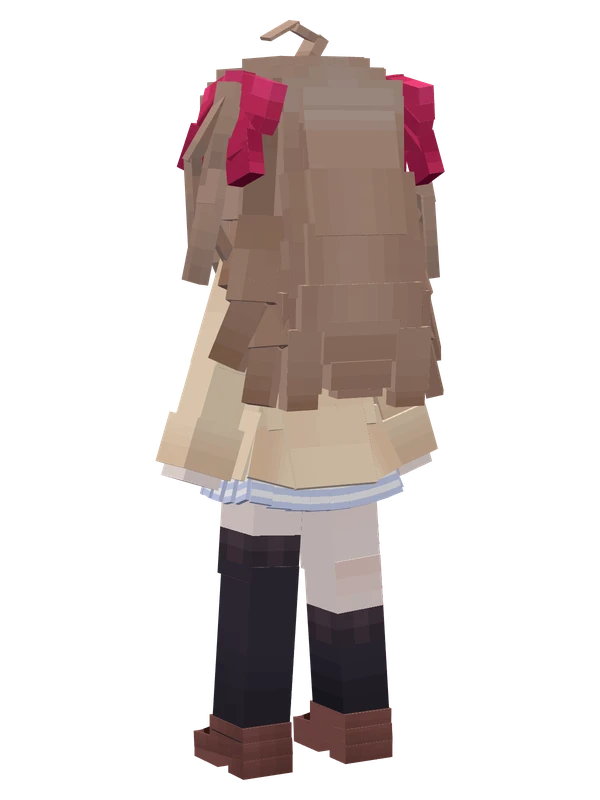
8 emotes
Neuro-samaNeuro-sama
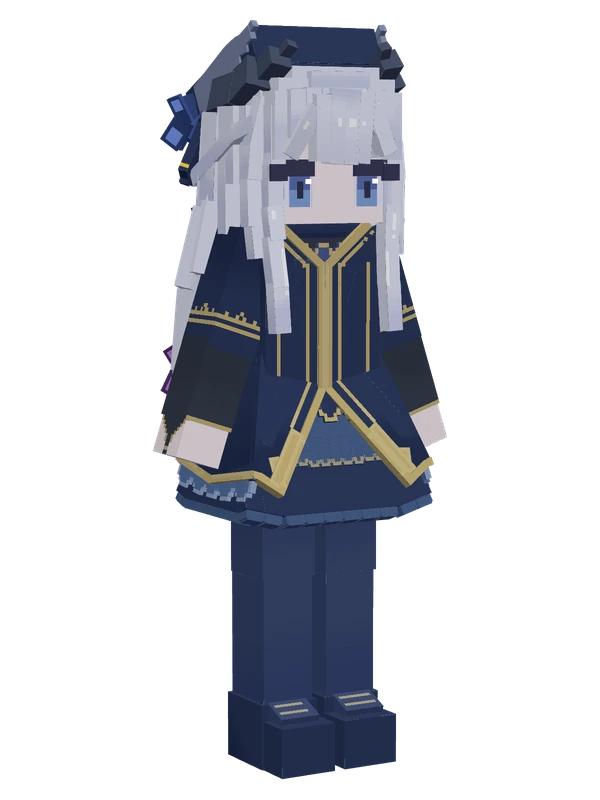
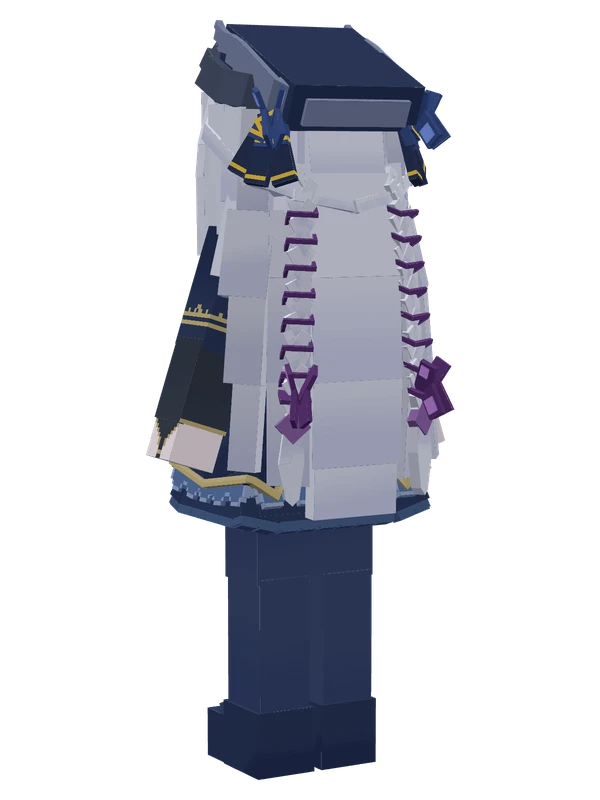
8 emotes
SafiraAriableyes
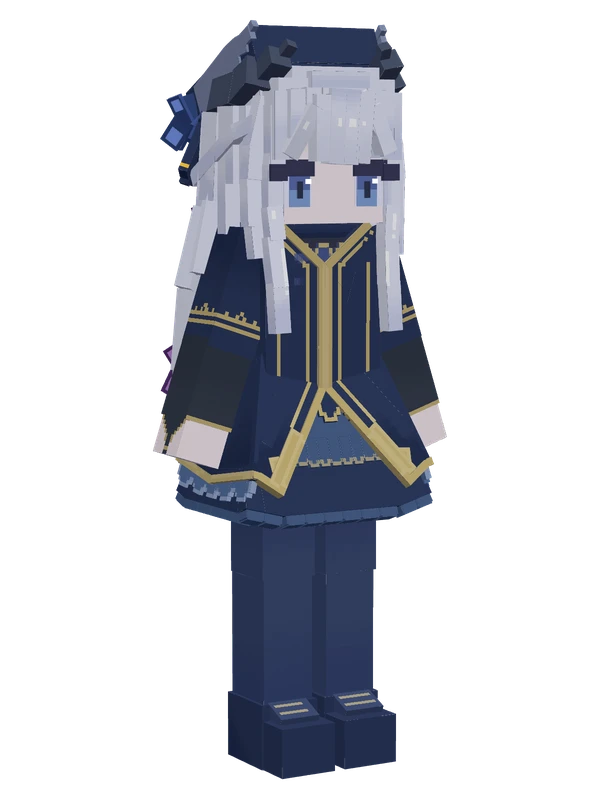
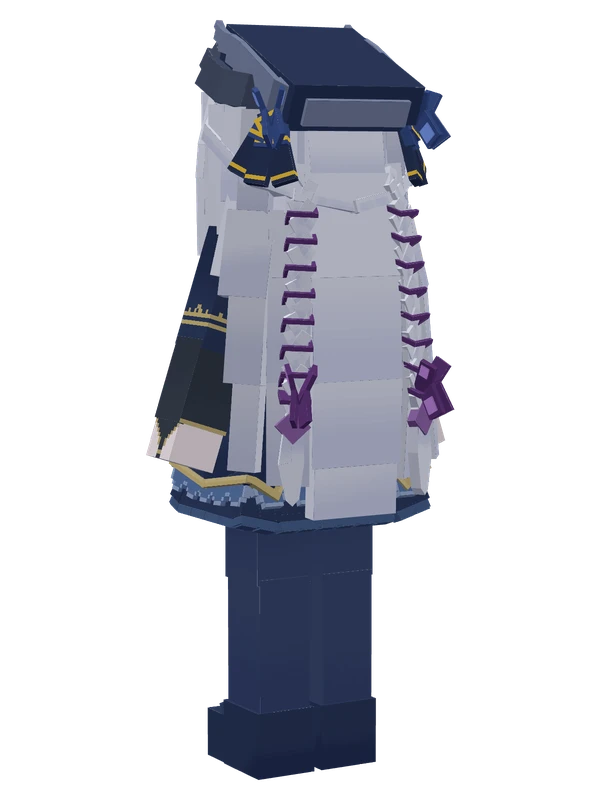
8 emotes
SafiraAriableyes
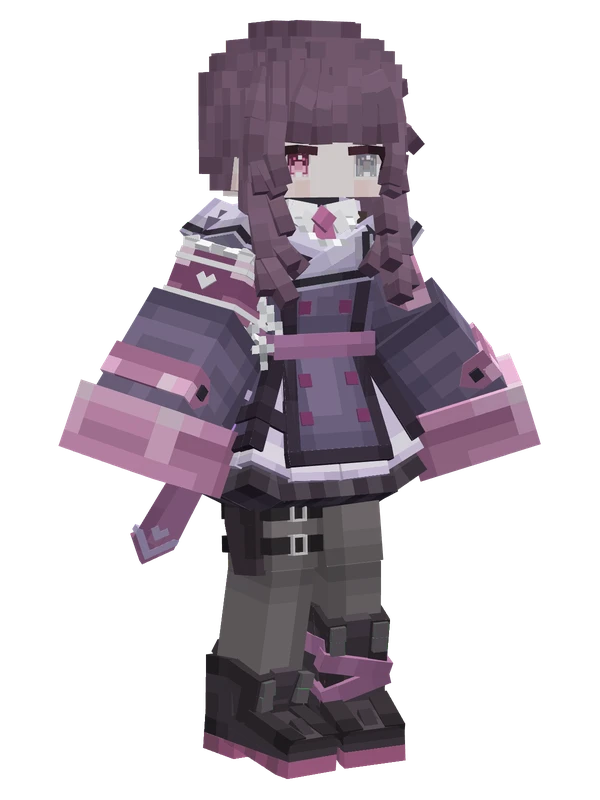
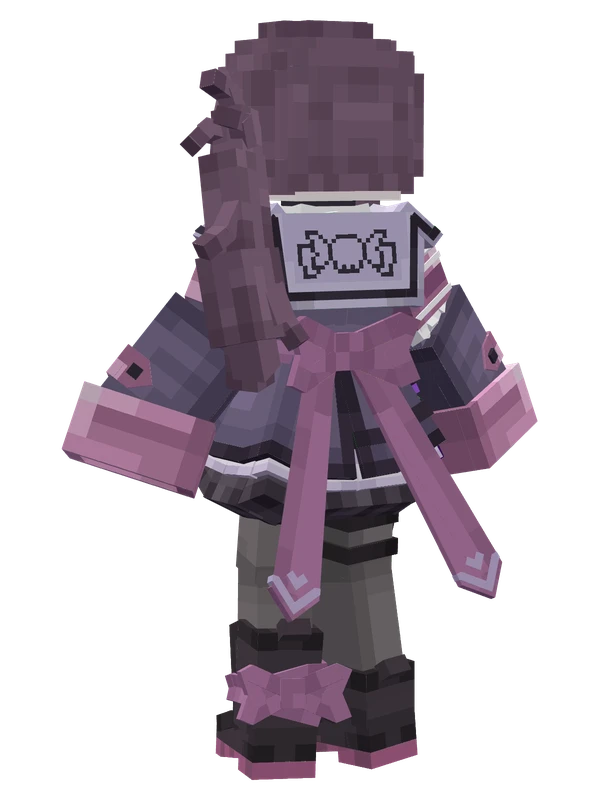
7 emotes
Fallen Shadow (Military)Indie VTuber
9 emotes
Luo Shaoyeby LuoShaoYe