
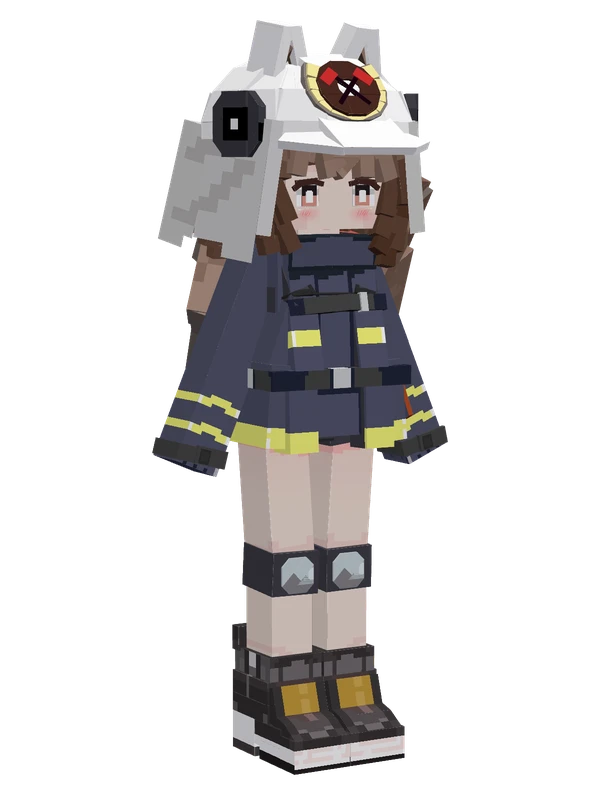
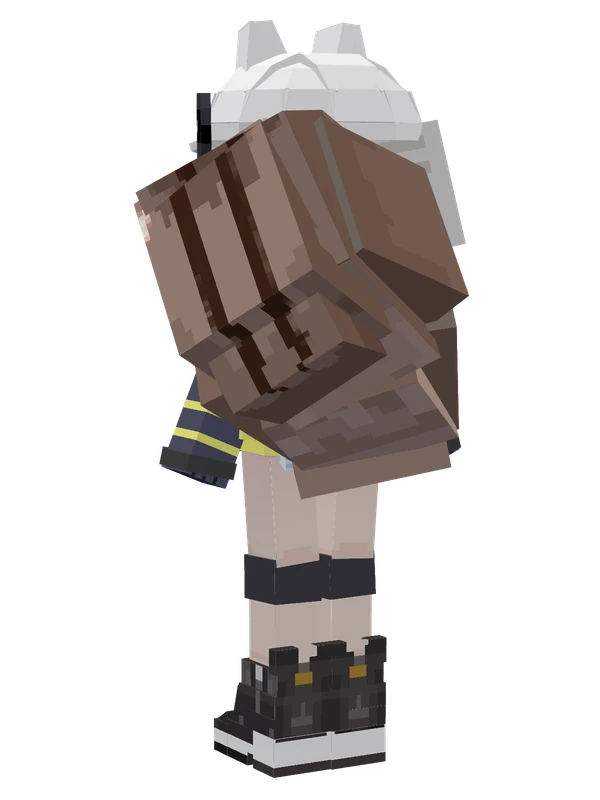
Narantuya YSM model
A tall red-haired woman with animal ears wearing a black crop top, white wrap skirt, strapped sandals, and dual blades on her back.
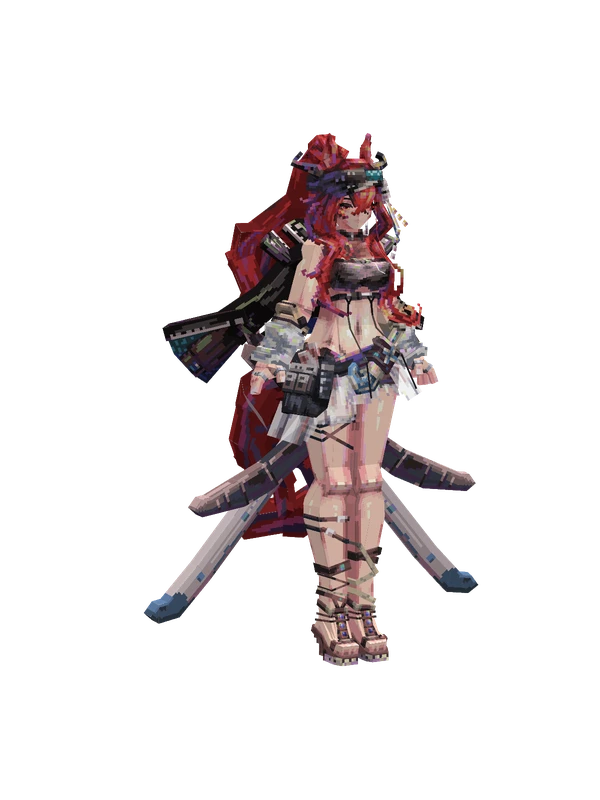
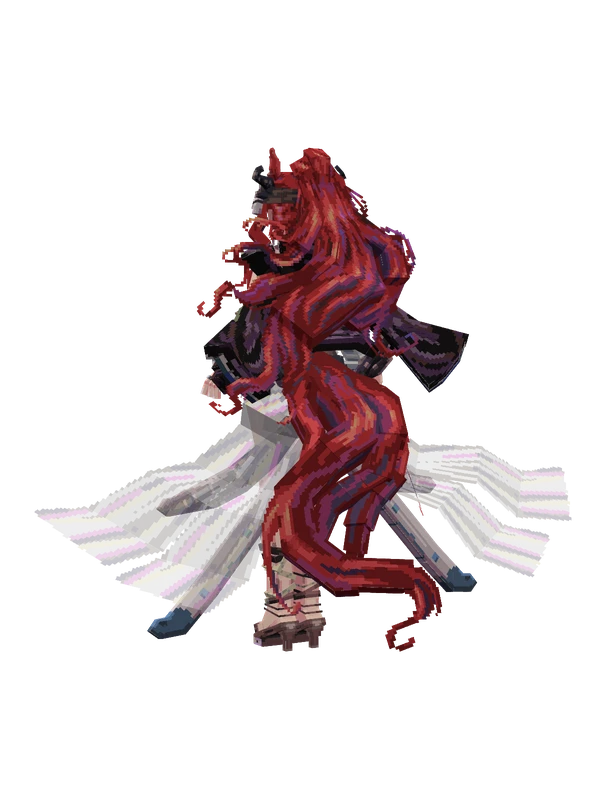
A tall red-haired woman with animal ears wearing a black crop top, white wrap skirt, strapped sandals, and dual blades on her back.
Note from the author: Once a sand bandit across Sargon, now stationed long-term at Rhodes Island as a field operator.
Emote animations
Play these from the animation wheel in game.
- extra0Default Action 0
- extra1Default Action 1
- extra2Default Action 2
- extra3Default Action 3
- extra4Default Action 4
- extra5Default Action 5
- extra6Default Action 6
- extra7Default Action 7
Movement animations
- Idle
How to use this model
- Install Yes Steve Model for your Minecraft version and loader (see Download YSM).
- Start the game once so YSM creates
config/yes_steve_model/. - Put the downloaded
.ysmor.zipfile intoconfig/yes_steve_model/custom/(do not unzip it). - In game press Y (default key) to open the model menu, or run
/ysm model reloadif the menu is already open. - Pick the model, then use the animation wheel (default key Z) to play its emote animations.
This model is an encrypted .ysm file: it plays in game but cannot be opened or edited in Blockbench.
More from Arknights
8 emotes
EblanaArknights
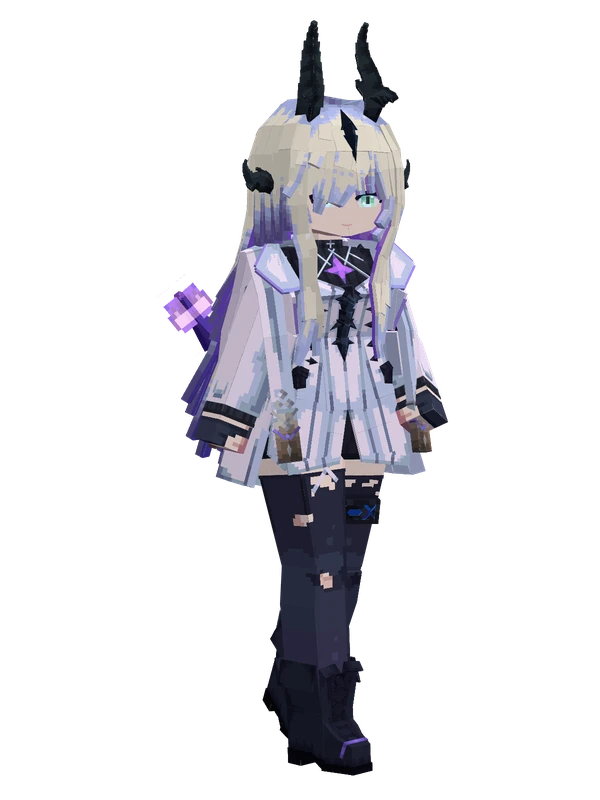
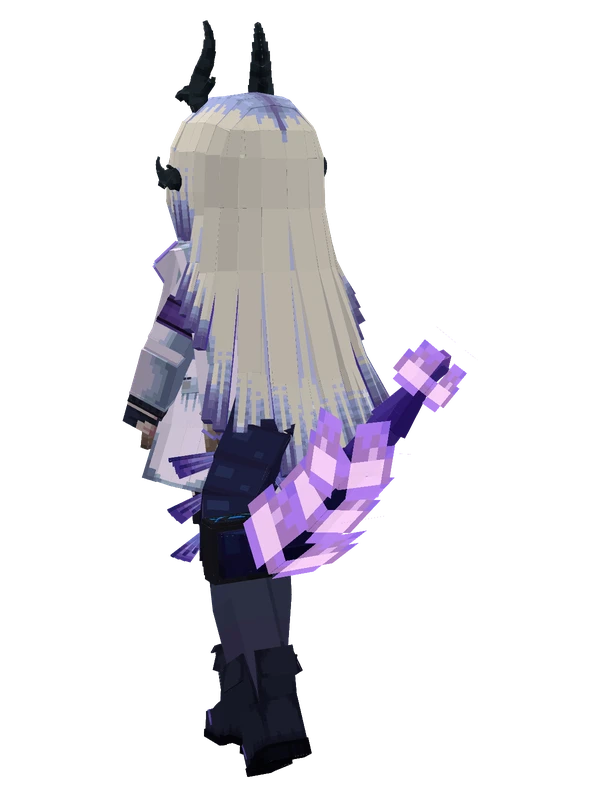
8 emotes
EblanaArknights
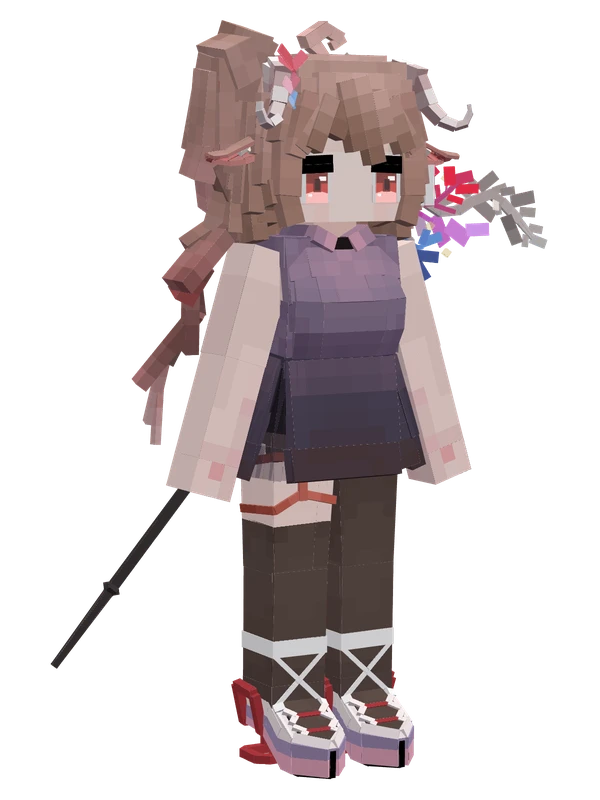
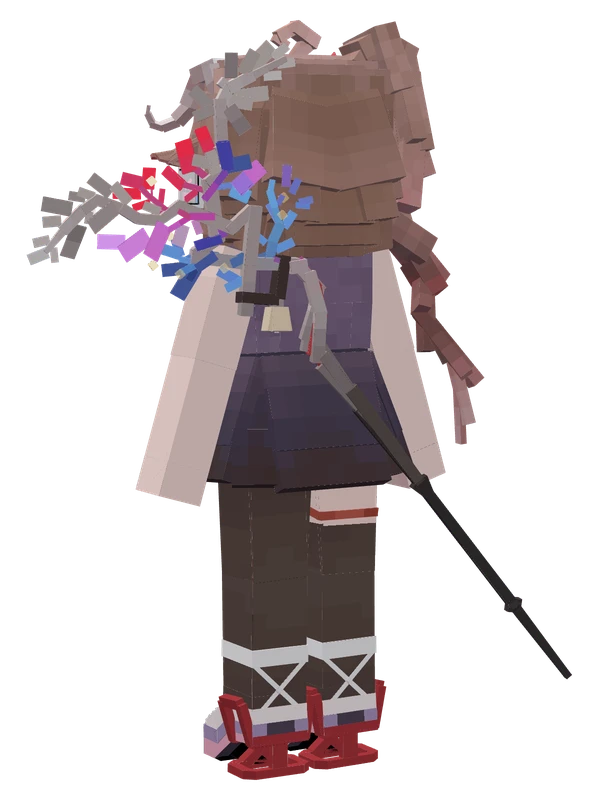
Editable8 emotes
Eyjafjalla the Hvit AskaArknights
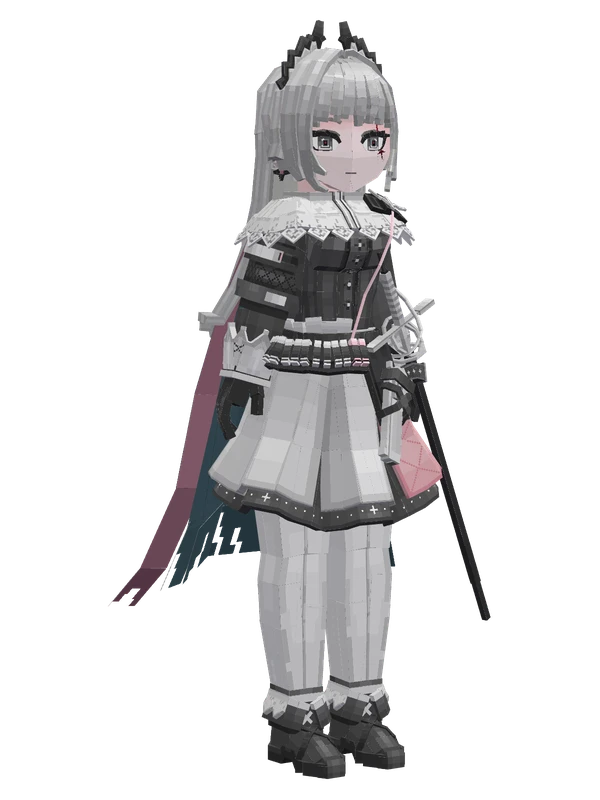
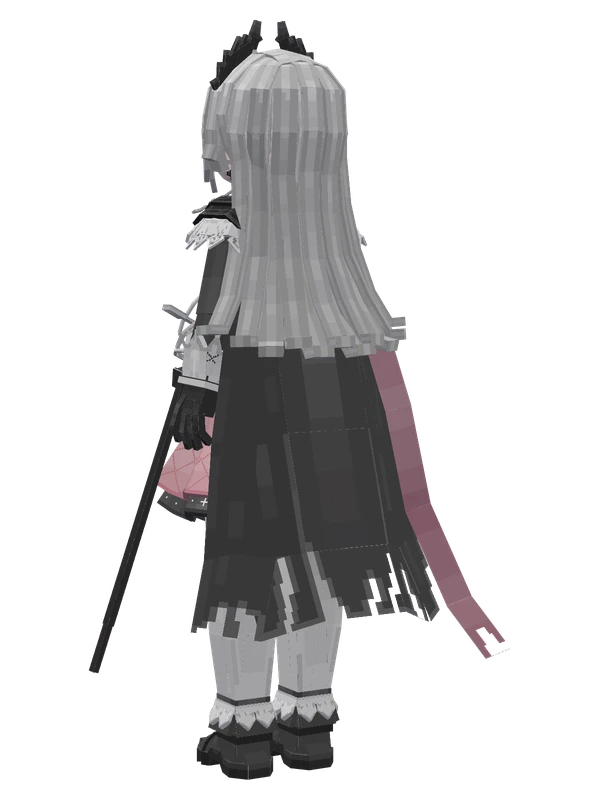
8 emotes
IreneArknights
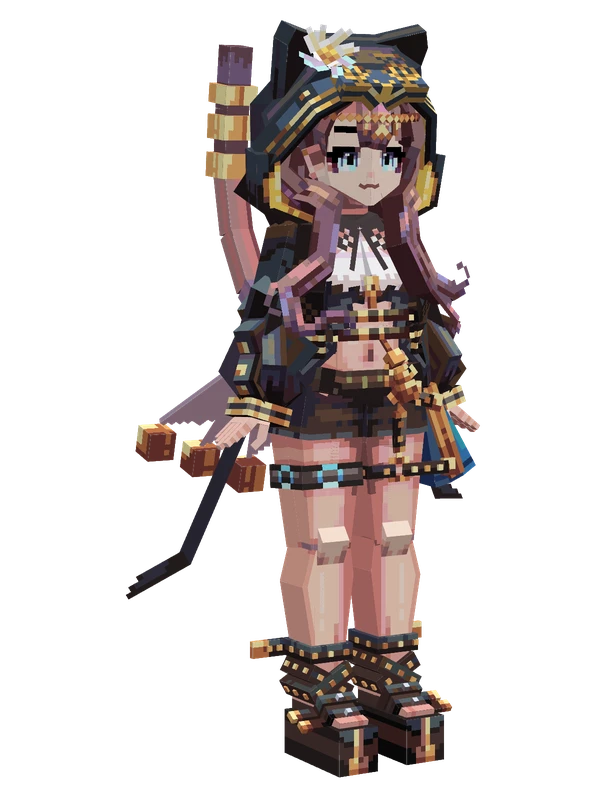
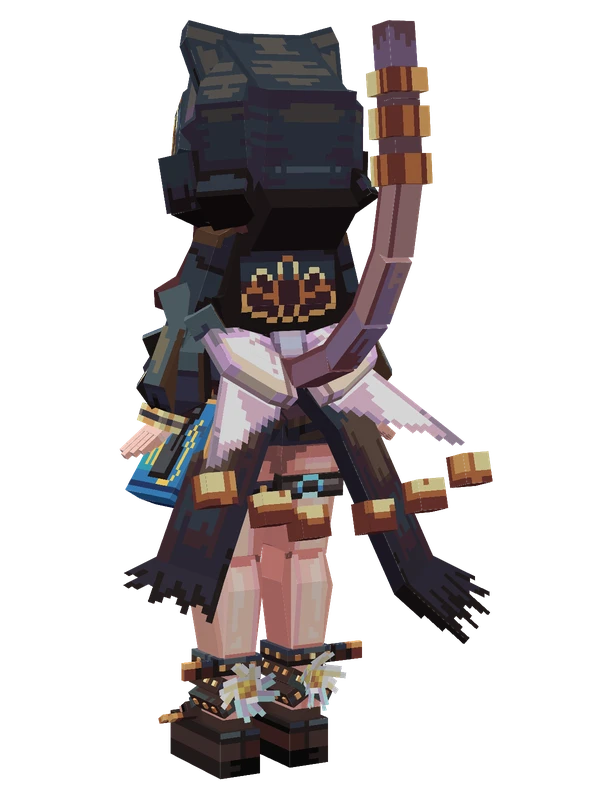
8 emotes
PepeArknights
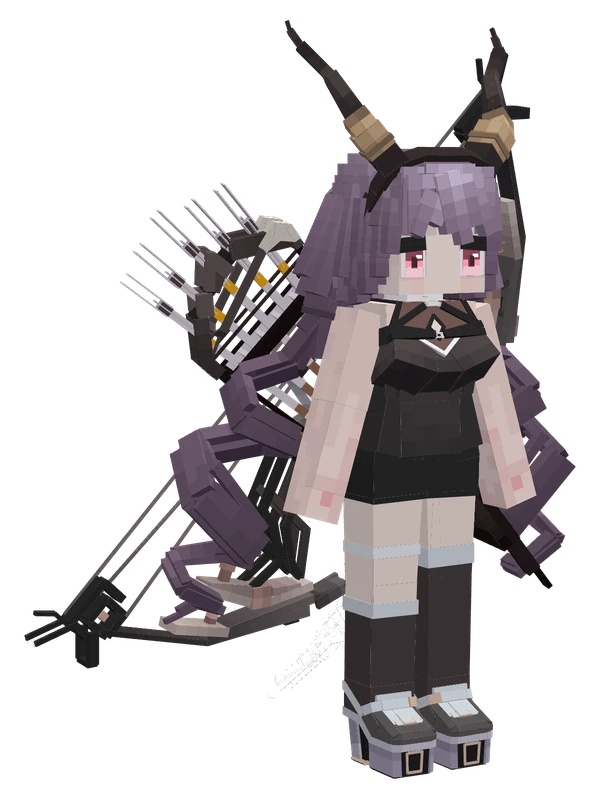
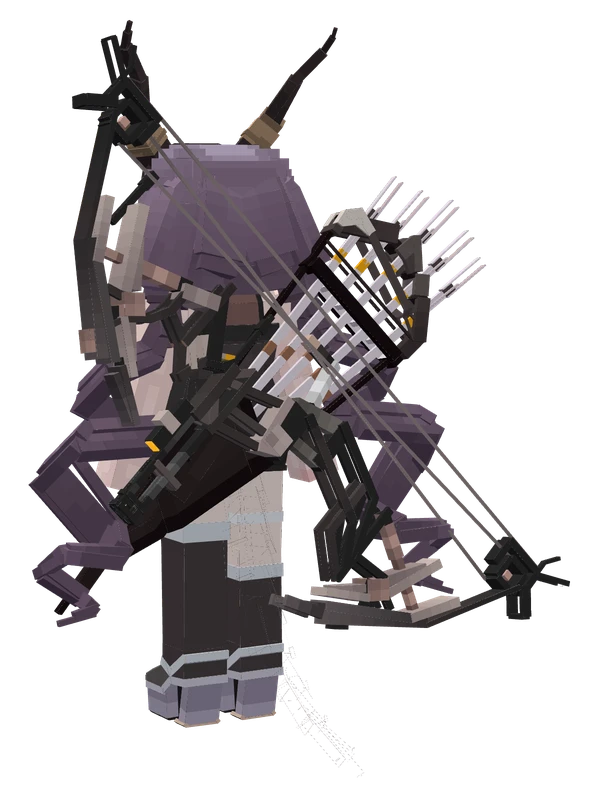
Editable8 emotes
TyphonArknights
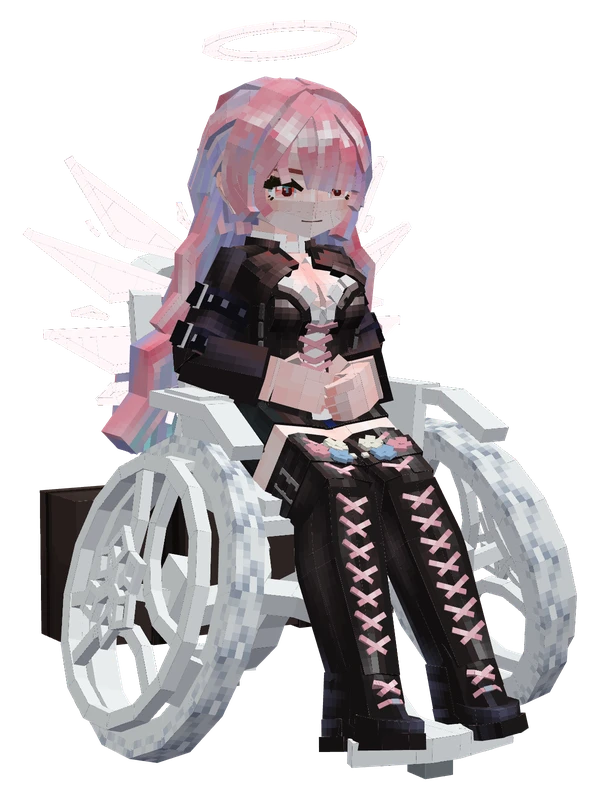
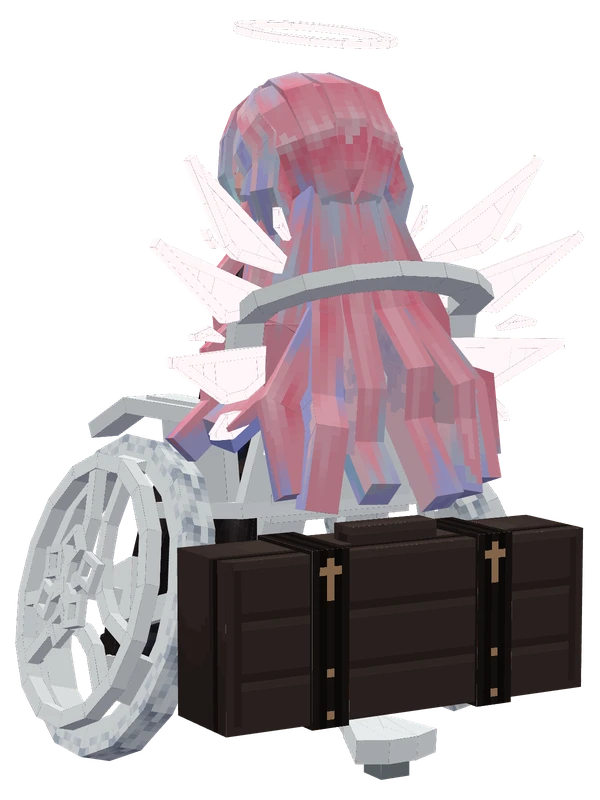
5 emotes
LemuenArknights
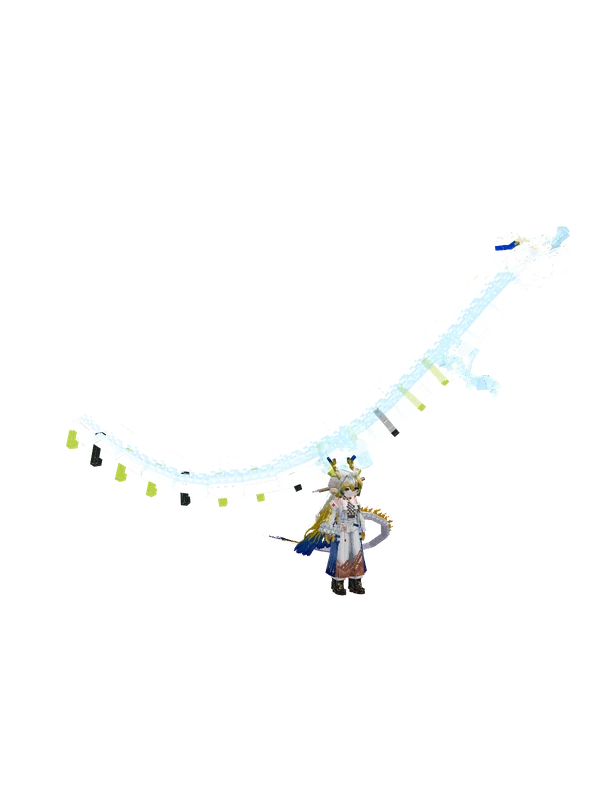
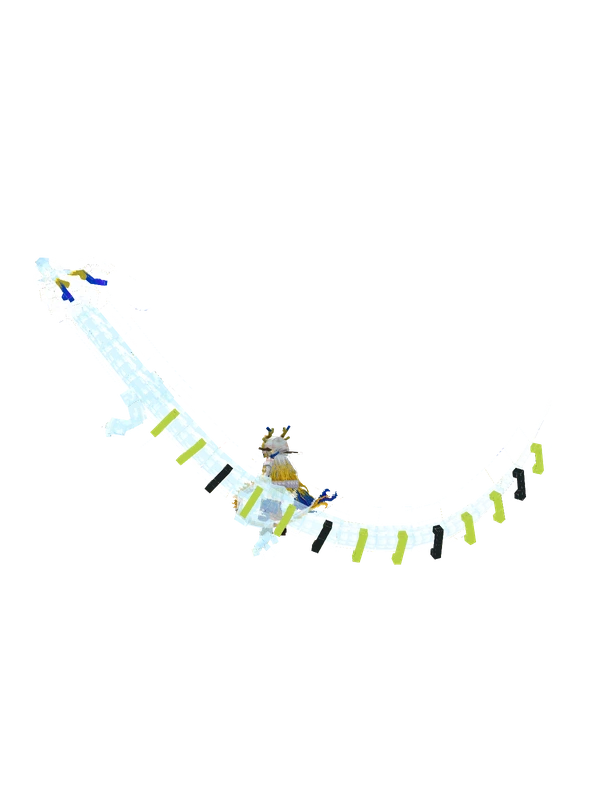
4 emotes
ShuArknights
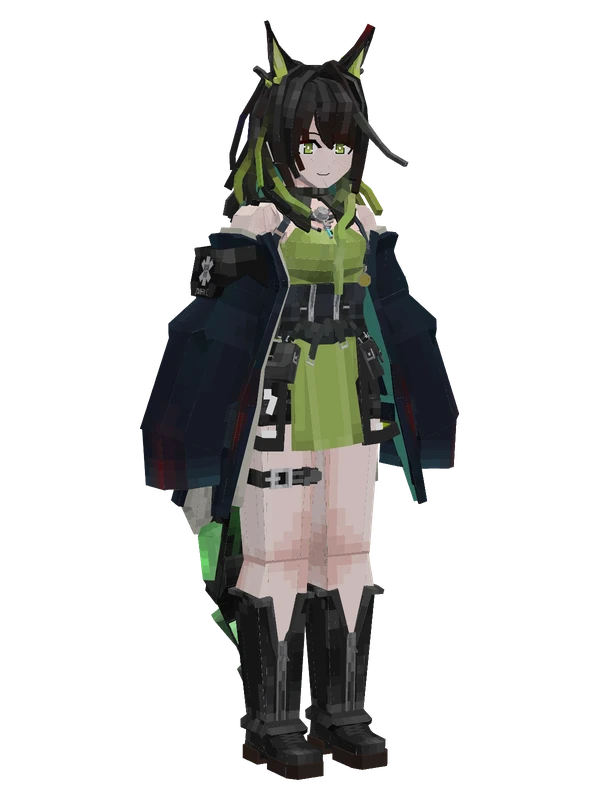
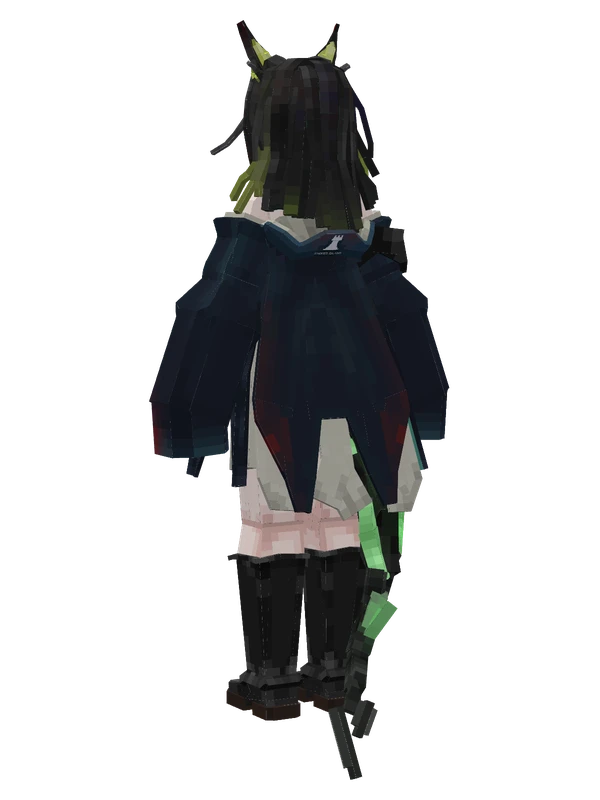
Editable3 emotes
Mon3trArknights
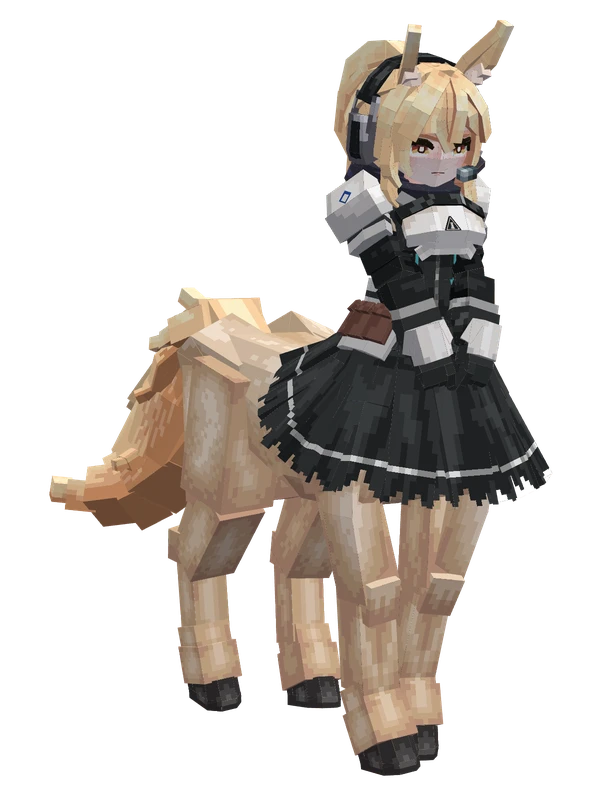
1 emotes
Nearl (Centaur)Arknights
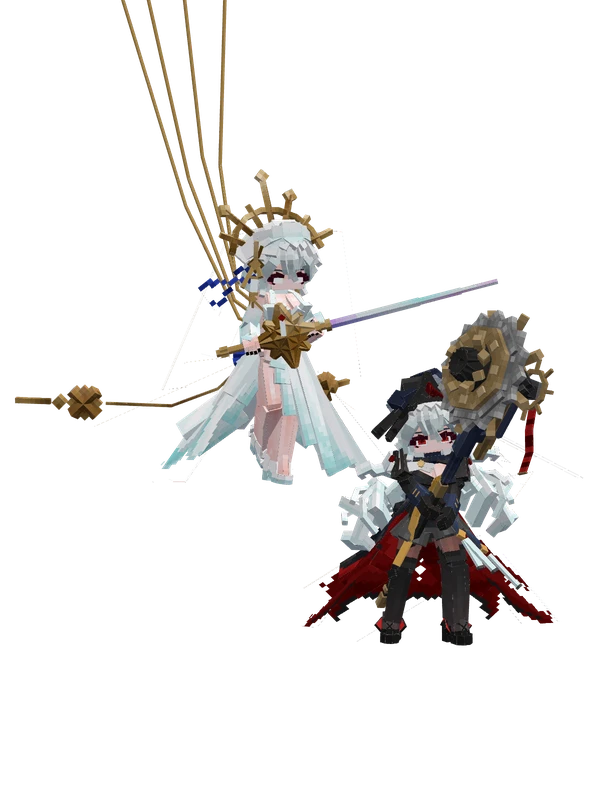
Specter the UnchainedArknights
15 emotes
ShawArknights