
Ning Hai YSM model
A dark-purple-haired girl with a side bun wearing a purple qipao dress decorated with a golden dragon motif.
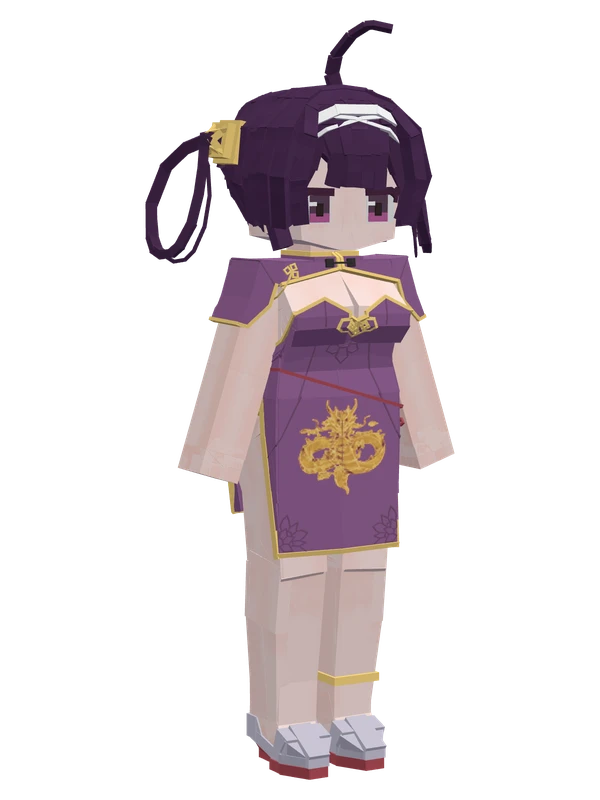
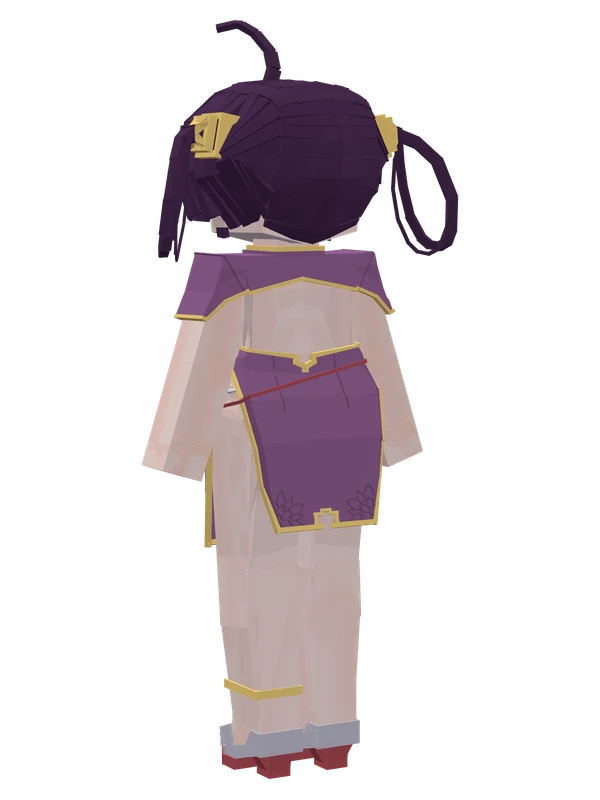
A dark-purple-haired girl with a side bun wearing a purple qipao dress decorated with a golden dragon motif.
Note from the author: What, do you want to spar with me?
Emote animations
Play these from the animation wheel in game.
- extra0Portrait Pose
- extra1Sit Stairs/Bed
- extra2Sit On Edge
- extra3Sit Cross-Legged
- extra4Lie Flat
- extra5Angry
- extra6Stare~
- extra7Poke
Movement animations
- Hurt
- Boat
- Climb
- Climbing (still)
- Death
- Elytra flight
- Creative flight
- Menu focus
- Menu hover
- Menu hover fade
- Idle
- Jump
- Ride
- Ride pig
- Run
- Sit
- Sleep
- Sneak (moving)
- Sneak (still)
- Swim
- Tread water
- Swing hand
- Use main hand
- Use off hand
- Walk
Works with other mods
This model has its own animations for Carry On, ParCool, SWEM horses, SlashBlade, TaCZ guns, Touhou Little Maid, so they look right when those mods are installed.
How to use this model
- Install Yes Steve Model for your Minecraft version and loader (see Download YSM).
- Start the game once so YSM creates
config/yes_steve_model/. - Put the downloaded
.ysmor.zipfile intoconfig/yes_steve_model/custom/(do not unzip it). - In game press Y (default key) to open the model menu, or run
/ysm model reloadif the menu is already open. - Pick the model, then use the animation wheel (default key Z) to play its emote animations.
This model is an encrypted .ysm file: it plays in game but cannot be opened or edited in Blockbench.
More from Azur Lane
10 emotes
YukikazeAzur Lane
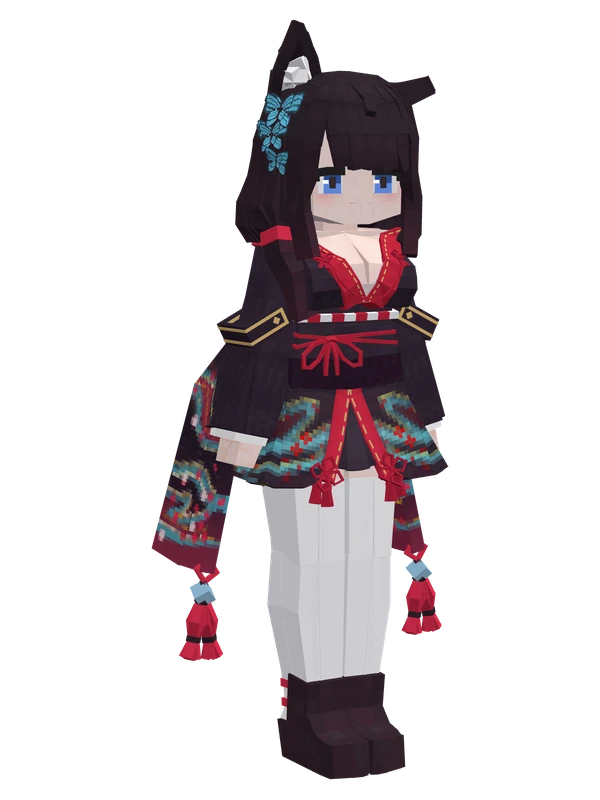
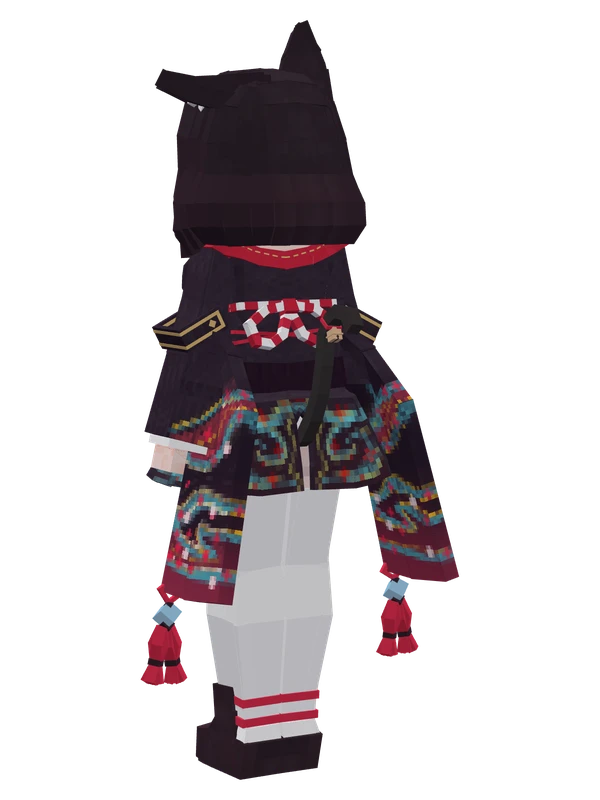
8 emotes
FusouAzur Lane
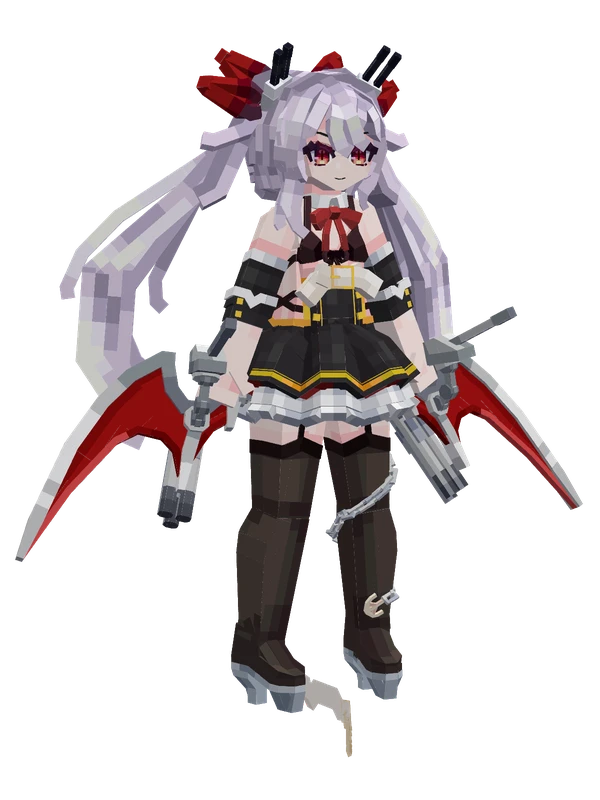
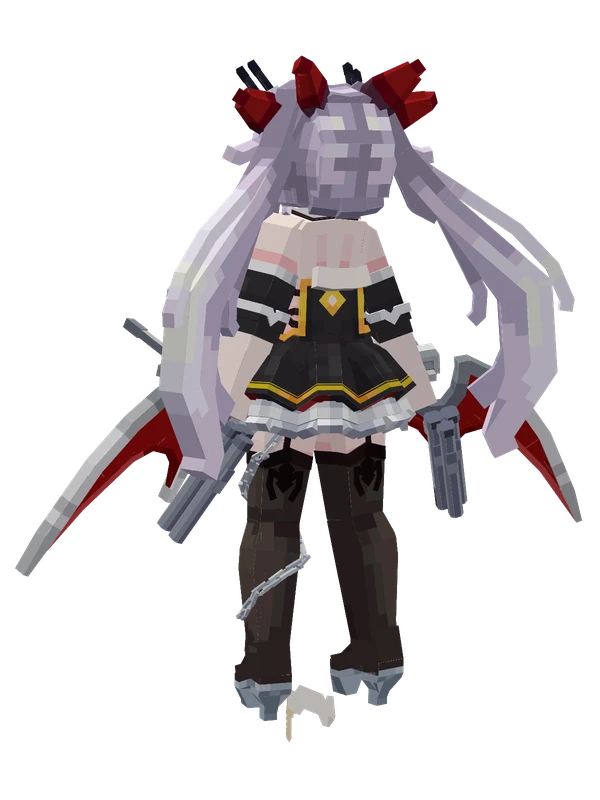
6 emotes
HMS VampireAzur Lane
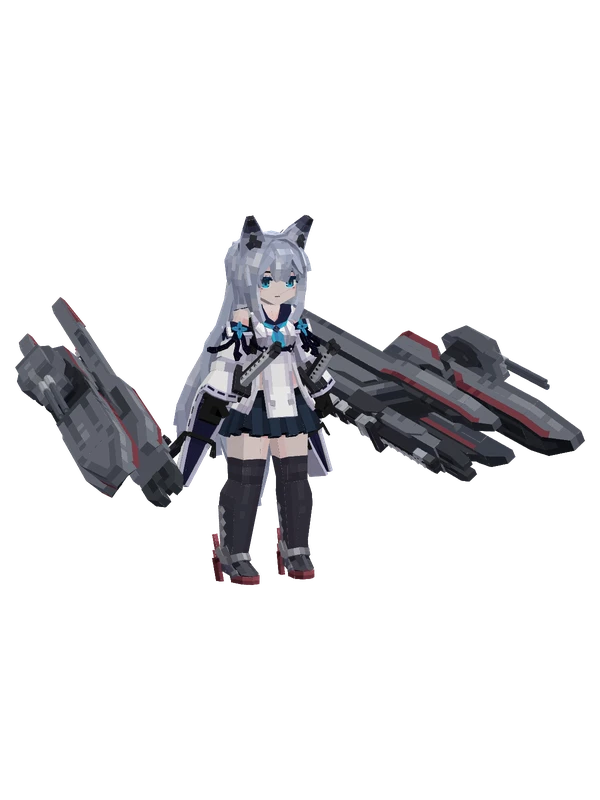
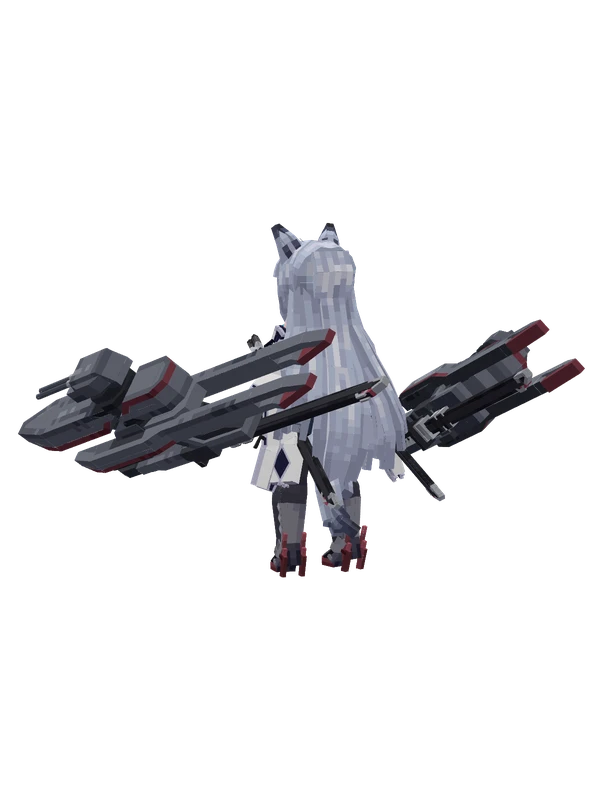
5 emotes
KawakazeAzur Lane
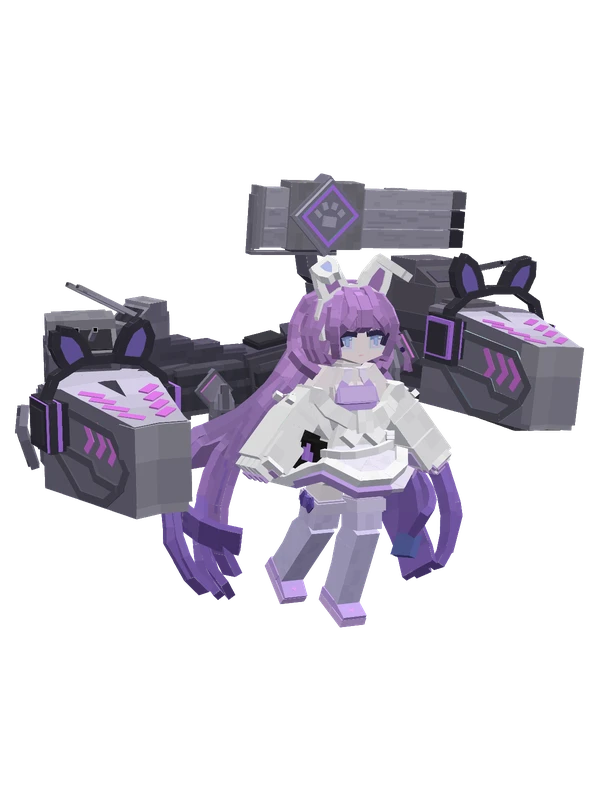
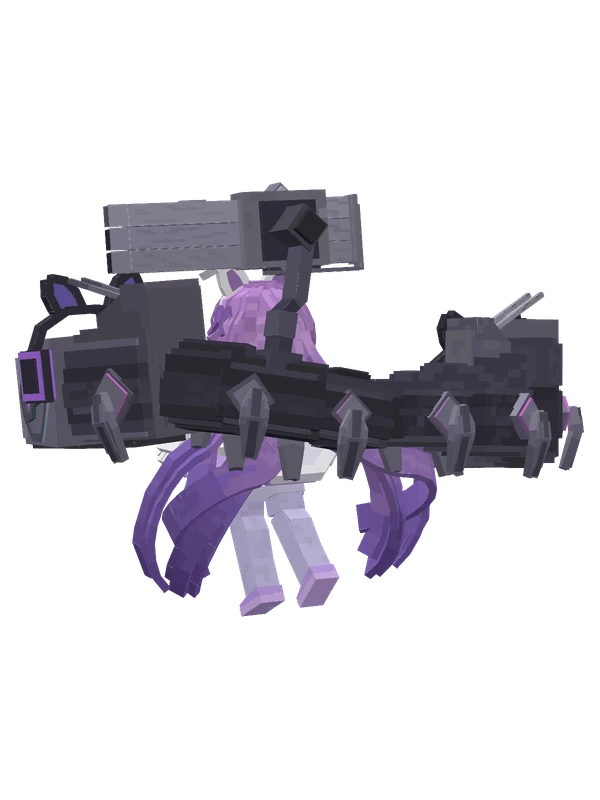
13 emotes
TashkentAzur Lane
9 emotes
An ShanAzur Lane
8 emotes
AlsaceAzur Lane
Editable8 emotes
AtagoAzur Lane
8 emotes
Chang ChunAzur Lane
8 emotes
KawakazeAzur Lane
8 emotes
Littorio (Rigging)Azur Lane
8 emotes
Nicoloso da ReccoAzur Lane