
Silver Wolf (Maid) YSM model
A chibi girl with purple hair, sunglasses on her head, and a black-and-white maid dress decorated with pixel-art badges.
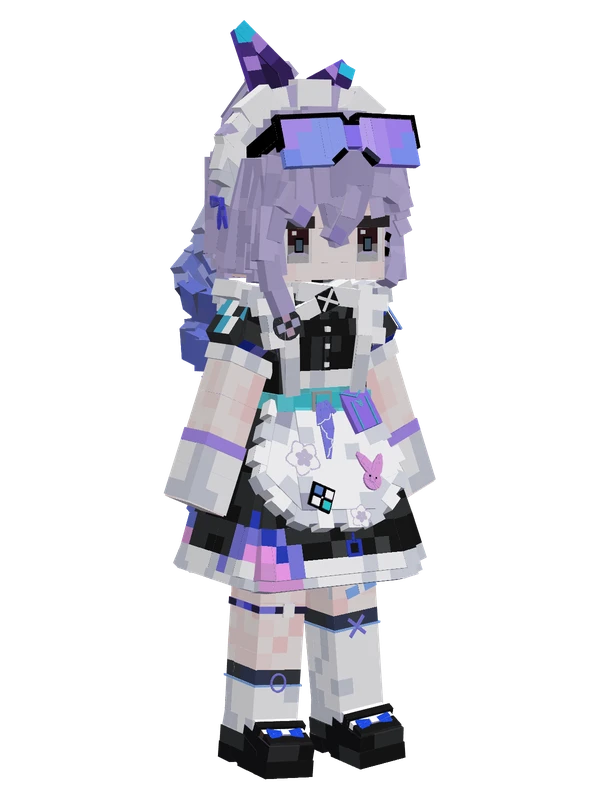
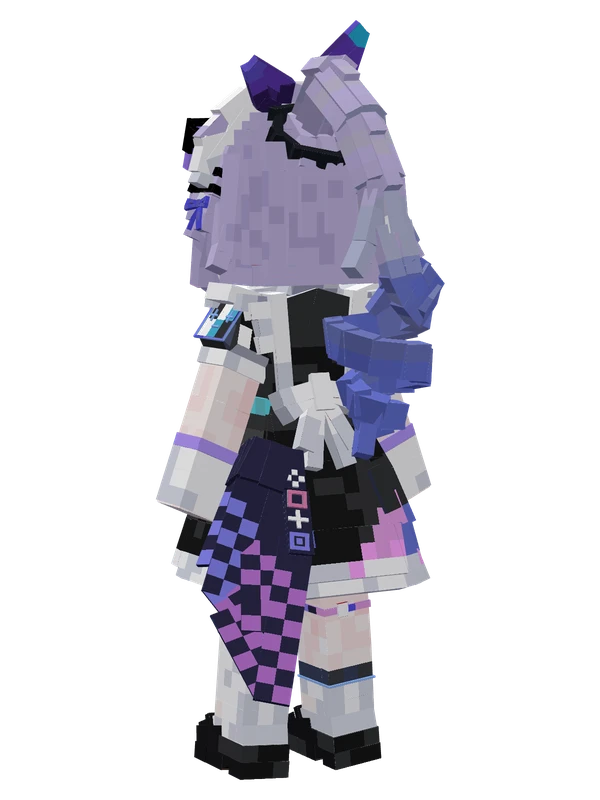
A chibi girl with purple hair, sunglasses on her head, and a black-and-white maid dress decorated with pixel-art badges.
Emote animations
Play these from the animation wheel in game.
- extra0Hello
- extra1Applaud
- extra2Drive Car
- extra3Yay
- extra4Play Games
- extra5Lay Down
- extra6Sweep Floor
- extra7Blow Bubbles
- extra8Sit Down
- extra9Flying Console
- extra10Fly
- extra11Dance
- extra12Loli Shake
- extra13Portrait
- extra15Mop Floor
- extra18Shikanoko Nokonoko Koshitantan
- extra16Doodle Dance
- extra22Shake
- extra20Cute Sway
- extra21Get Down
- extra25Change Clothes
Movement animations
- Hurt
- Boat
- Climb
- Climbing (still)
- Death
- Elytra flight
- Creative flight
- Idle
- Jump
- Ride
- Ride pig
- Run
- Sit
- Sleep
- Sneak (moving)
- Sneak (still)
- Swim
- Tread water
- Swing hand
- Use main hand
- Use off hand
- Walk
How to use this model
- Install Yes Steve Model for your Minecraft version and loader (see Download YSM).
- Start the game once so YSM creates
config/yes_steve_model/. - Put the downloaded
.ysmor.zipfile intoconfig/yes_steve_model/custom/(do not unzip it). - In game press Y (default key) to open the model menu, or run
/ysm model reloadif the menu is already open. - Pick the model, then use the animation wheel (default key Z) to play its emote animations.
This model is an encrypted .ysm file: it plays in game but cannot be opened or edited in Blockbench.
More from Honkai: Star Rail
21 emotes
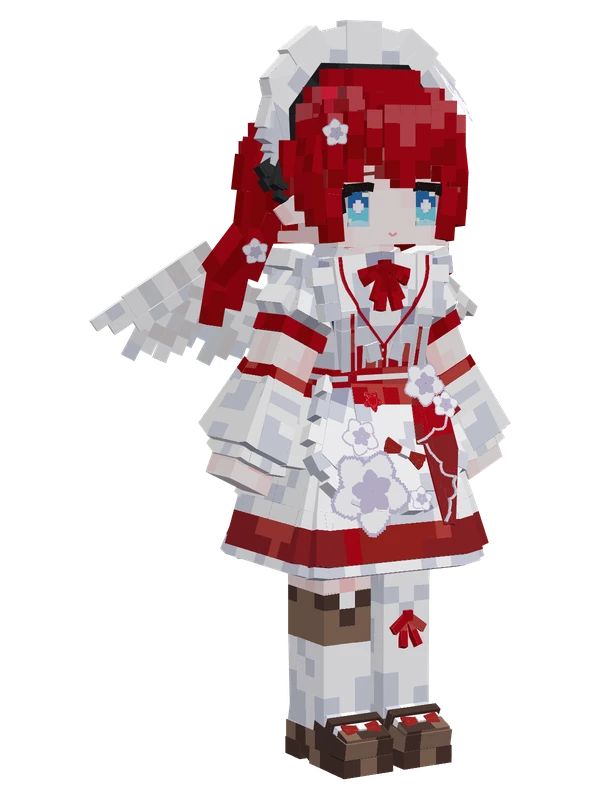
Tribbie (Maid)Honkai: Star Rail
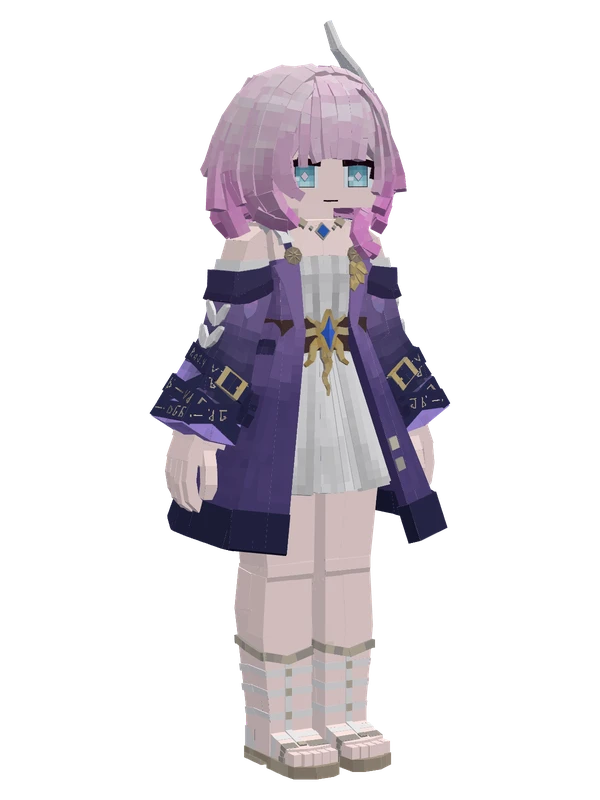
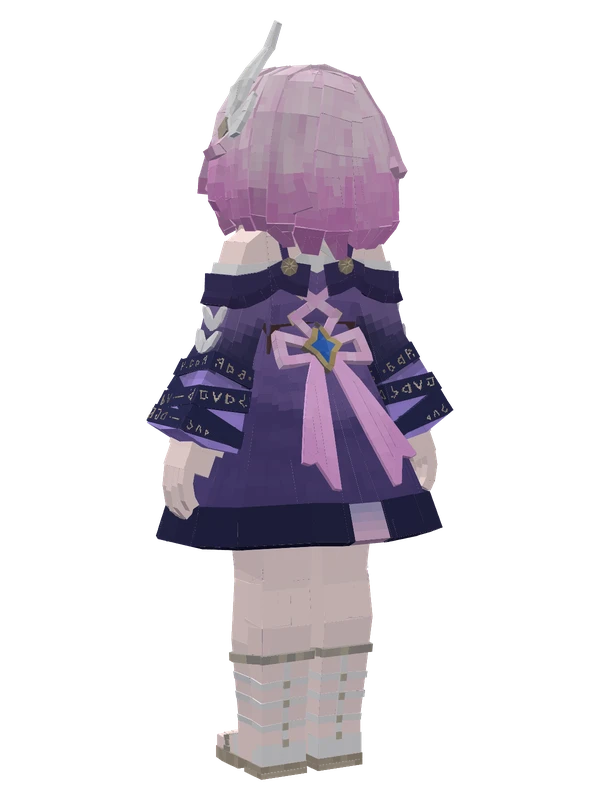
11 emotes
CyreneHonkai: Star Rail
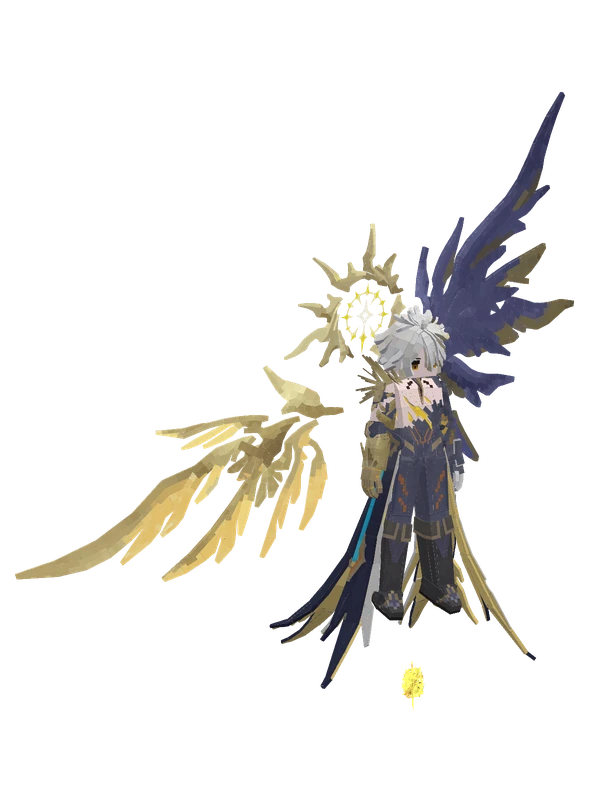
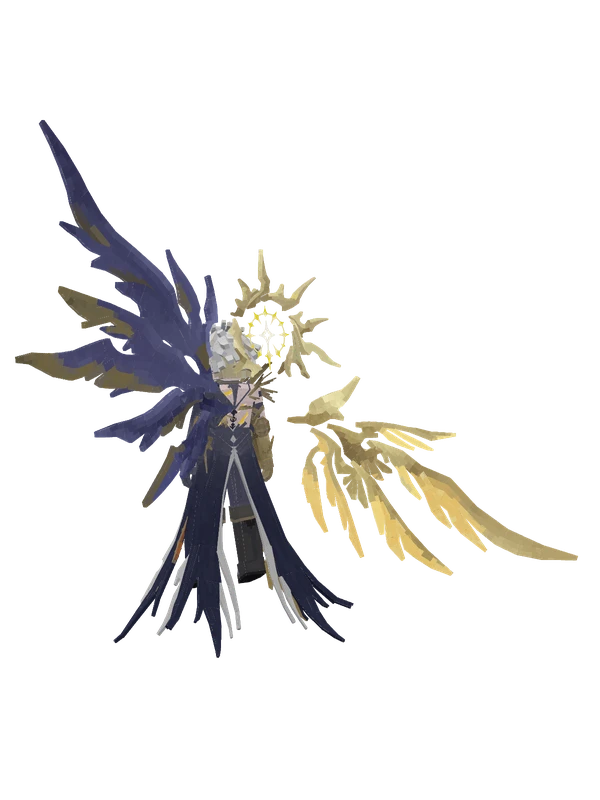
11 emotes
PhainonHonkai: Star Rail
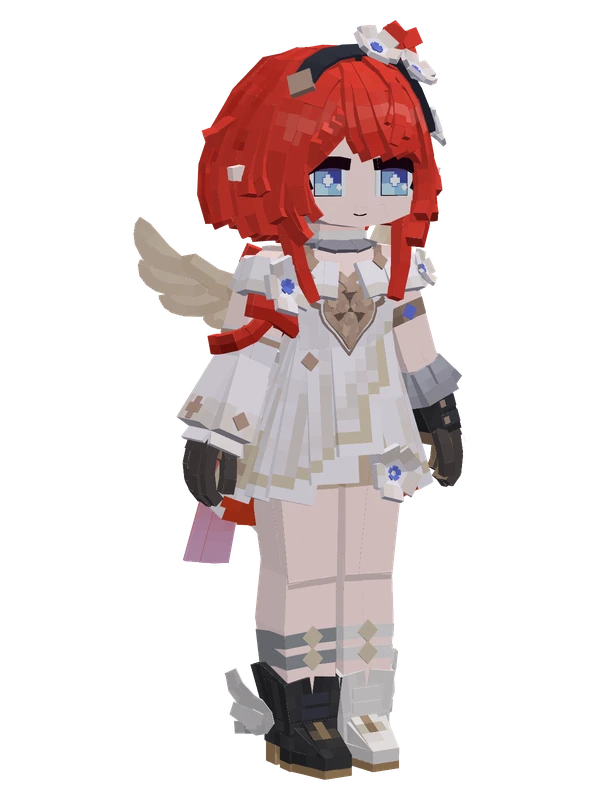
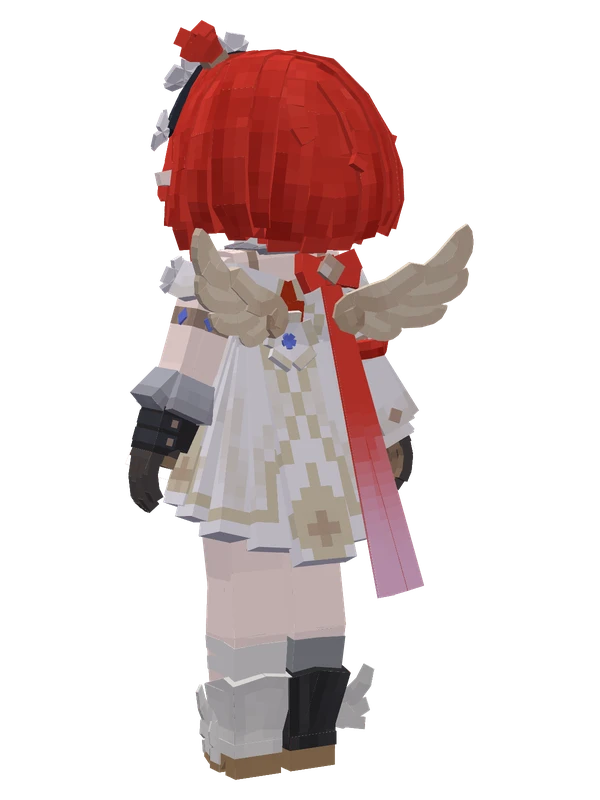
10 emotes
TribbieHonkai: Star Rail
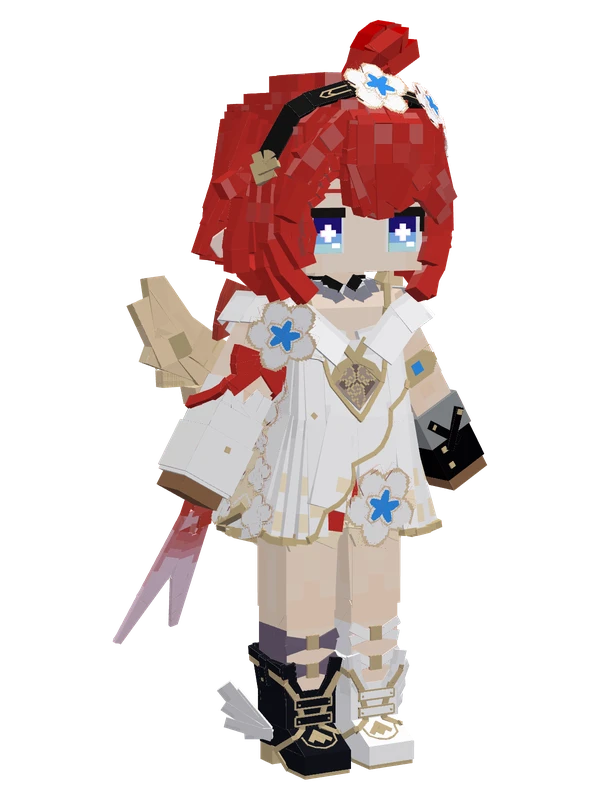
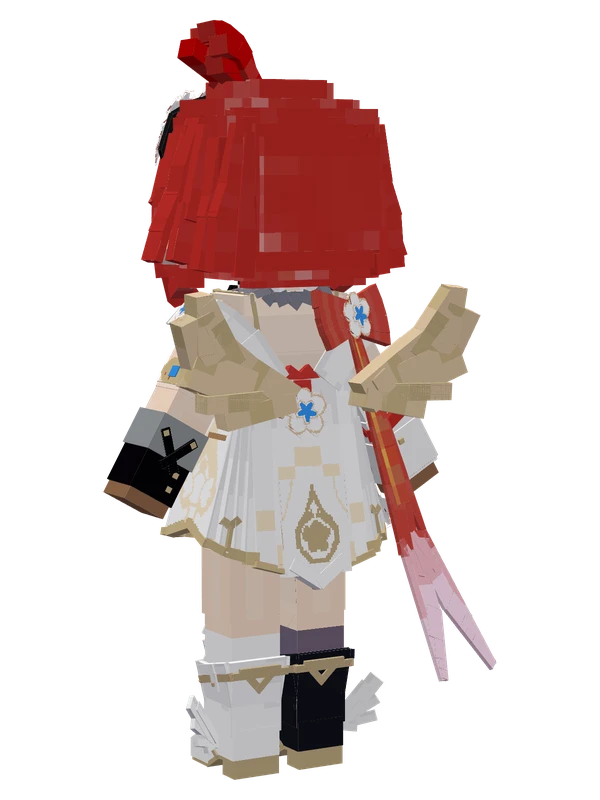
10 emotes
TribbieHonkai: Star Rail
9 emotes
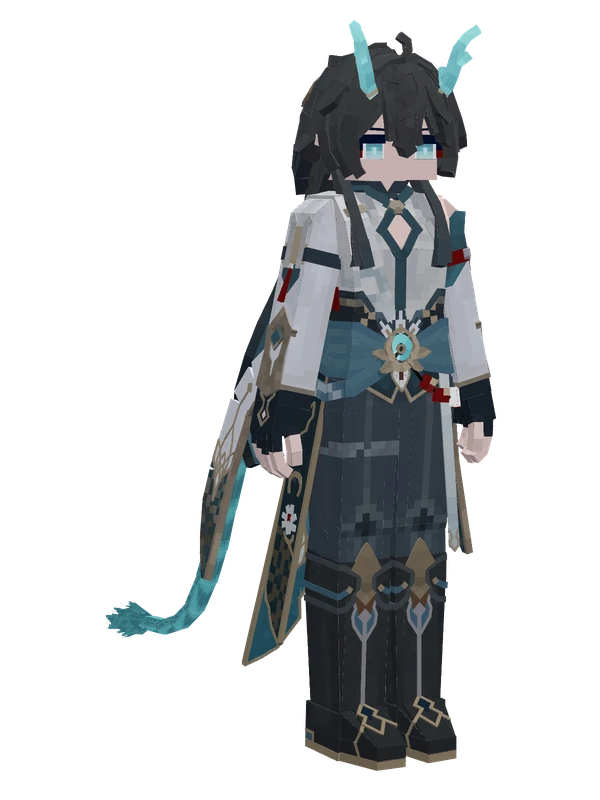
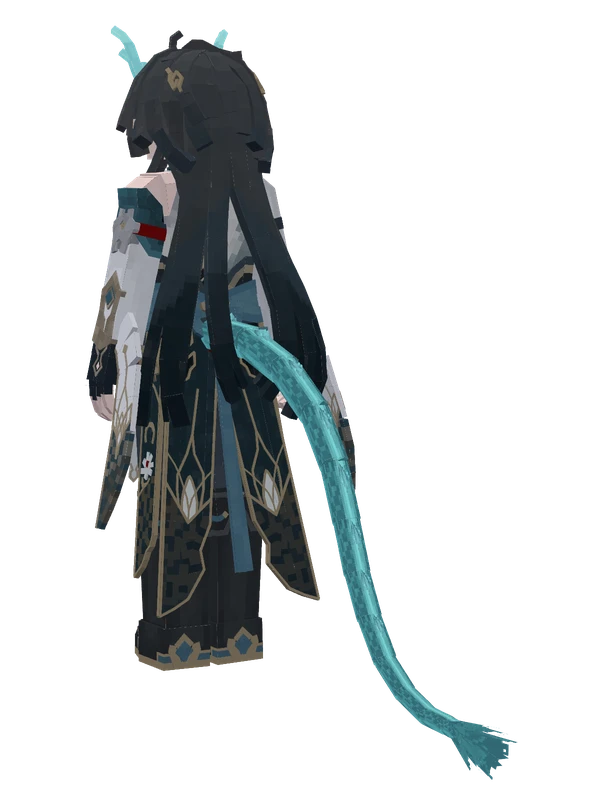
Dan Heng (Imbibitor Lunae)Honkai: Star Rail
9 emotes
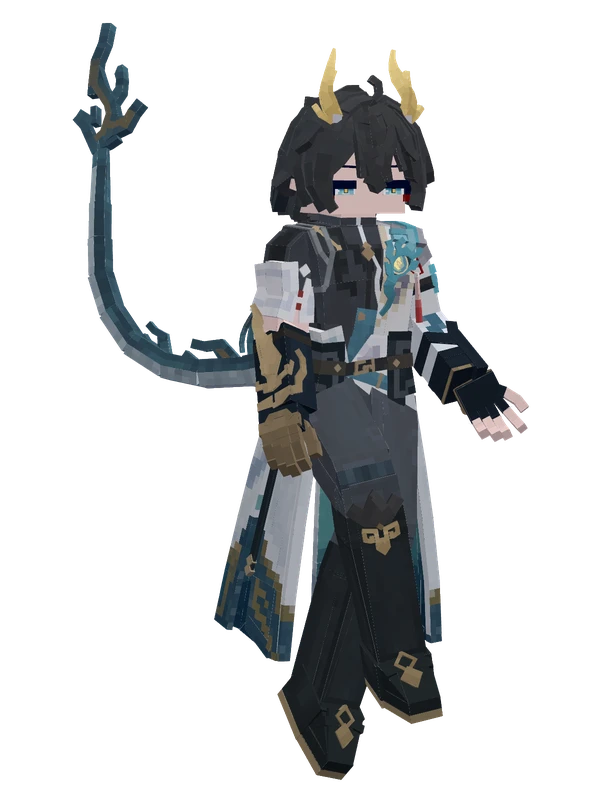
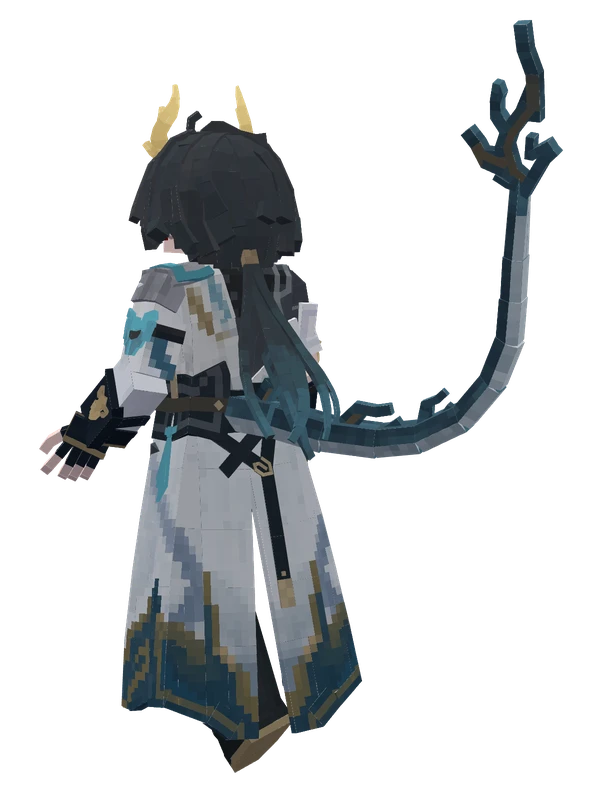
Dan Heng (Permansor Terrae)Honkai: Star Rail
8 emotes
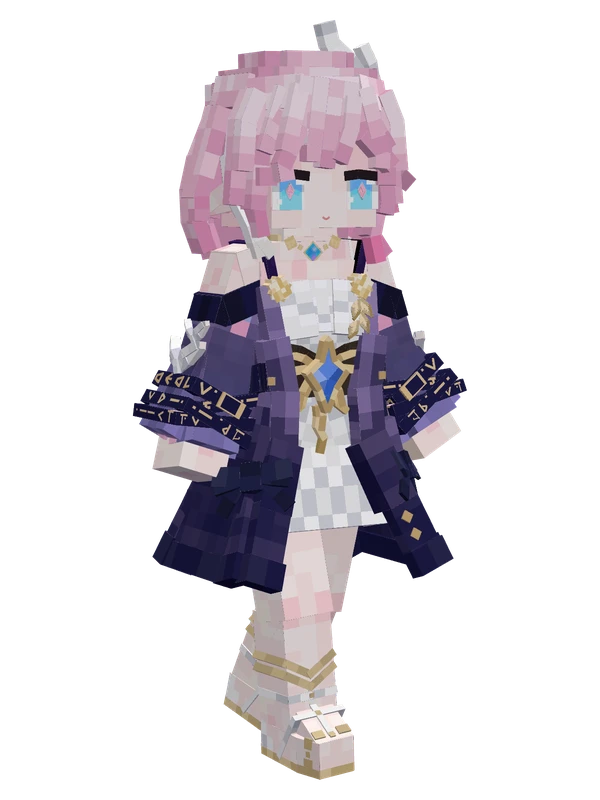
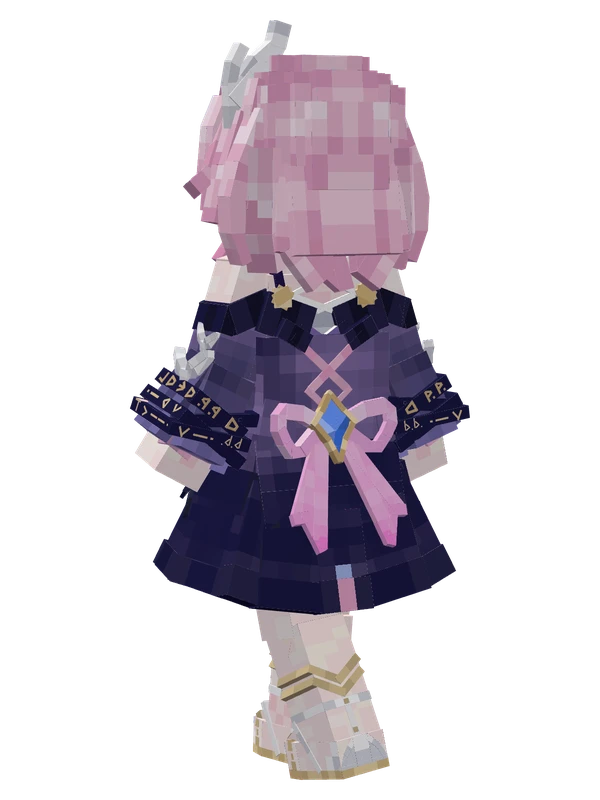
CyreneHonkai: Star Rail
8 emotes
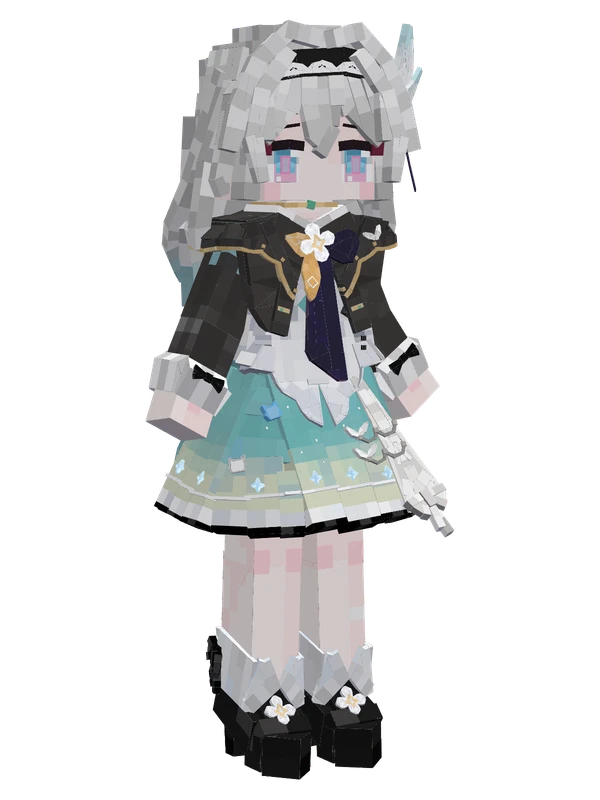
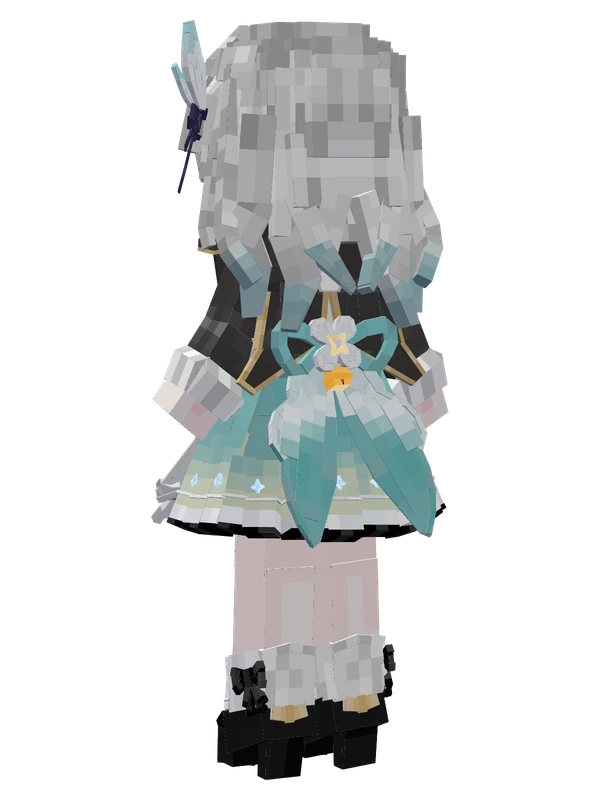
Firefly (Chibi)Honkai: Star Rail
8 emotes
Fu XuanHonkai: Star Rail
8 emotes
March 7th (Evernight)Honkai: Star Rail
8 emotes
TribbieHonkai: Star Rail