
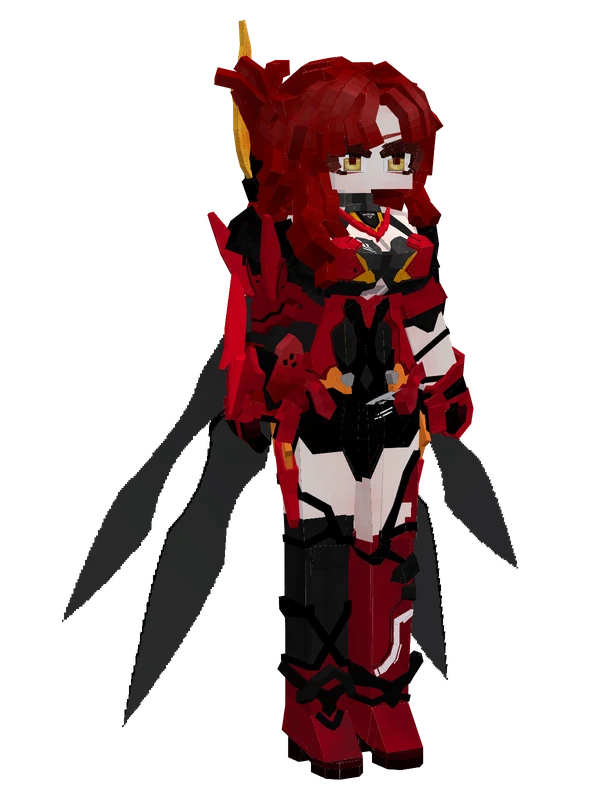
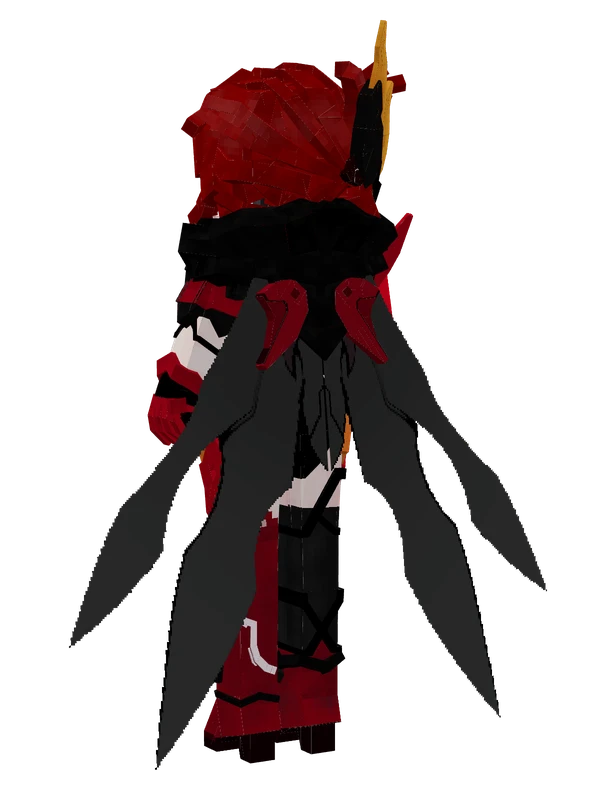
Theresa Apocalypse (Luna Kindred) YSM model
Theresa Apocalypse in her Luna Kindred outfit with white hair, red rose hair ornaments, red eyes, and a black, white, and red gothic dress.
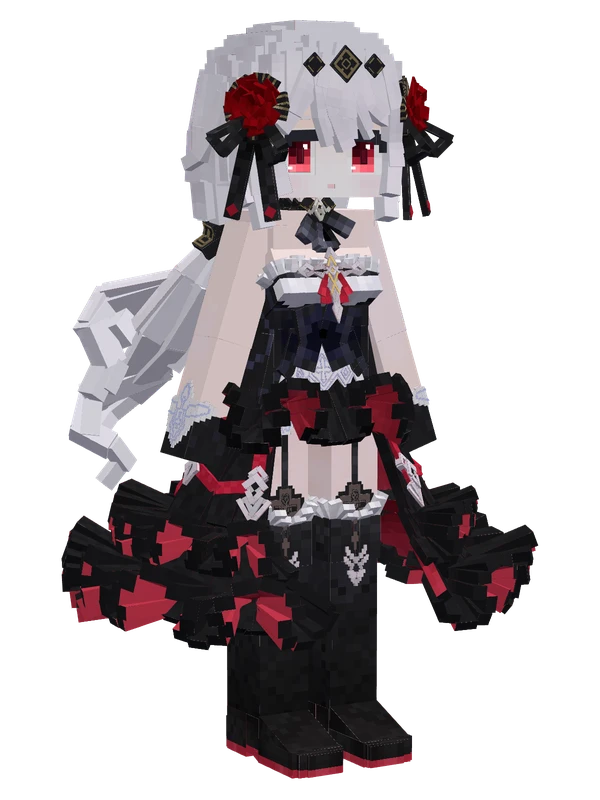
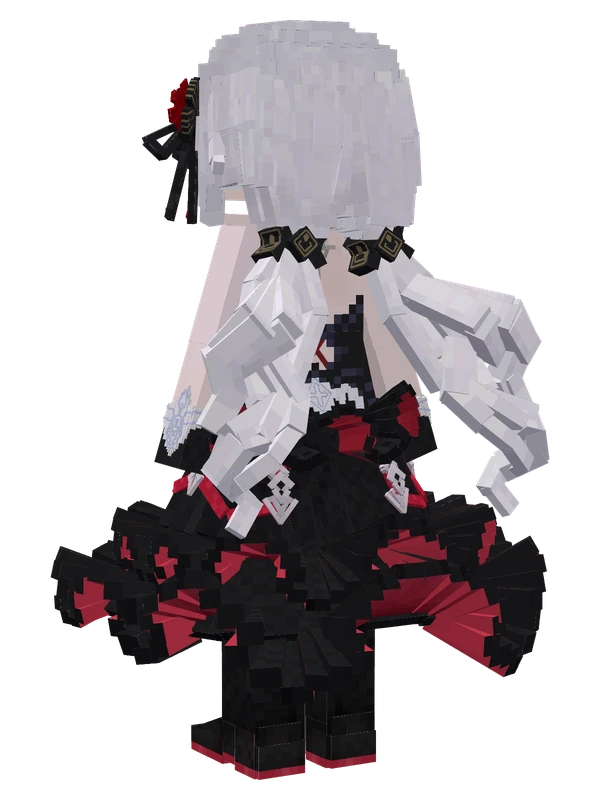
Theresa Apocalypse in her Luna Kindred outfit with white hair, red rose hair ornaments, red eyes, and a black, white, and red gothic dress.
Note from the author: Blood stains the crimson moon where sin and vows intertwine; she walks through the moonlight to leave a fatal embrace in your dreams.
Emote animations
Play these from the animation wheel in game.
- extra0Extra Config
- extra1Wave
- eyesElement
- extra2Applaud
- extra3Nod
- extra4Shake Head
- extra5Cheer Up
- extra6Smug
- extra7Dance
- elytraToggle Elytra (Default Hidden)
- classicalBridge Idle
- standby1Idle Animation 1
- standby2Idle Animation 2
Movement animations
- Hurt
- Boat
- Climb
- Climbing (still)
- Death
- Elytra flight
- Creative flight
- Menu focus
- Menu pose
- Idle
- Jump
- Ride
- Ride pig
- Run
- Sit
- Sleep
- Sneak (moving)
- Sneak (still)
- Swim
- Tread water
- Swing hand
- Use main hand
- Use off hand
- Walk
Works with other mods
This model has its own animations for Carry On, ParCool, SWEM horses, SlashBlade, TaCZ guns, so they look right when those mods are installed.
How to use this model
- Install Yes Steve Model for your Minecraft version and loader (see Download YSM).
- Start the game once so YSM creates
config/yes_steve_model/. - Put the downloaded
.ysmor.zipfile intoconfig/yes_steve_model/custom/(do not unzip it). - In game press Y (default key) to open the model menu, or run
/ysm model reloadif the menu is already open. - Pick the model, then use the animation wheel (default key Z) to play its emote animations.
This model is an encrypted .ysm file: it plays in game but cannot be opened or edited in Blockbench.
More from Honkai Impact 3rd
16 emotes
Fei YingHonkai Impact 3rd
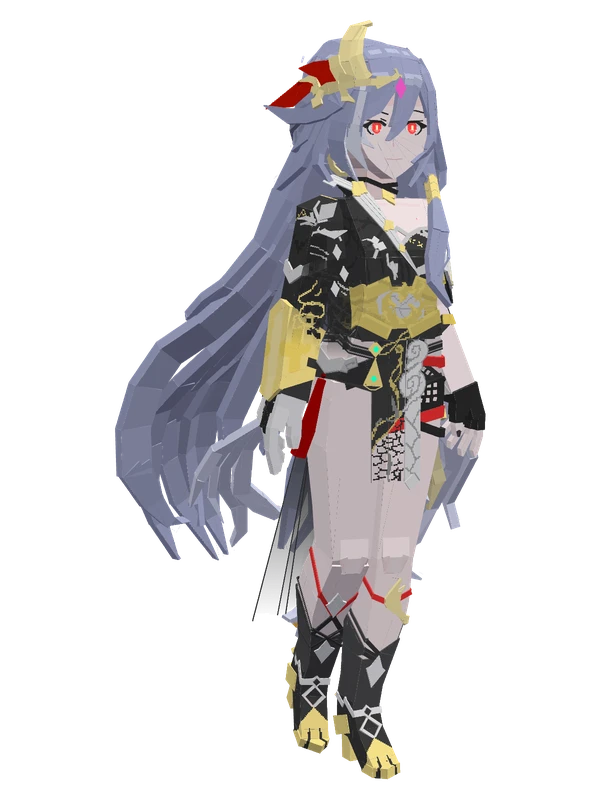
8 emotes
Fu Hua (Herrscher of Sentience)Honkai Impact 3rd
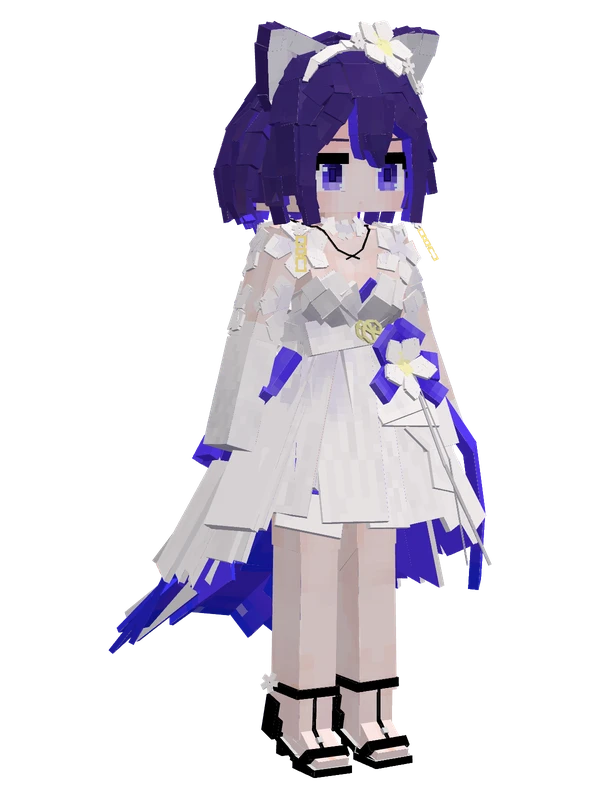
29 emotes
Seele Vollerei (Autumn Frost Lily)Honkai Impact 3rd
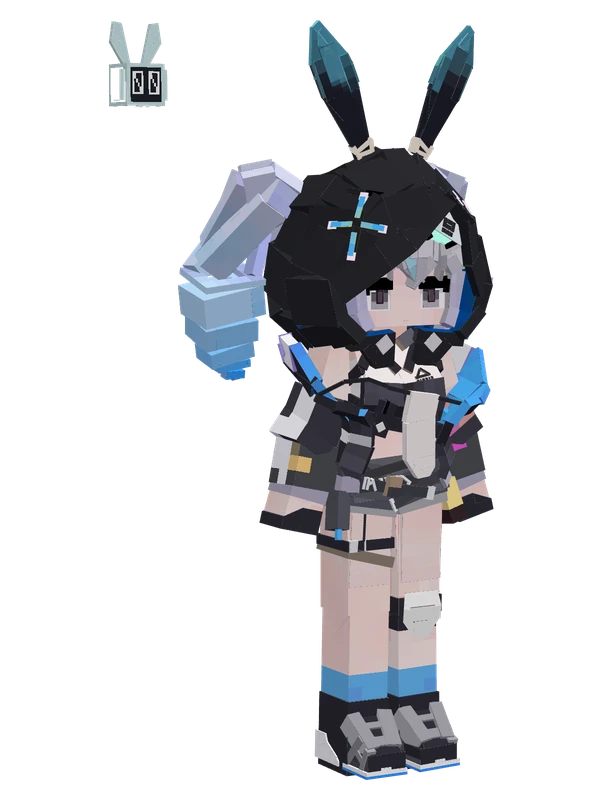
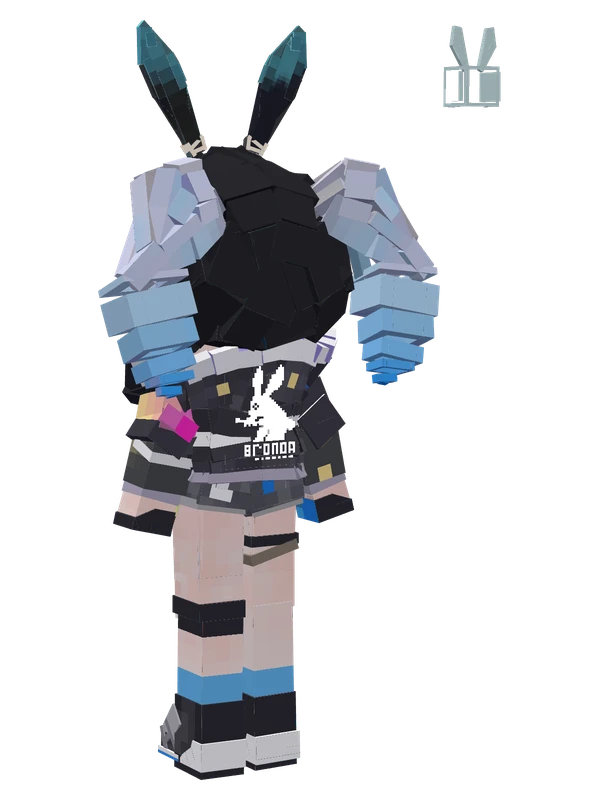
8 emotes
Bronie (Haxxor Bunny)Honkai Impact 3rd
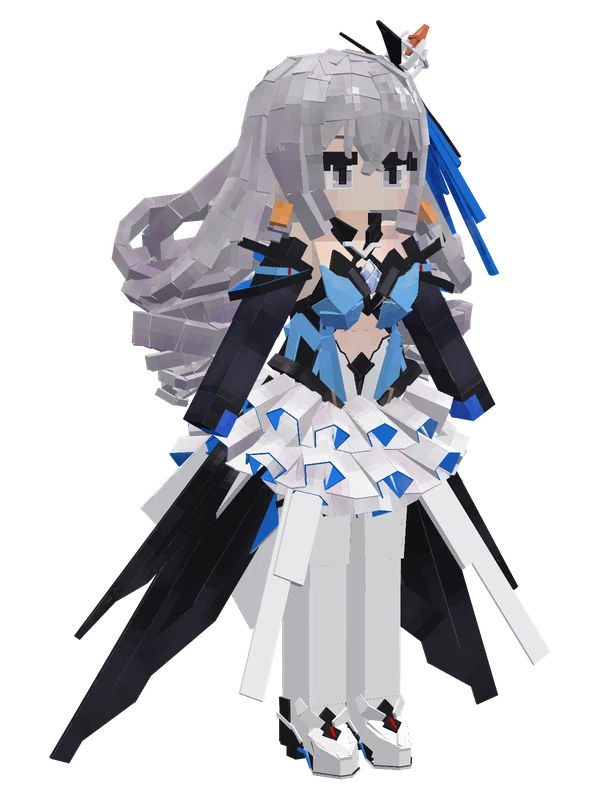
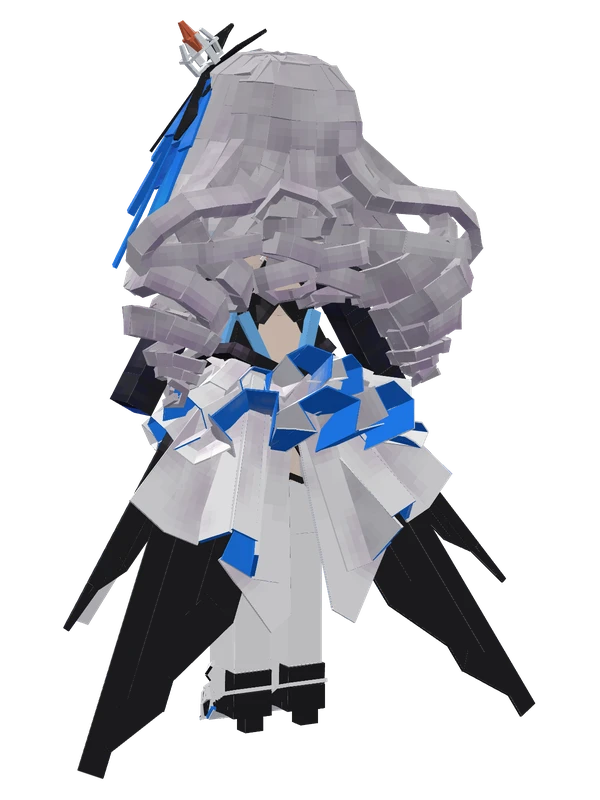
8 emotes
Bronya Zaychik (Herrscher of Reason)Honkai Impact 3rd
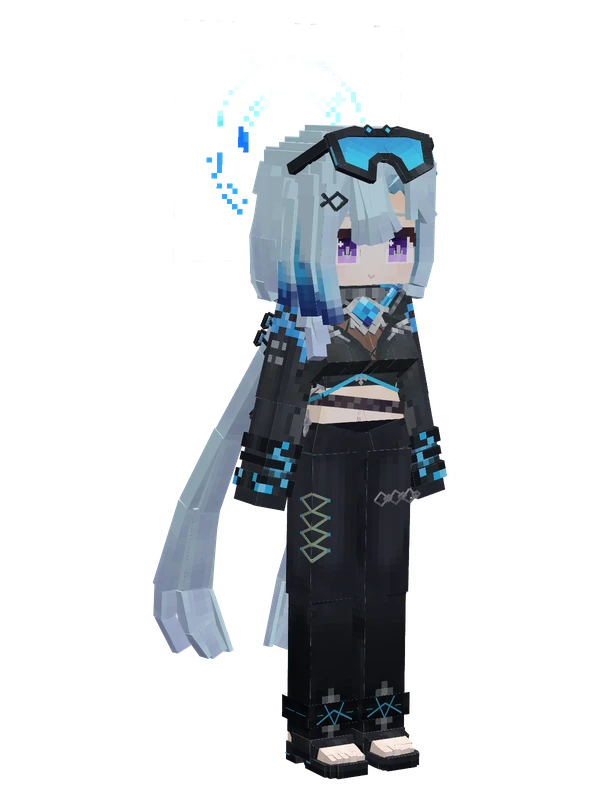
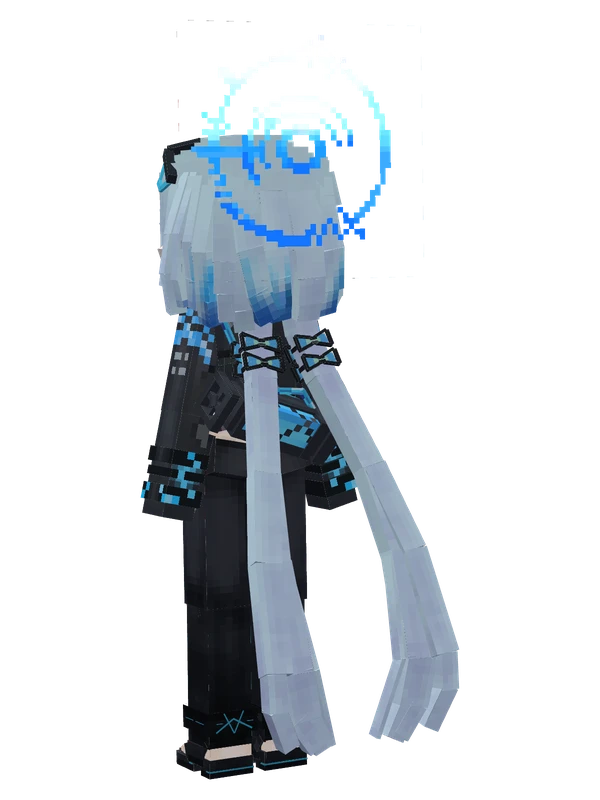
8 emotes
Griseo (Starry Impression)Honkai Impact 3rd
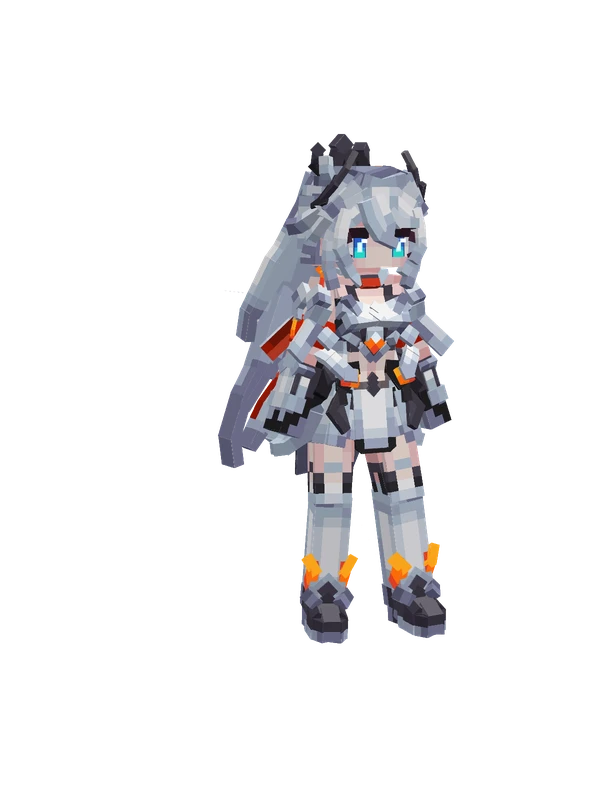
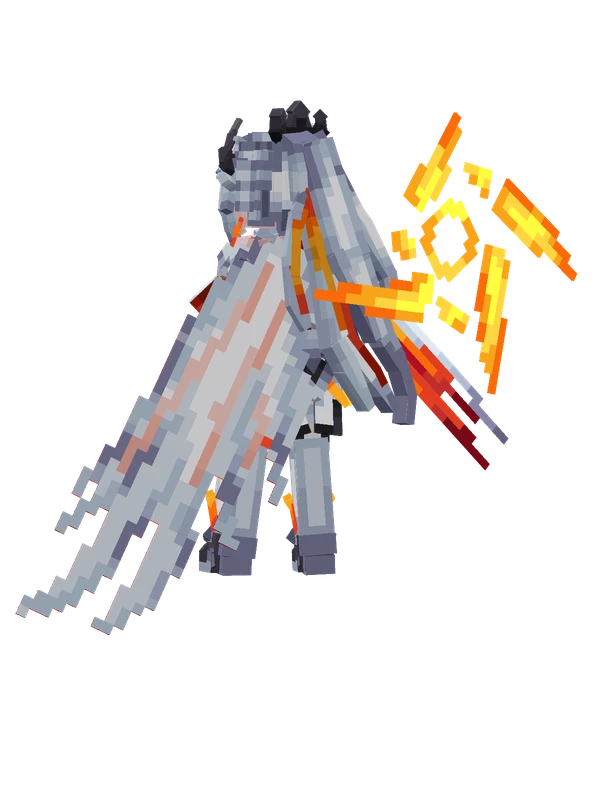
8 emotes
Kiana Kaslana (Herrscher of Flamescion)Honkai Impact 3rd
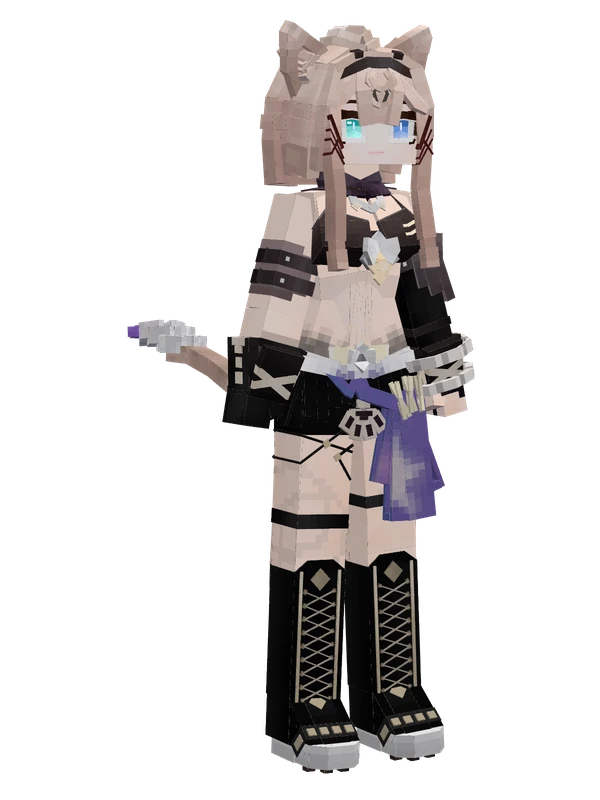
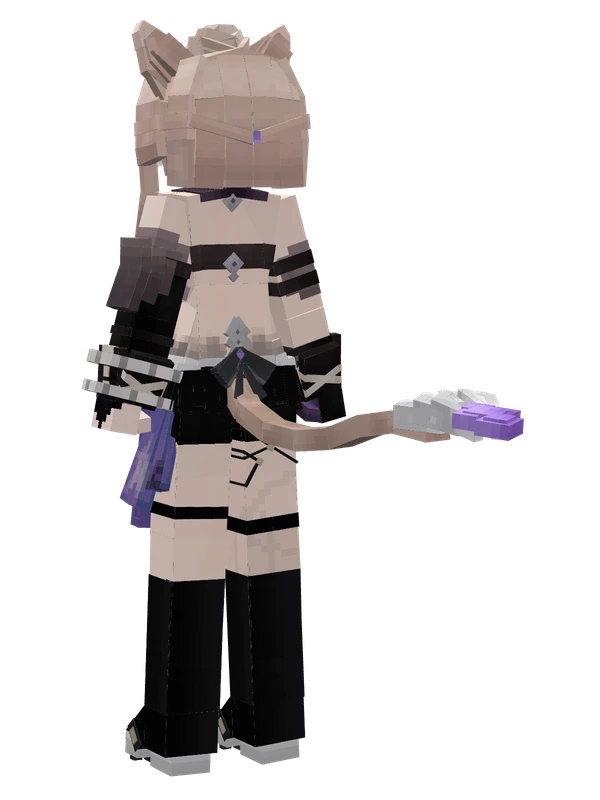
Editable8 emotes
PardofelisHonkai Impact 3rd
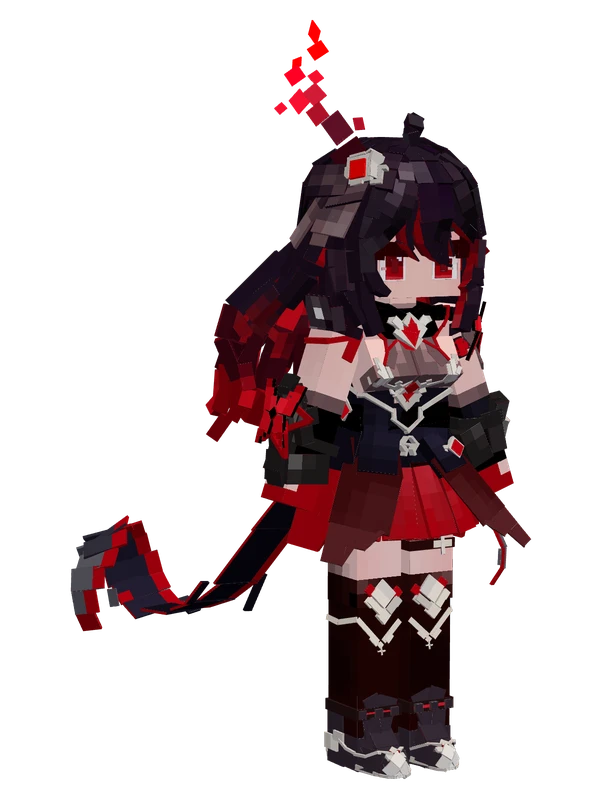
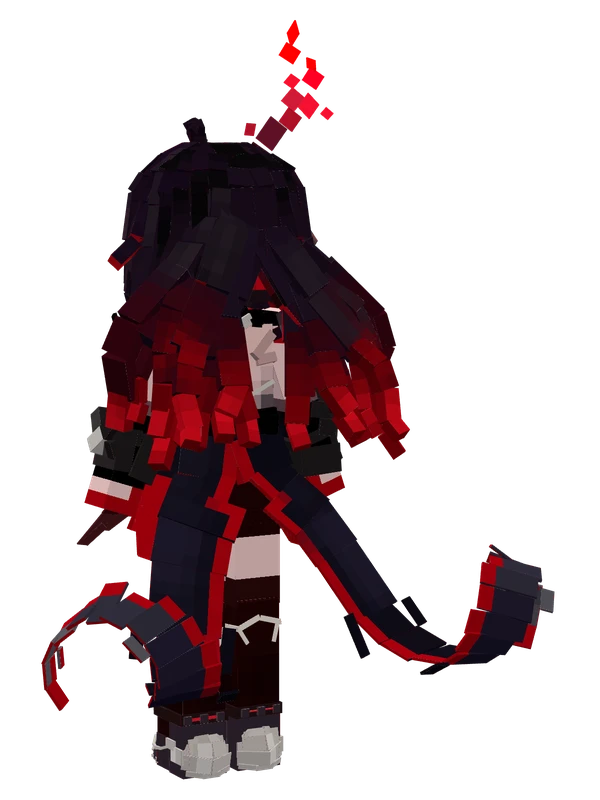
8 emotes
Seele Vollerei (Stygian Nymph)Honkai Impact 3rd
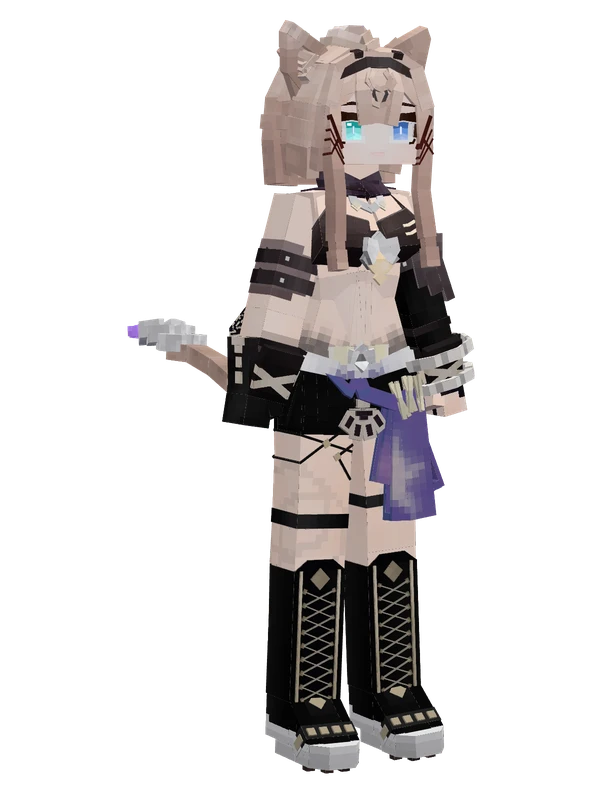
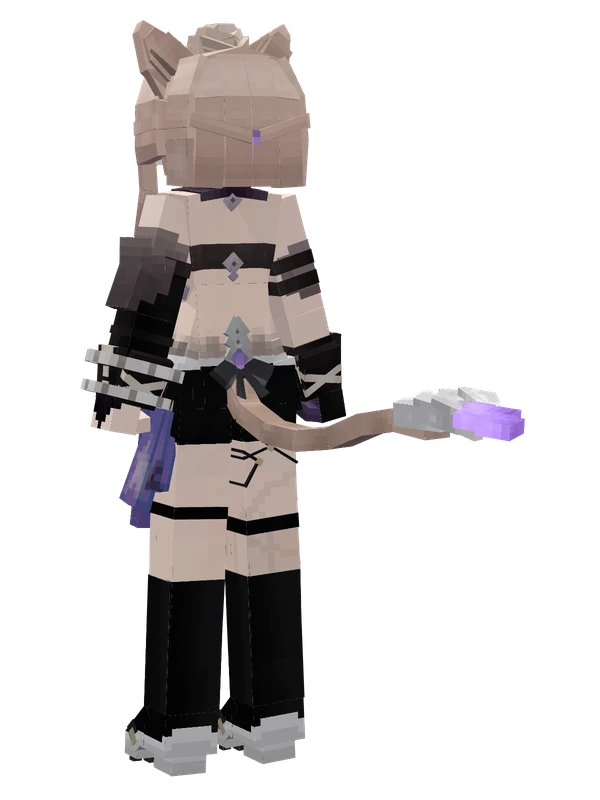
7 emotes
PardofelisHonkai Impact 3rd
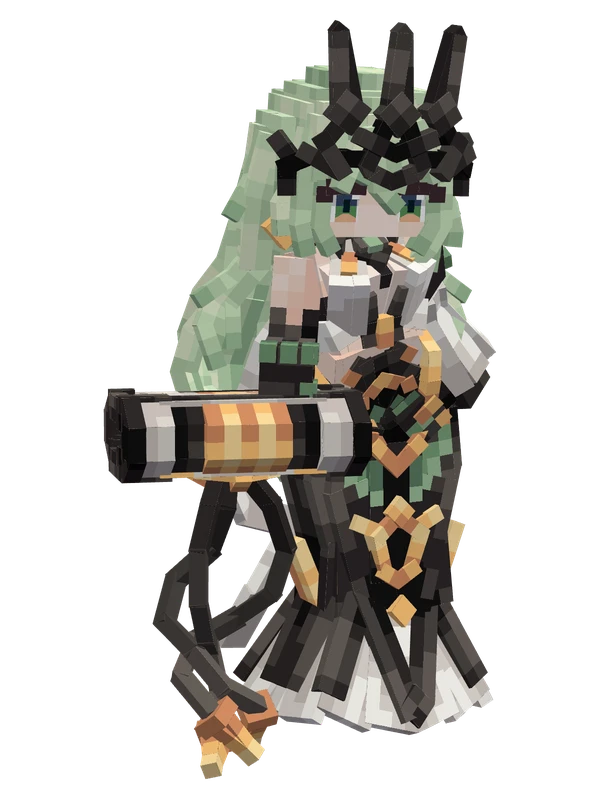
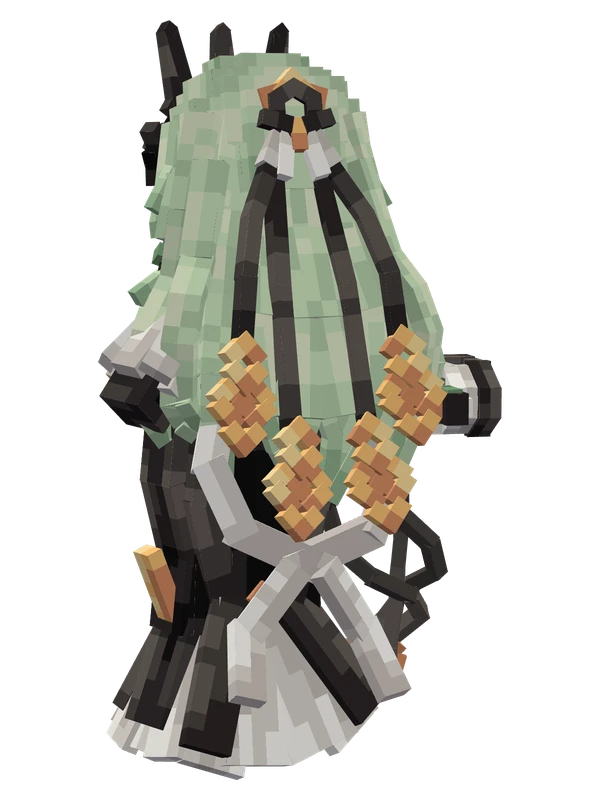
MobiusHonkai Impact 3rd
8 emotes
Murata Himeko (Vermilion Knight)Honkai Impact 3rd