
Yamakaze YSM model
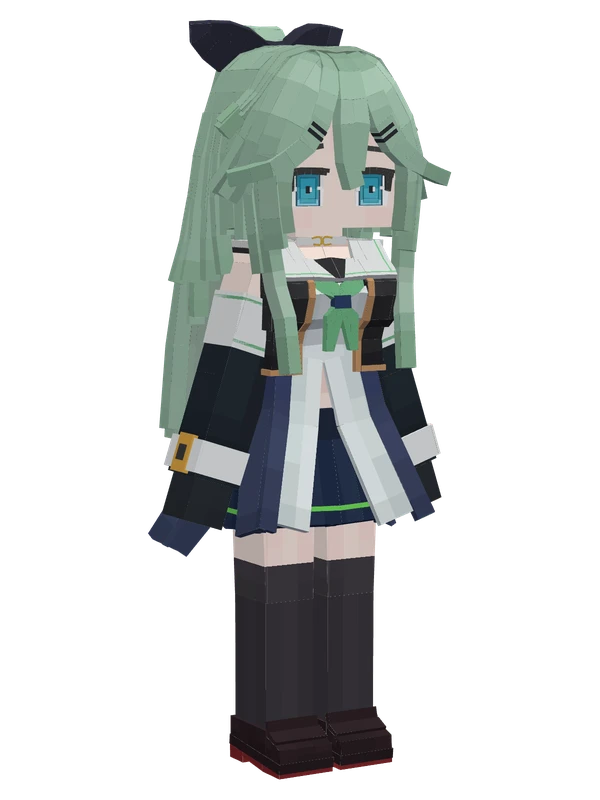
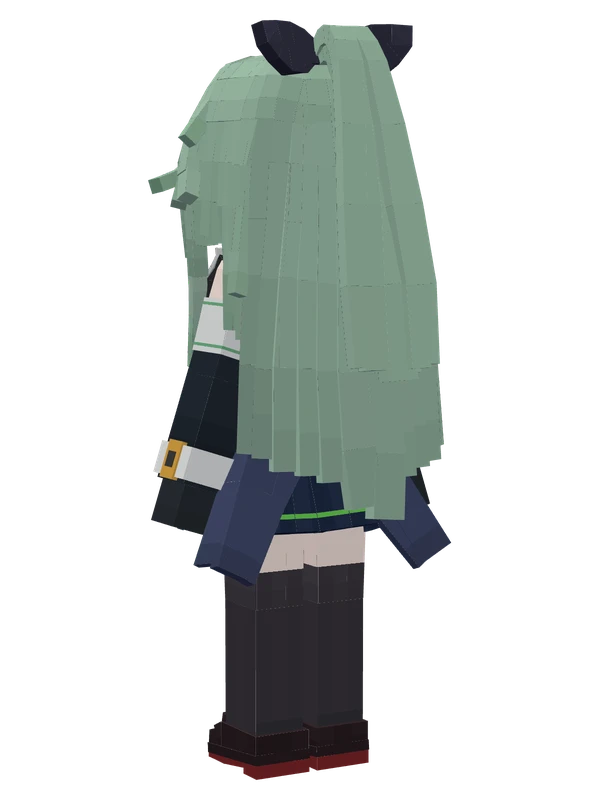
A girl with long light green hair, a dark hair bow, and a white and navy sailor uniform with black knee-high socks.
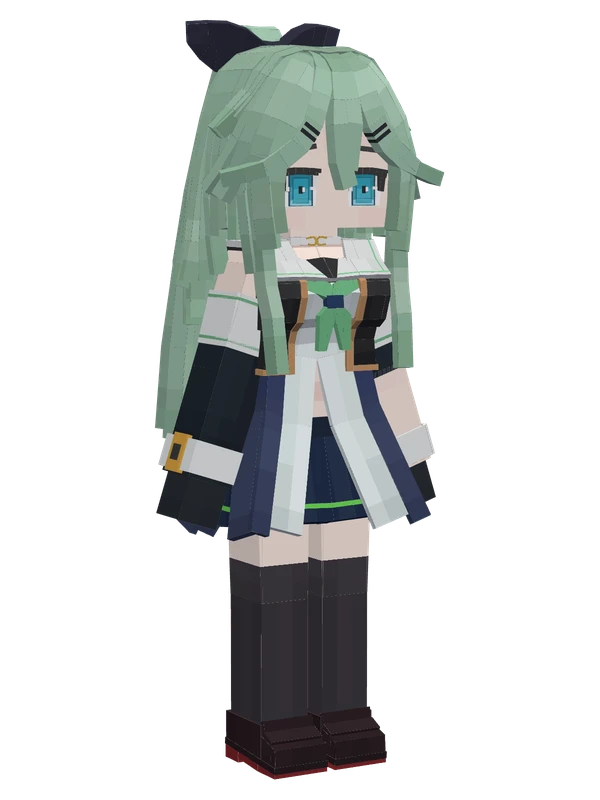
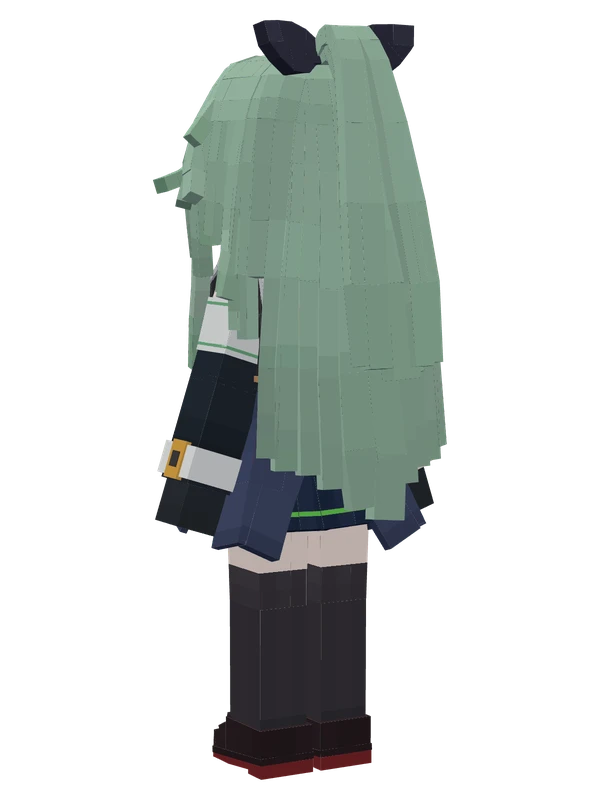
A girl with long light green hair, a dark hair bow, and a white and navy sailor uniform with black knee-high socks.
Note from the author: I am the 8th Shiratsuyu-class destroyer, Yamakaze. You don't need to mind me.
Emote animations
Play these from the animation wheel in game.
- extra1Config
- #extra1Default Action
- extra8W-Sit
- extra9Portrait Pose 1
- extra10Portrait Pose 2
- extra12Sit on Block Edge
- extra13Hands Together
- Outfit
- extra14Peace Sign
- extra18Emoji
- extra19Peek Left
- extra20Peek Right
- extra21Hands on Hips
- extra22Auto Peek
- extra23Sit Down
Movement animations
- Hurt
- Boat
- Climb
- Climbing (still)
- Death
- Elytra flight
- Creative flight
- Menu pose
- Idle
- Jump
- Ride
- Ride pig
- Run
- Sit
- Sleep
- Sneak (moving)
- Sneak (still)
- Swim
- Tread water
- Swing hand
- Use main hand
- Use off hand
- Walk
Works with other mods
This model has its own animations for Carry On, ParCool, SWEM horses, SlashBlade, TaCZ guns, so they look right when those mods are installed.
How to use this model
- Install Yes Steve Model for your Minecraft version and loader (see Download YSM).
- Start the game once so YSM creates
config/yes_steve_model/. - Put the downloaded
.ysmor.zipfile intoconfig/yes_steve_model/custom/(do not unzip it). - In game press Y (default key) to open the model menu, or run
/ysm model reloadif the menu is already open. - Pick the model, then use the animation wheel (default key Z) to play its emote animations.
This model is an encrypted .ysm file: it plays in game but cannot be opened or edited in Blockbench.
More from Kantai Collection
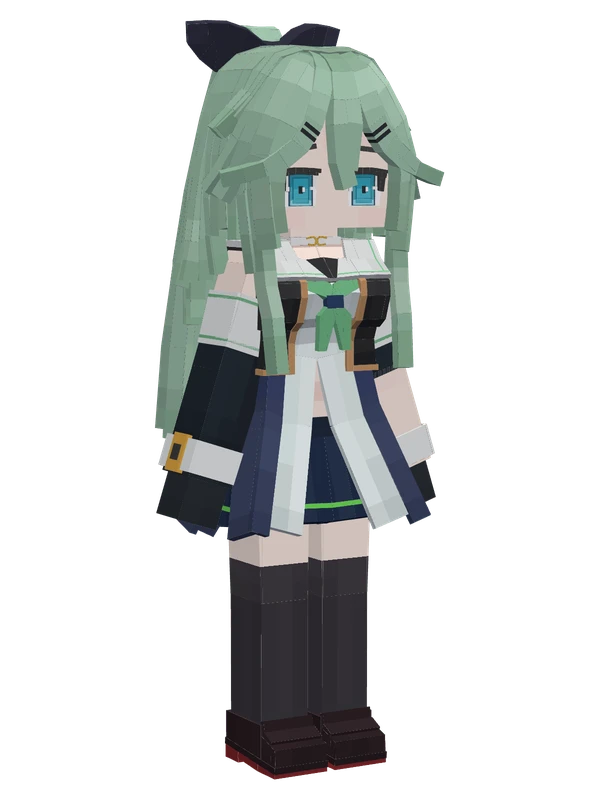
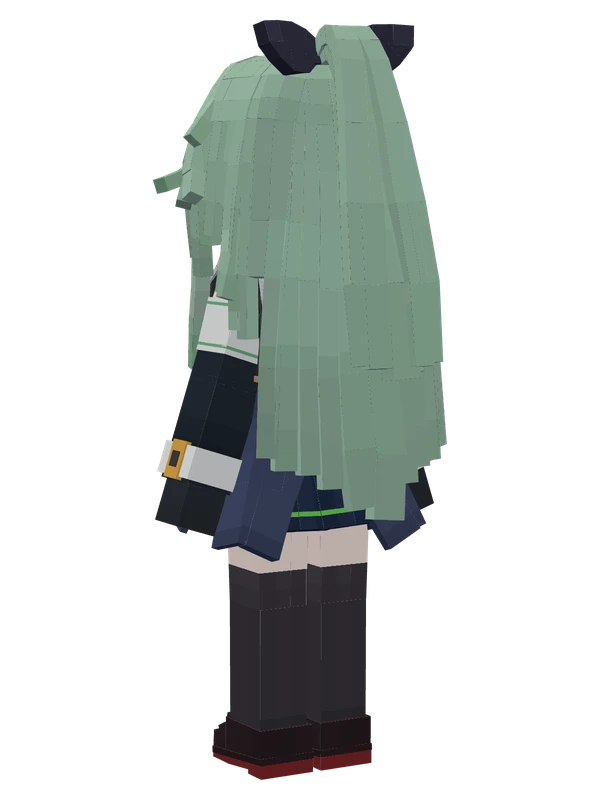
15 emotes
YamakazeKantai Collection
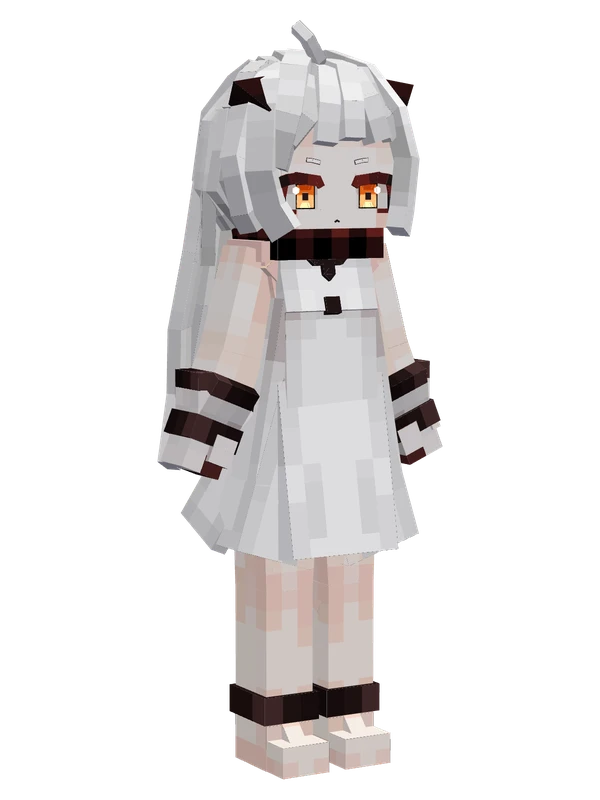
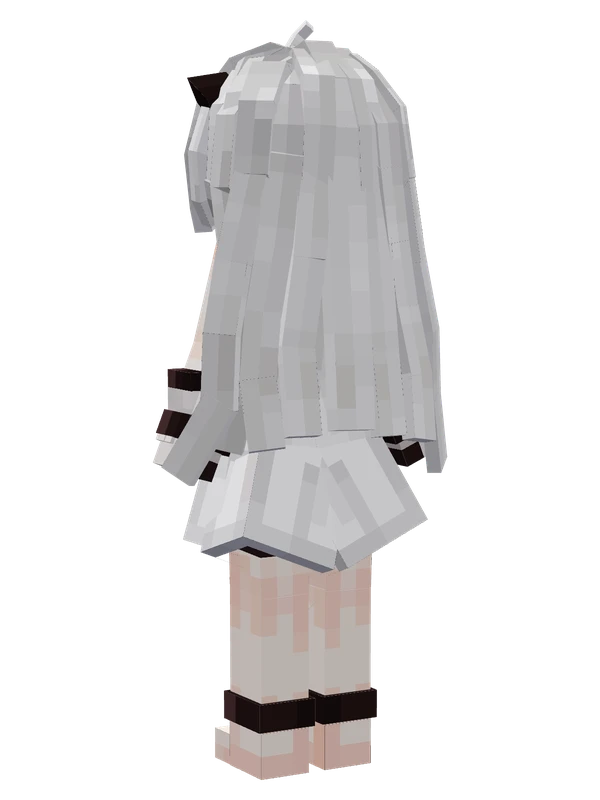
10 emotes
Northern PrincessKantai Collection
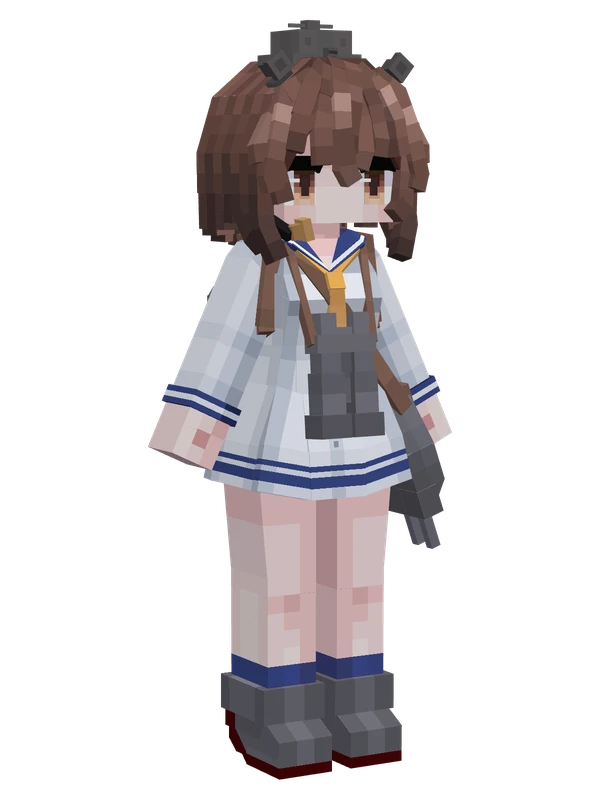
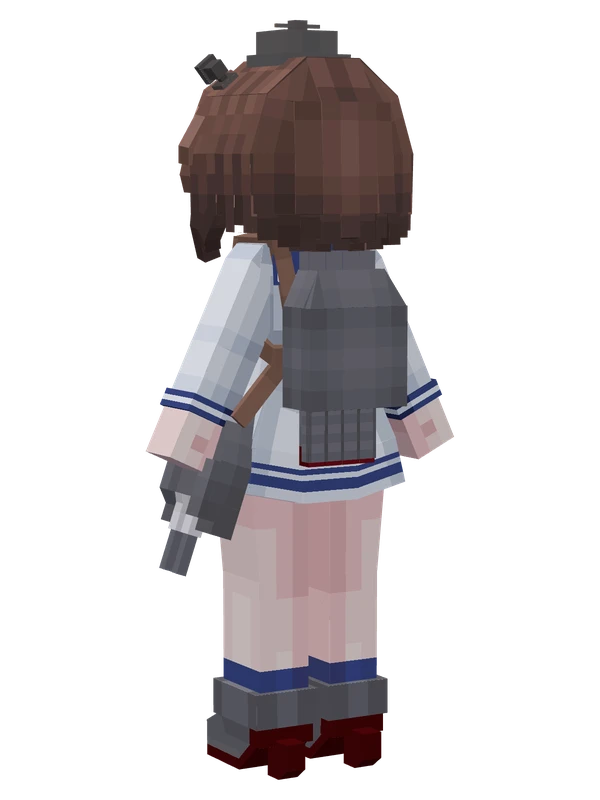
8 emotes
YukikazeKantai Collection
6 emotes
YamakazeKantai Collection
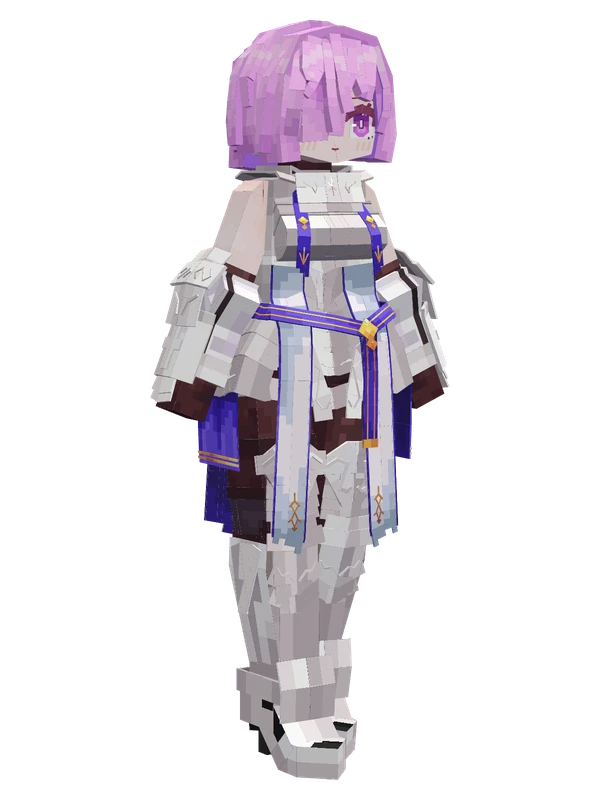
Editable11 emotes
Mash Kyrielight (Paladin)Fate/Grand Order
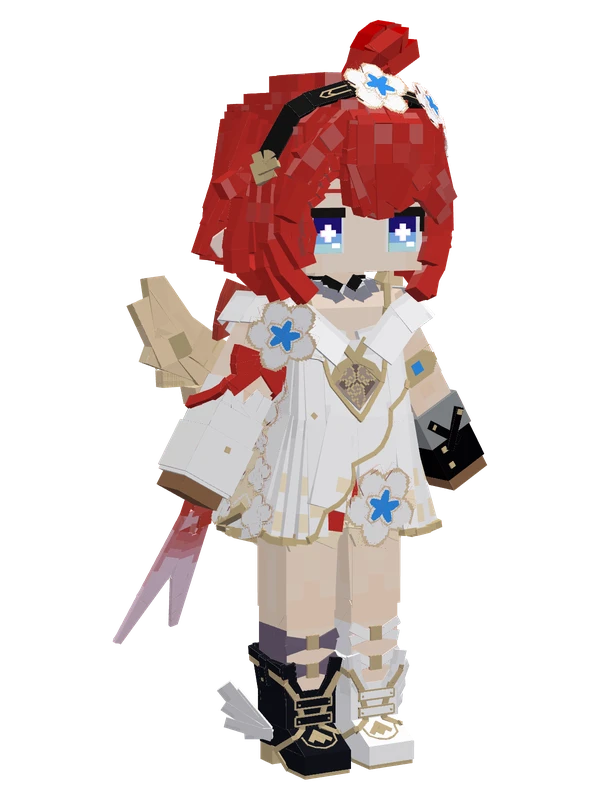
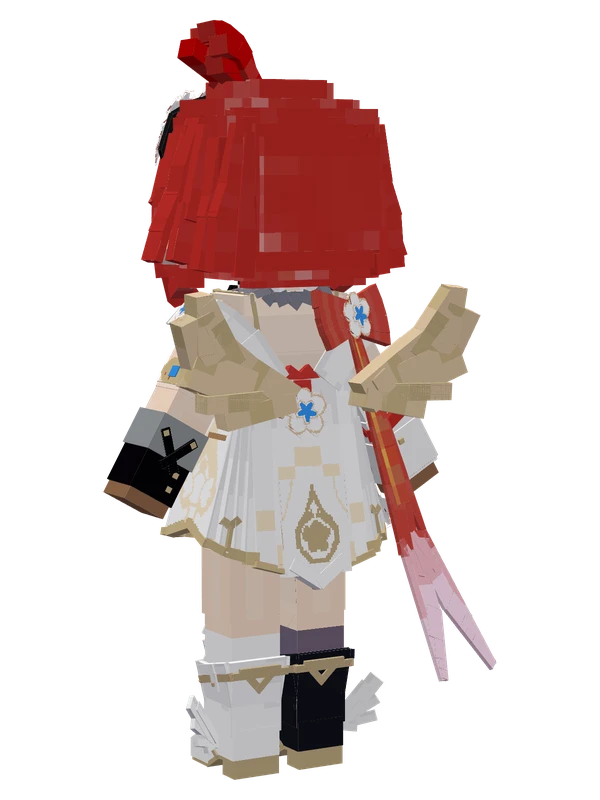
10 emotes
TribbieHonkai: Star Rail
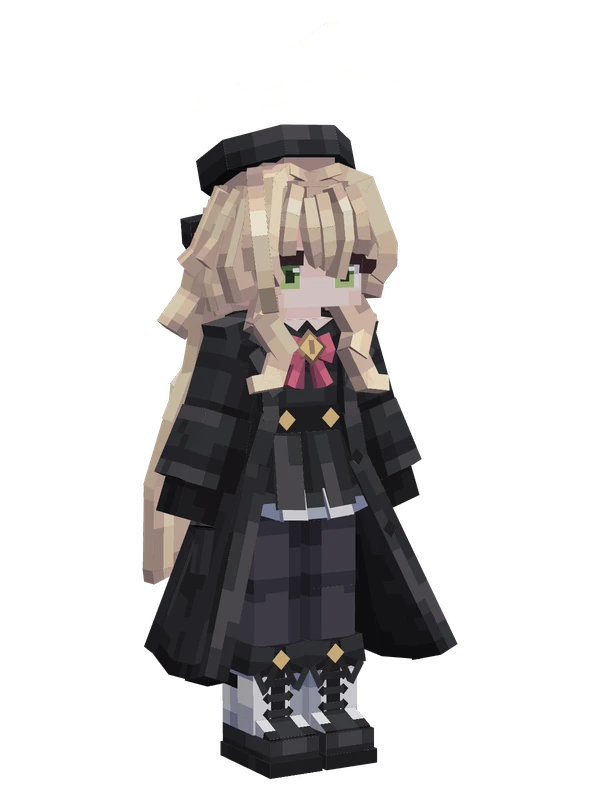
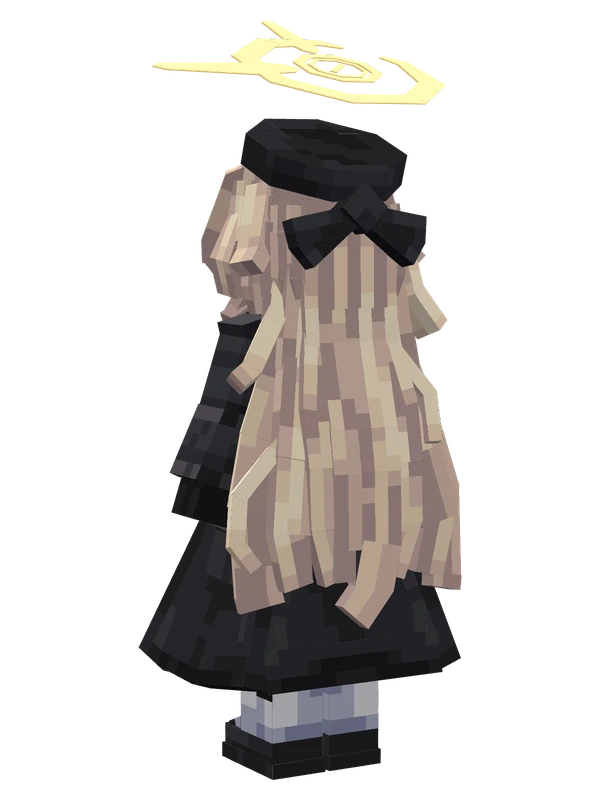
9 emotes
Professor NiyaniyaBlue Archive
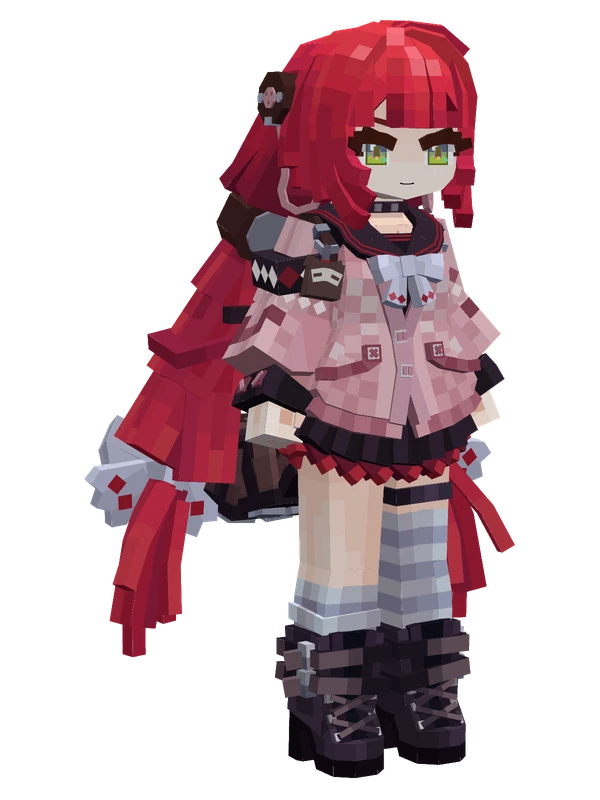
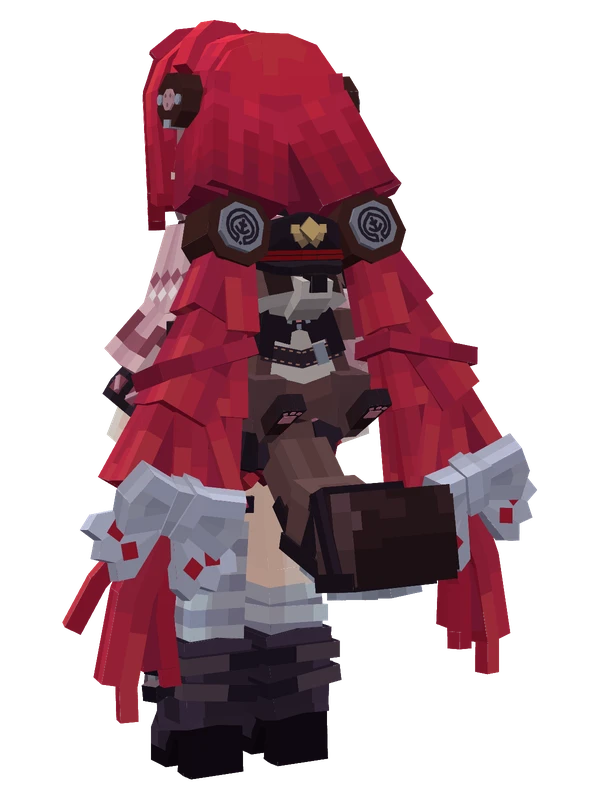
9 emotes
Ukinami YuzuhaZenless Zone Zero
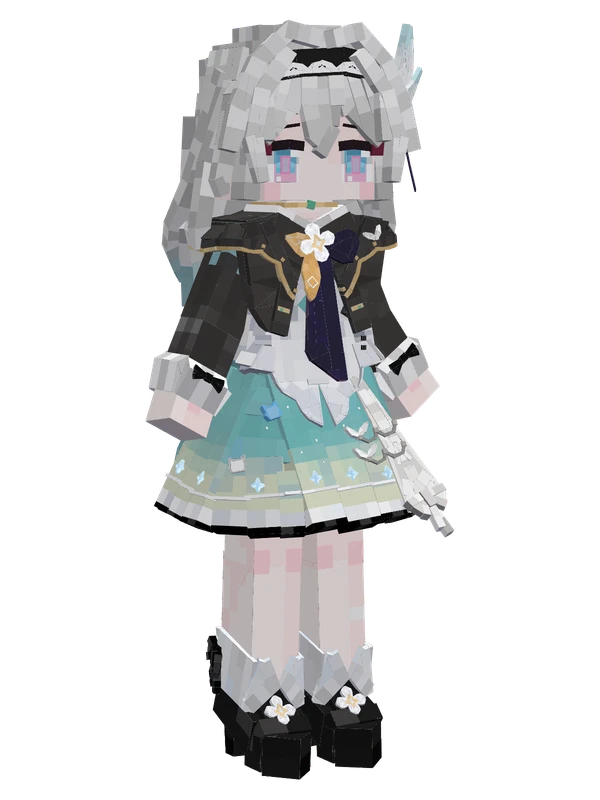
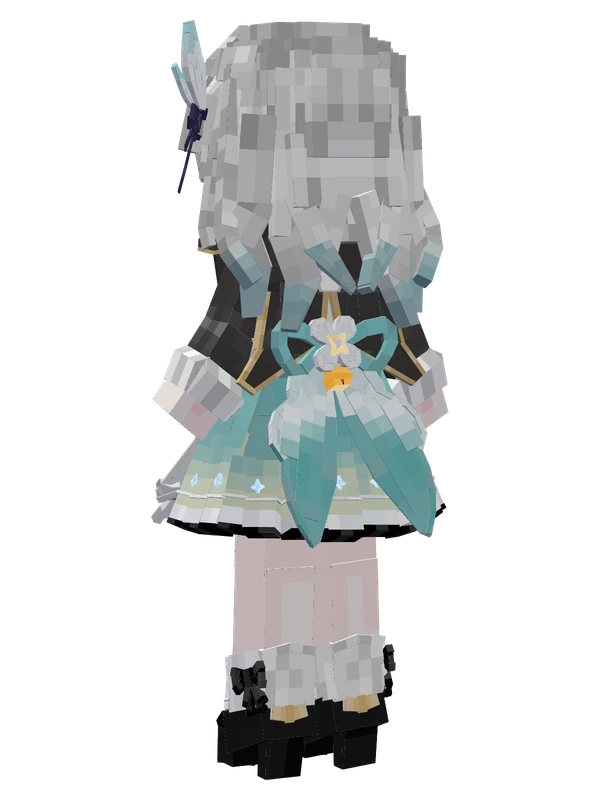
8 emotes
Firefly (Chibi)Honkai: Star Rail
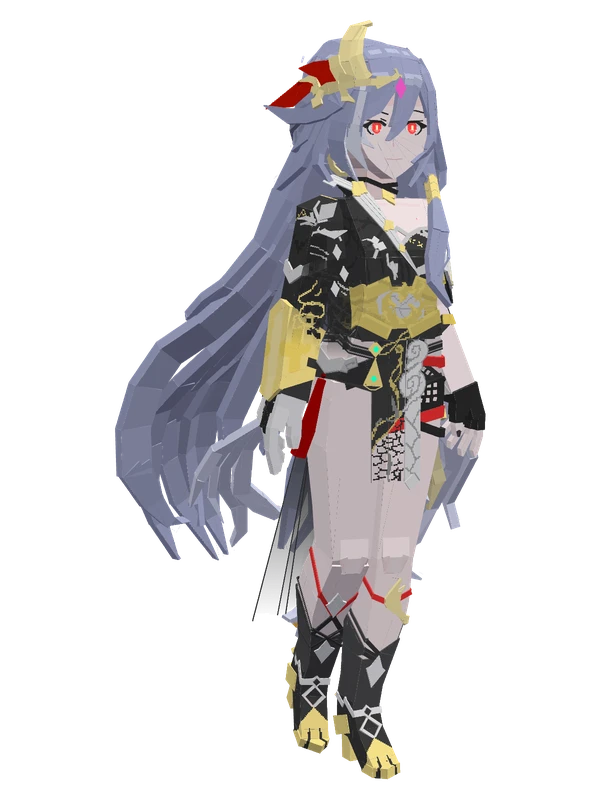
8 emotes
Fu Hua (Herrscher of Sentience)Honkai Impact 3rd
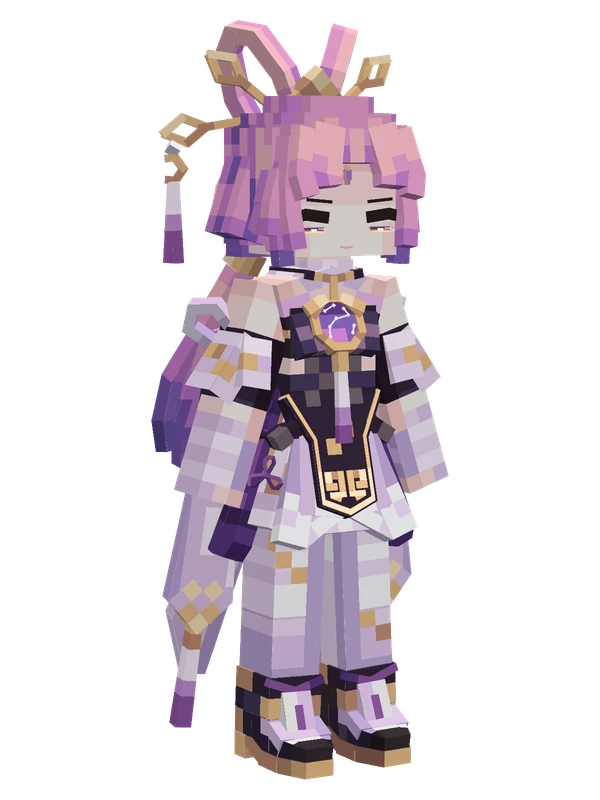
8 emotes
Fu XuanHonkai: Star Rail
8 emotes
IreneArknights