
Zheyuan Lulu (Official Outfit) YSM model
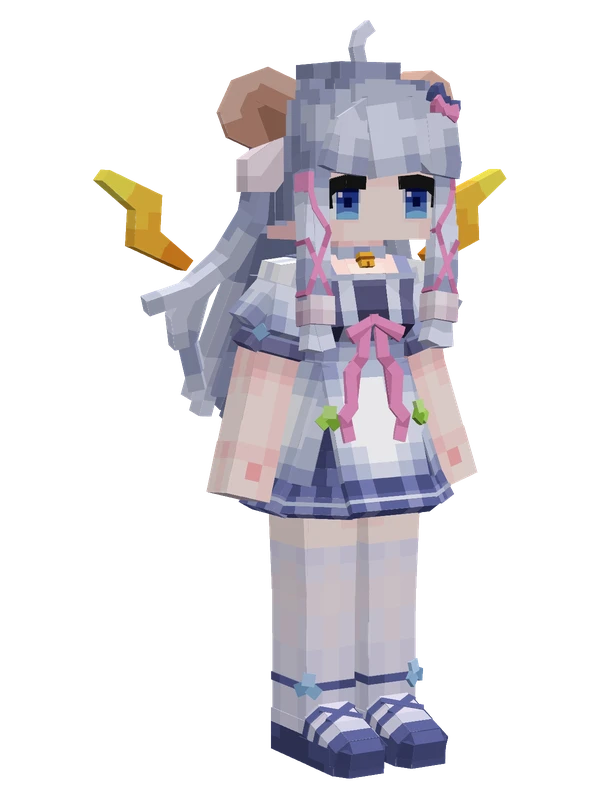
A giraffe-themed girl with split brown and blonde hair, ossicones, and a hat, wearing a brown apron dress over a tan shirt.
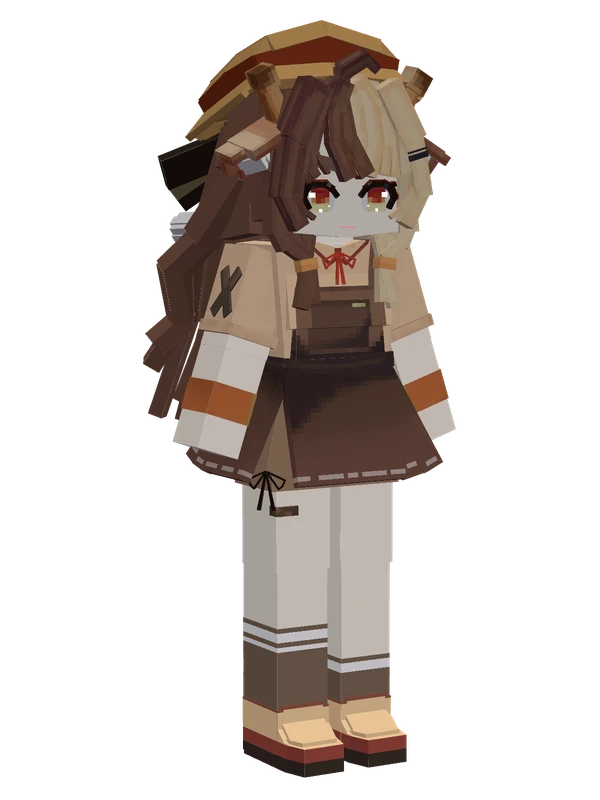
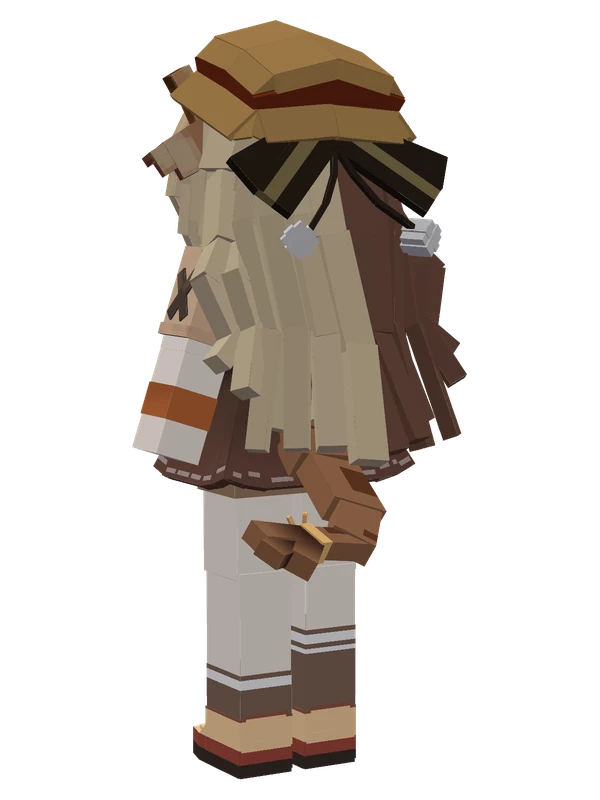
A giraffe-themed girl with split brown and blonde hair, ossicones, and a hat, wearing a brown apron dress over a tan shirt.
Note from the author: A lonely giraffe from the virtual savanna who turned into a human. Do not use commercially without permission.
Emote animations
Play these from the animation wheel in game.
- extra0[Dance] Qinghai Shake
- extra1Expression 1
- extra2Expression 2
- extra3Expression 3
- extra4Not Allowed
- extra5Cheer
- extra6[Transform] Big Muntjac
- extra7[Oni] Scare You
Movement animations
- Hurt
- Boat
- Climb
- Climbing (still)
- Death
- Elytra flight
- Creative flight
- Menu pose
- Idle
- Jump
- Ride
- Ride pig
- Run
- Sit
- Sleep
- Sneak (moving)
- Sneak (still)
- Swim
- Tread water
- Swing hand
- Use main hand
- Use off hand
- Walk
Works with other mods
This model has its own animations for Carry On, ParCool, SWEM horses, TaCZ guns, so they look right when those mods are installed.
How to use this model
- Install Yes Steve Model for your Minecraft version and loader (see Download YSM).
- Start the game once so YSM creates
config/yes_steve_model/. - Put the downloaded
.ysmor.zipfile intoconfig/yes_steve_model/custom/(do not unzip it). - In game press Y (default key) to open the model menu, or run
/ysm model reloadif the menu is already open. - Pick the model, then use the animation wheel (default key Z) to play its emote animations.
This model is an encrypted .ysm file: it plays in game but cannot be opened or edited in Blockbench.
Similar models
11 emotes
Reine (National Dress)VirtuaReal
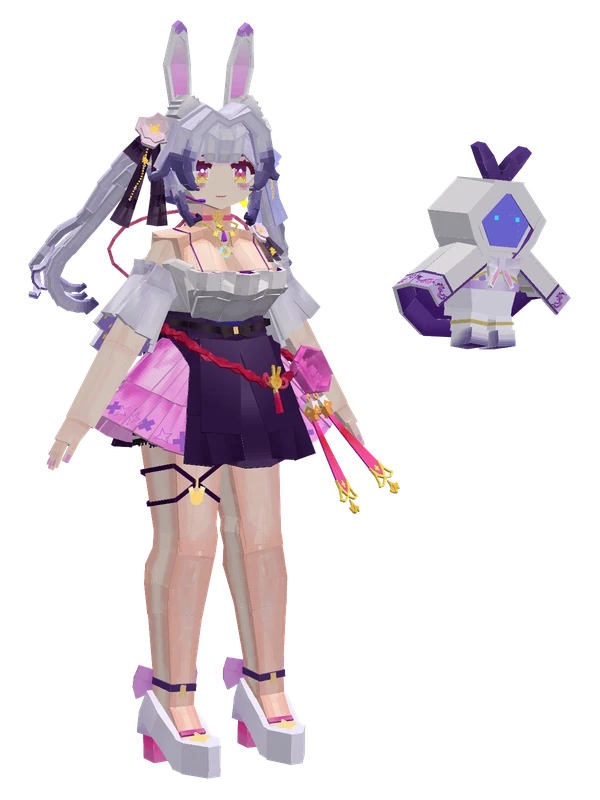
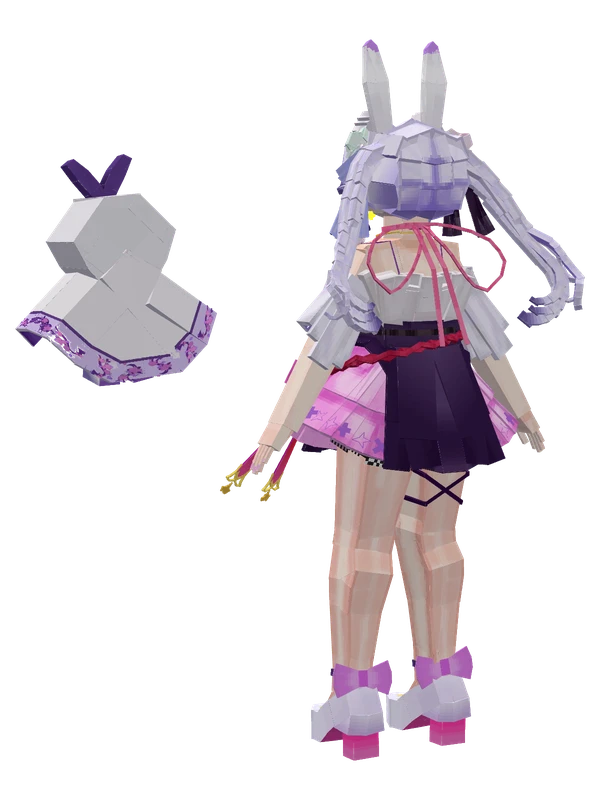
8 emotes
Lan Yin Reine (City Beauty)Lan Yin Reine
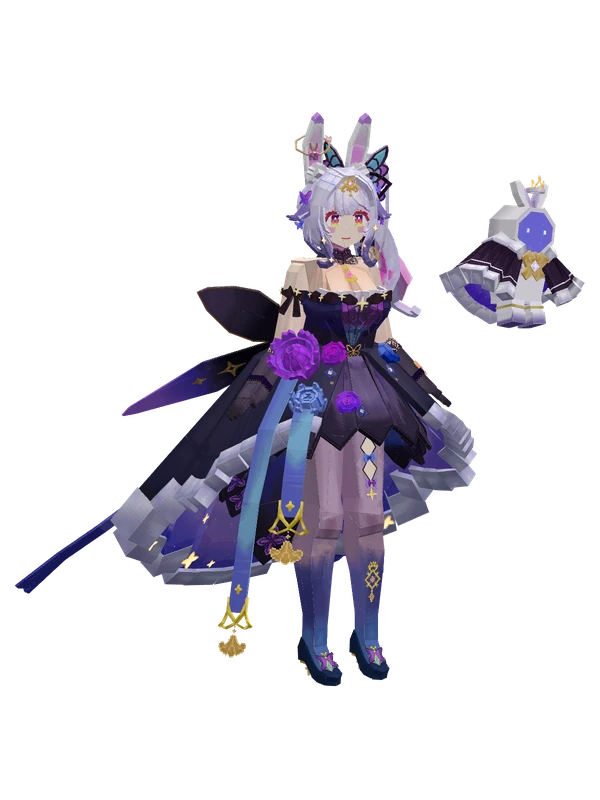
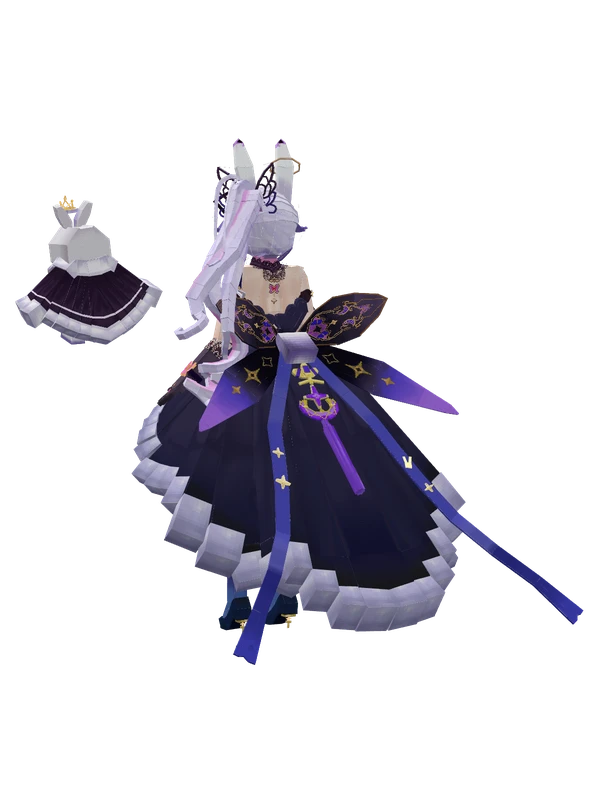
8 emotes
Reine (Butterfly Evening Dress)VirtuaReal
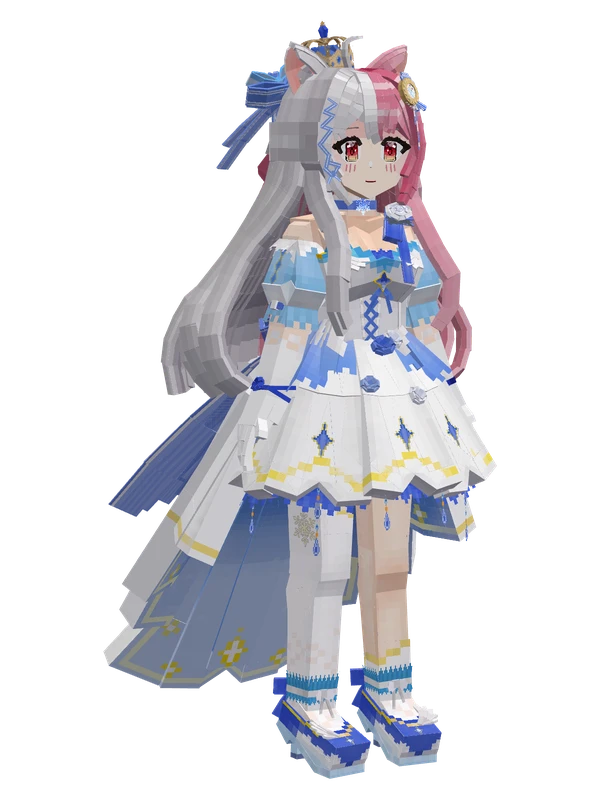
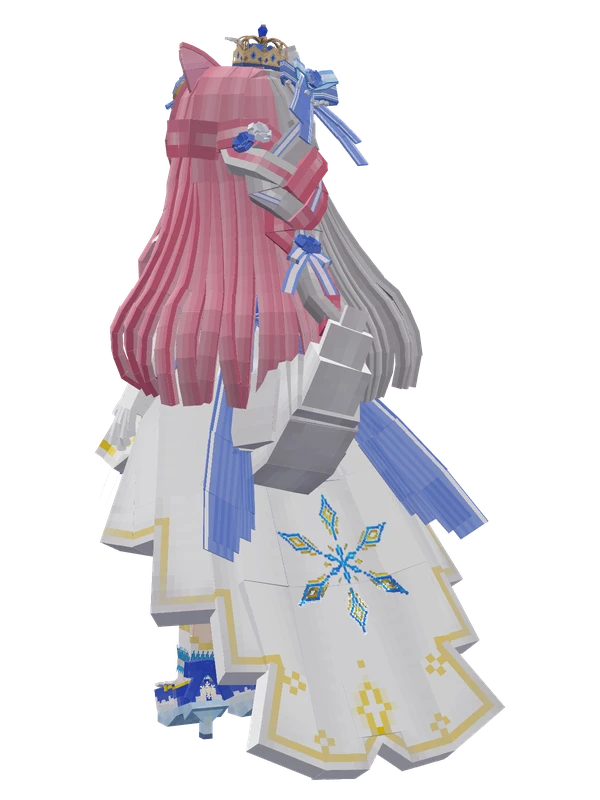
8 emotes
Xuehu-sang (Anniversary Dress)by XueHuSang
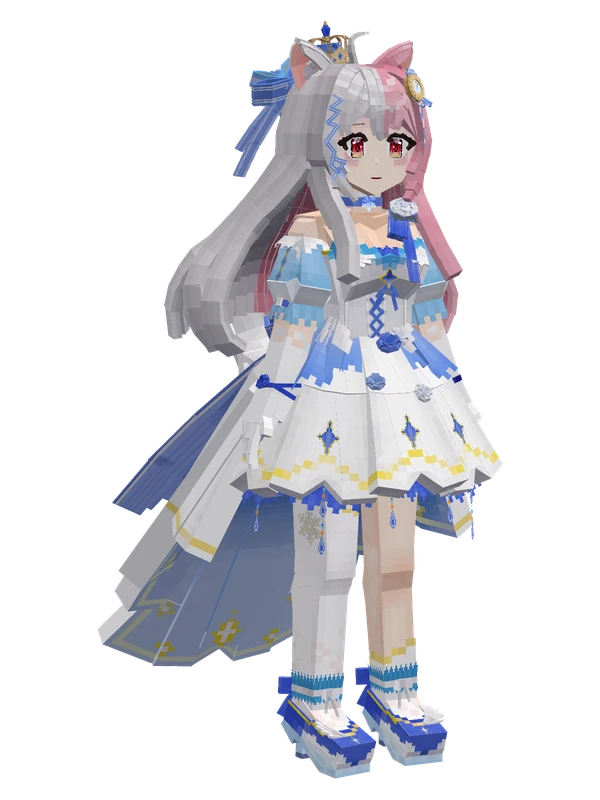
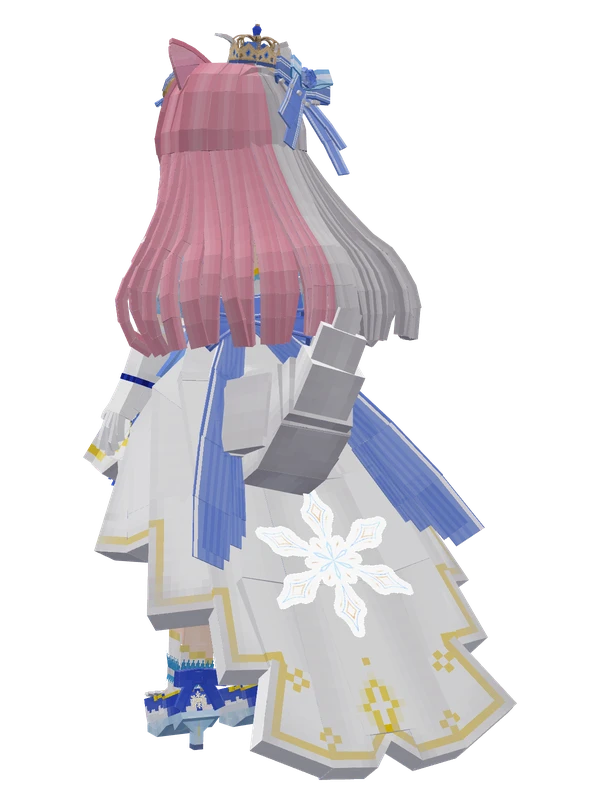
7 emotes
Xuehu Sang (White Gown)by XueHuSang
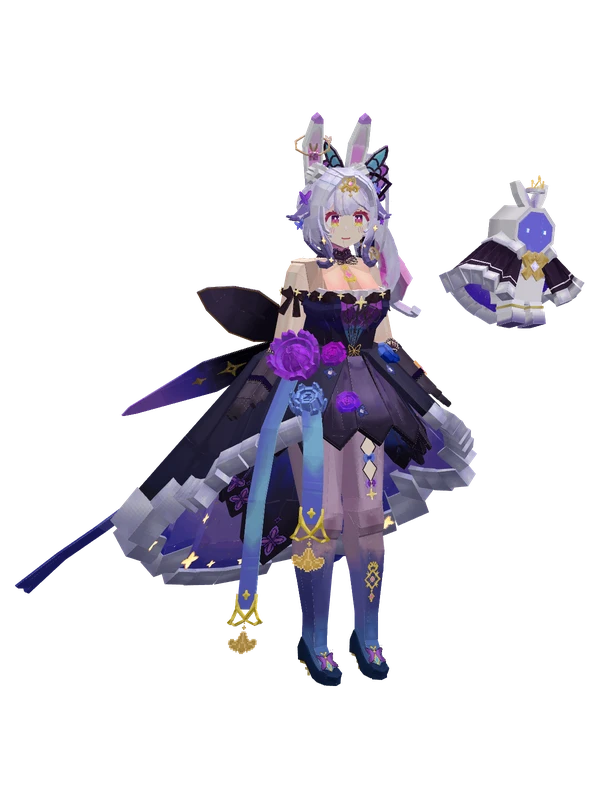
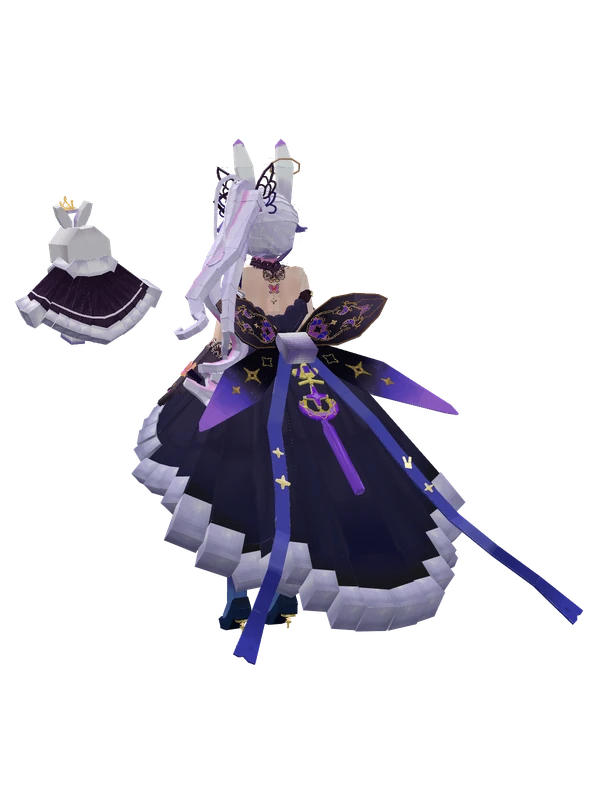
6 emotes
Lan Yin Reine (Butterfly Dress)VTuber
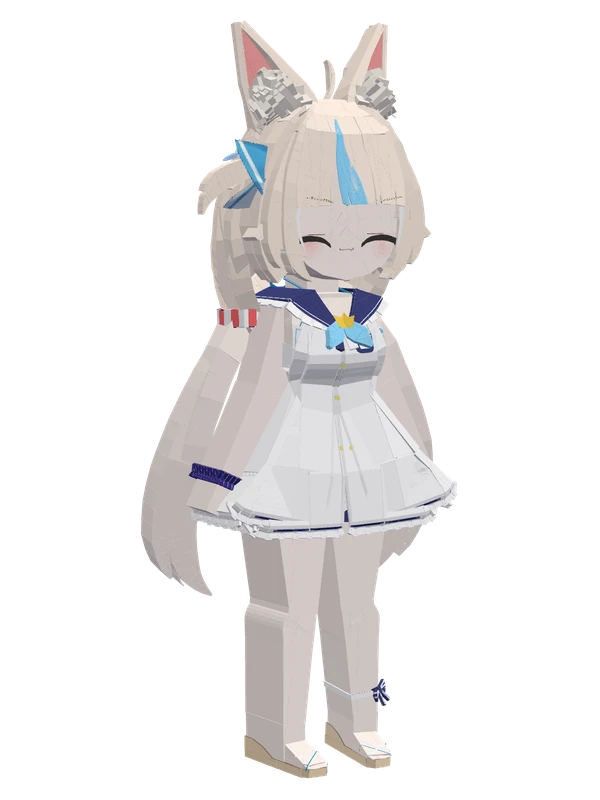
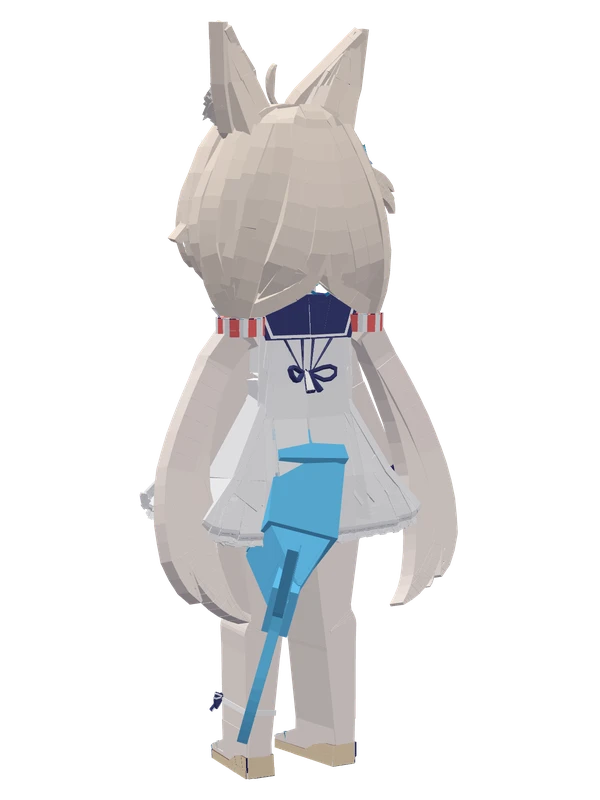
11 emotes
Sameko SabaIndie VTuber
9 emotes
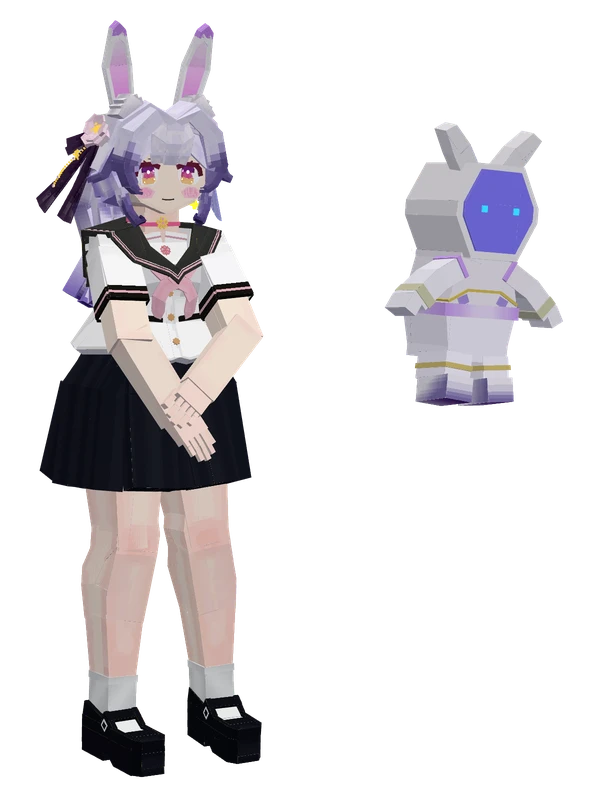
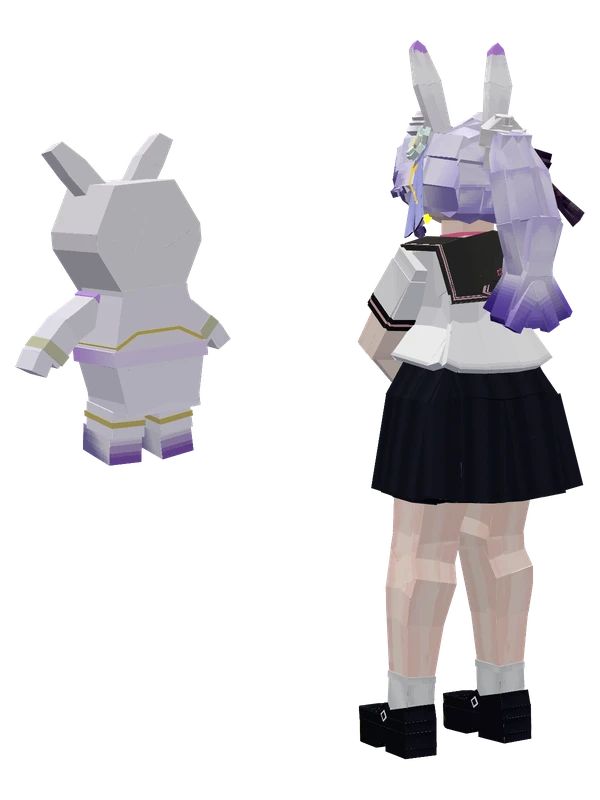
Reine (Sailor Uniform)by LanYin Reine
9 emotes
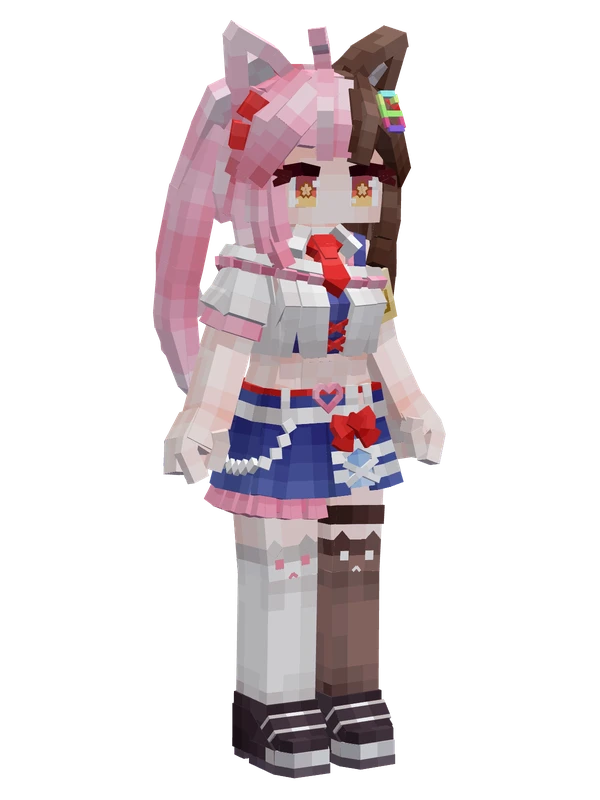
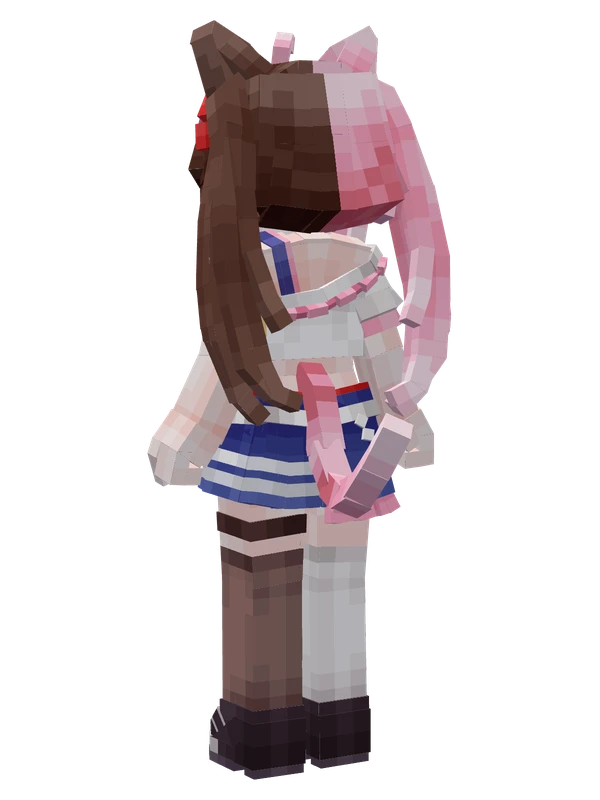
YommykoVTuber
8 emotes
Kitten Maid Cuncun (Fumo)by YiFangTang
Editable8 emotes
MayaVTuber
8 emotes
MerryVTuber