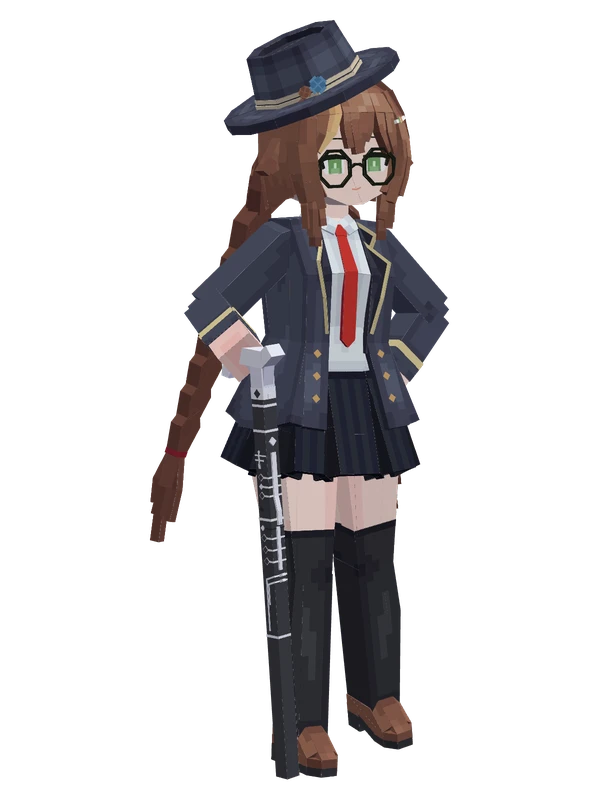
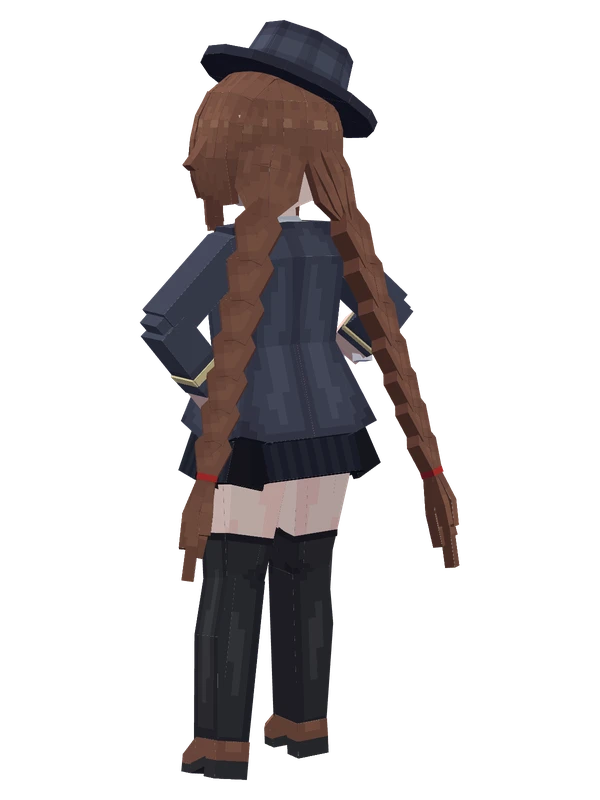
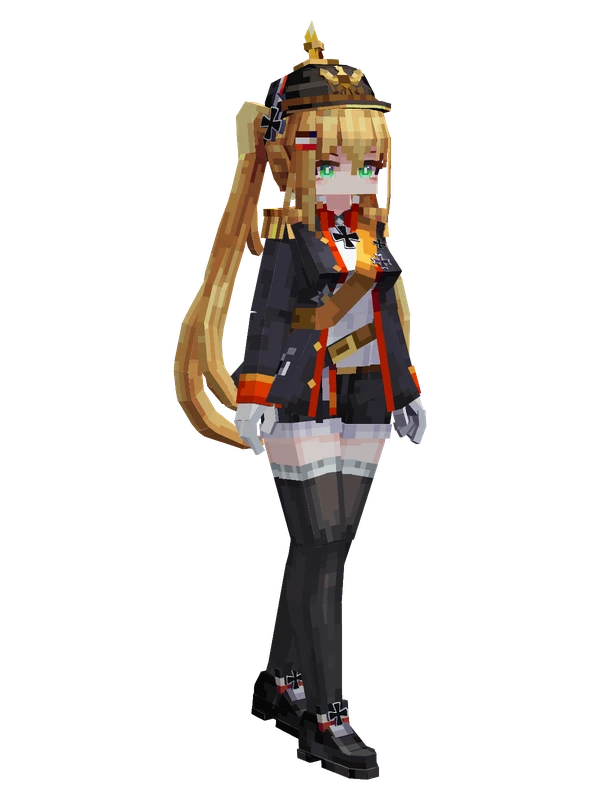
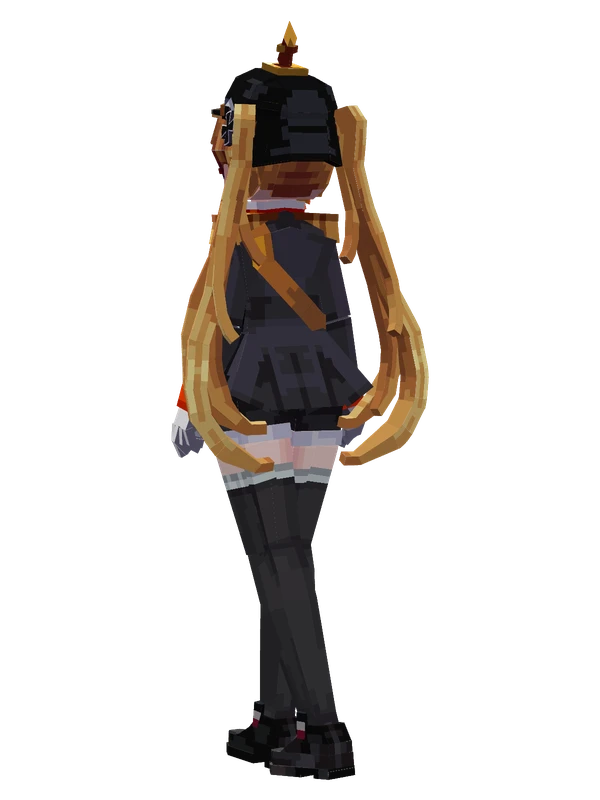
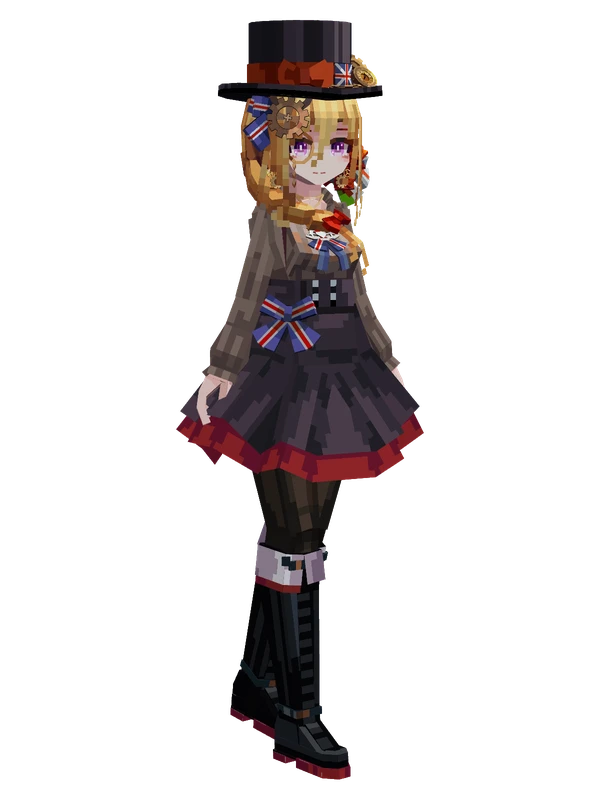
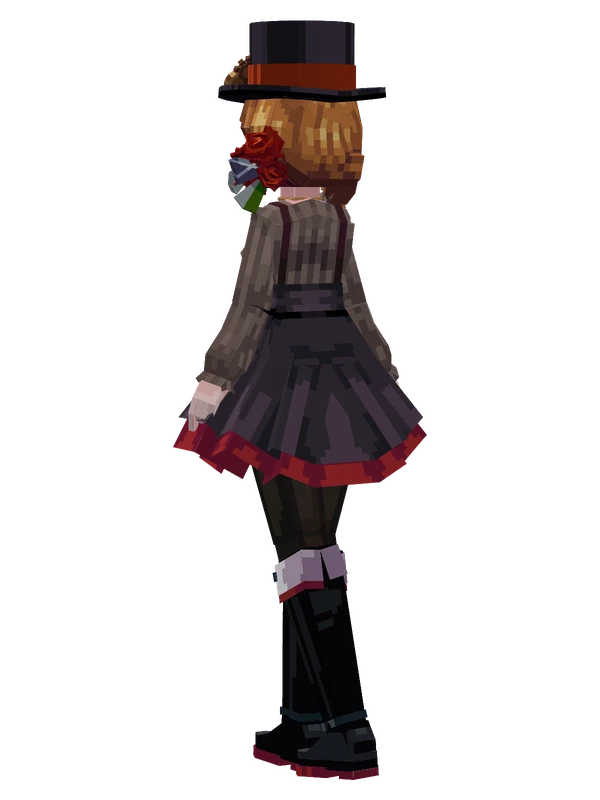
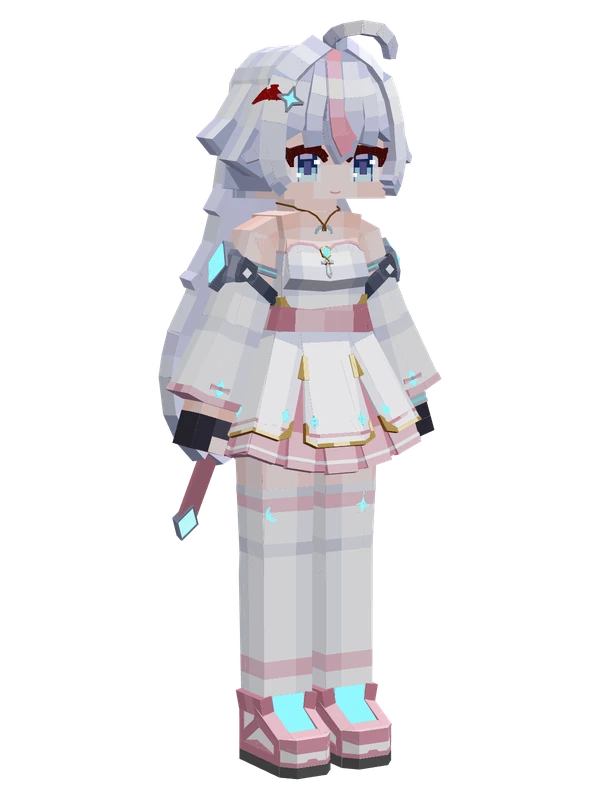
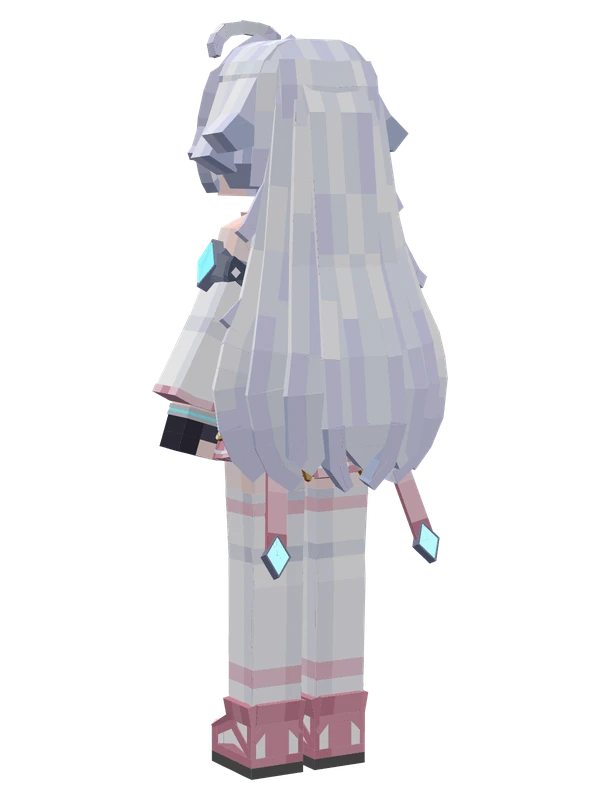
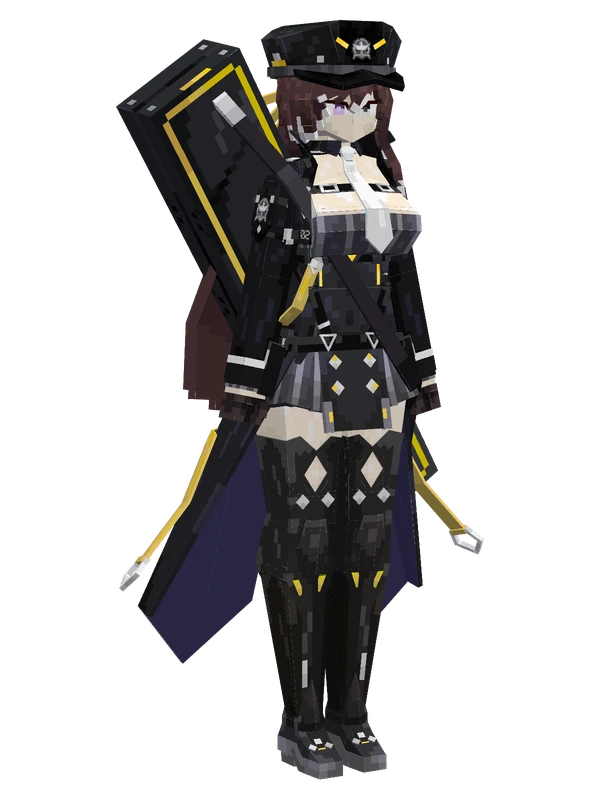
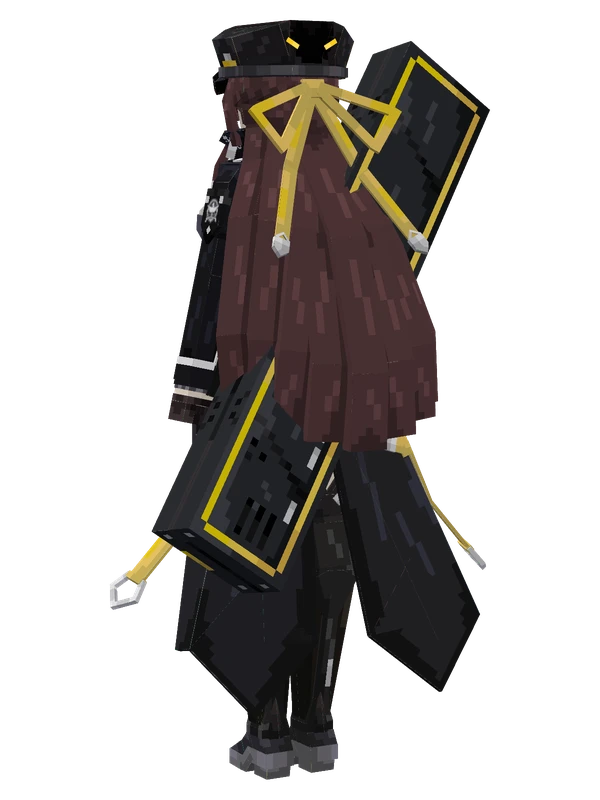
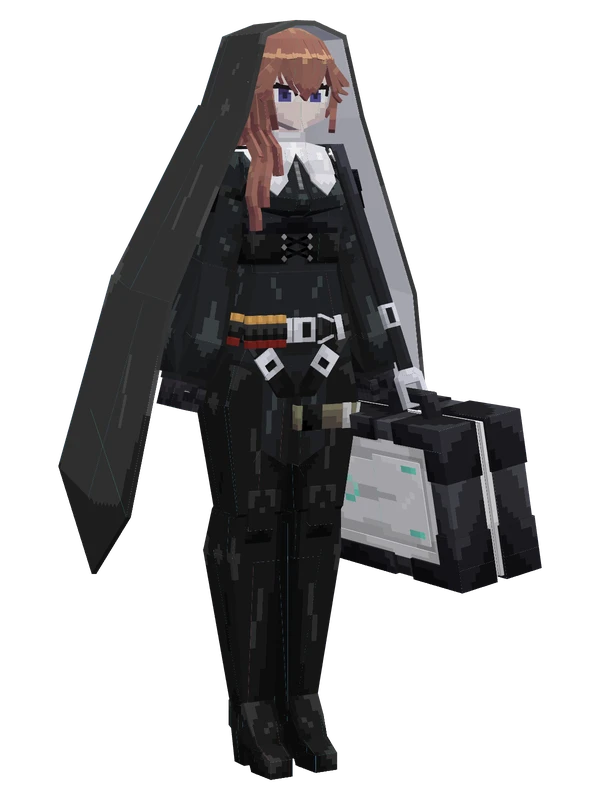
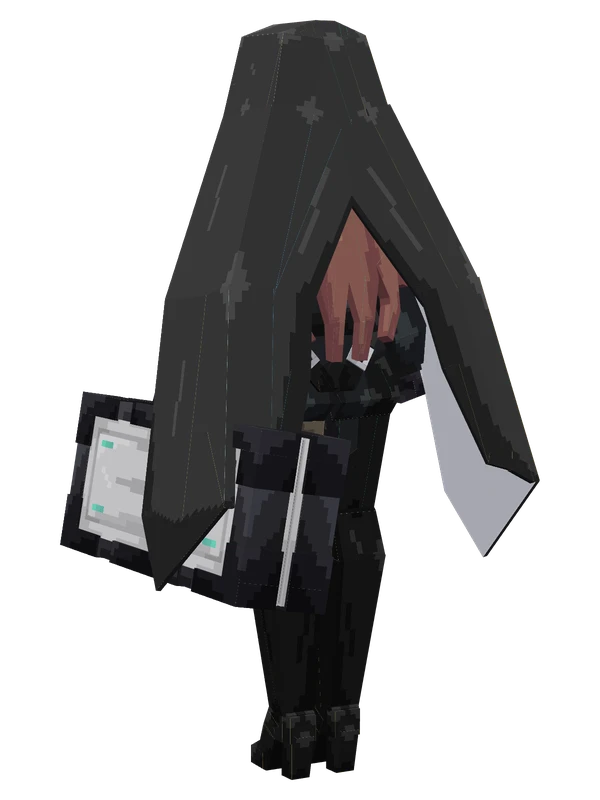
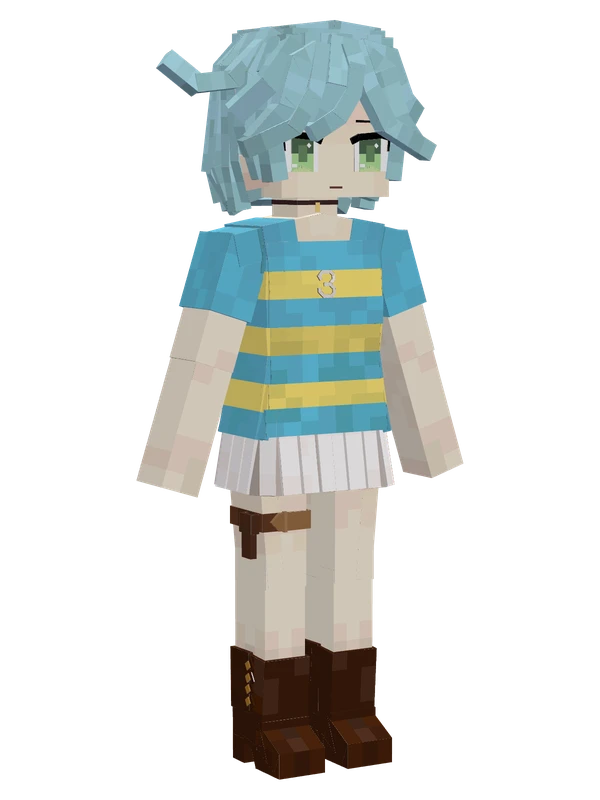
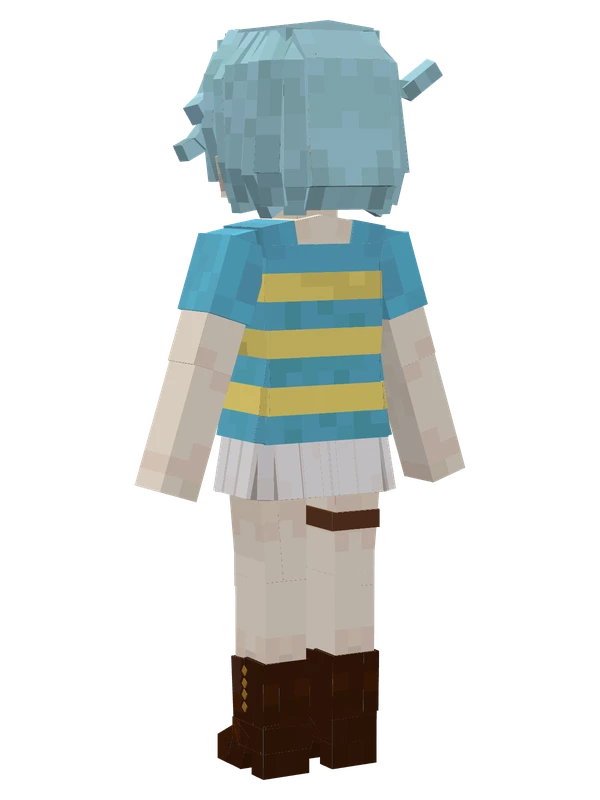
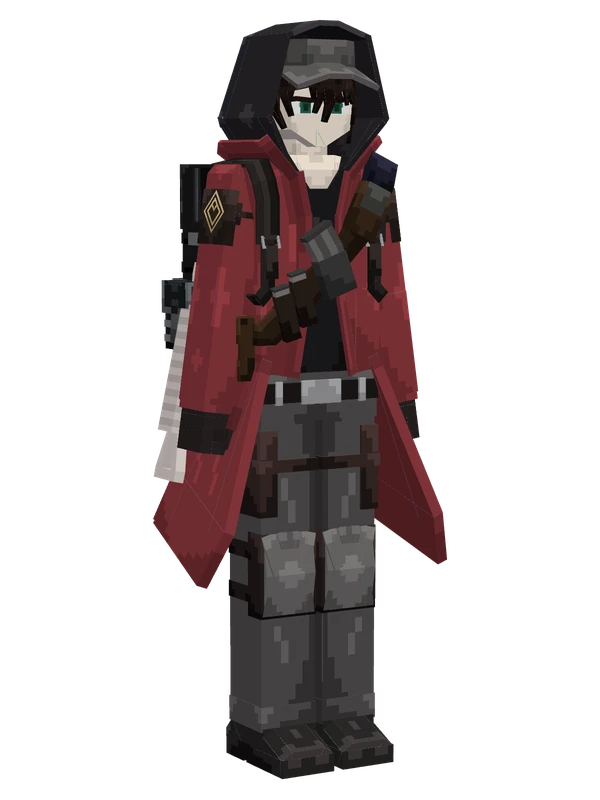
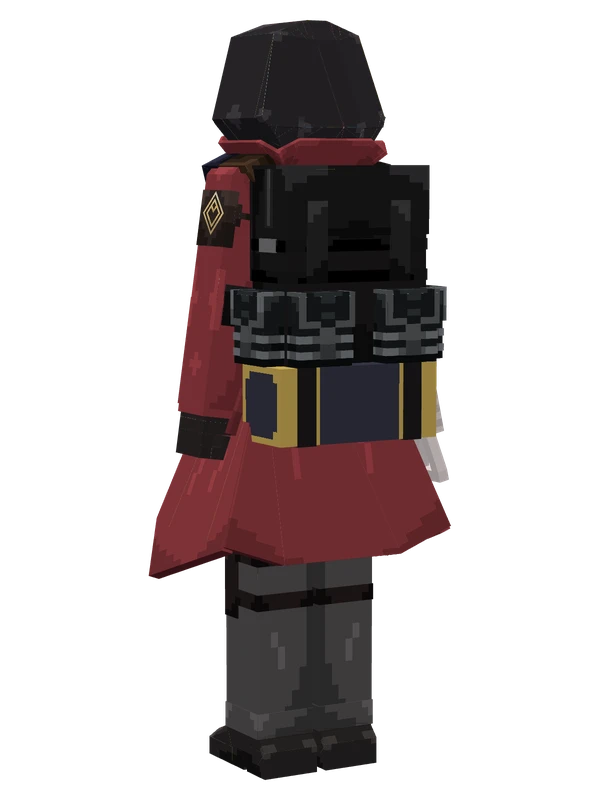
Bai Geli Greer YSM model
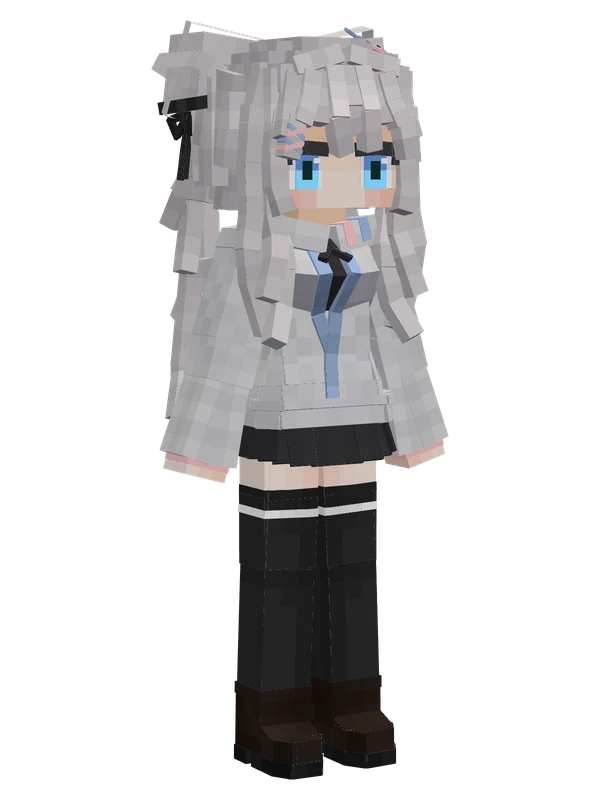
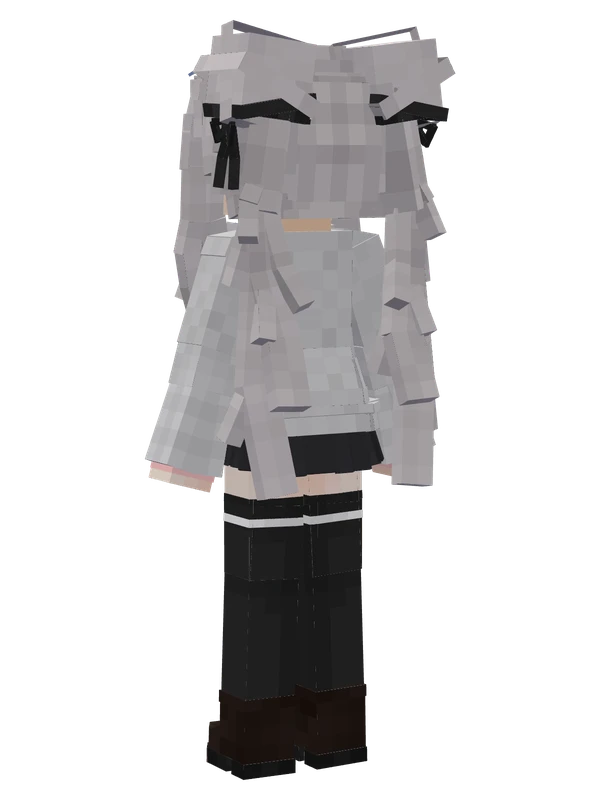
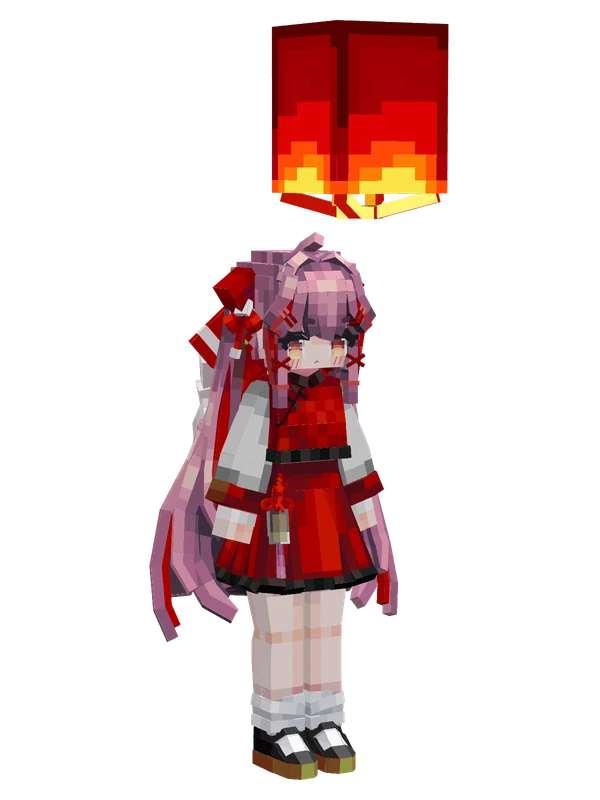
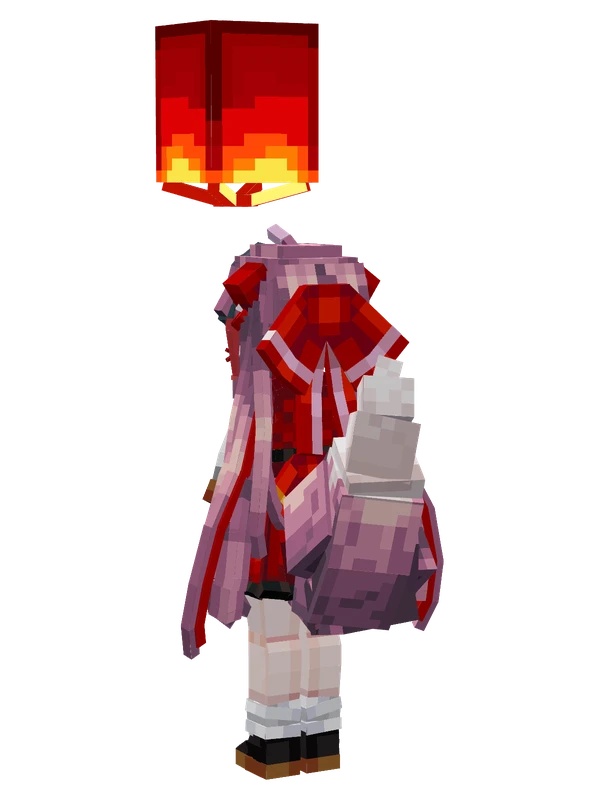
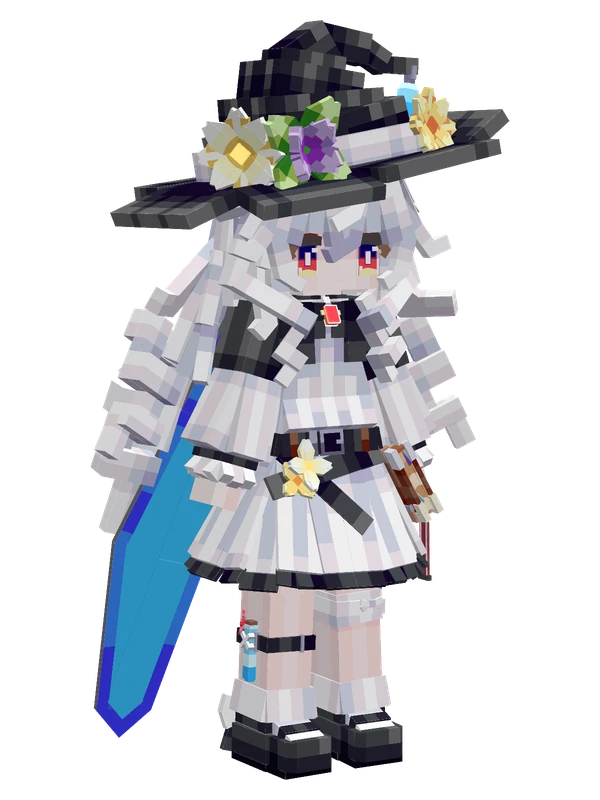
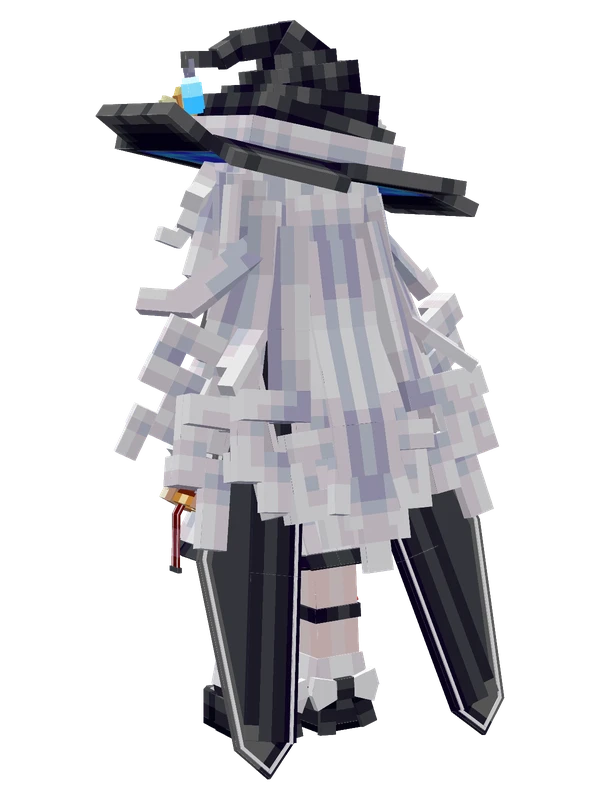
A white-haired girl in round glasses and a floral bonnet, wearing a pink and red Ming-style outfit blended with Rococo frills, carrying a sword and quiver.
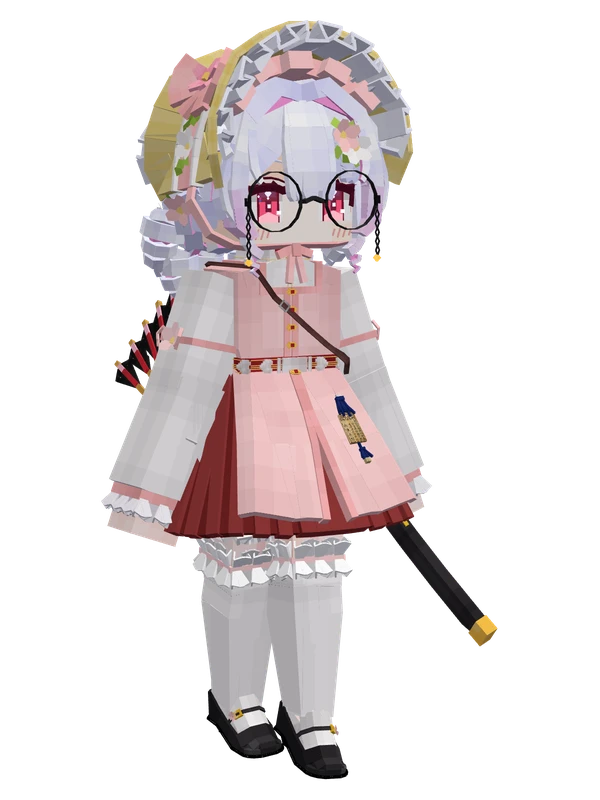
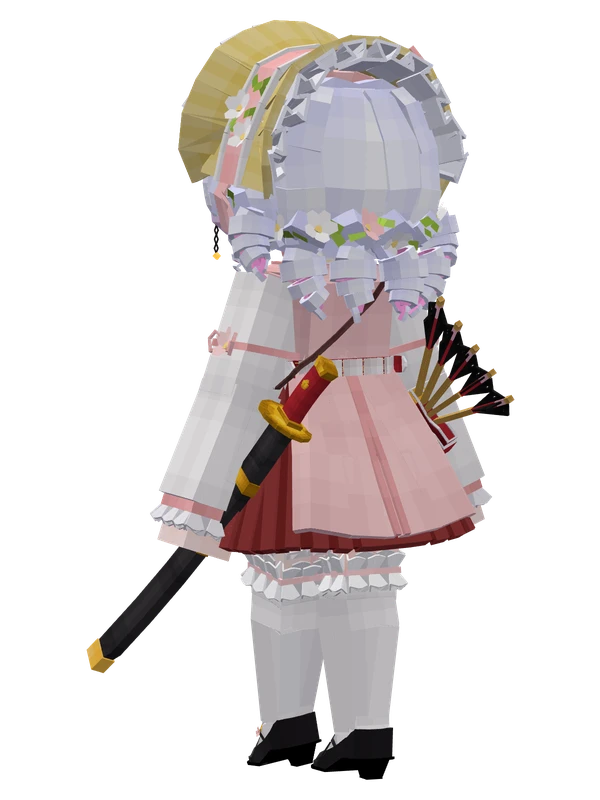
A white-haired girl in round glasses and a floral bonnet, wearing a pink and red Ming-style outfit blended with Rococo frills, carrying a sword and quiver.
Note from the author: A witch of unknown age wearing a blend of Ming dynasty attire (bijia vest, jade belt, short mamianqun skirt) and pink Rococo style.
Emote animations
Play these from the animation wheel in game.
- extra0Round Glasses
- extra1Sit
- extra2Switch Quiver
- extra3Cat Ears Meow
- extra4Switch Waist Sword
- extra5Drink Tea
- extra6Switch Bonnet
- extra7Moe Shake
- extra8Act Cool
- extra9Pout
Movement animations
- Hurt
- Boat
- Climb
- Climbing (still)
- Death
- Elytra flight
- Creative flight
- Menu pose
- Idle
- Jump
- Ride
- Ride pig
- Run
- Sit
- Sleep
- Sneak (moving)
- Sneak (still)
- Swim
- Tread water
- Swing hand
- Use main hand
- Use off hand
- Walk
Works with other mods
This model has its own animations for Carry On, ParCool, SWEM horses, SlashBlade, TaCZ guns, Touhou Little Maid, so they look right when those mods are installed.
How to use this model
- Install Yes Steve Model for your Minecraft version and loader (see Download YSM).
- Start the game once so YSM creates
config/yes_steve_model/. - Put the downloaded
.ysmor.zipfile intoconfig/yes_steve_model/custom/(do not unzip it). - In game press Y (default key) to open the model menu, or run
/ysm model reloadif the menu is already open. - Pick the model, then use the animation wheel (default key Z) to play its emote animations.
This model is an encrypted .ysm file: it plays in game but cannot be opened or edited in Blockbench.
Similar models