
Fengli YSM model
Silver-haired schoolgirl with blue eyes, a grey long-sleeved uniform top, a black pleated skirt, and black thigh-high socks.
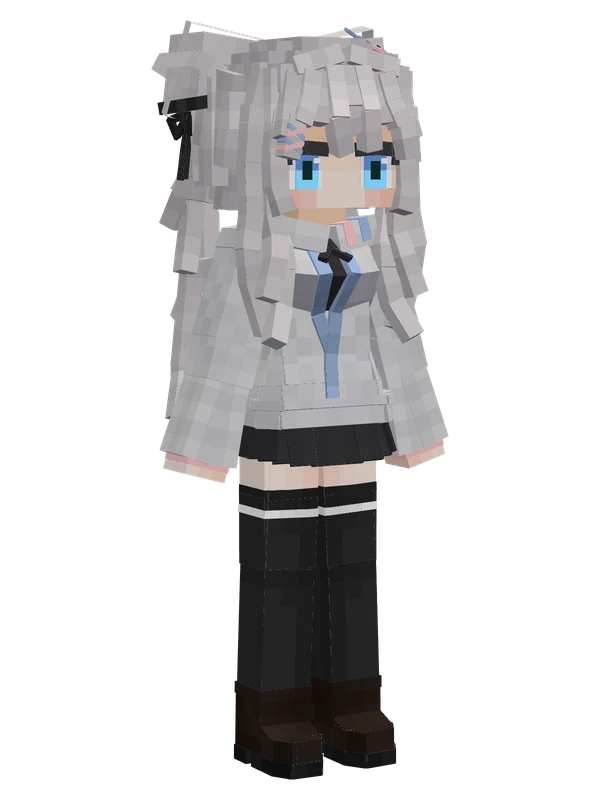
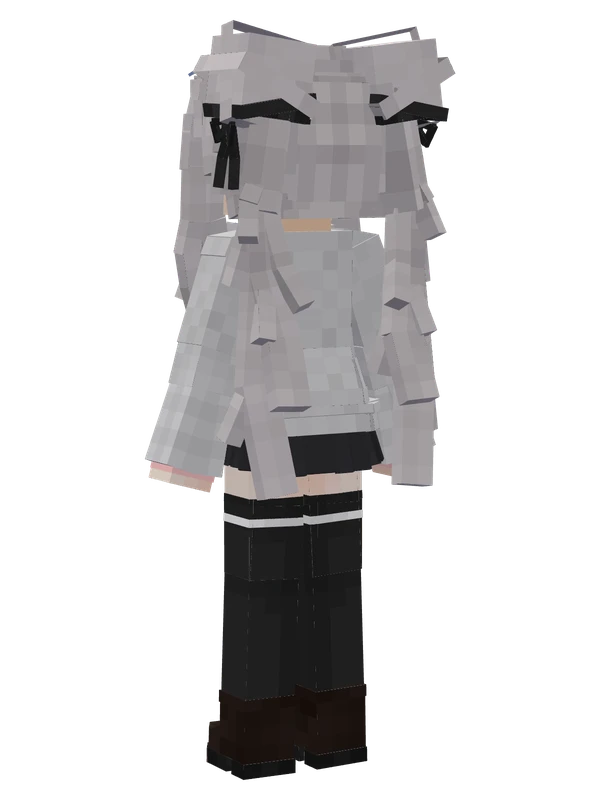
Silver-haired schoolgirl with blue eyes, a grey long-sleeved uniform top, a black pleated skirt, and black thigh-high socks.
Note from the author: Just an ordinary high school girl? Original free model.
Emote animations
Play these from the animation wheel in game.
- extra-1#face
- extra-2#face_fine
- extra-3#body
- extra-4#leg
- extra-5#other
- extra8GUI
- extra1Greet
- extra9Shake
- extra10Sit on Broom
- extra11Dynamic GUI
- extra12Block Wind/Rain
- extra13Hands on Hips
- extra14Sit
- extra15W-Sit
- extra16Cross Arms
Movement animations
- Hurt
- Boat
- Climb
- Climbing (still)
- Death
- Elytra flight
- Creative flight
- Menu pose
- Menu hover
- Menu hover fade
- Idle
- Jump
- Ride
- Ride pig
- Run
- Sit
- Sleep
- Sneak (moving)
- Sneak (still)
- Swim
- Tread water
- Swing hand
- Use main hand
- Use off hand
- Walk
Works with other mods
This model has its own animations for Carry On, ParCool, SWEM horses, SlashBlade, TaCZ guns, Touhou Little Maid, so they look right when those mods are installed.
How to use this model
- Install Yes Steve Model for your Minecraft version and loader (see Download YSM).
- Start the game once so YSM creates
config/yes_steve_model/. - Put the downloaded
.ysmor.zipfile intoconfig/yes_steve_model/custom/(do not unzip it). - In game press Y (default key) to open the model menu, or run
/ysm model reloadif the menu is already open. - Pick the model, then use the animation wheel (default key Z) to play its emote animations.
This model is an encrypted .ysm file: it plays in game but cannot be opened or edited in Blockbench.
More from ccci202
10 emotes
Bai Geli Greerby BaiGeLi
Editable8 emotes
Bai Xi (Yezora Selette)Arstia
8 emotes
German Empire Personification (Black Jacket)by QianMoJun
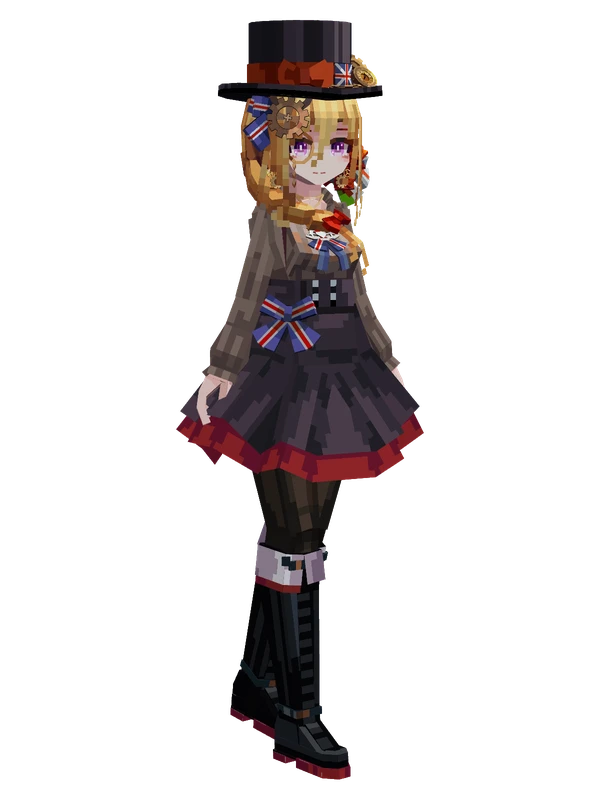
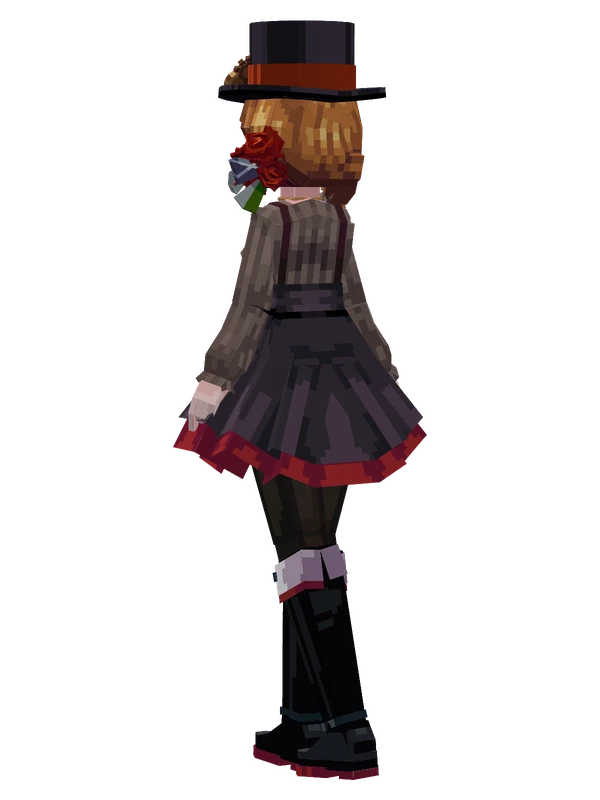
8 emotes
United Kingdom (17-19c.)by QianMoJun
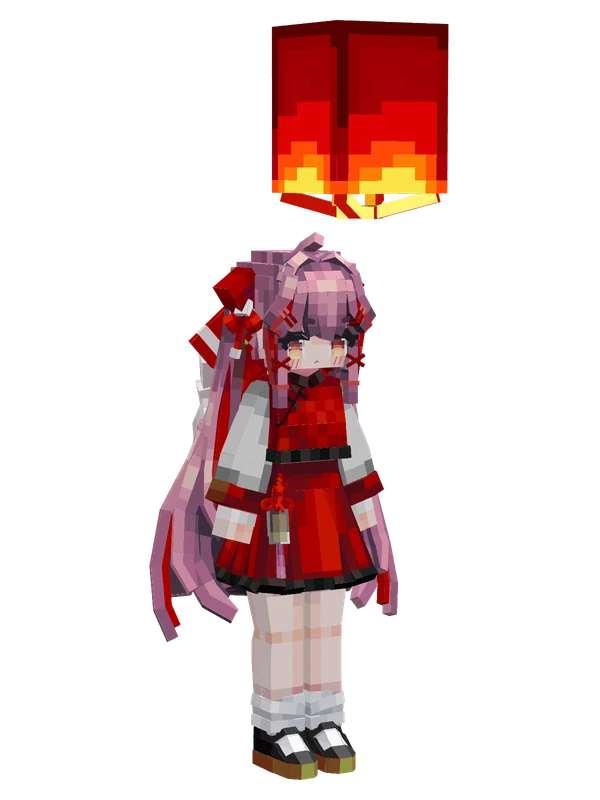
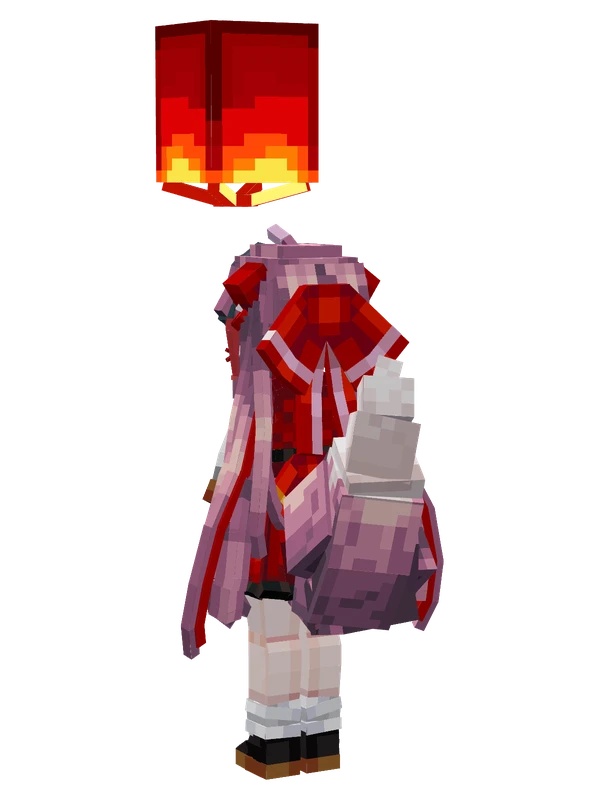
15 emotes
Zhiban (Spring Festival)by JiuJiaoZhiBan
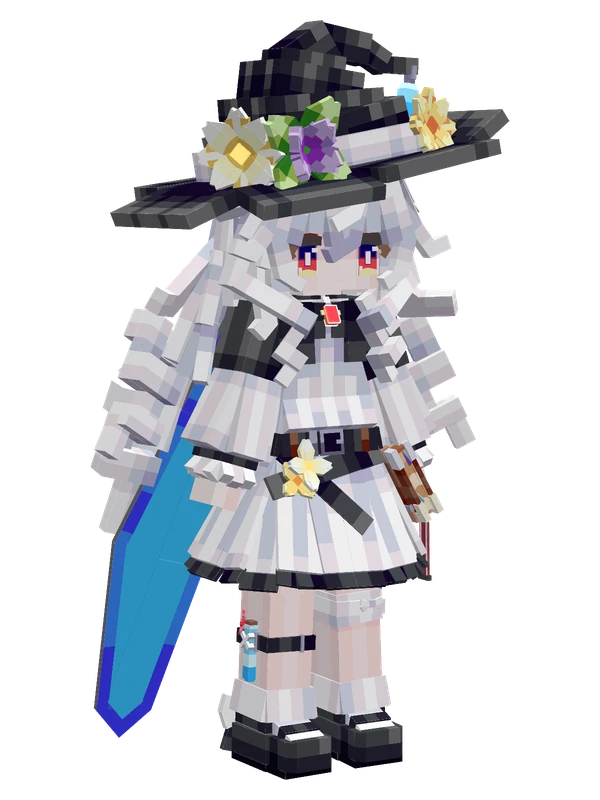
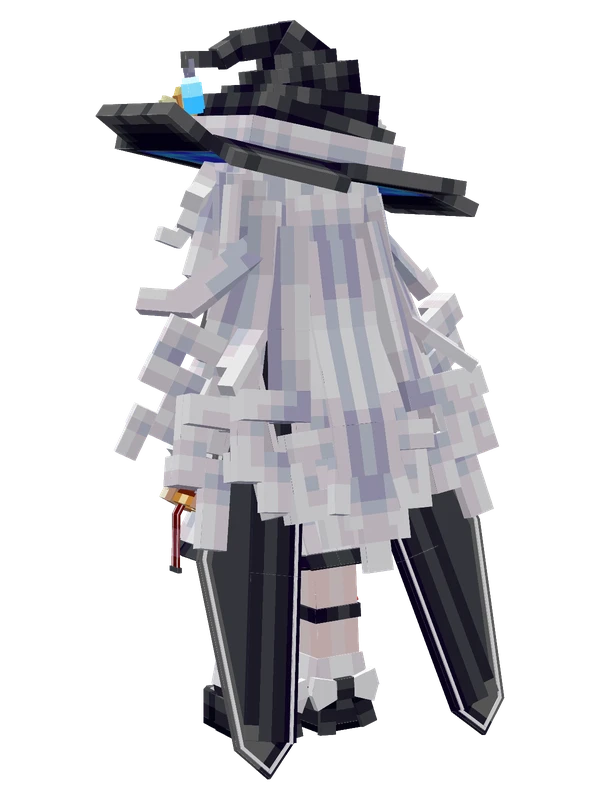
12 emotes
Ain Iris Kareninaby Almeta_owx
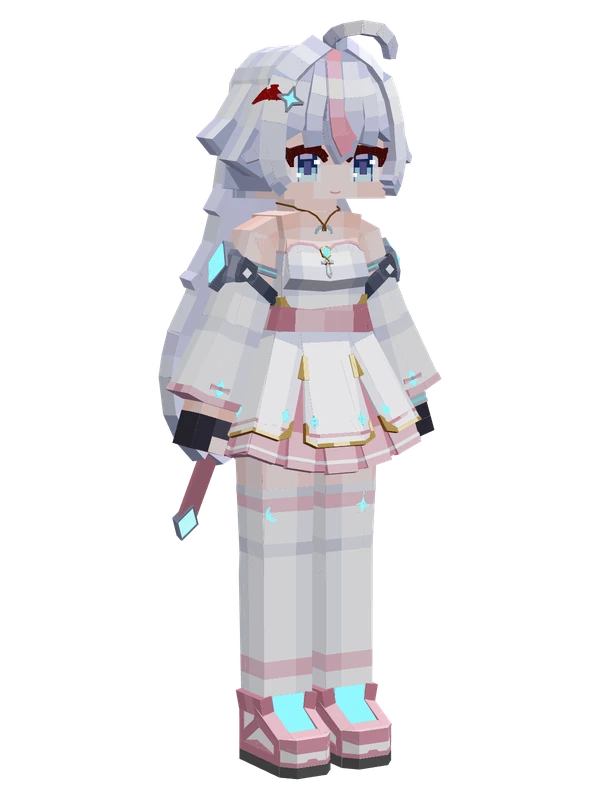
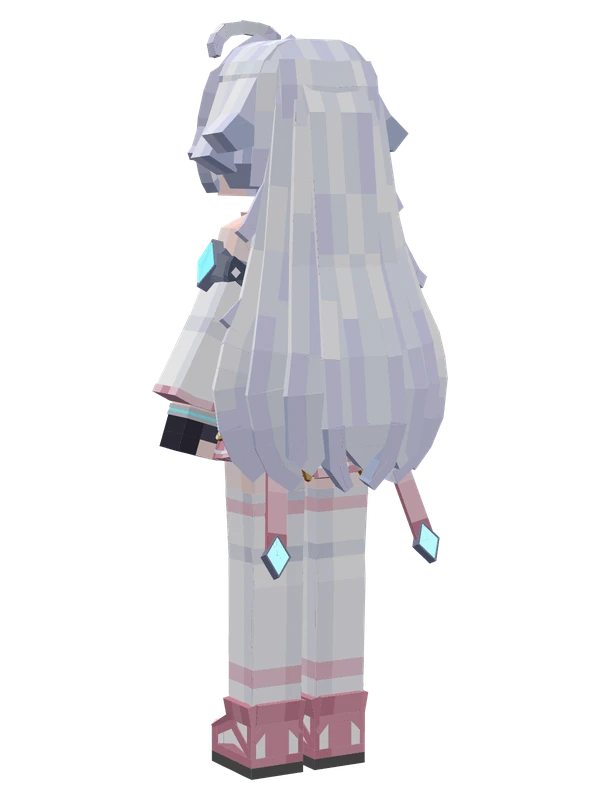
9 emotes
Hoshizakiby XingXiaoBuShiBaiTao
Editable9 emotes
Yun Ruby XG CanDang
8 emotes
AkarinOriginal character
8 emotes
Alt Nicoleby <Unknown>
Editable8 emotes
Cornelia (Casual)by YiBanTongGuoShenBiRen
Editable8 emotes
Jihoonby Tanaka