
Hu Tao YSM model
A brown-haired girl in twintails wearing a dark brown talisman hat, a traditional dark brown coat with gold trim, black shorts, and white socks.
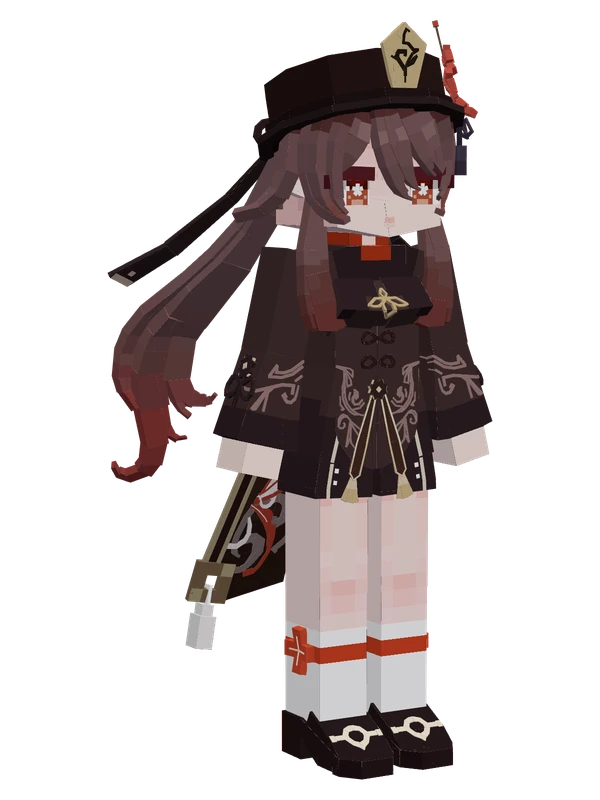
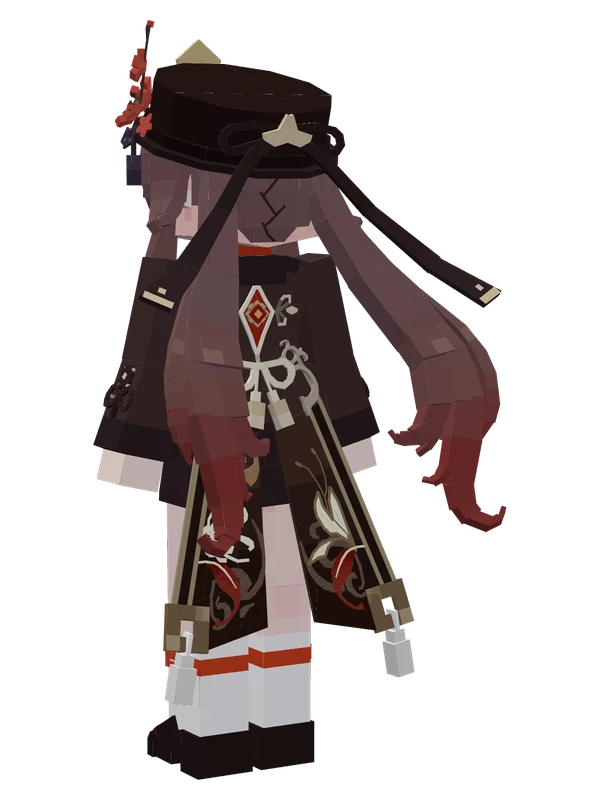
A brown-haired girl in twintails wearing a dark brown talisman hat, a traditional dark brown coat with gold trim, black shorts, and white socks.
Note from the author: The 77th Director of the Wangsheng Funeral Parlor, a lively girl full of whimsical ideas who turns solemn during funeral processions.
Emote animations
Play these from the animation wheel in game.
- #original ani.Vanilla Animation
- Extra Config
- guanzhu1Meow
- guanzhu2Nuansheng Silly Pig
- guanzhu3Follow
- #orginal2 ani.Skill Animation
- #orginal3 ani.Other Animations
Movement animations
- Hurt
- Boat
- Climb
- Climbing (still)
- Death
- Elytra flight
- Creative flight
- Idle
- Jump
- Ride
- Ride pig
- Run
- Sit
- Sleep
- Sneak (moving)
- Sneak (still)
- Swim
- Tread water
- Swing hand
- Use main hand
- Use off hand
- Walk
How to use this model
- Install Yes Steve Model for your Minecraft version and loader (see Download YSM).
- Start the game once so YSM creates
config/yes_steve_model/. - Put the downloaded
.ysmor.zipfile intoconfig/yes_steve_model/custom/(do not unzip it). - In game press Y (default key) to open the model menu, or run
/ysm model reloadif the menu is already open. - Pick the model, then use the animation wheel (default key Z) to play its emote animations.
This model is an encrypted .ysm file: it plays in game but cannot be opened or edited in Blockbench.
More from Genshin Impact
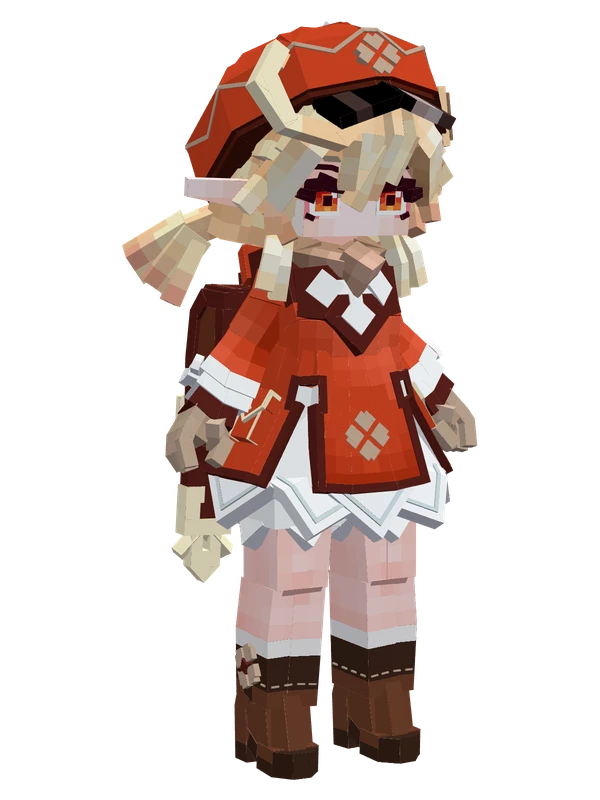
8 emotes
KleeGenshin Impact
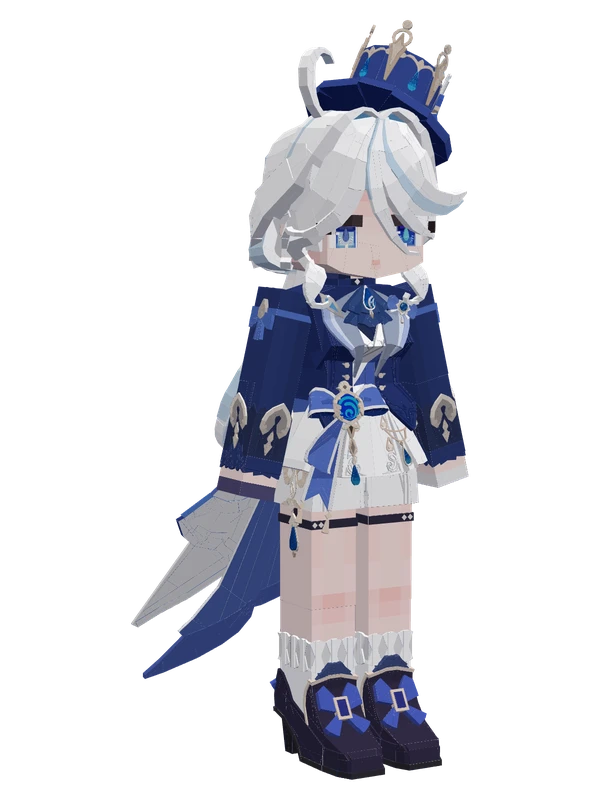
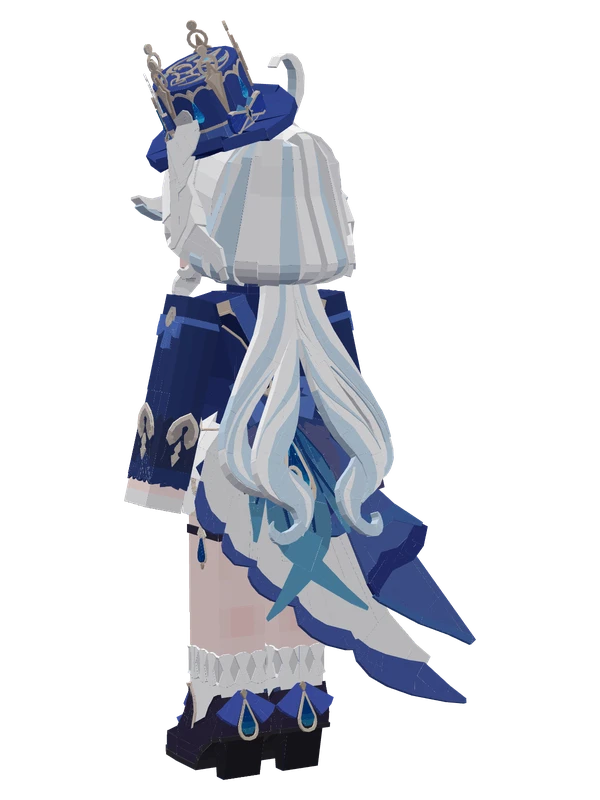
7 emotes
Furina (Ousia)Genshin Impact
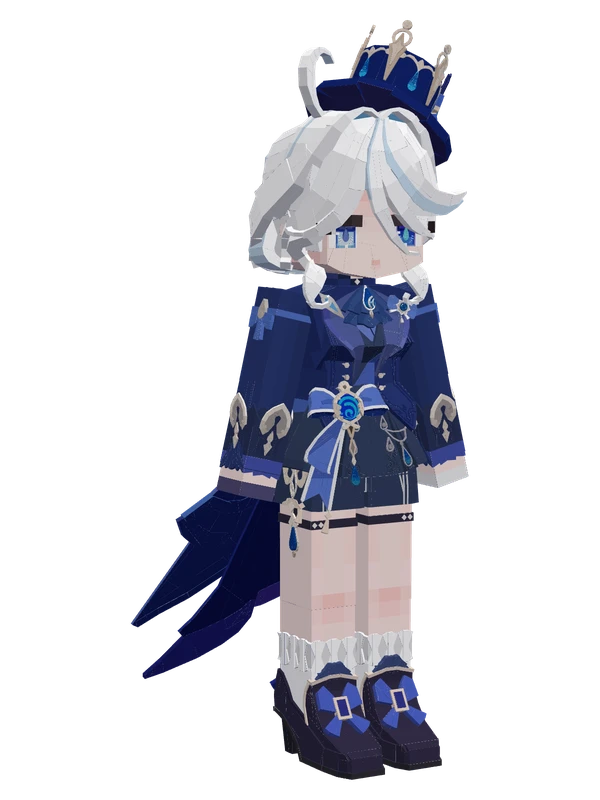
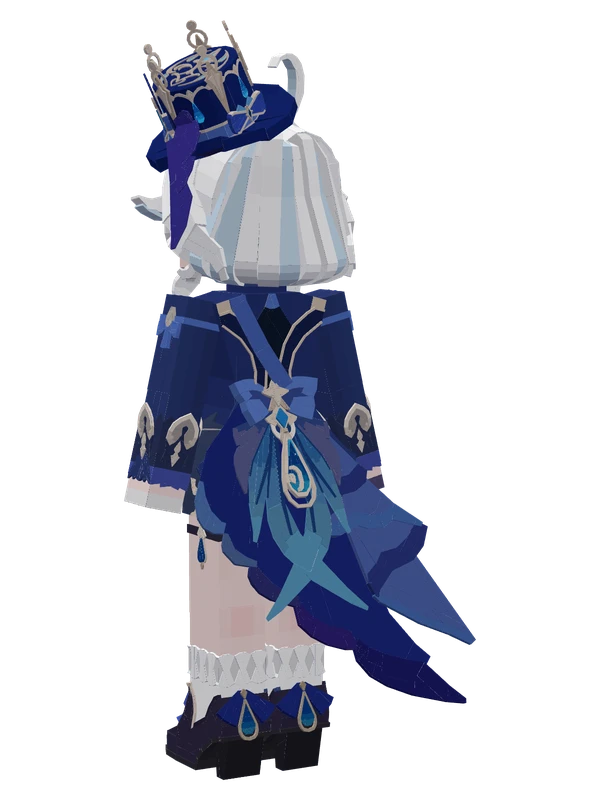
7 emotes
Furina (Ousia)Genshin Impact
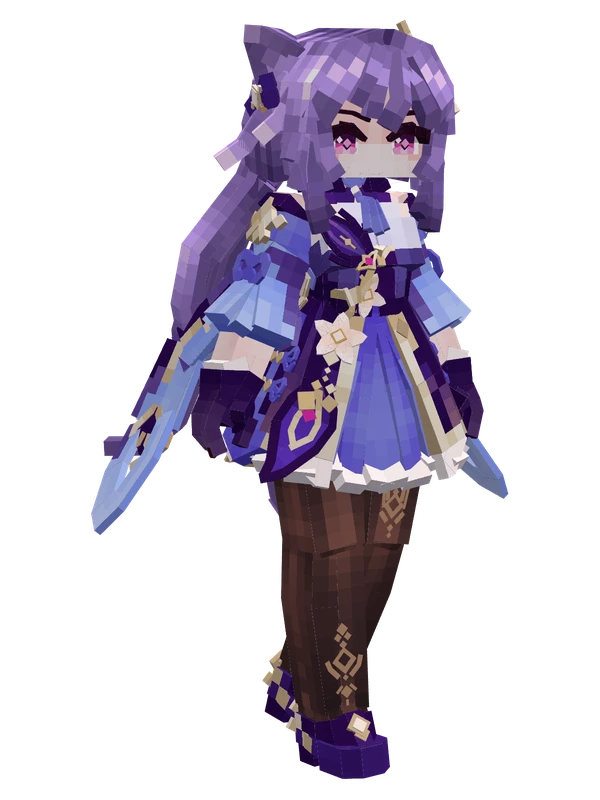
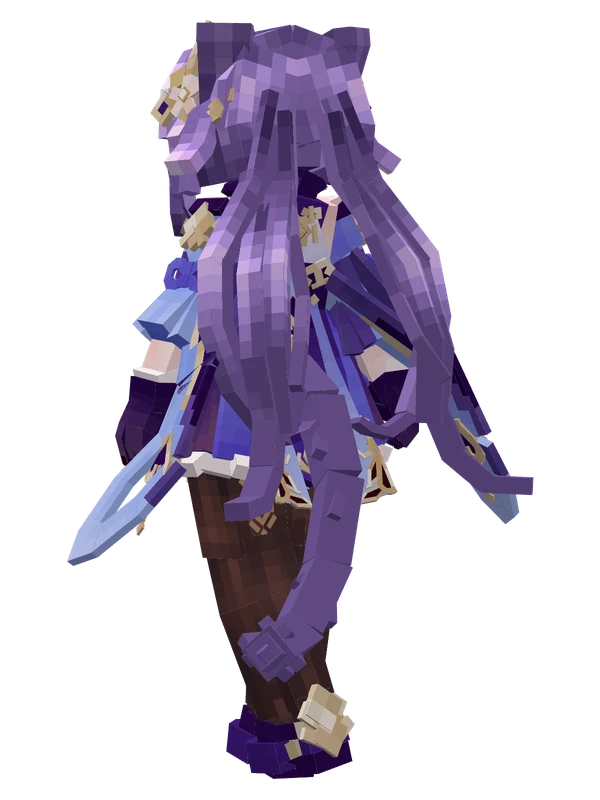
4 emotes
KeqingGenshin Impact
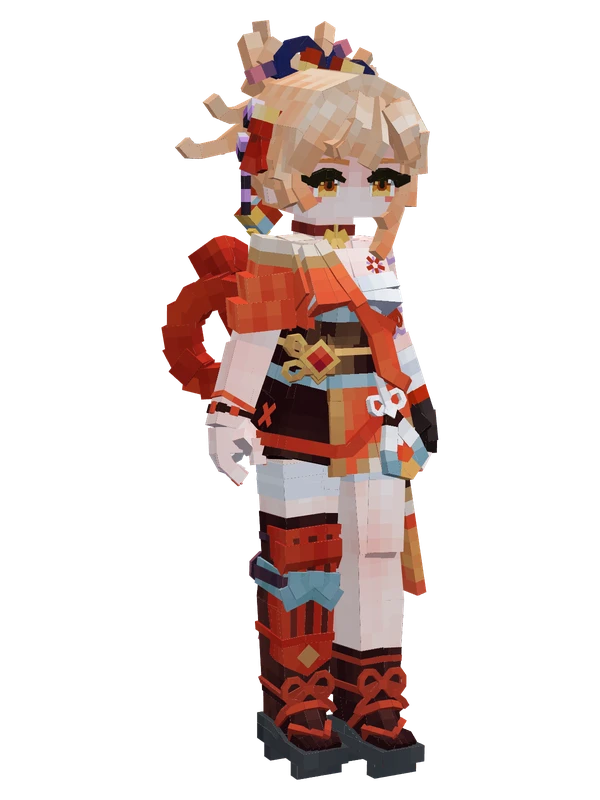
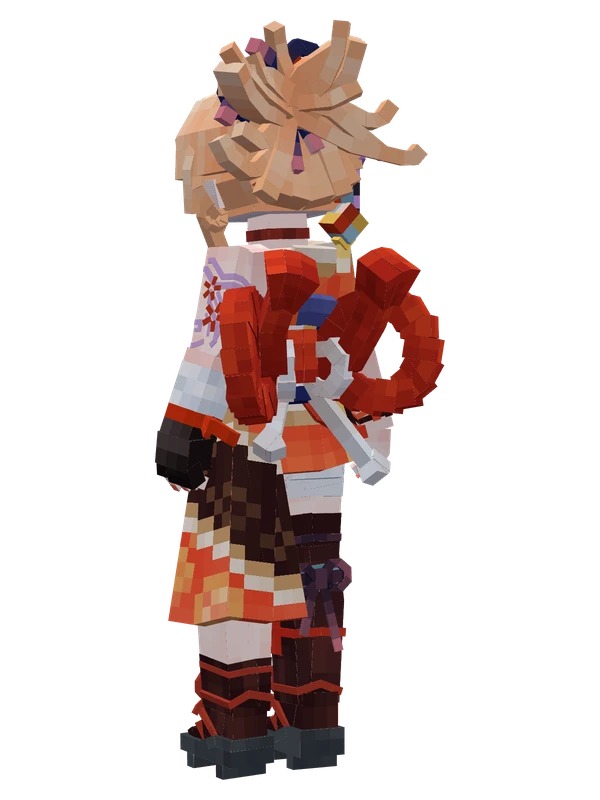
3 emotes
YoimiyaGenshin Impact
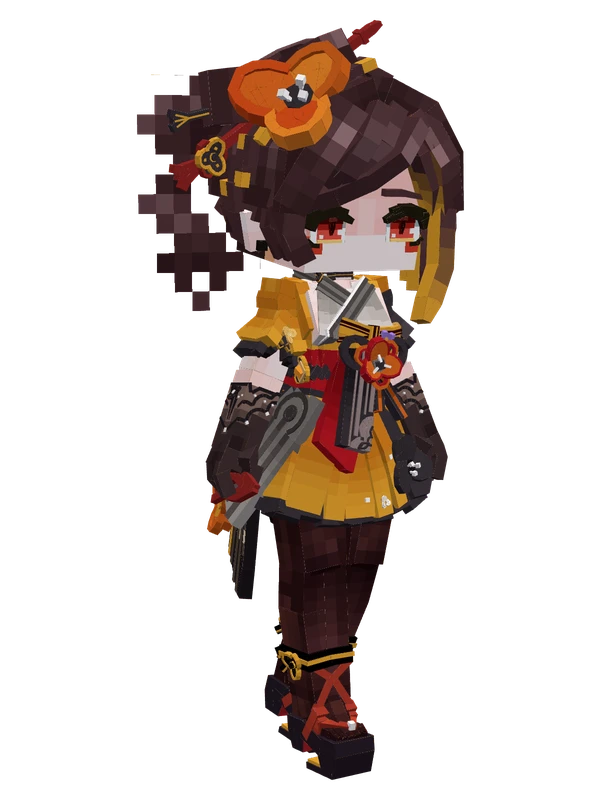
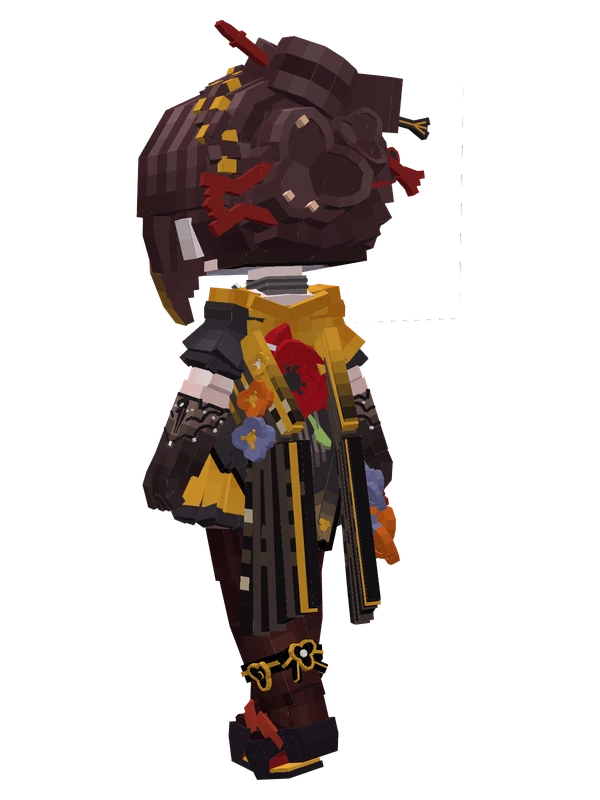
2 emotes
ChioriGenshin Impact
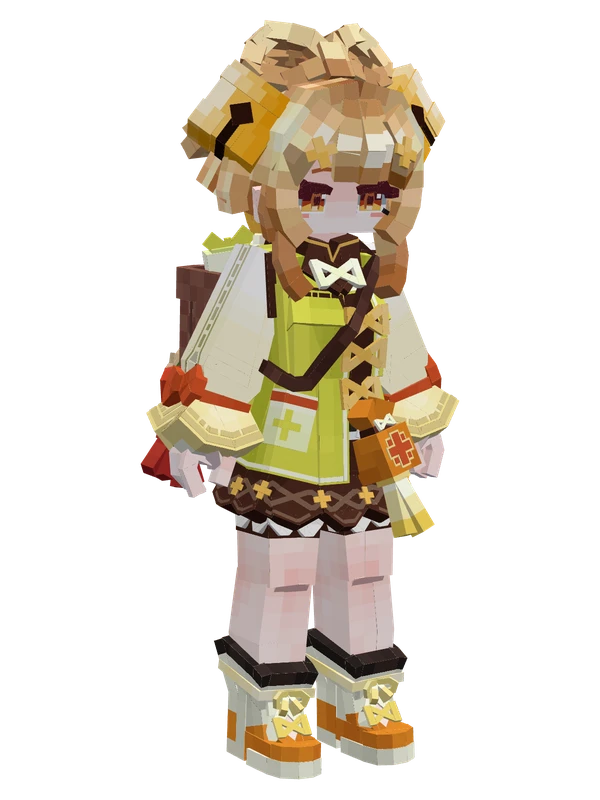
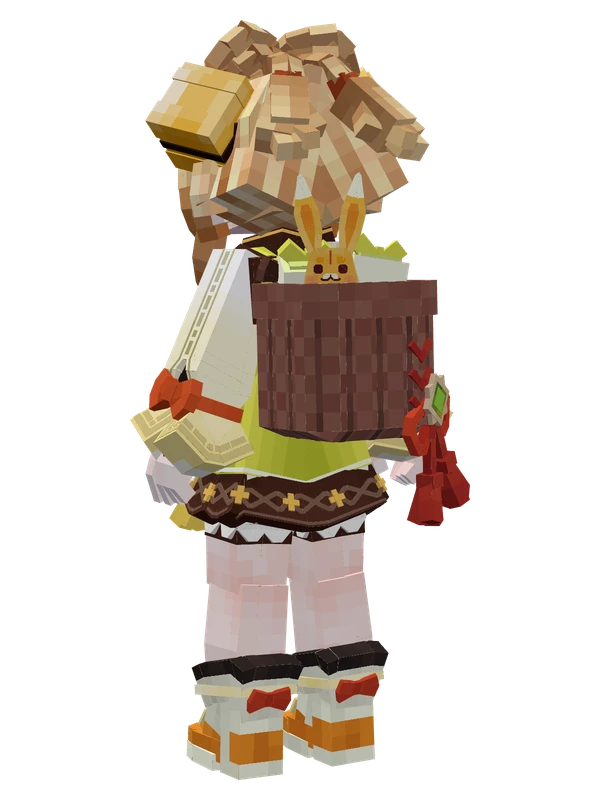
2 emotes
YaoyaoGenshin Impact
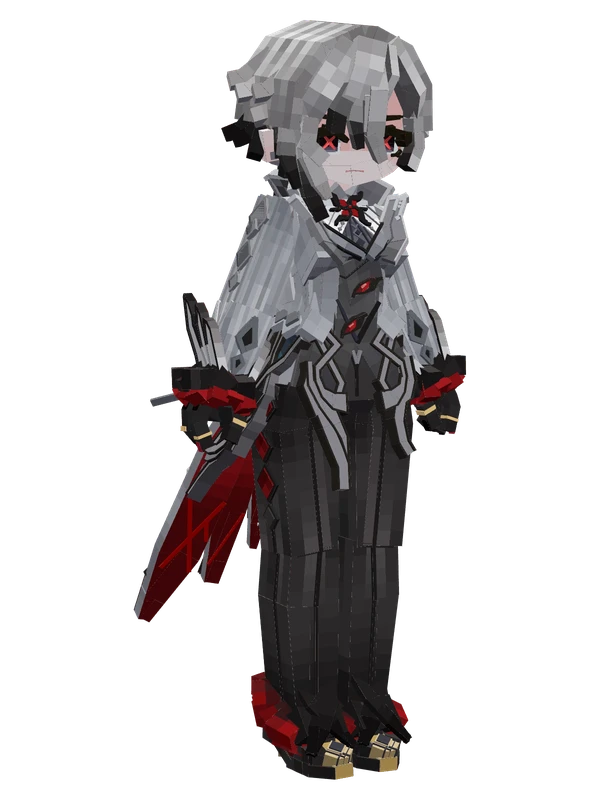
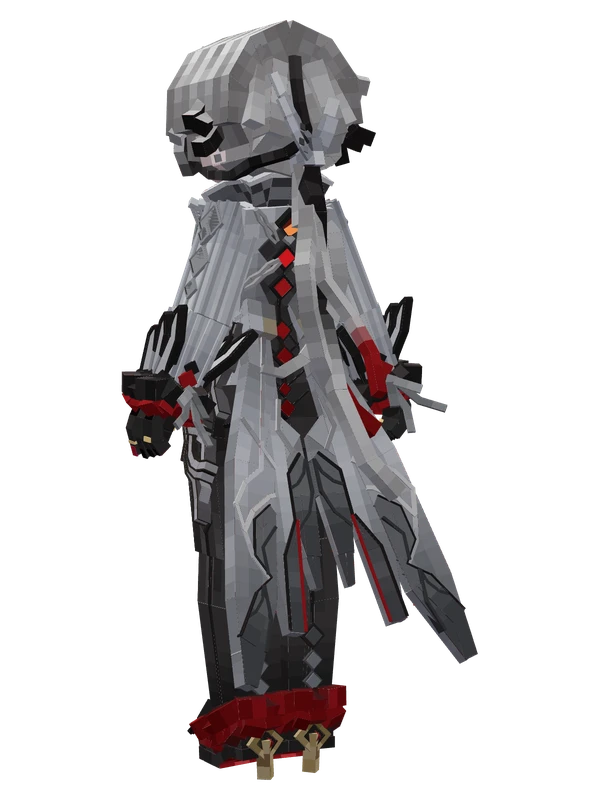
1 emotes
ArlecchinoGenshin Impact
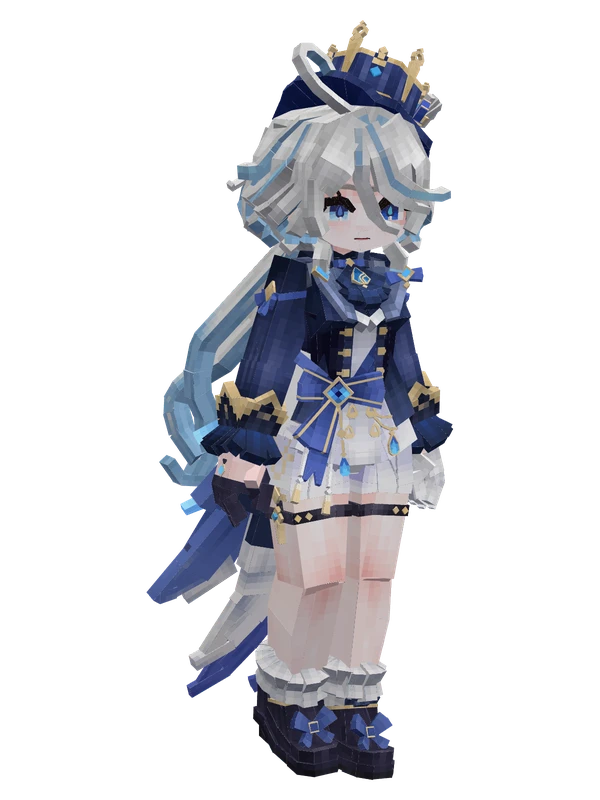
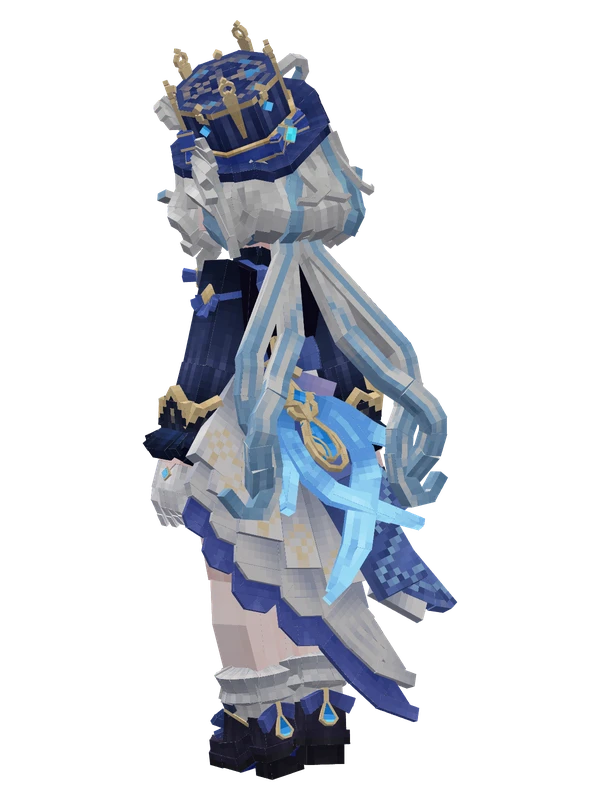
1 emotes
FurinaGenshin Impact
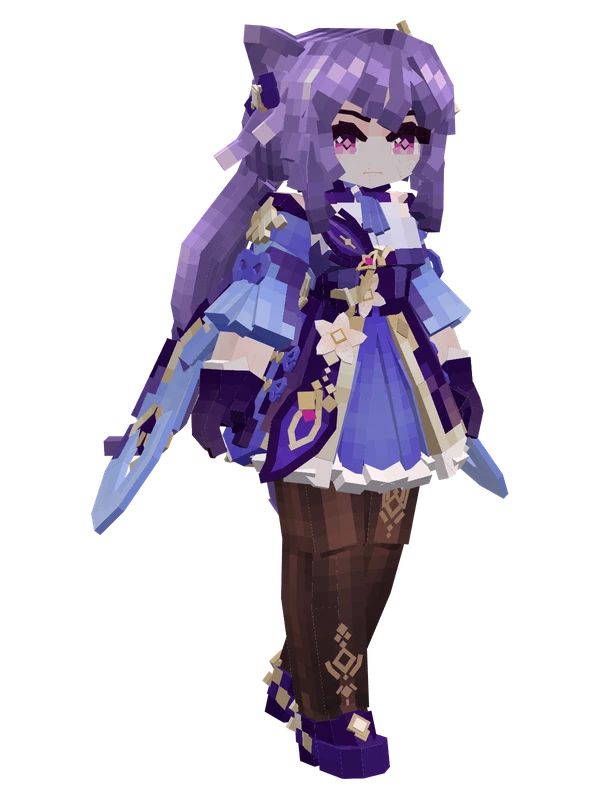
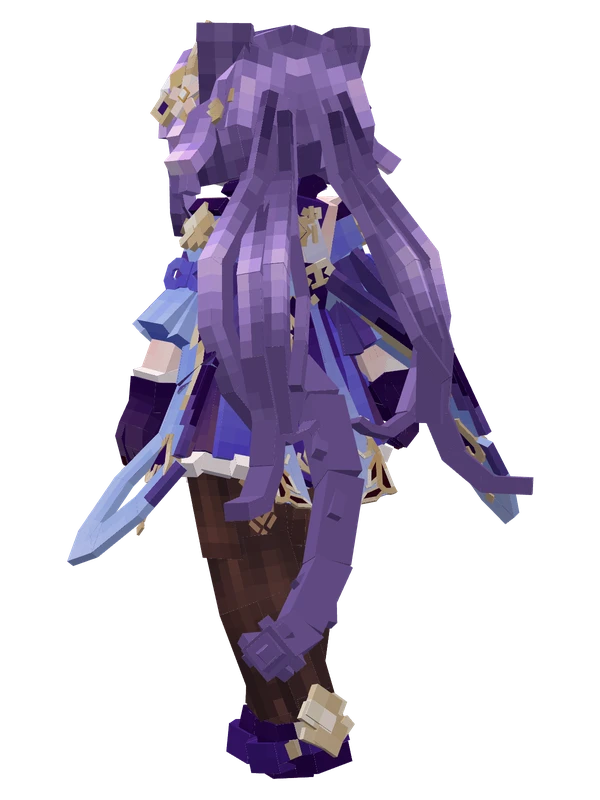
1 emotes
KeqingGenshin Impact
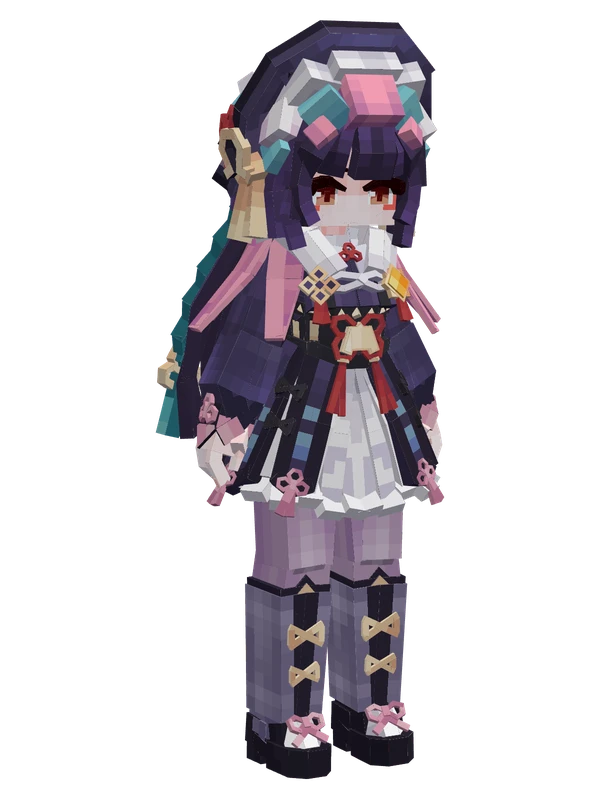
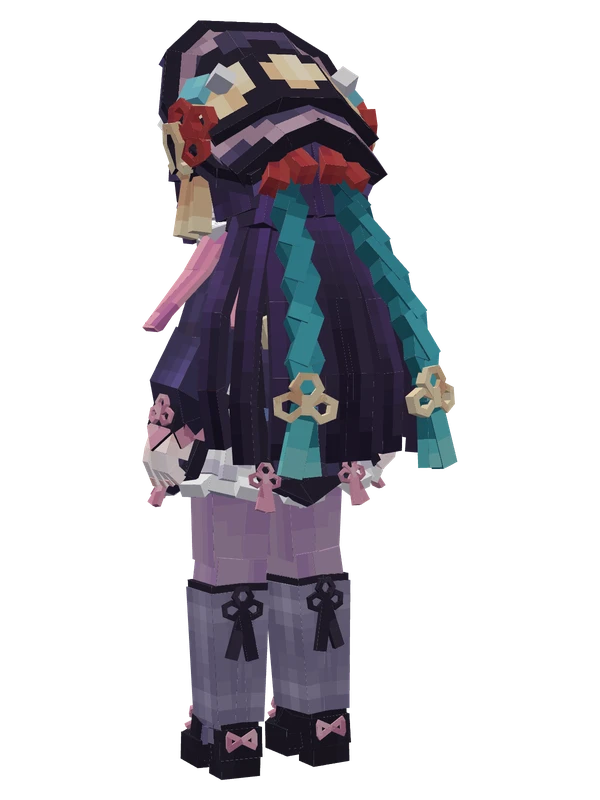
1 emotes
Yun JinGenshin Impact
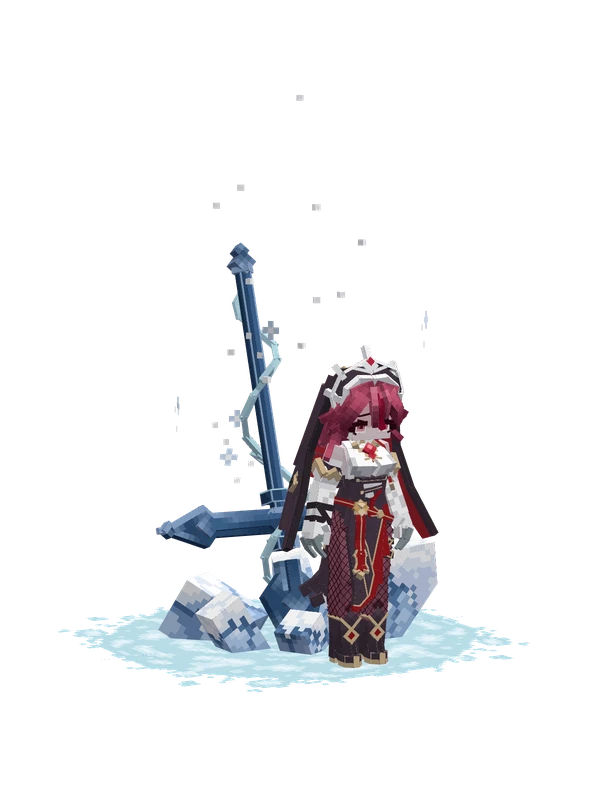
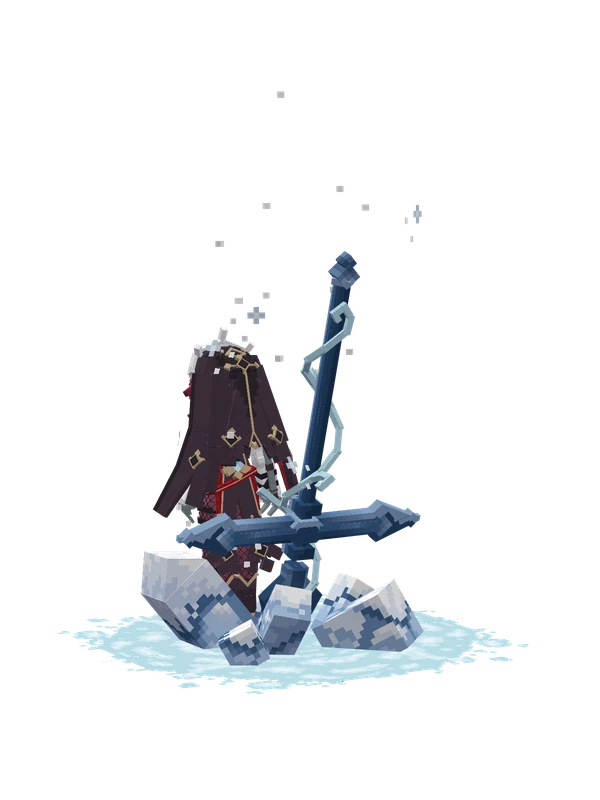
Editable
RosariaGenshin Impact