
La Pluma YSM model
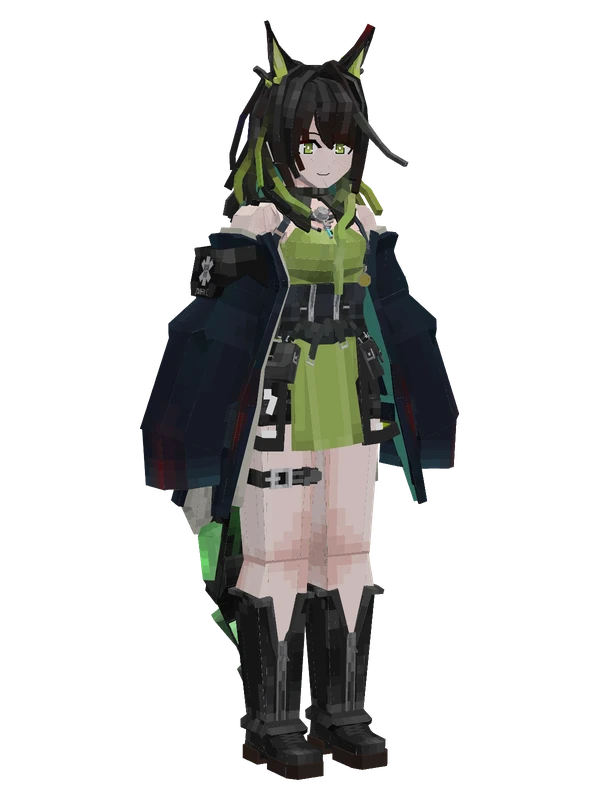
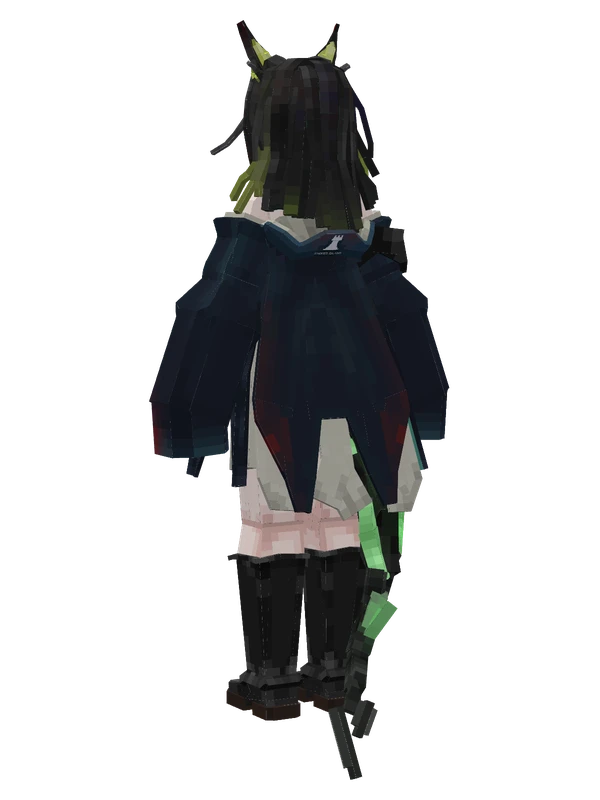
A gray-haired girl wearing a sleeveless dark top, short shorts, thigh straps, and a white headscarf with green tactical accents.
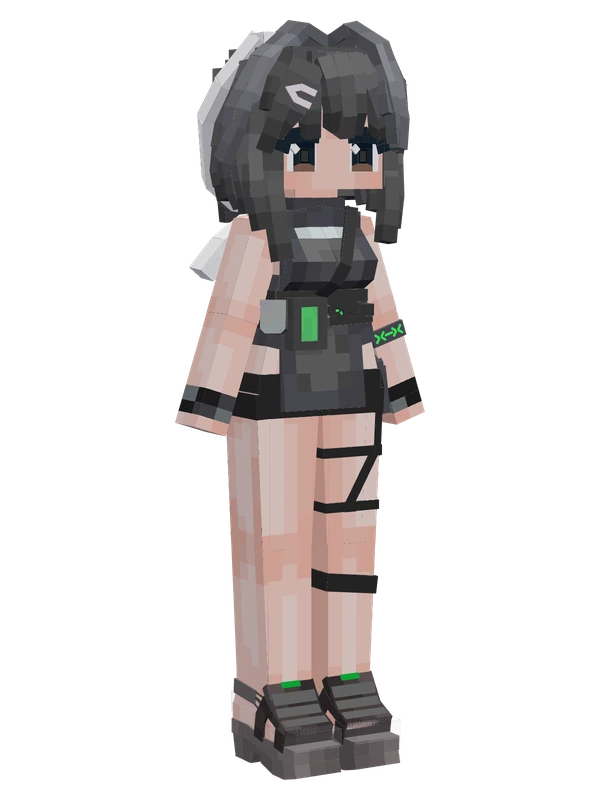
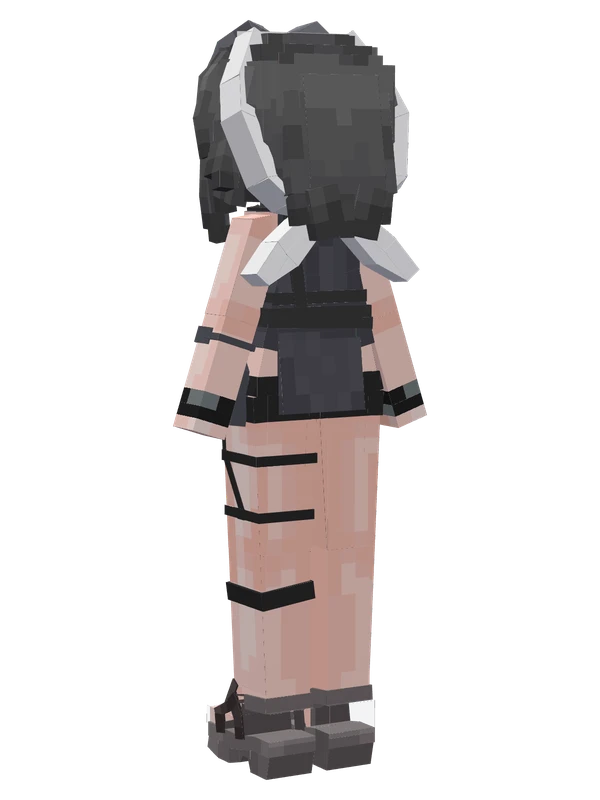
A gray-haired girl wearing a sleeveless dark top, short shorts, thigh straps, and a white headscarf with green tactical accents.
Note from the author: Hello Doctor, I am Rafaela, recommended by Miss Ch'en, officially joining Rhodes Island today. Codename? Um... just call me La Pluma.
Emote animations
Play these from the animation wheel in game.
- extra0Model Tension!
- extra1Portrait Pose
- extra2Dual Sword Stance
- extra3Joseph Joestar Pose
- extra4Bobo Stand
- extra5Eat BBQ Tonight!
- extra6Dynamic Pose
- extra7Phoenix Appears!
- extra8Dropped Lunchbox TAT
- extra9Guard Lunchbox
Movement animations
- Hurt
- Boat
- Climb
- Climbing (still)
- Death
- Elytra flight
- Creative flight
- Idle
- Jump
- Ride
- Ride pig
- Run
- Sit
- Sleep
- Sneak (moving)
- Sneak (still)
- Swim
- Tread water
- Swing hand
- Use main hand
- Use off hand
- Walk
Works with other mods
This model has its own animations for Carry On, ParCool, TaCZ guns, so they look right when those mods are installed.
How to use this model
- Install Yes Steve Model for your Minecraft version and loader (see Download YSM).
- Start the game once so YSM creates
config/yes_steve_model/. - Put the downloaded
.ysmor.zipfile intoconfig/yes_steve_model/custom/(do not unzip it). - In game press Y (default key) to open the model menu, or run
/ysm model reloadif the menu is already open. - Pick the model, then use the animation wheel (default key Z) to play its emote animations.
This model is an encrypted .ysm file: it plays in game but cannot be opened or edited in Blockbench.
More from Arknights
8 emotes
EblanaArknights
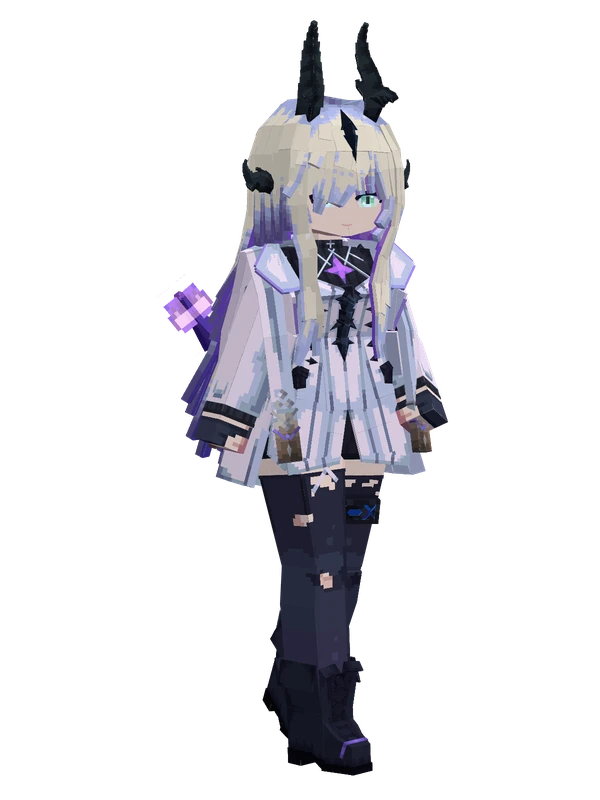
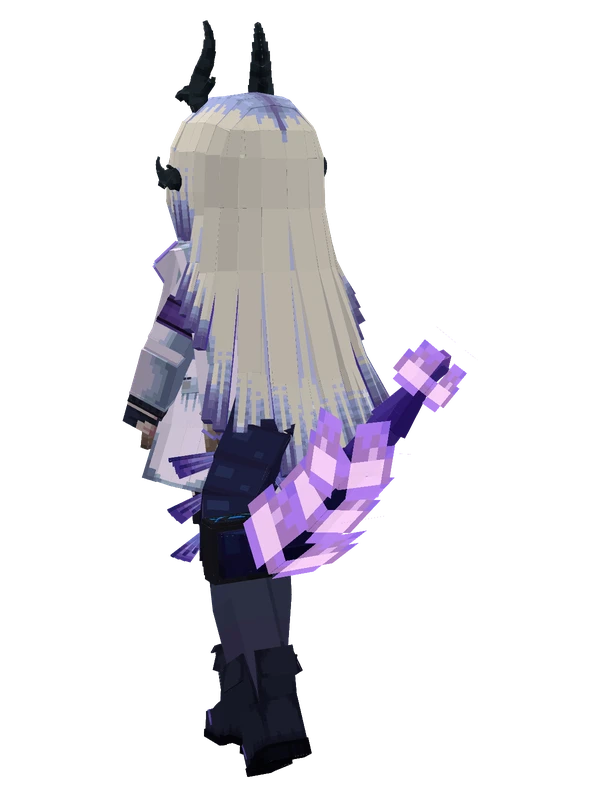
8 emotes
EblanaArknights
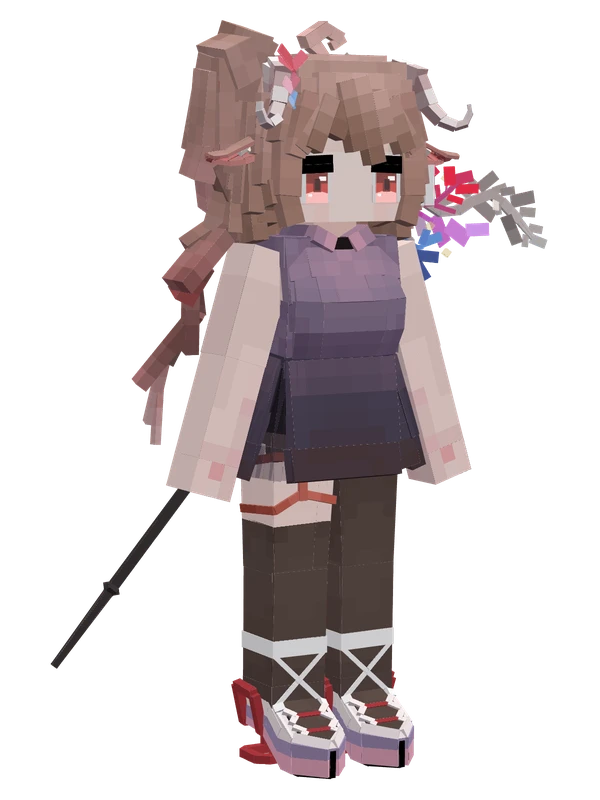
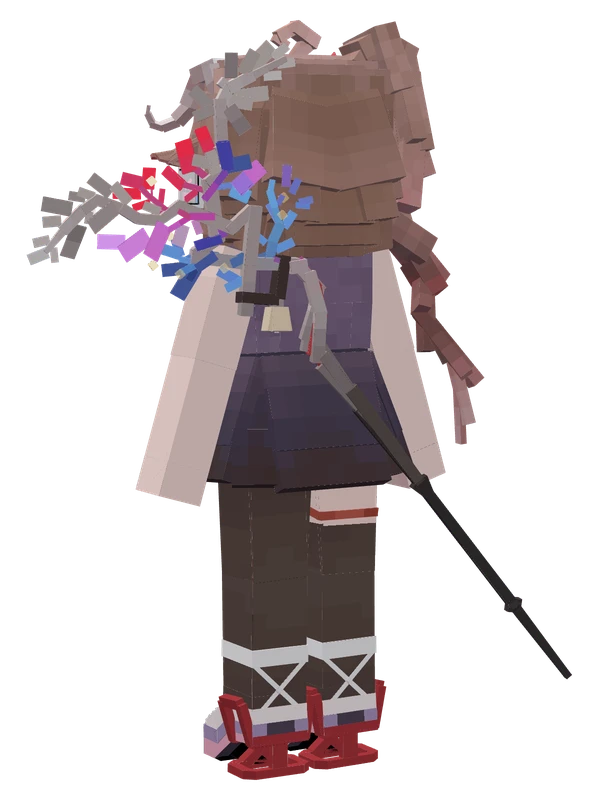
Editable8 emotes
Eyjafjalla the Hvit AskaArknights
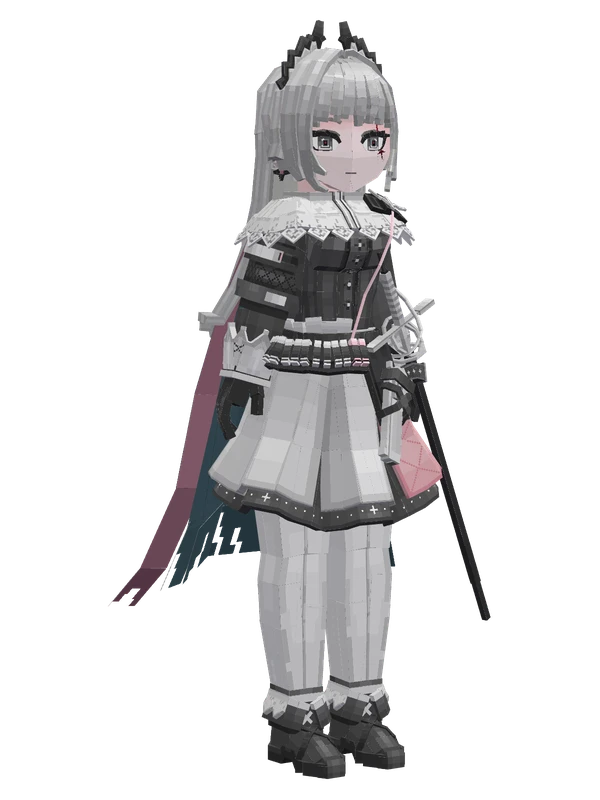
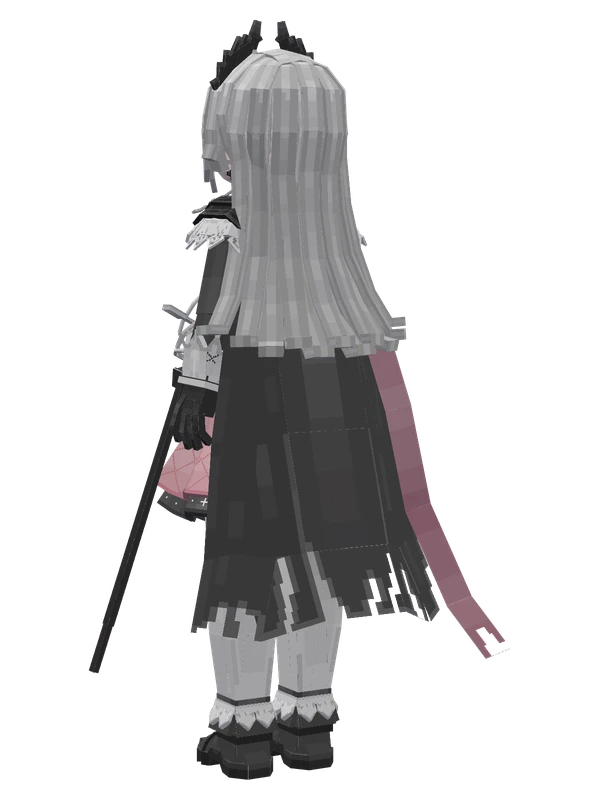
8 emotes
IreneArknights
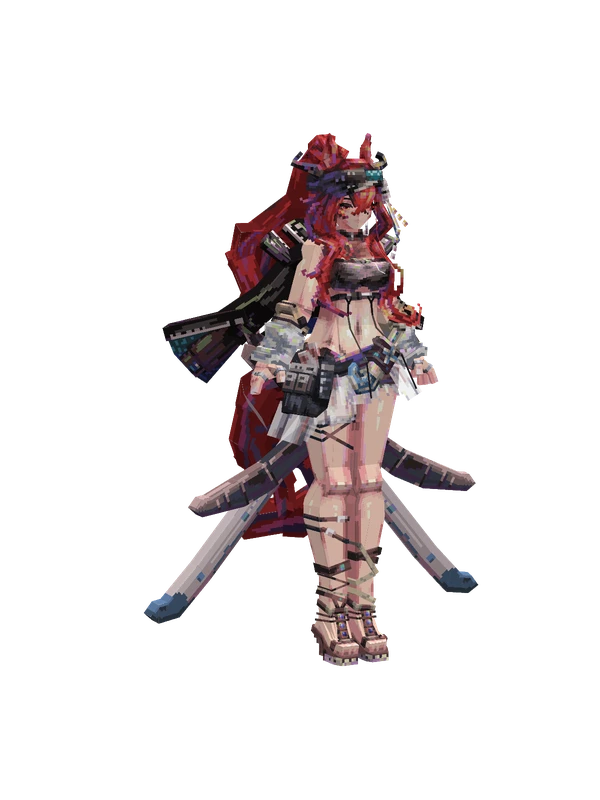
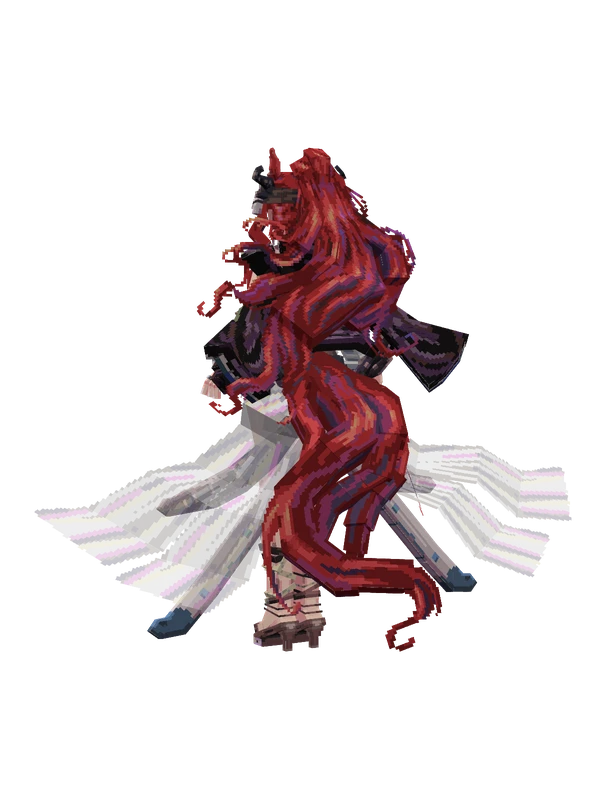
8 emotes
NarantuyaArknights
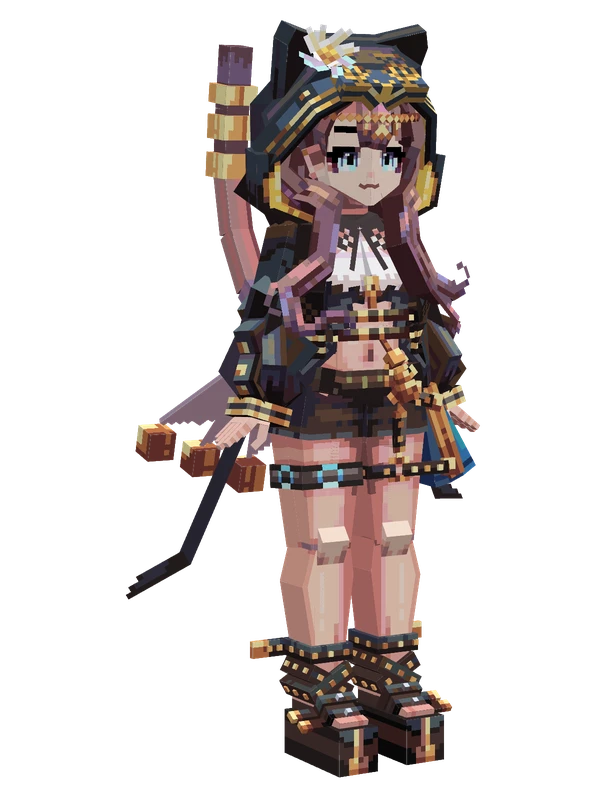
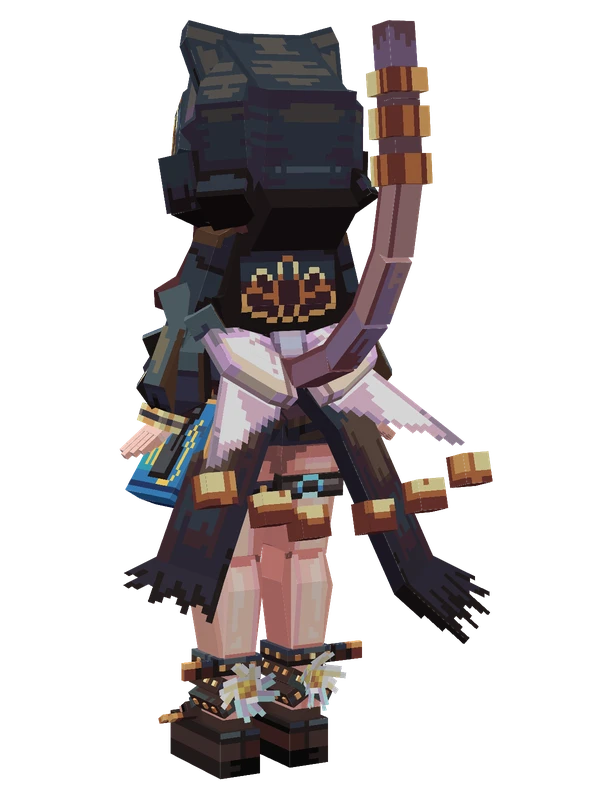
8 emotes
PepeArknights
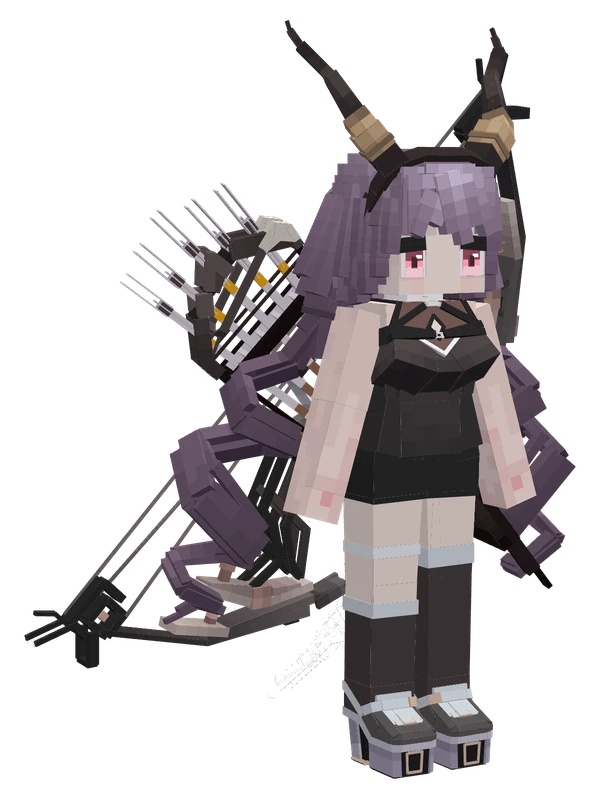
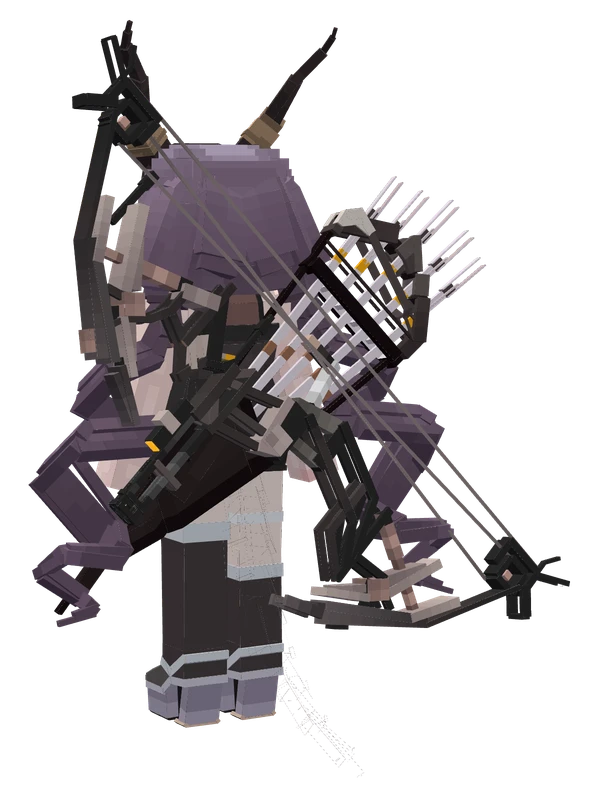
Editable8 emotes
TyphonArknights
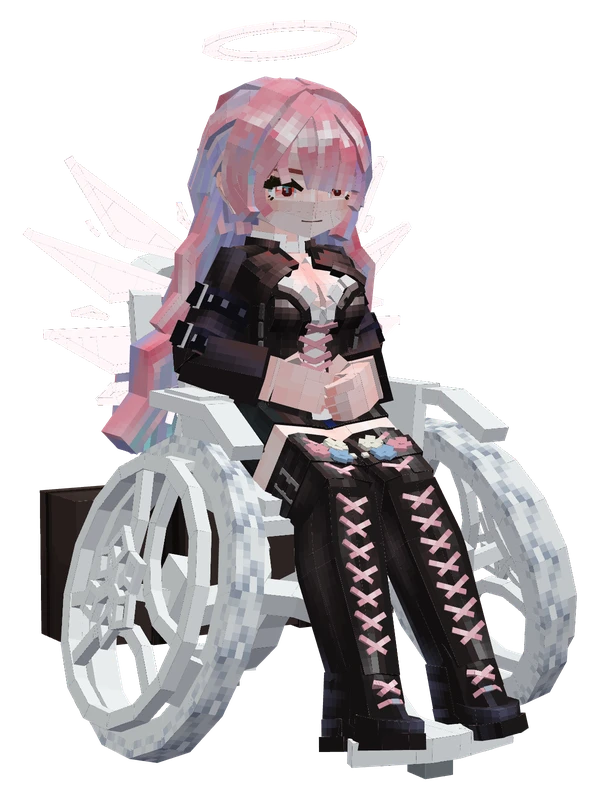
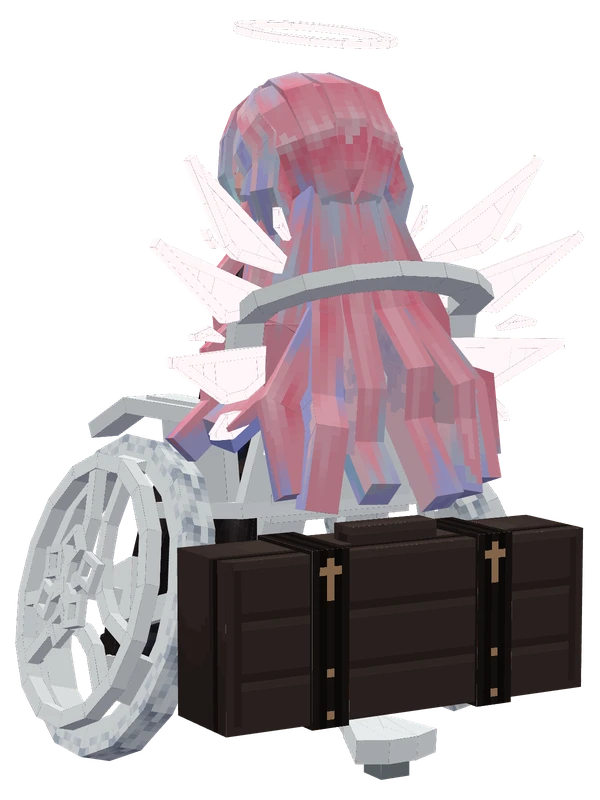
5 emotes
LemuenArknights
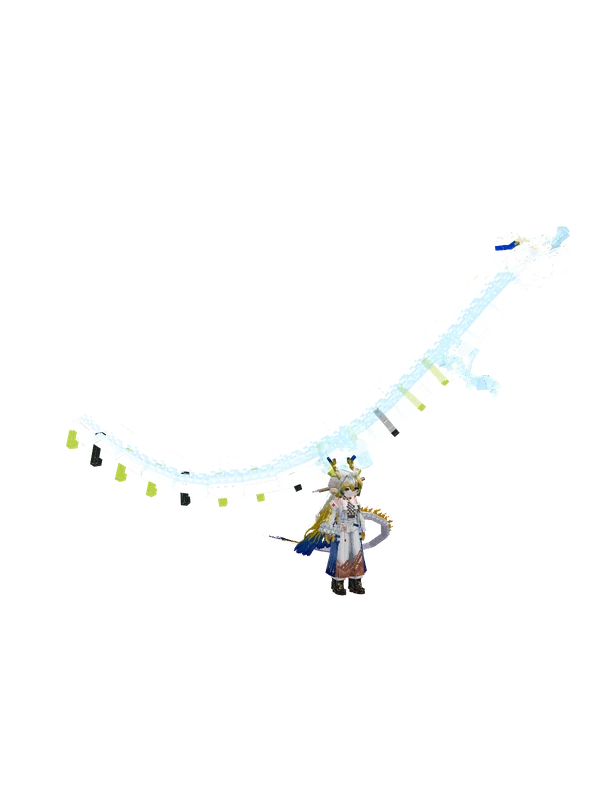
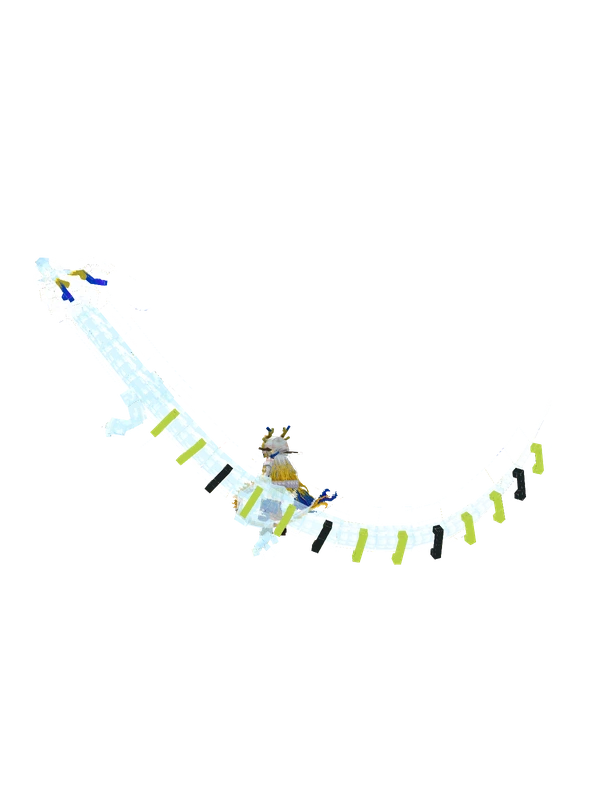
4 emotes
ShuArknights
Editable3 emotes
Mon3trArknights
1 emotes
Nearl (Centaur)Arknights
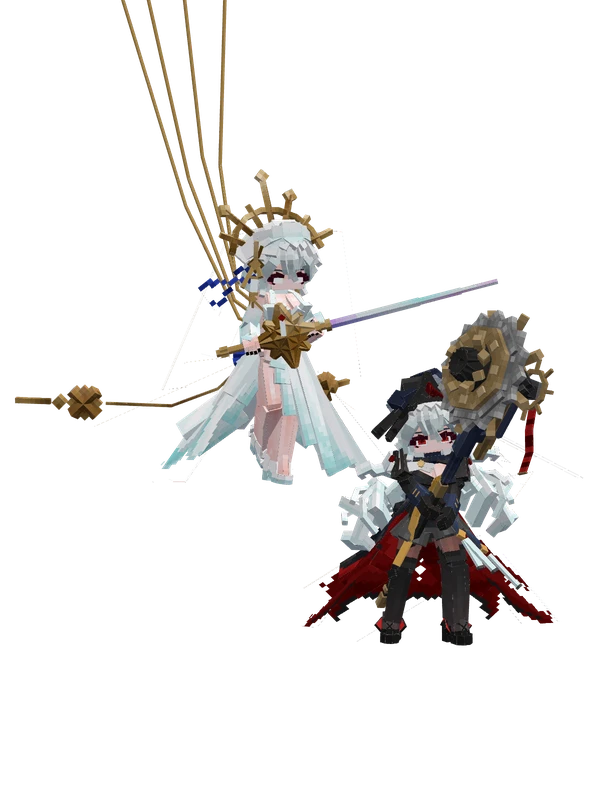
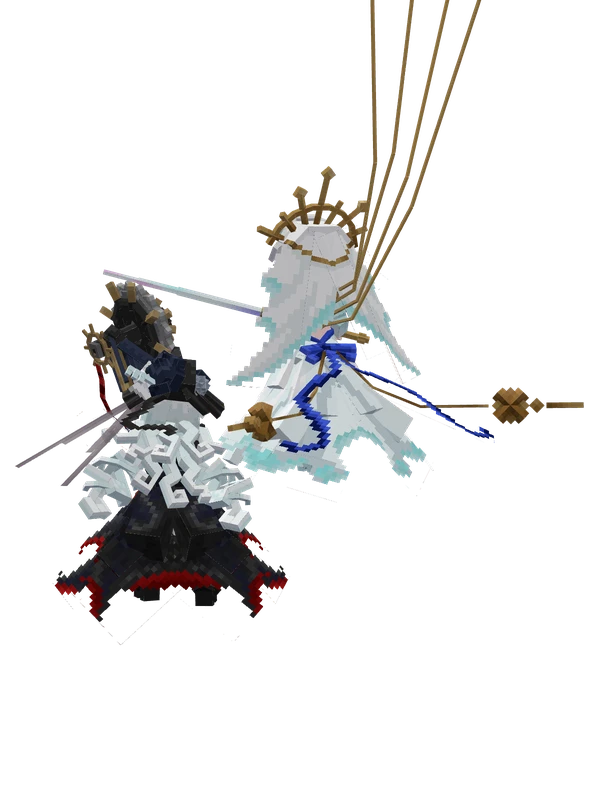
Specter the UnchainedArknights