
Luvia (Story Outfit) YSM model
A girl with long wavy silver hair and blue eyes, wearing a simple sleeveless white sundress, a pendant necklace, and white sandals.
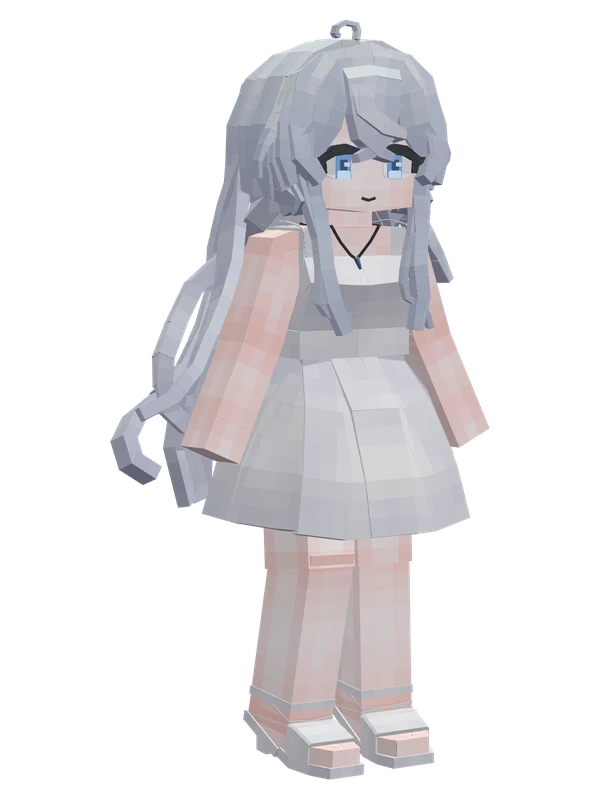
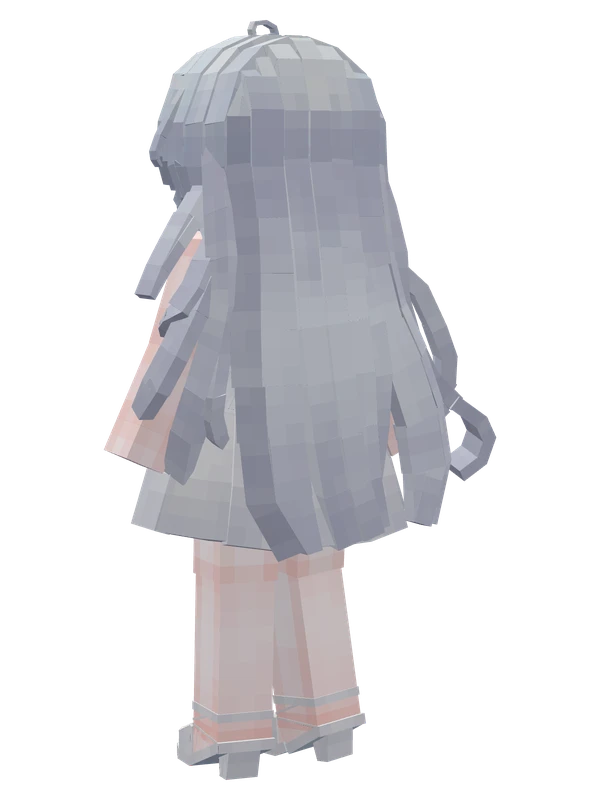
A girl with long wavy silver hair and blue eyes, wearing a simple sleeveless white sundress, a pendant necklace, and white sandals.
Note from the author: Luvia, outfit from the story.
Emote animations
Play these from the animation wheel in game.
- extra0Custom
- extra1Greet
- extra2Applaud
- extra3Yes
- extra4No Way!
- extra5Say Cheese
- extra6?
- extra7Yee
- extra8Hands on Hips
- extra12Invisible
- extra20Playing the Pipa
- extra21Title Screen Action 1
- extra22Lower Head
- extra23Kill Aura
- extra24Spin Around (Sync)
- extra25Spin Around~
- extra26Song Art Pose
Movement animations
- Hurt
- Boat
- Climb
- Climbing (still)
- Death
- Elytra flight
- Creative flight
- Menu pose
- Idle
- Jump
- Ride
- Ride pig
- Run
- Sit
- Sleep
- Sneak (moving)
- Sneak (still)
- Swim
- Tread water
- Swing hand
- Use main hand
- Use off hand
- Walk
Works with other mods
This model has its own animations for Carry On, TaCZ guns, so they look right when those mods are installed.
How to use this model
- Install Yes Steve Model for your Minecraft version and loader (see Download YSM).
- Start the game once so YSM creates
config/yes_steve_model/. - Put the downloaded
.ysmor.zipfile intoconfig/yes_steve_model/custom/(do not unzip it). - In game press Y (default key) to open the model menu, or run
/ysm model reloadif the menu is already open. - Pick the model, then use the animation wheel (default key Z) to play its emote animations.
This model is an encrypted .ysm file: it plays in game but cannot be opened or edited in Blockbench.
More from Milthm
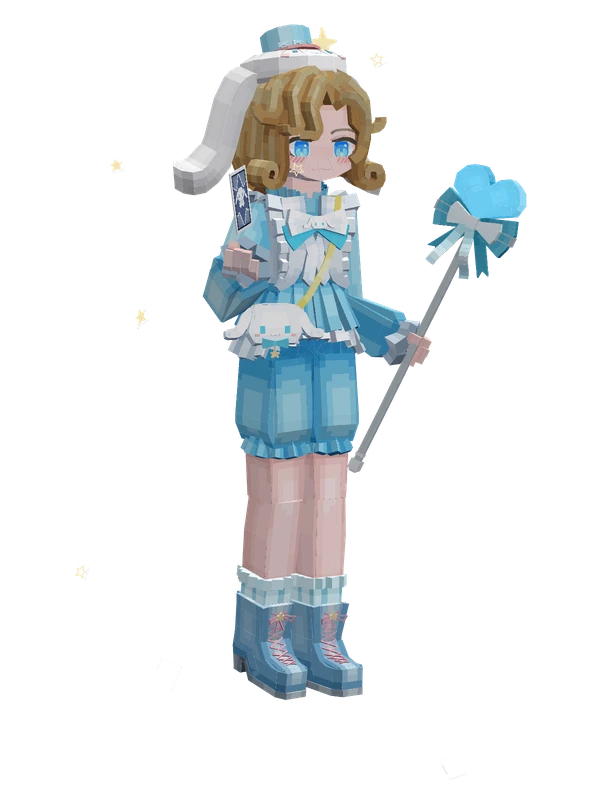
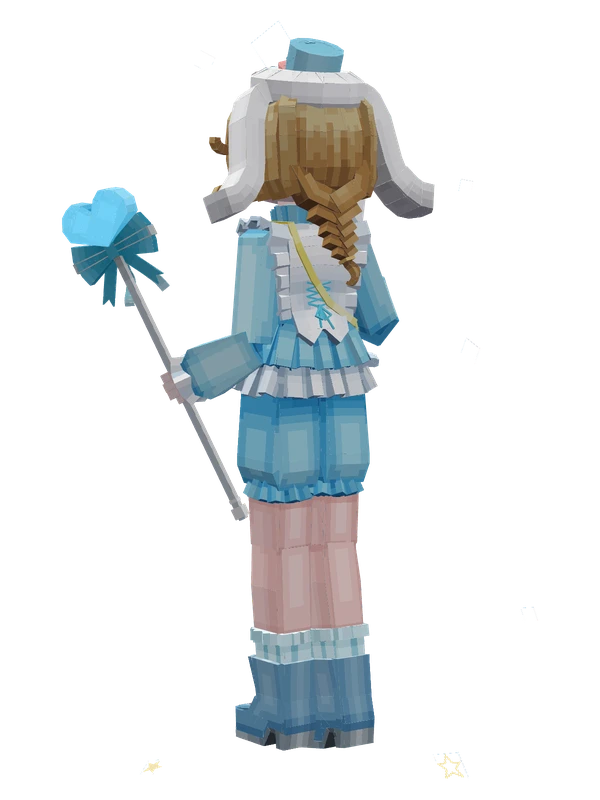
20 emotes
Photographer (Sanrio Cinnamoroll)Identity V
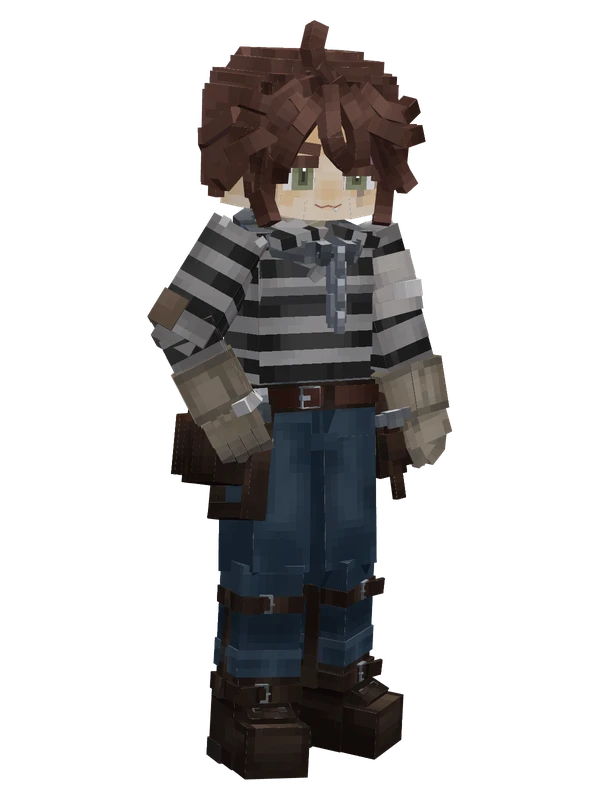
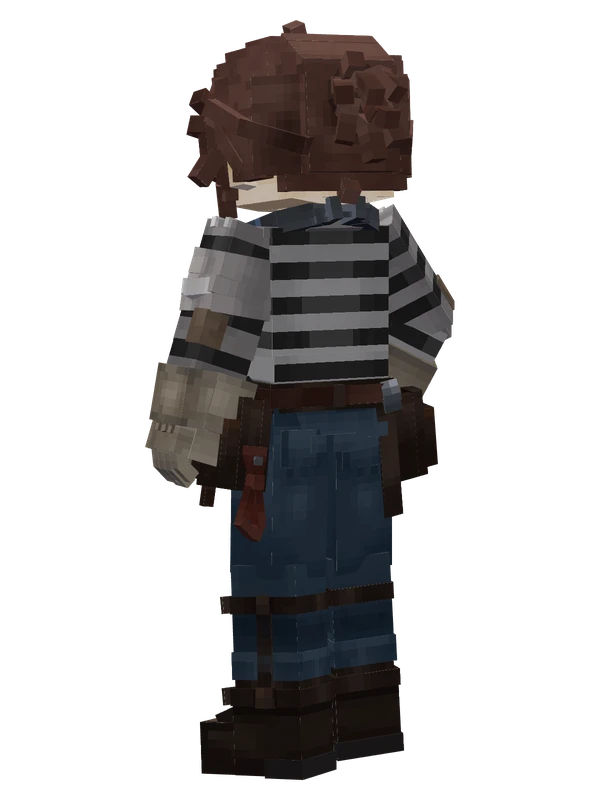
17 emotes
Luca Balsa (Prisoner)Identity V
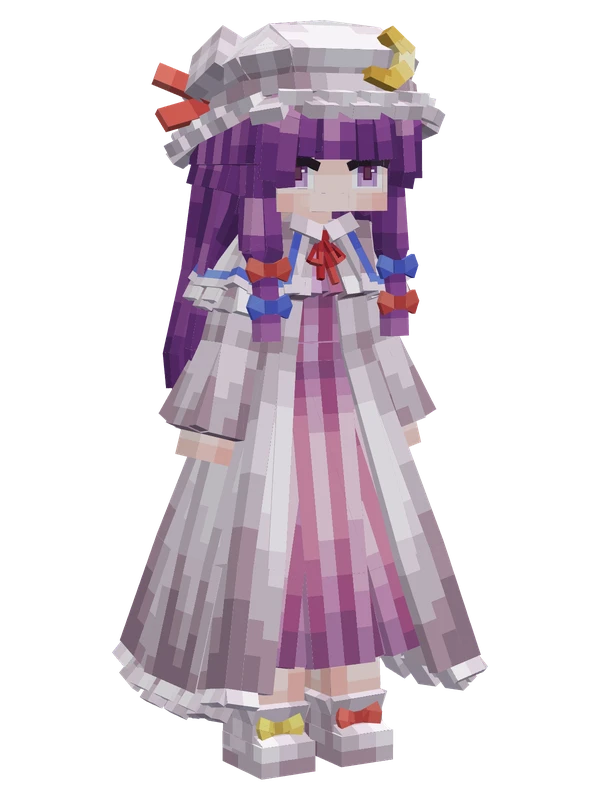
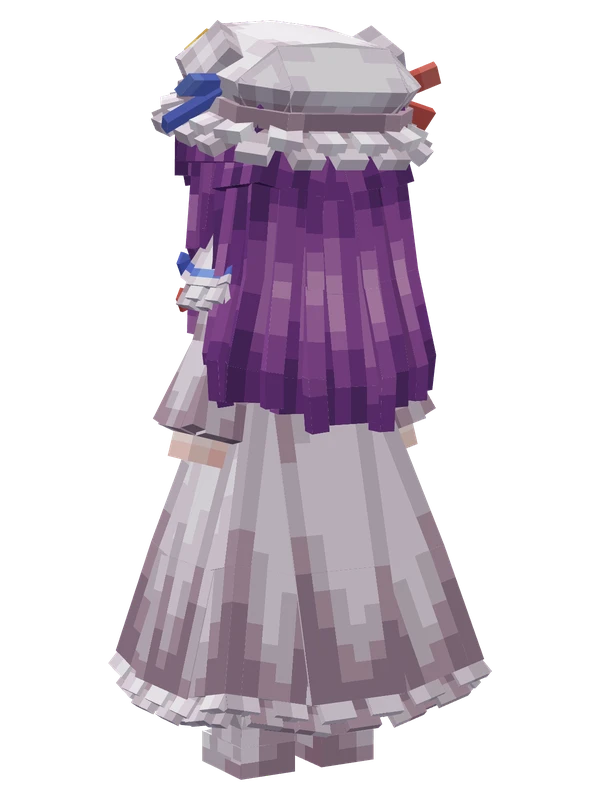
Editable14 emotes
Patchouli KnowledgeTouhou Project
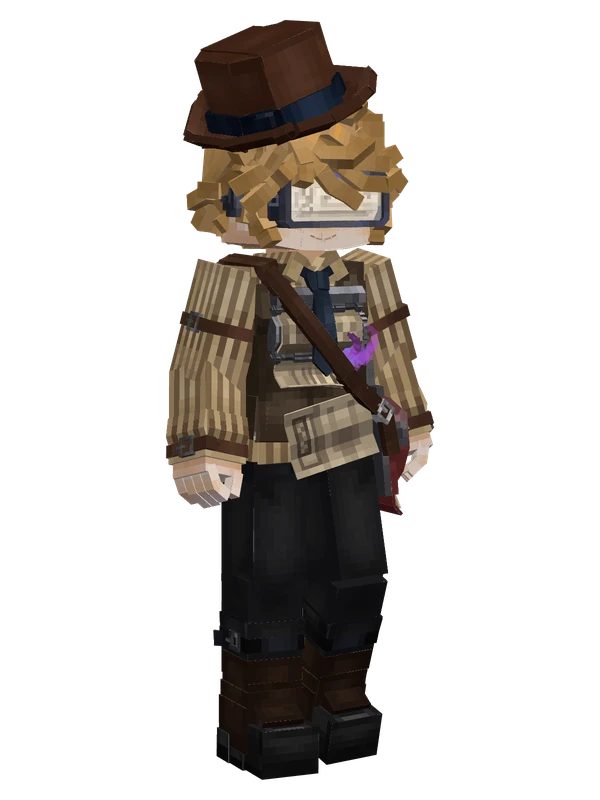
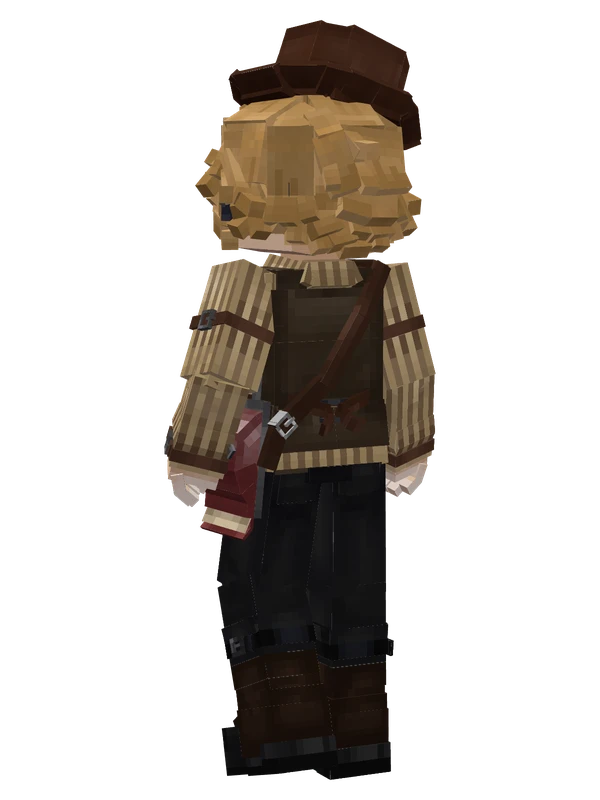
14 emotes
Victor Grantz (Paperboy)Identity V
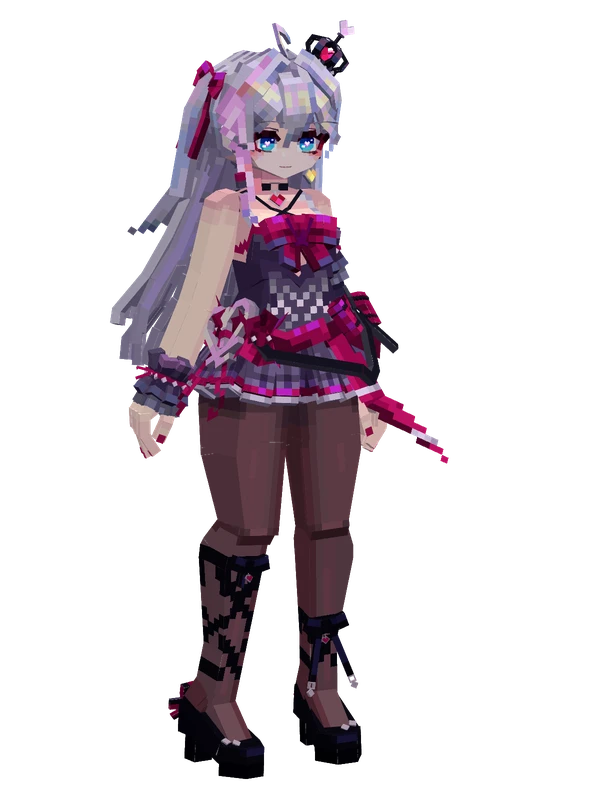
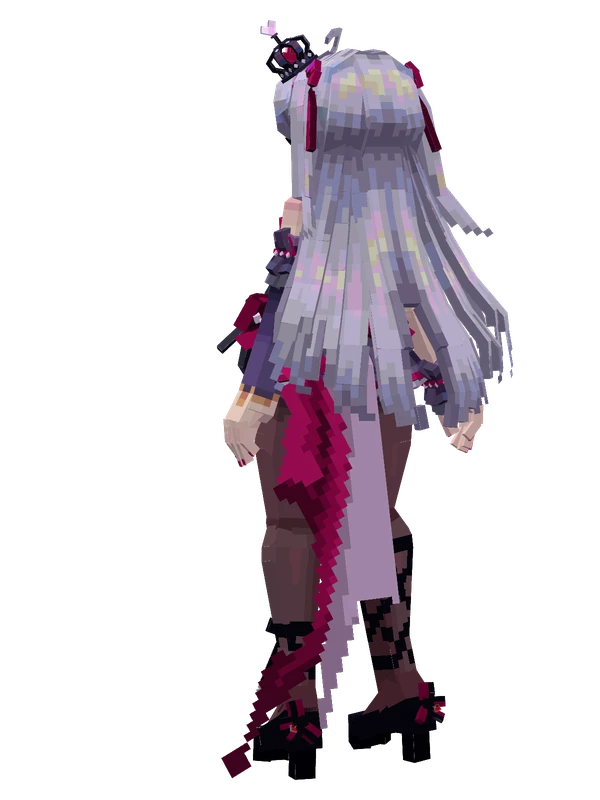
11 emotes
Kanami (Century Diva)Strinova
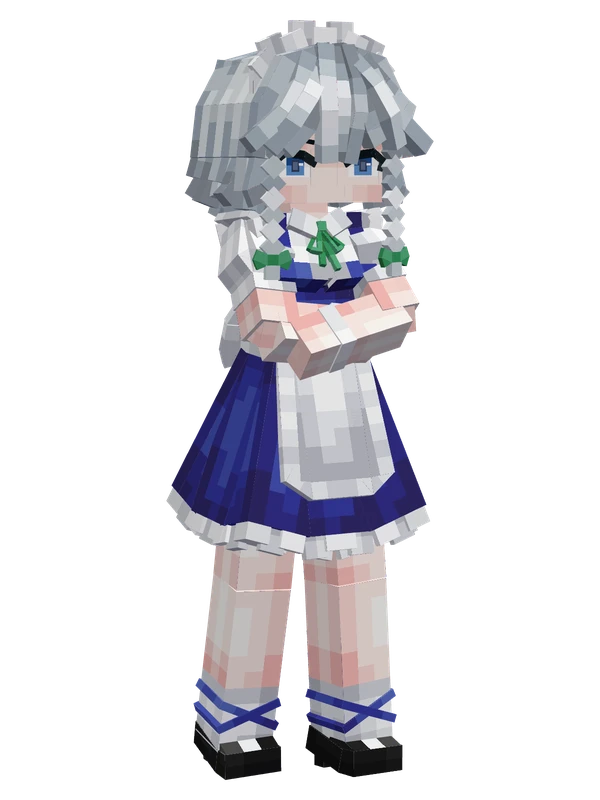
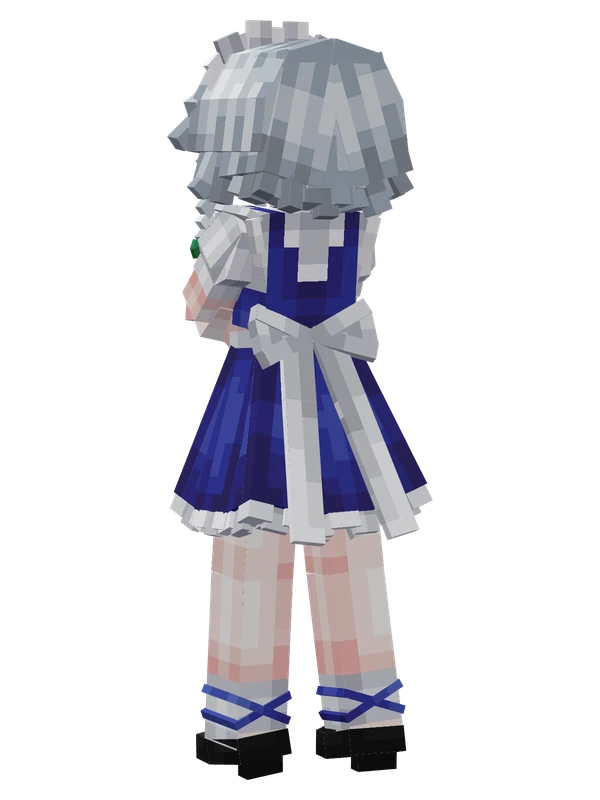
Editable9 emotes
Sakuya IzayoiTouhou Project
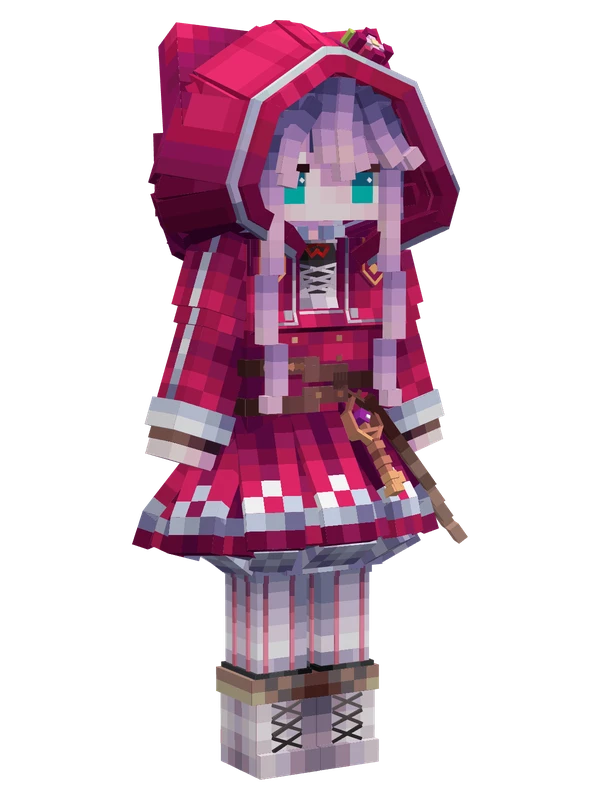
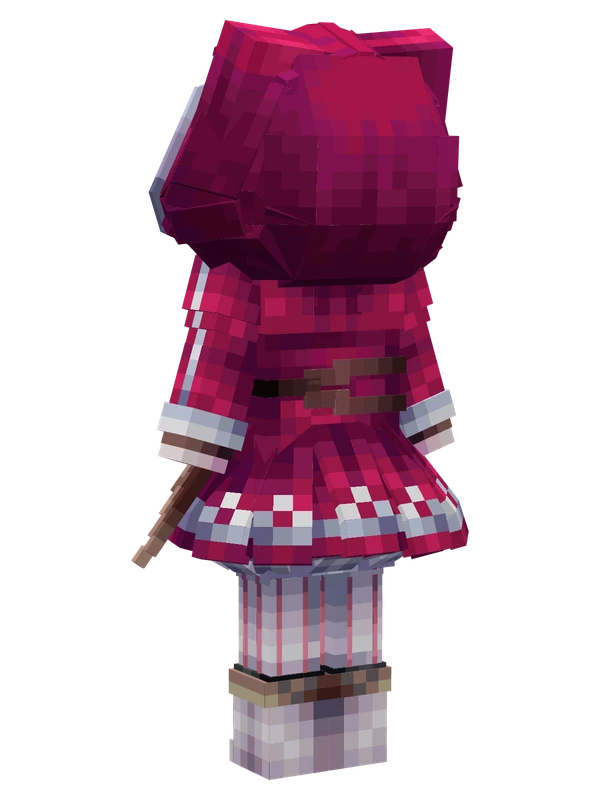
8 emotes
Epelby popu
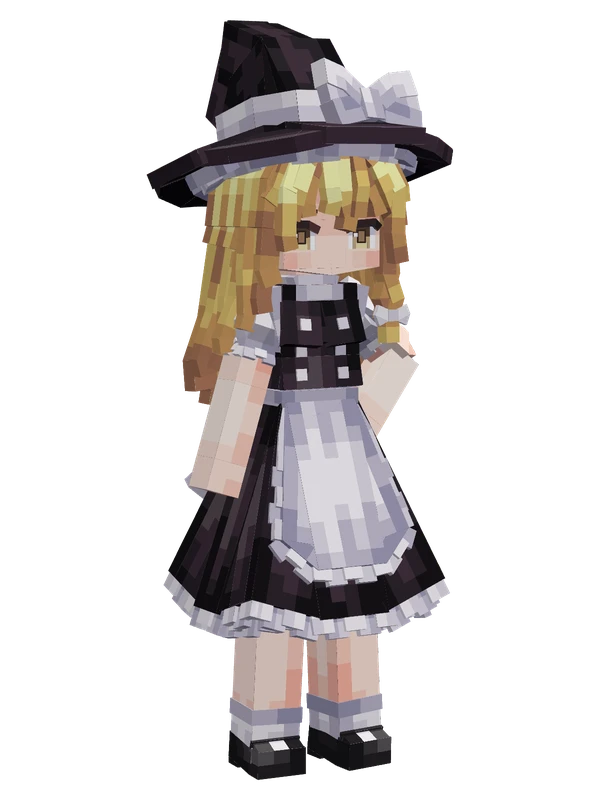
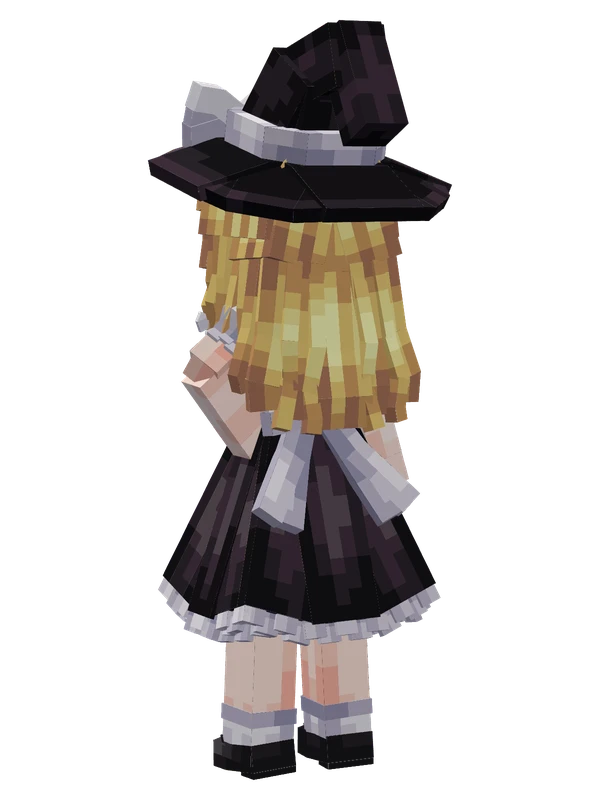
Editable8 emotes
Kirisame MarisaTouhou Project
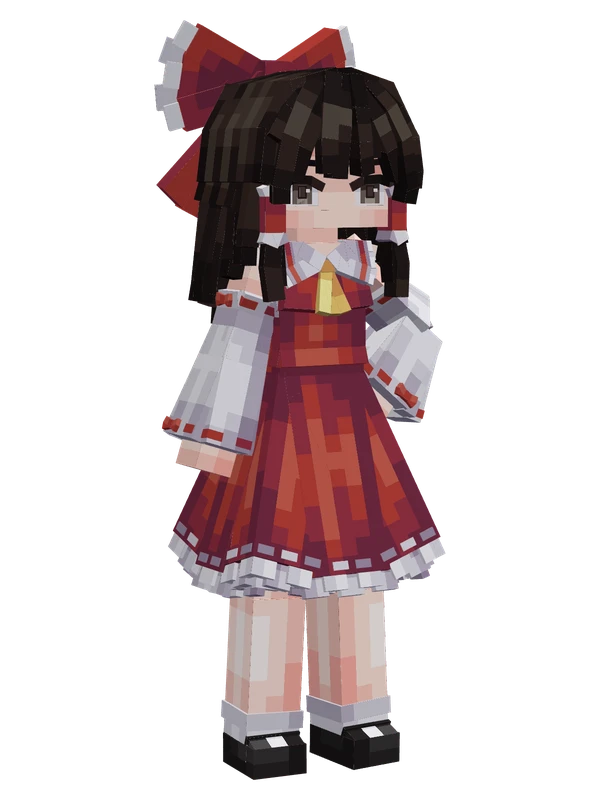
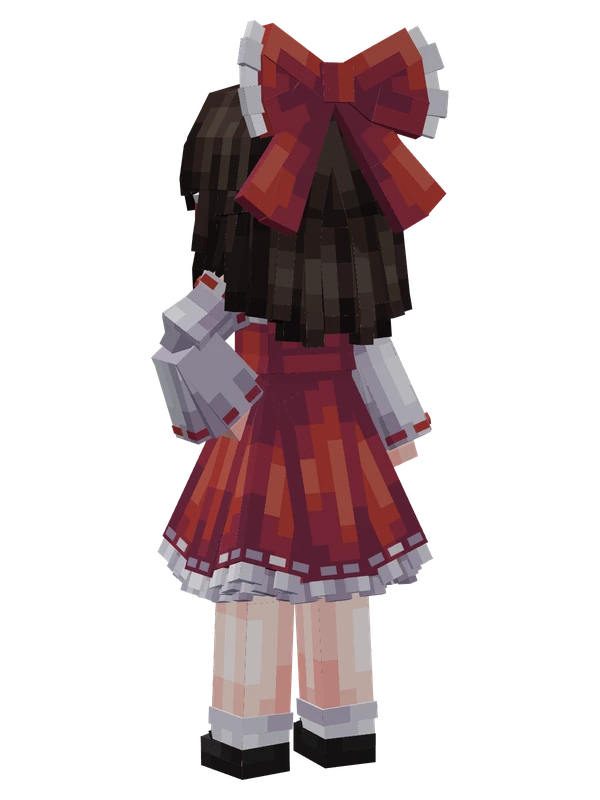
Editable8 emotes
Reimu HakureiTouhou Project
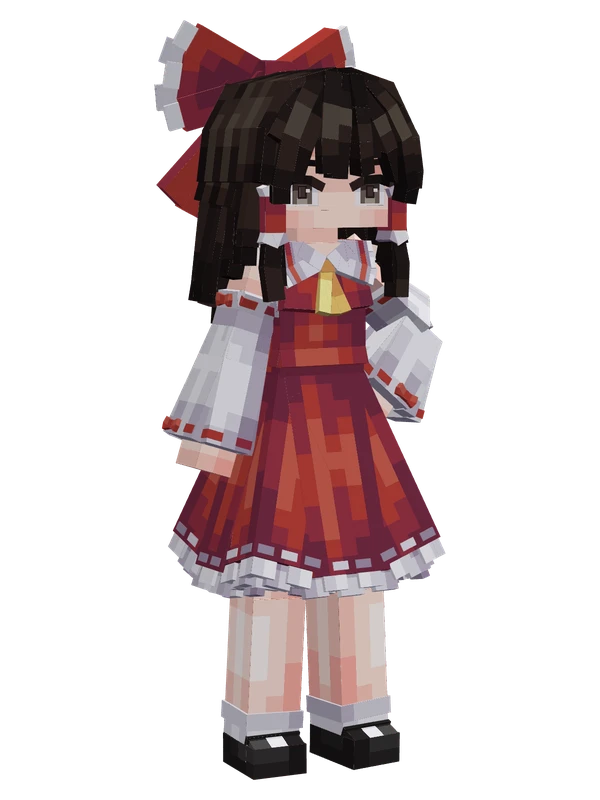
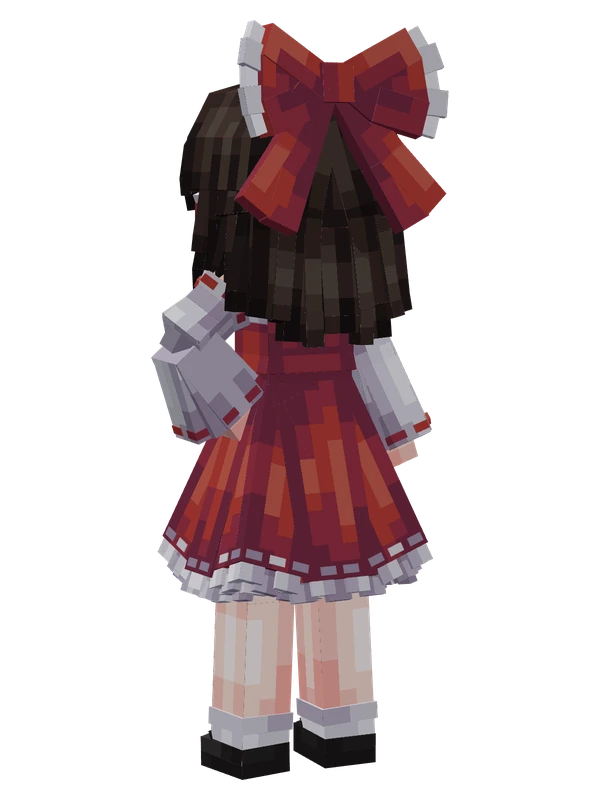
8 emotes
Reimu HakureiTouhou Project
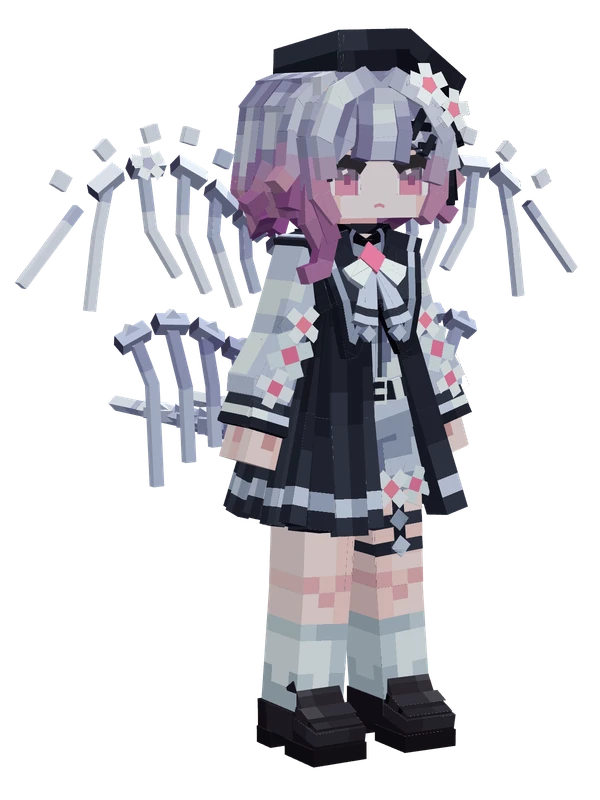
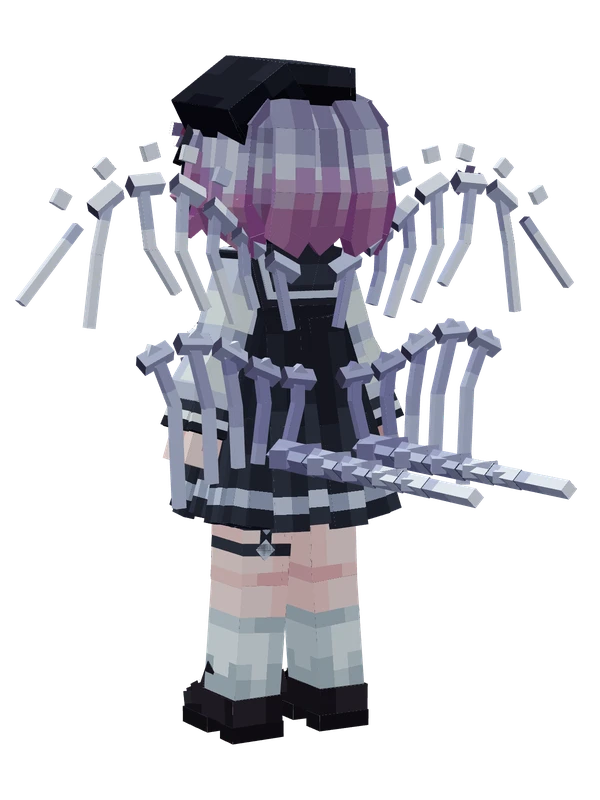
8 emotes
Sakuraba EmaMagical Girl Witch Trials
17 emotes
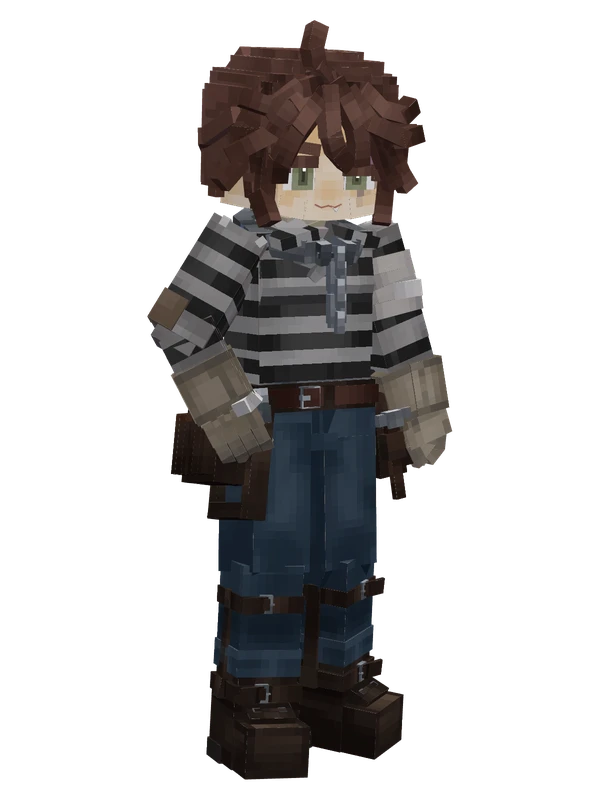
Luca BalsaIdentity V