
Tendou Aris (Winter) YSM model
Tendou Aris in winter explorer gear, wearing a beige coat, blue plaid scarf, earmuffs, and snow boots, with a pixel halo above her head.
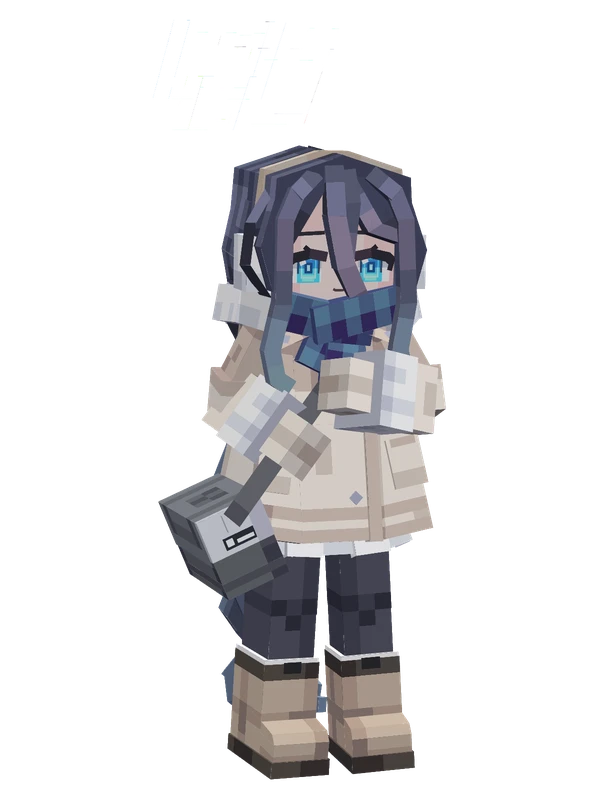
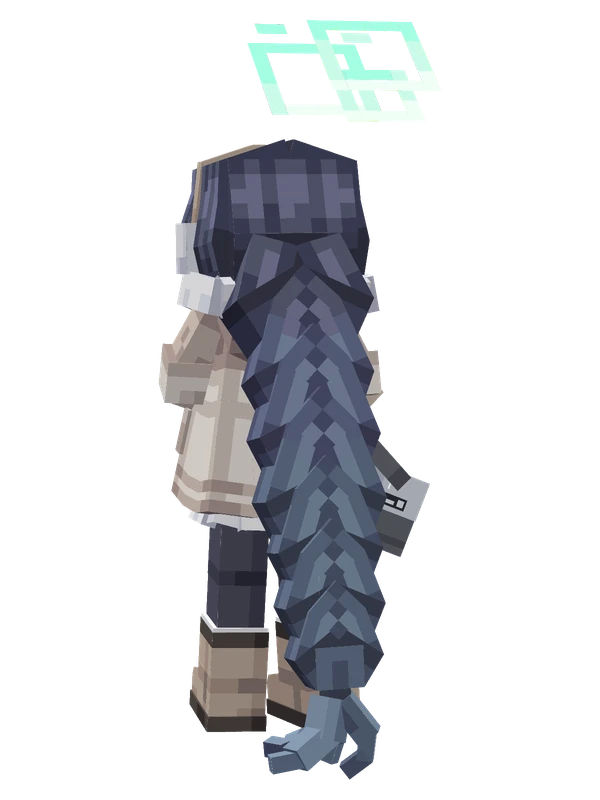
Tendou Aris in winter explorer gear, wearing a beige coat, blue plaid scarf, earmuffs, and snow boots, with a pixel halo above her head.
Note from the author: Accepting a request from Sensei, the Game Development Department changed into cold-weather gear for glacier exploration.
Emote animations
Play these from the animation wheel in game.
- extra0Portrait Pose
- extra1Greet
- extra2Nod
- extra3Shake Head
- extra4Sit Down
- Dance Animation
- extra7Switch Expression
- Make Snow Duck
- Recall
Movement animations
- Hurt
- Boat
- Climb
- Climbing (still)
- Death
- Elytra flight
- Creative flight
- Menu pose
- Idle
- Jump
- Ride
- Ride pig
- Run
- Sit
- Sleep
- Sneak (moving)
- Sneak (still)
- Swim
- Tread water
- Swing hand
- Use main hand
- Use off hand
- Walk
How to use this model
- Install Yes Steve Model for your Minecraft version and loader (see Download YSM).
- Start the game once so YSM creates
config/yes_steve_model/. - Put the downloaded
.ysmor.zipfile intoconfig/yes_steve_model/custom/(do not unzip it). - In game press Y (default key) to open the model menu, or run
/ysm model reloadif the menu is already open. - Pick the model, then use the animation wheel (default key Z) to play its emote animations.
This model is an encrypted .ysm file: it plays in game but cannot be opened or edited in Blockbench.
More from Blue Archive
13 emotes
Eanes (Shield)Blue Archive
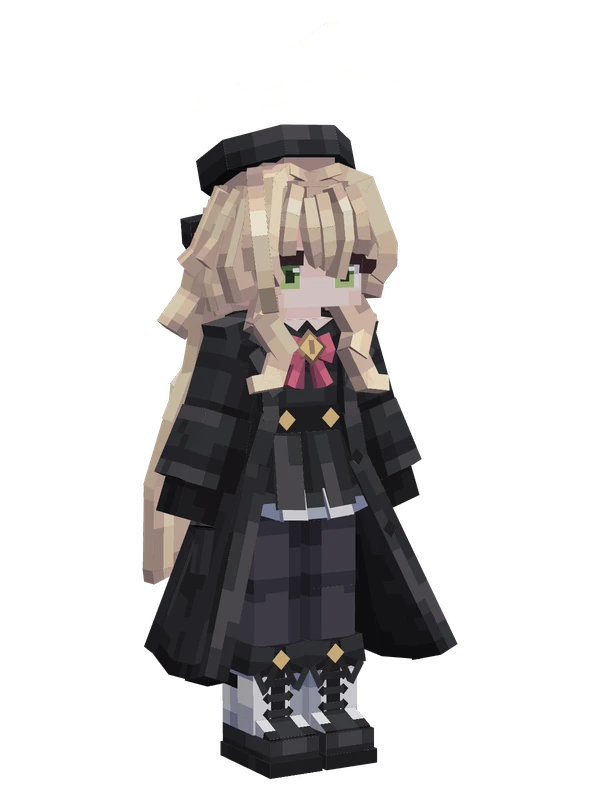
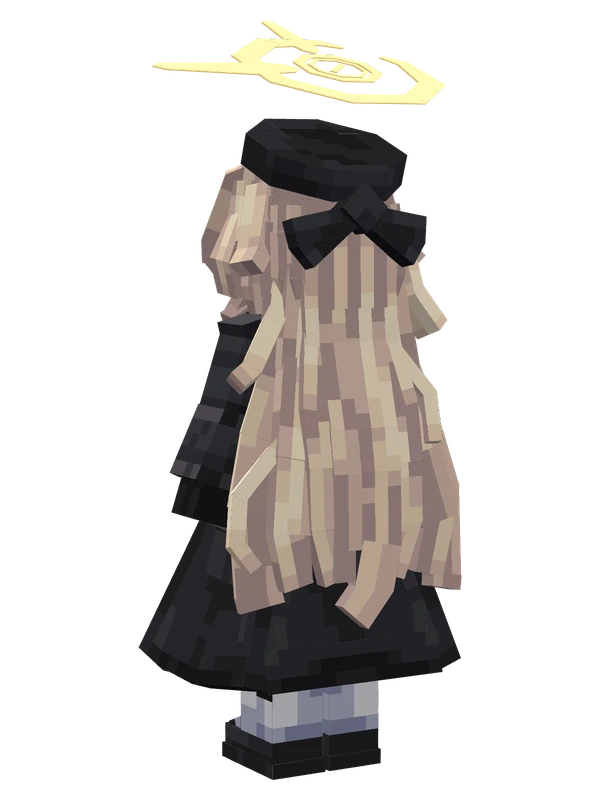
9 emotes
Professor NiyaniyaBlue Archive
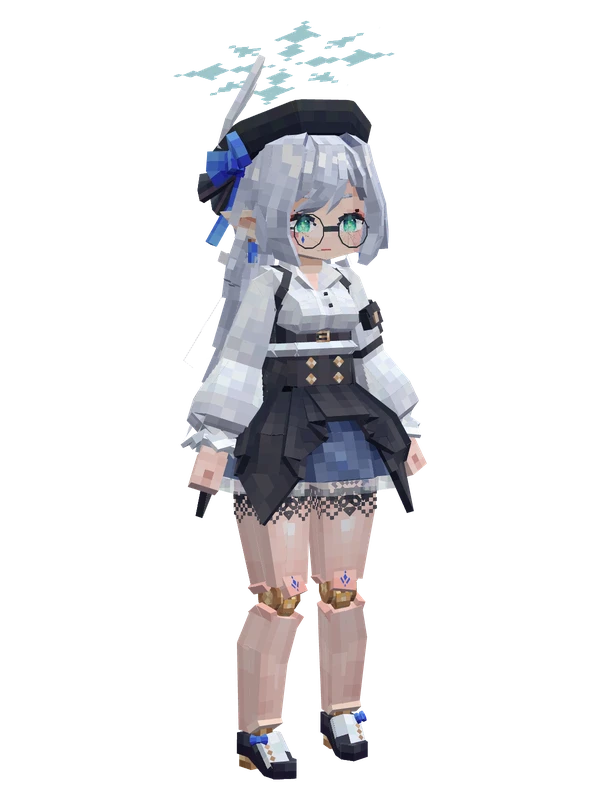
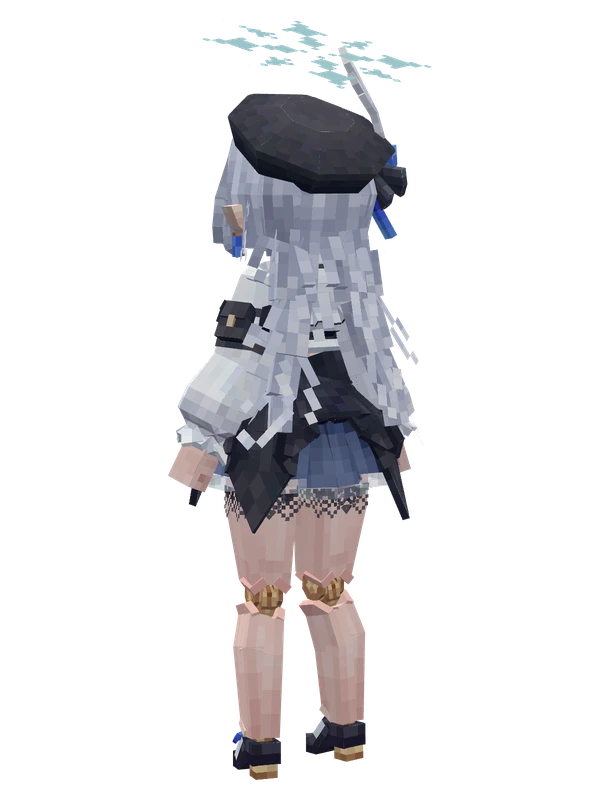
8 emotes
Mitsu RenjuBlue Archive
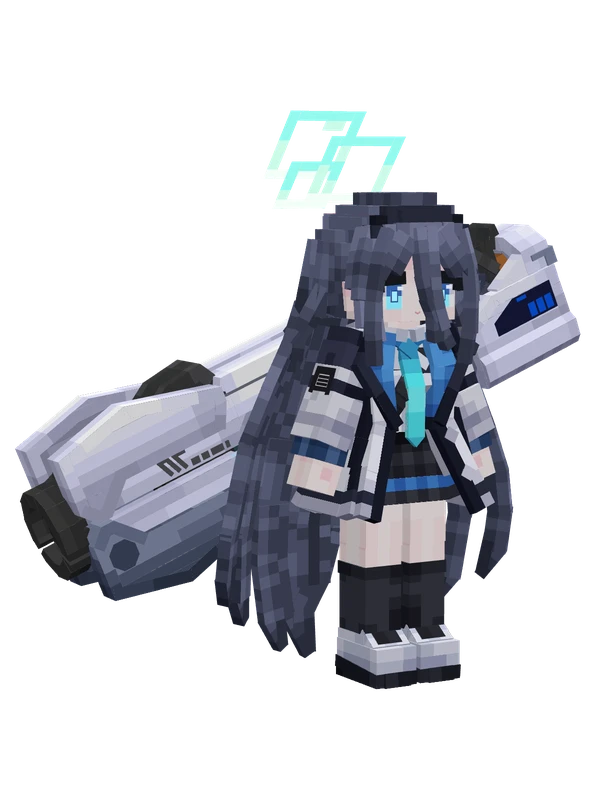
8 emotes
Tendou ArisBlue Archive
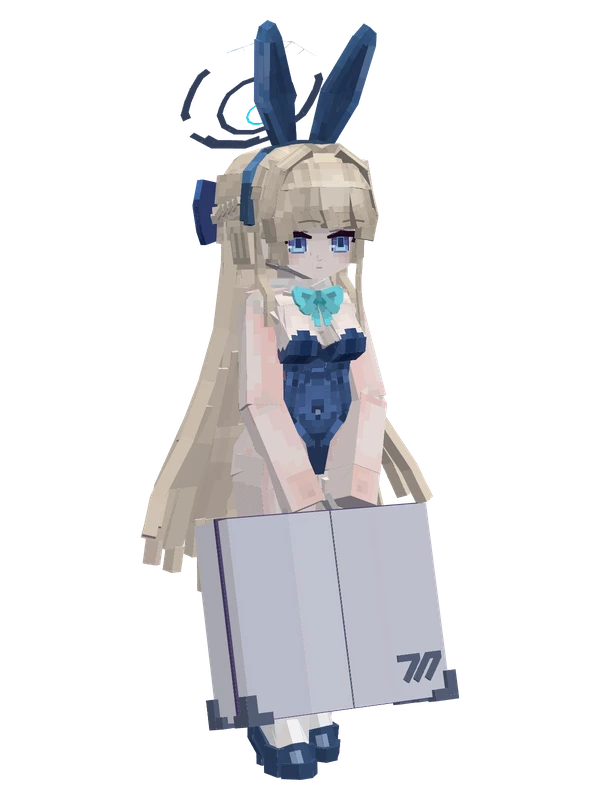
Editable81 emotes
Asuma Toki (Bunny Girl)Blue Archive
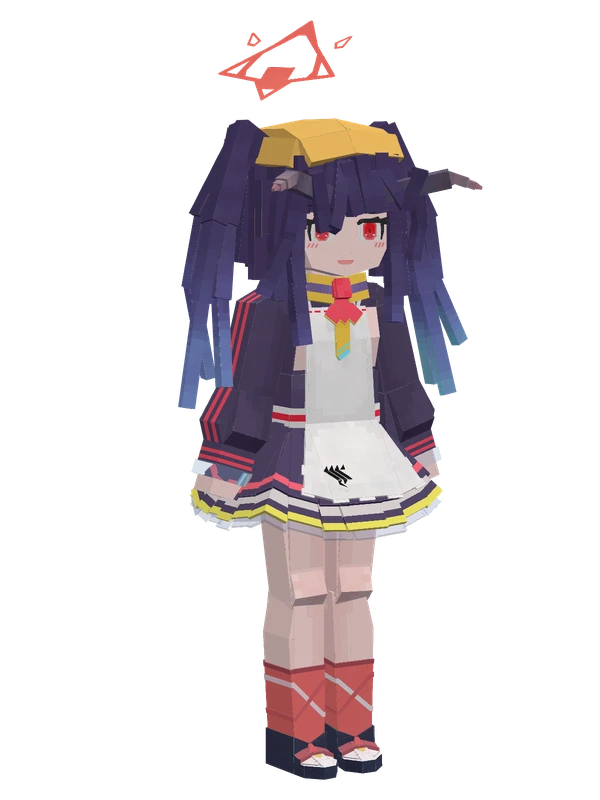
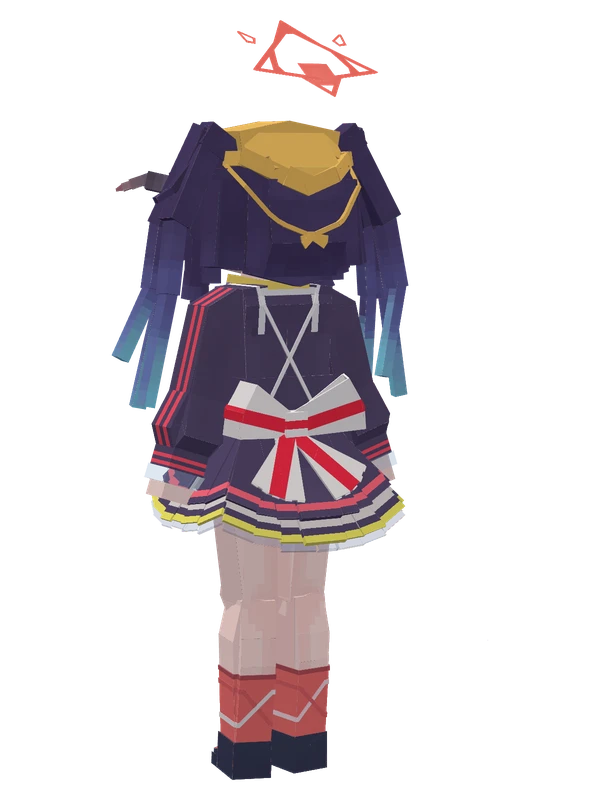
13 emotes
Aikiyo FuukaBlue Archive
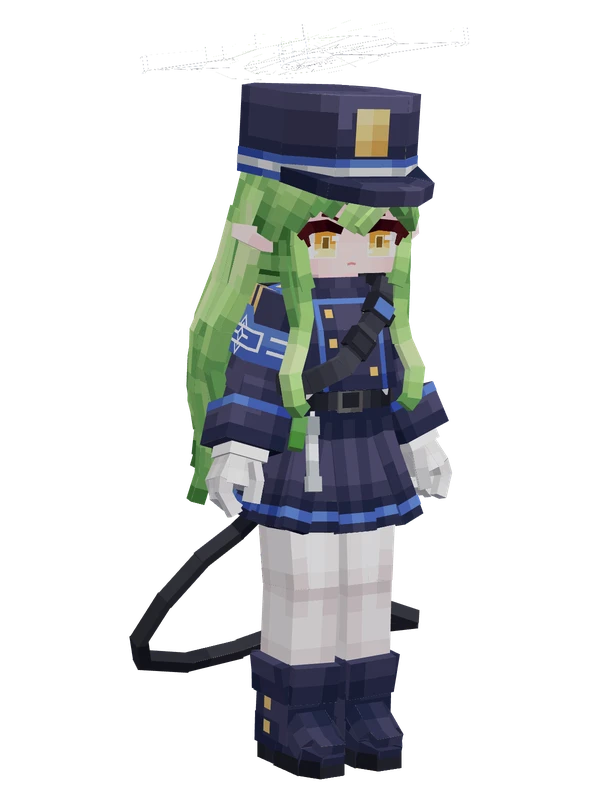
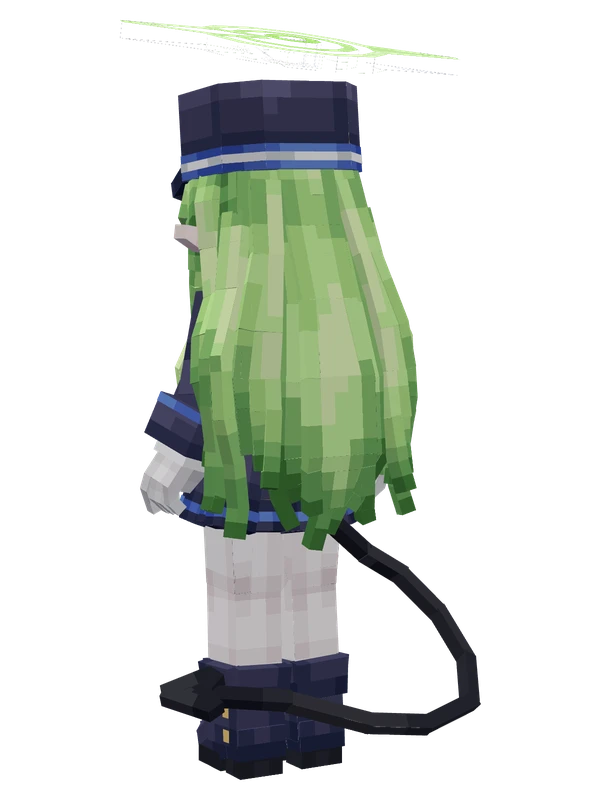
13 emotes
HikariBlue Archive
13 emotes
Nozomi (Highlander)Blue Archive
11 emotes
EanesBlue Archive
11 emotes
EanesBlue Archive
11 emotes
Joumae SaoriBlue Archive
10 emotes
Kiyosumi AkiraBlue Archive