
Tenshi Hinanawi YSM model
A girl with long blue hair and red eyes wearing a black hat with peaches, a white blouse, blue skirt with rainbow accents, and brown boots.
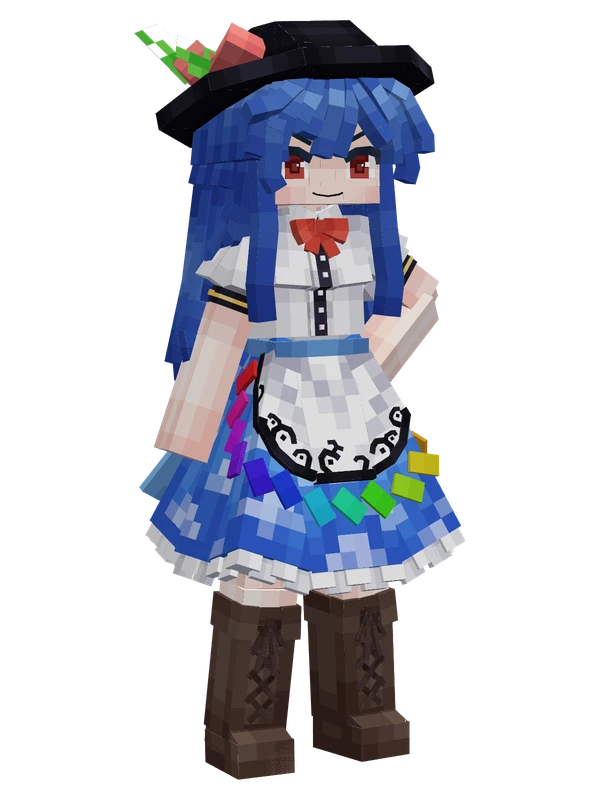
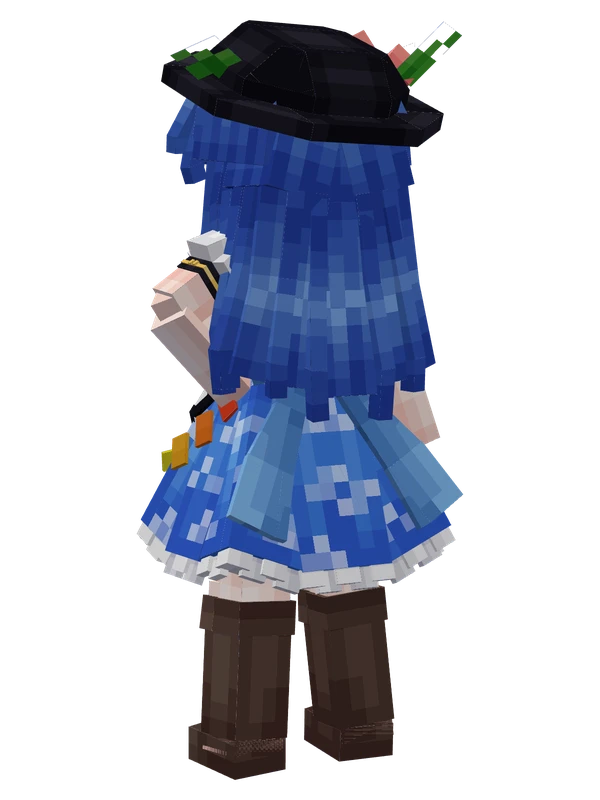
A girl with long blue hair and red eyes wearing a black hat with peaches, a white blouse, blue skirt with rainbow accents, and brown boots.
Note from the author: Tenshi Hinanawi YSM model.
Emote animations
Play these from the animation wheel in game.
- extra0Greet
- extra1Applaud
- extra2Nod
- extra3Shake Head
- extra4Toggle Hat
- extra5Toggle Boots
- extra6Okama Directory
- extra7Dance 2
Movement animations
- Hurt
- Boat
- Climb
- Climbing (still)
- Death
- Elytra flight
- Creative flight
- Idle
- Jump
- Ride
- Ride pig
- Run
- Sit
- Sleep
- Sneak (moving)
- Sneak (still)
- Swim
- Tread water
- Swing hand
- Use main hand
- Use off hand
- Walk
How to use this model
- Install Yes Steve Model for your Minecraft version and loader (see Download YSM).
- Start the game once so YSM creates
config/yes_steve_model/. - Put the downloaded
.ysmor.zipfile intoconfig/yes_steve_model/custom/(do not unzip it). - In game press Y (default key) to open the model menu, or run
/ysm model reloadif the menu is already open. - Pick the model, then use the animation wheel (default key Z) to play its emote animations.
This model is an encrypted .ysm file: it plays in game but cannot be opened or edited in Blockbench.
More from Touhou Project
Editable14 emotes
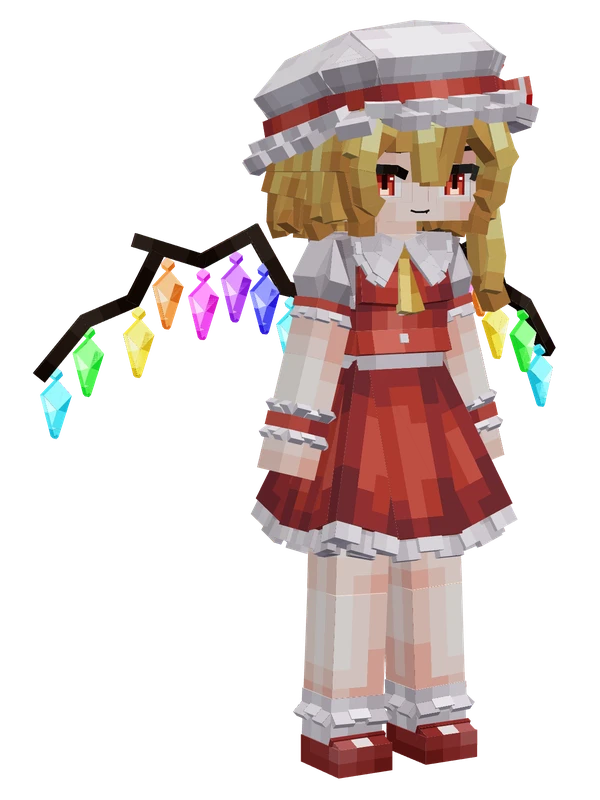
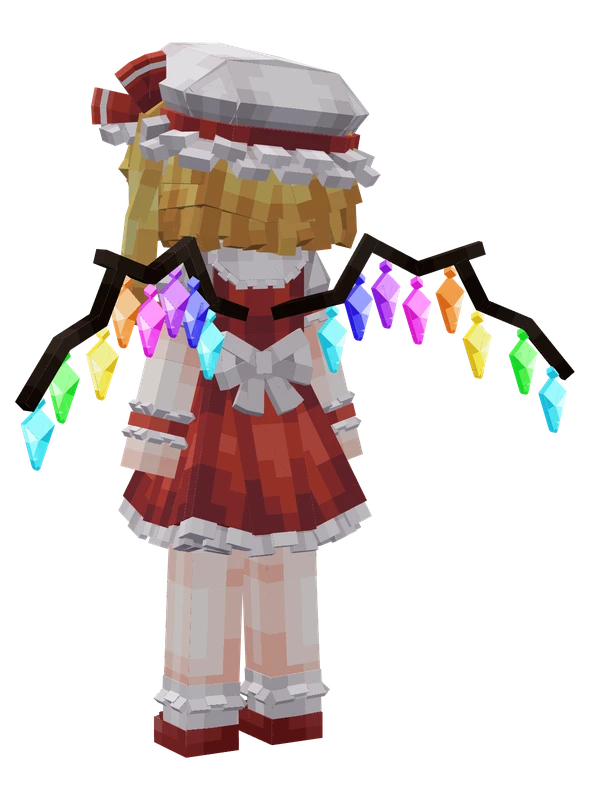
Flandre ScarletTouhou Project
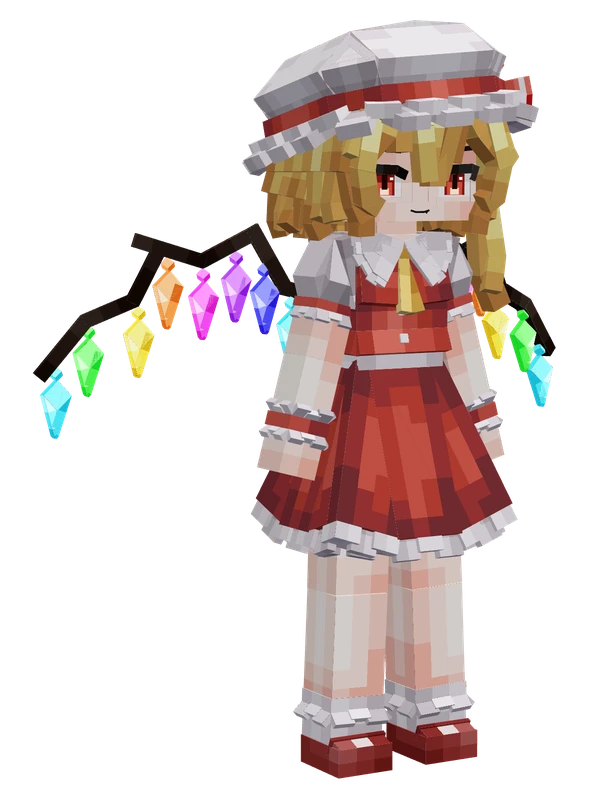
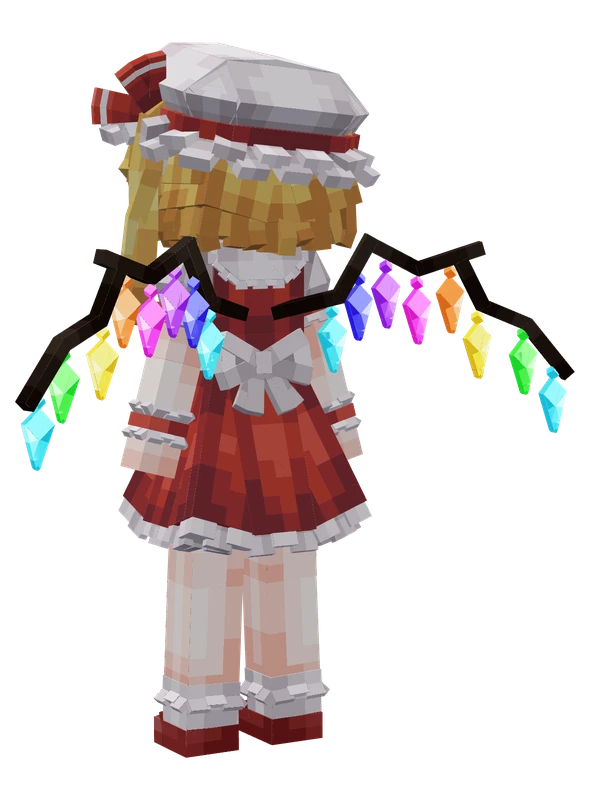
Editable14 emotes
Flandre ScarletTouhou Project
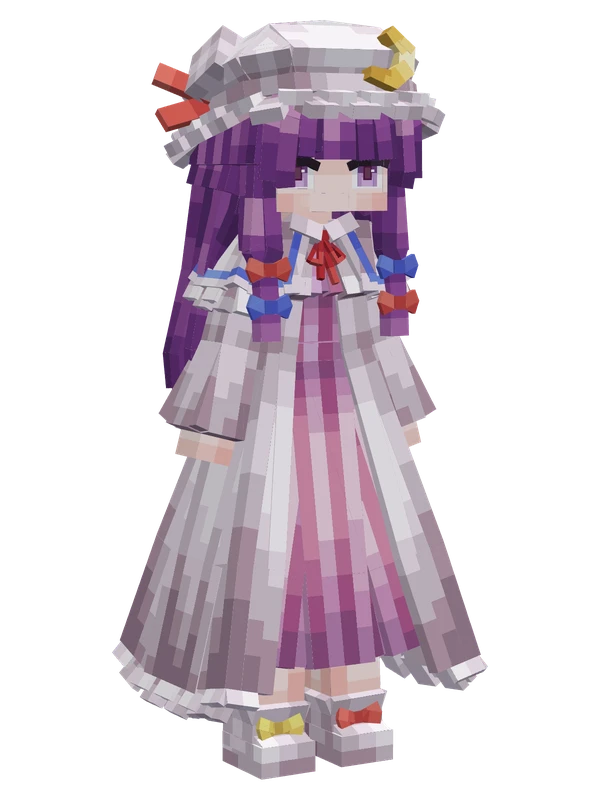
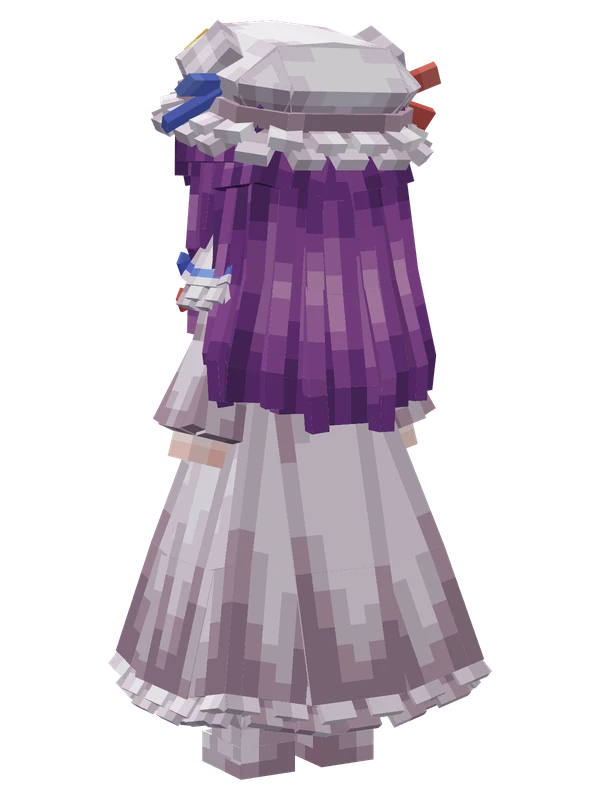
Editable14 emotes
Patchouli KnowledgeTouhou Project
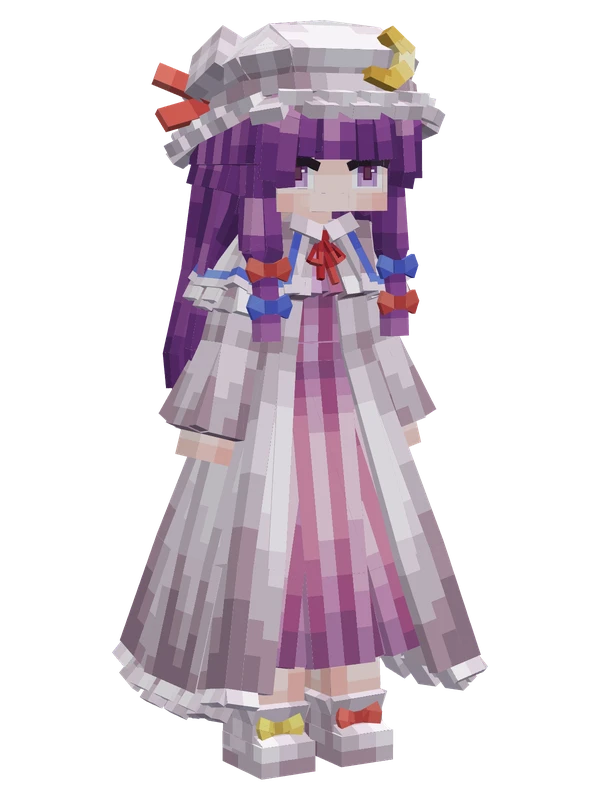
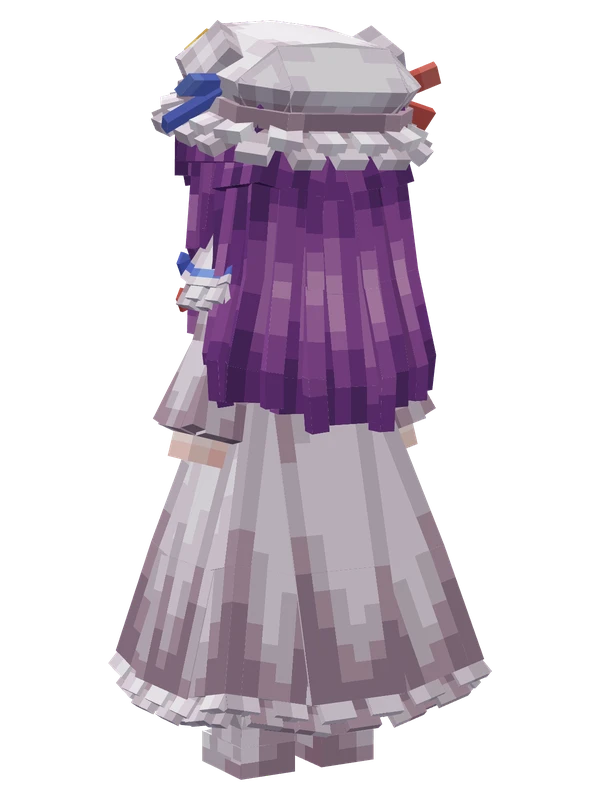
Editable14 emotes
Patchouli KnowledgeTouhou Project
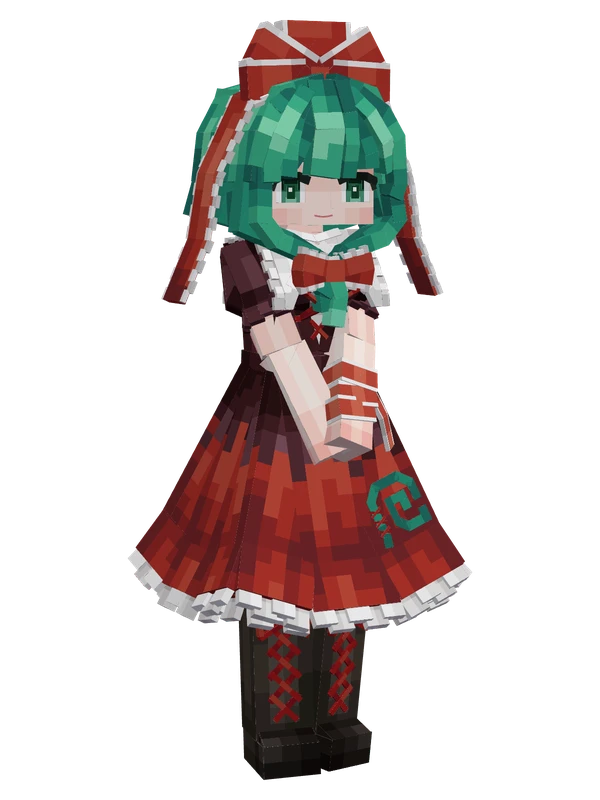
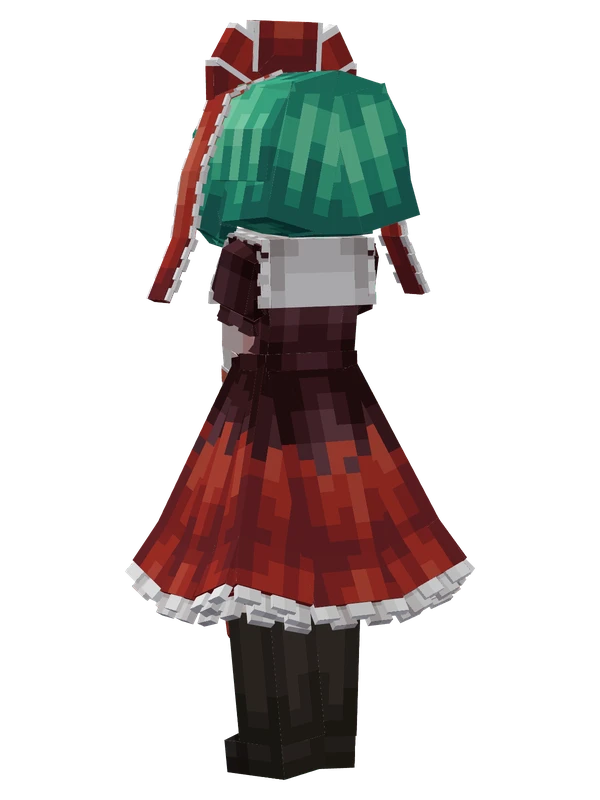
Editable11 emotes
Hina KagiyamaTouhou Project
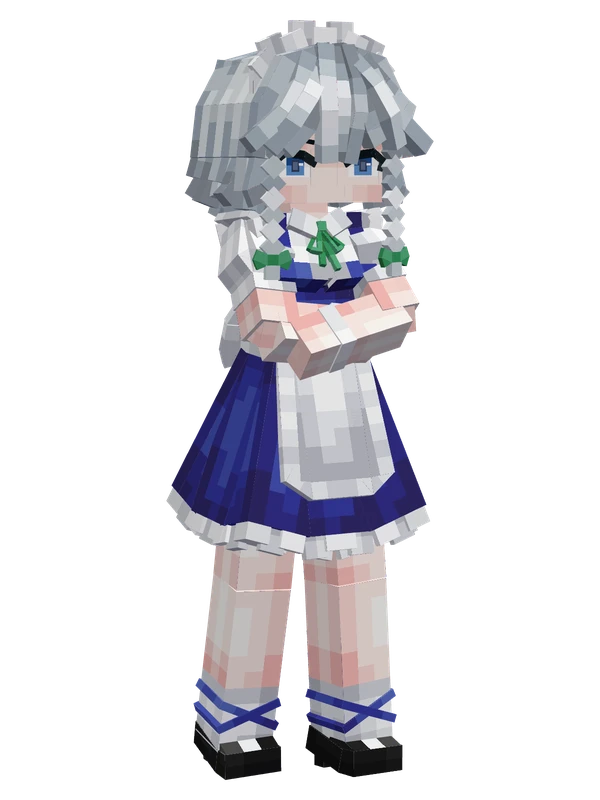
Editable9 emotes
Sakuya IzayoiTouhou Project
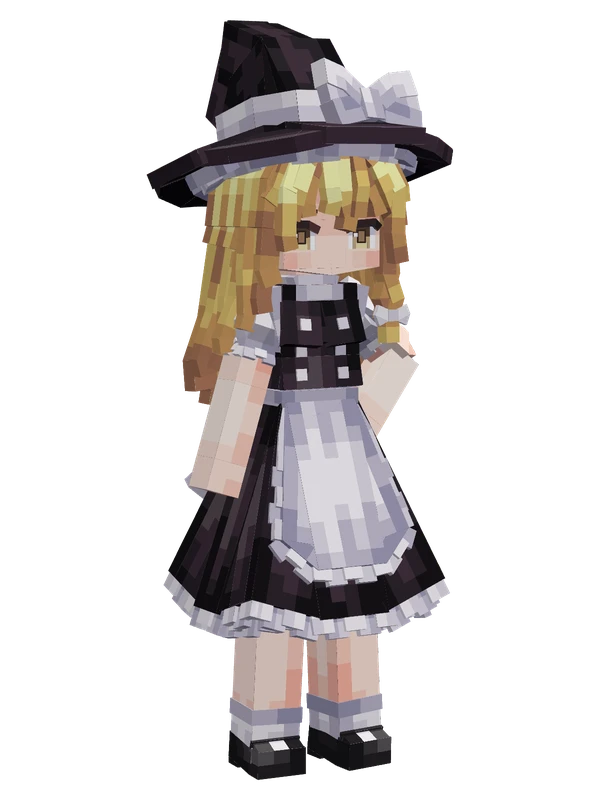
Editable8 emotes
Kirisame MarisaTouhou Project
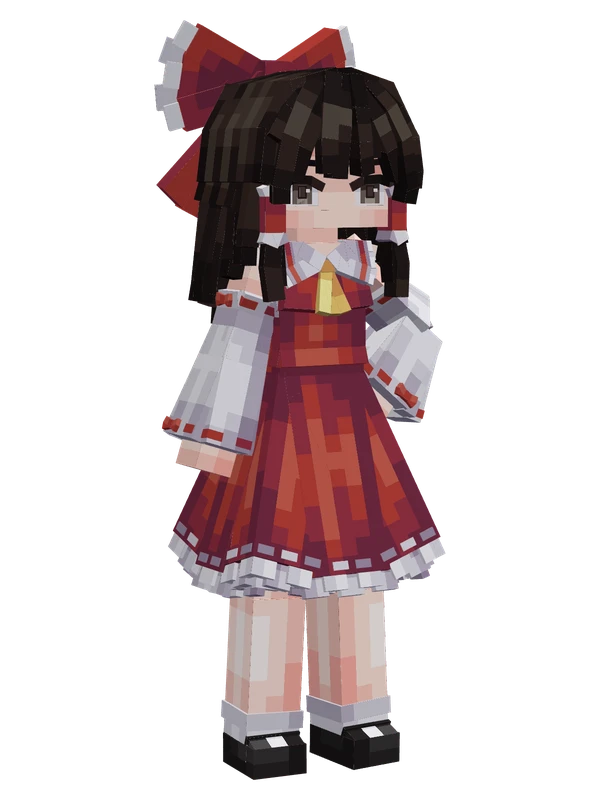
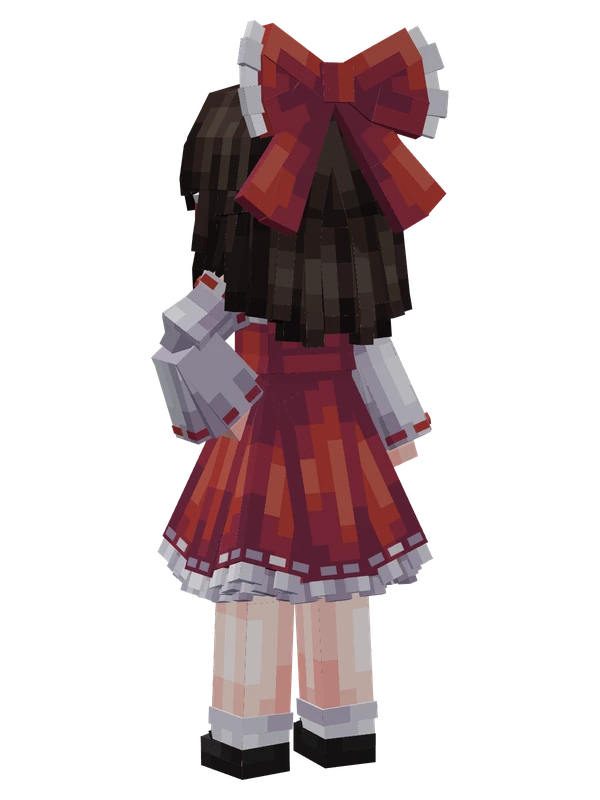
Editable8 emotes
Reimu HakureiTouhou Project
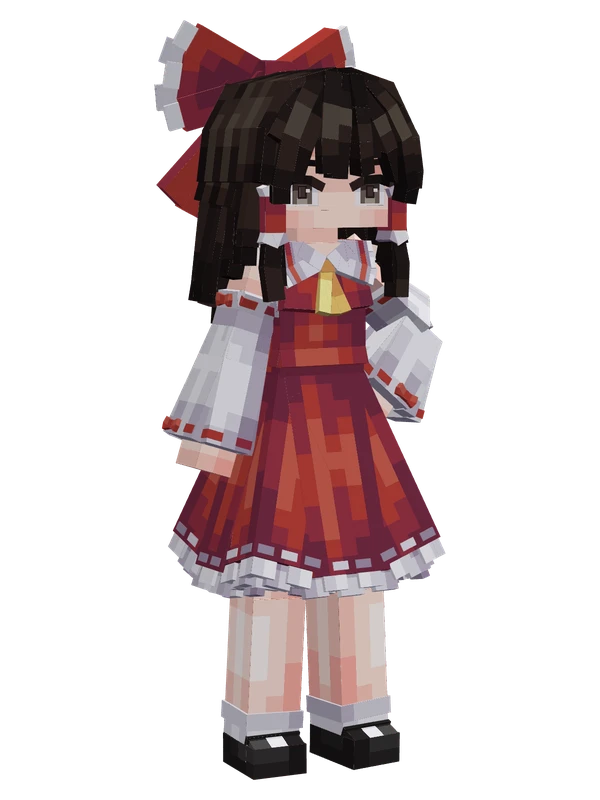
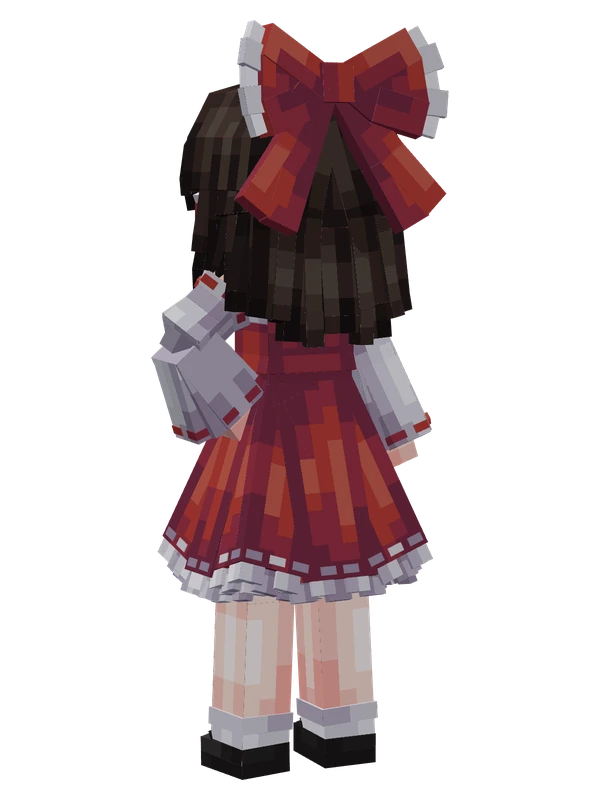
8 emotes
Reimu HakureiTouhou Project
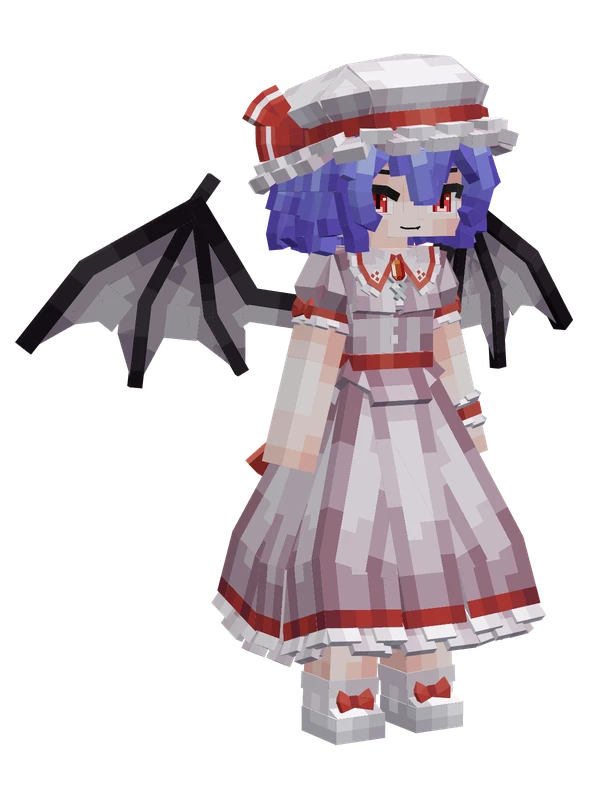
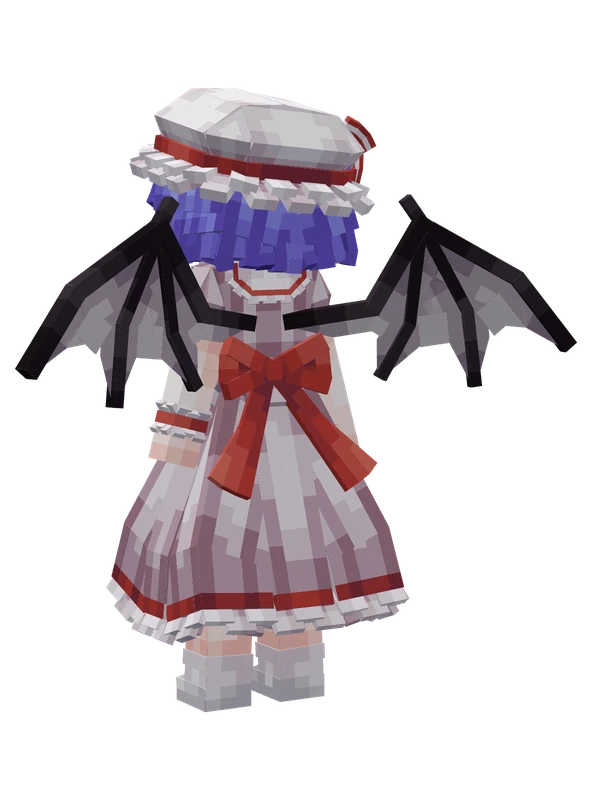
14 emotes
Remilia ScarletTouhou Project
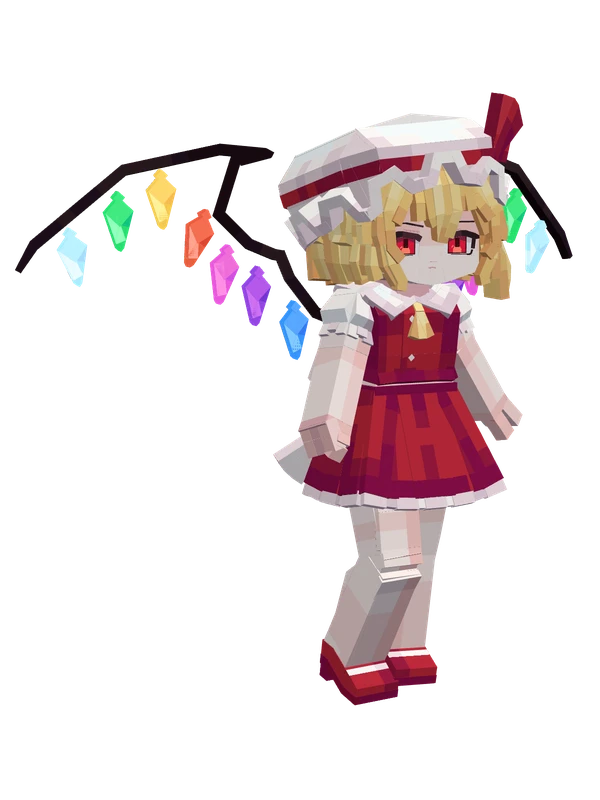
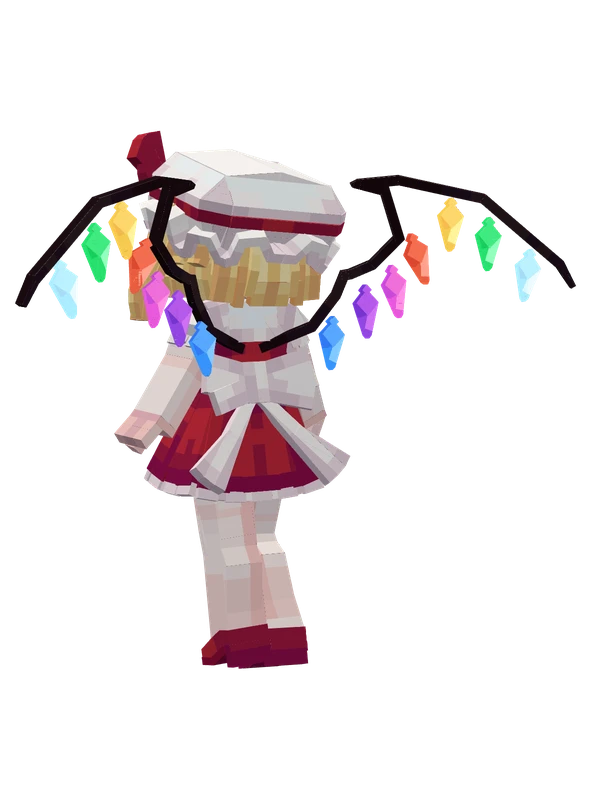
11 emotes
Flandre ScarletTouhou Project
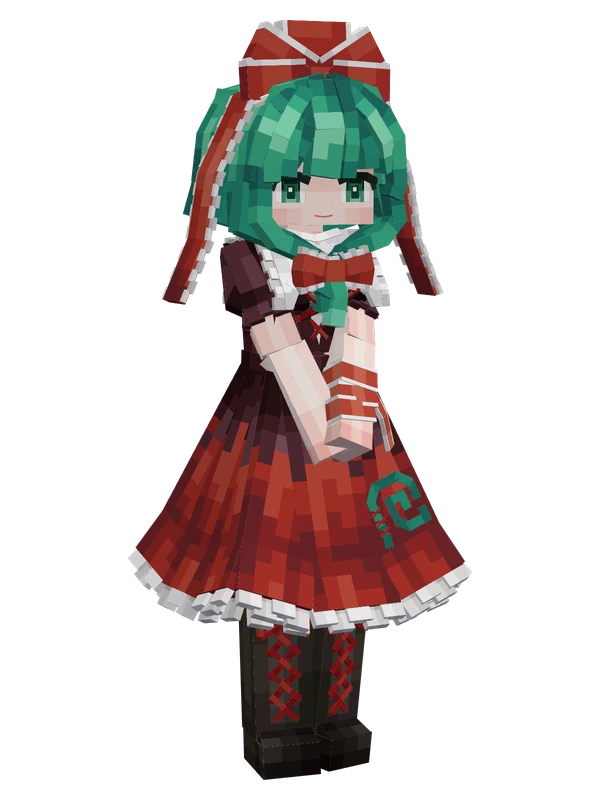
Editable11 emotes
Hina KagiyamaTouhou Project